Ergonomic Office Tips & Buying Guides

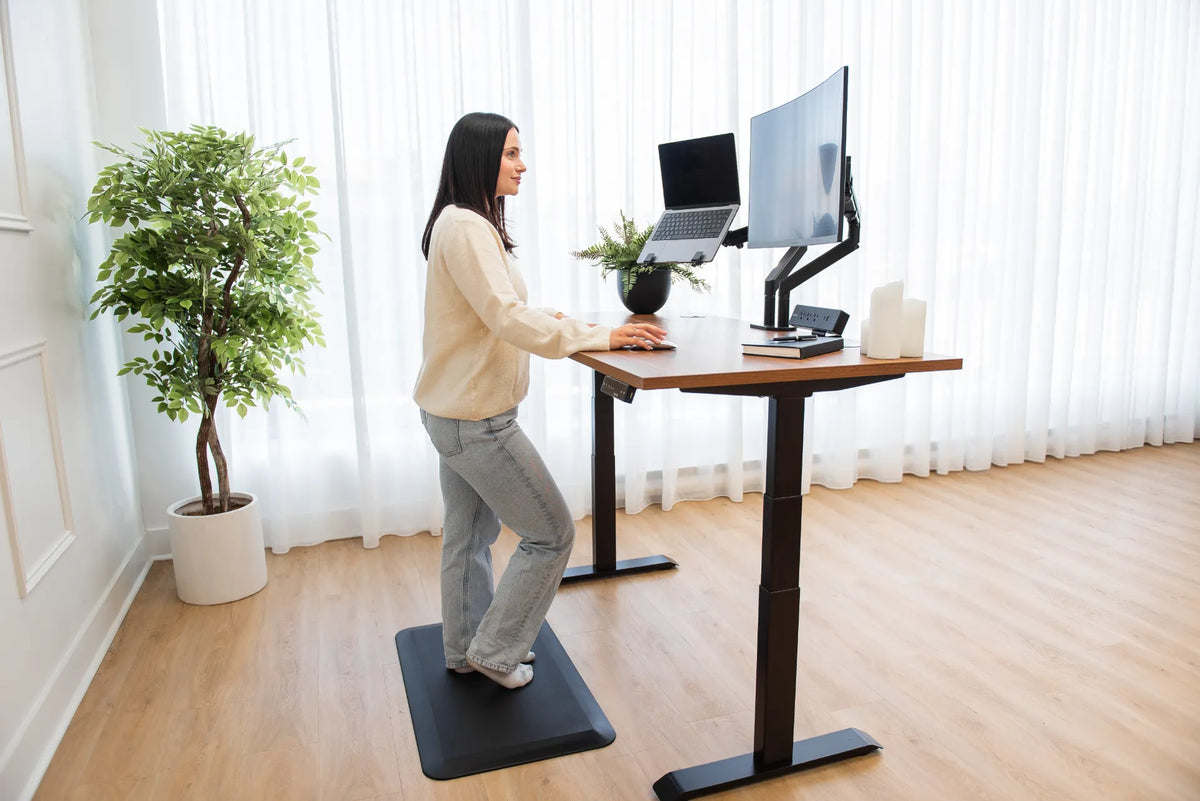
Person standing at a wood adjustable desk with a laptop to the left of a curved external monitor on black arms

Should Your Laptop Be on the Left or Right of Your Monitor?
Place a laptop beside an external monitor according to which screen is primary, your dominant tasks, and how often you turn toward the secondary display.

Read moreabout Should Your Laptop Be on the Left or Right of Your Monitor?

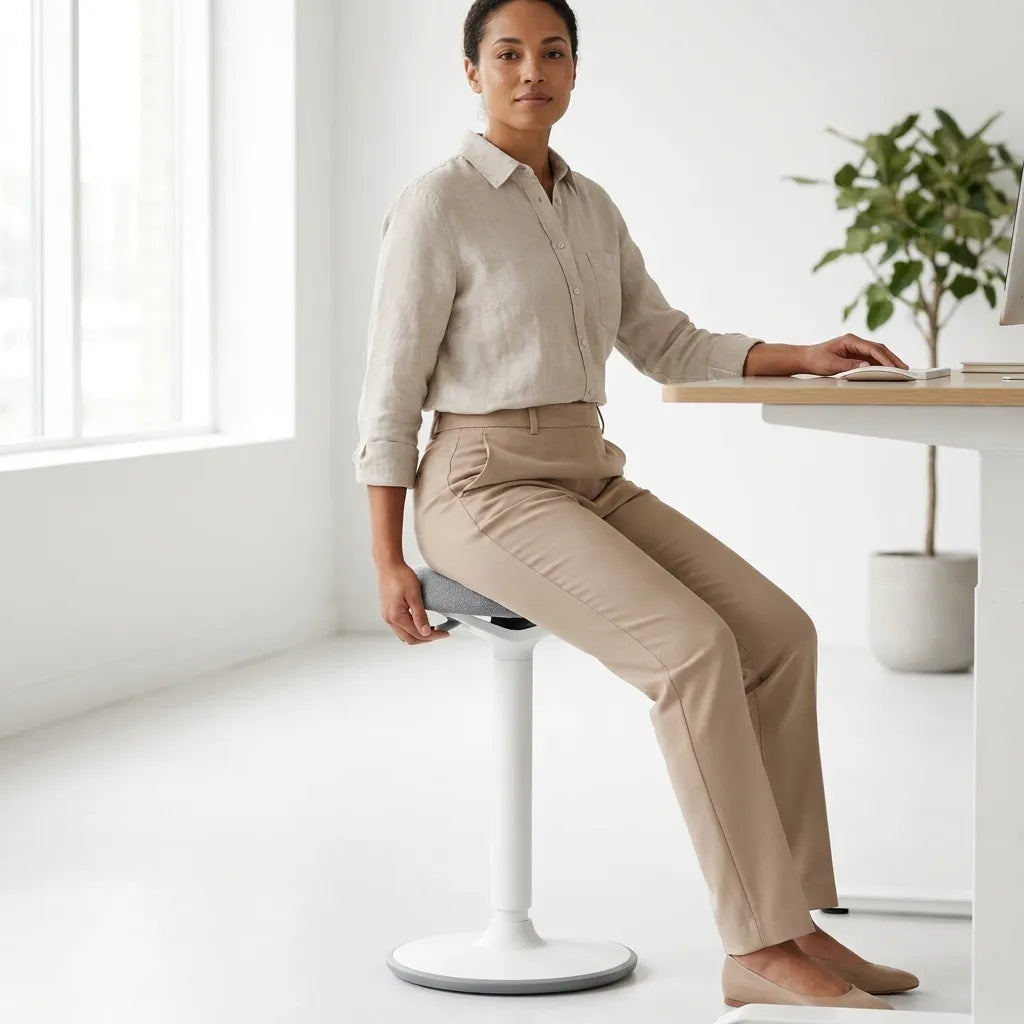
Person seated on a white backless stool without armrests at a white adjustable desk

Do You Need Armrests on an Office Chair?
Armrests can support the forearms and reduce shoulder effort, but only when they fit the user, desk, and task without blocking movement or access.

Read moreabout Do You Need Armrests on an Office Chair?

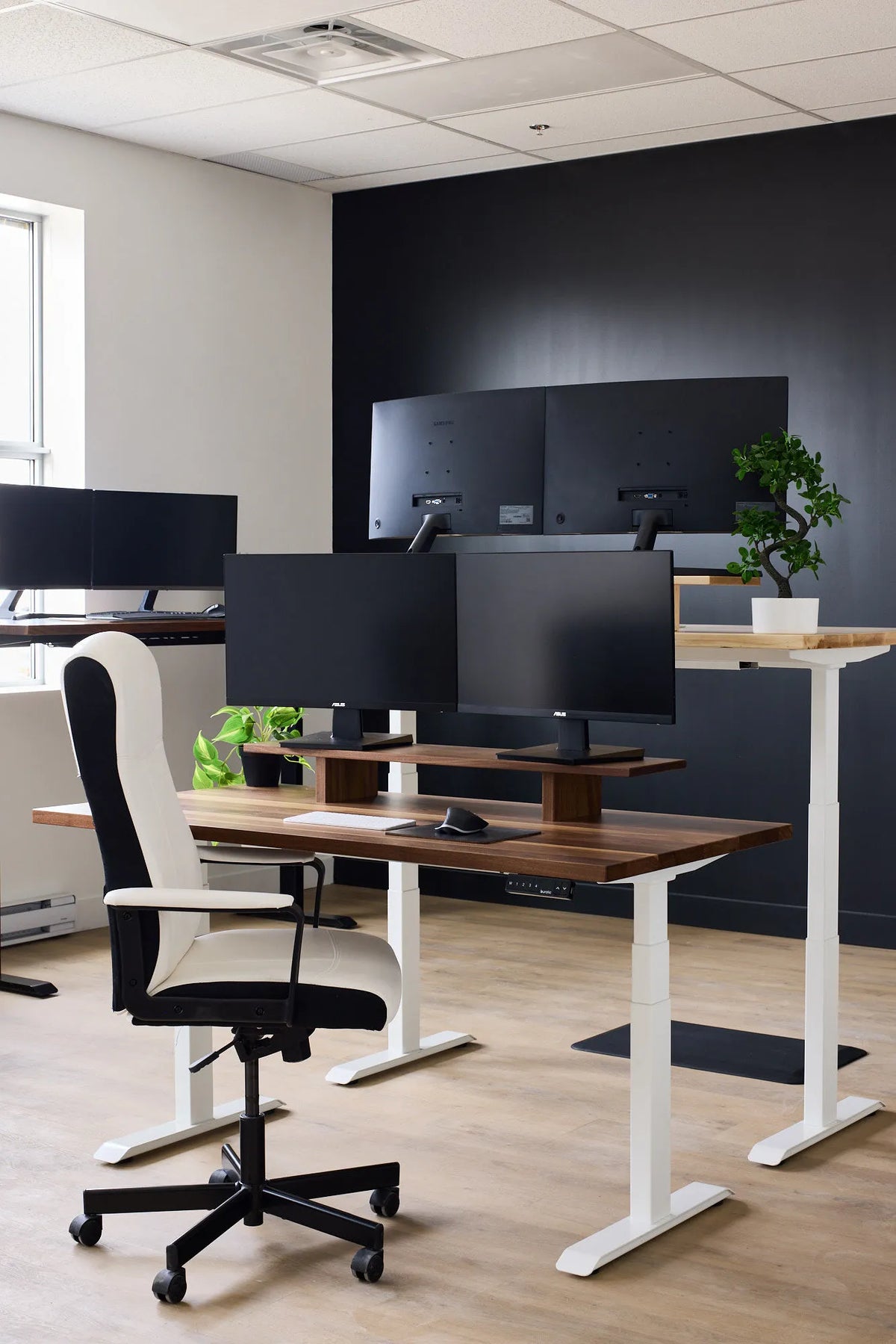
Office workstation with two black monitors on a wood riser, a white adjustable desk and a white chair

What Desk Width Do You Need for Two Monitors?
Choose a practical desk width for two monitors by measuring the screens, stands, viewing angle, input devices, and the work space you need beside them.

Read moreabout What Desk Width Do You Need for Two Monitors?

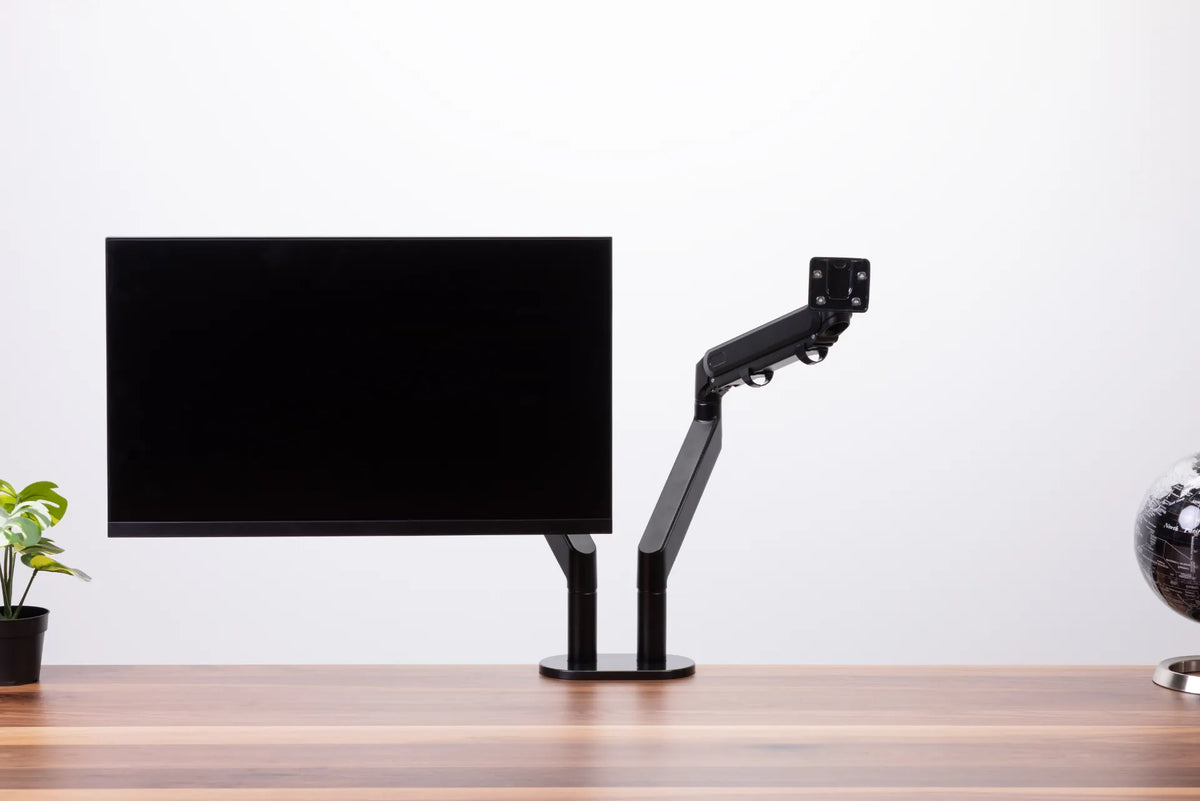
Single black monitor on an articulated monitor arm clamped to a walnut desk

How Much Desk Depth Do You Need for a Monitor Arm?
Learn how screen size, viewing distance, clamp placement, rear clearance, and arm movement determine the desk depth needed for a monitor arm.

Read moreabout How Much Desk Depth Do You Need for a Monitor Arm?

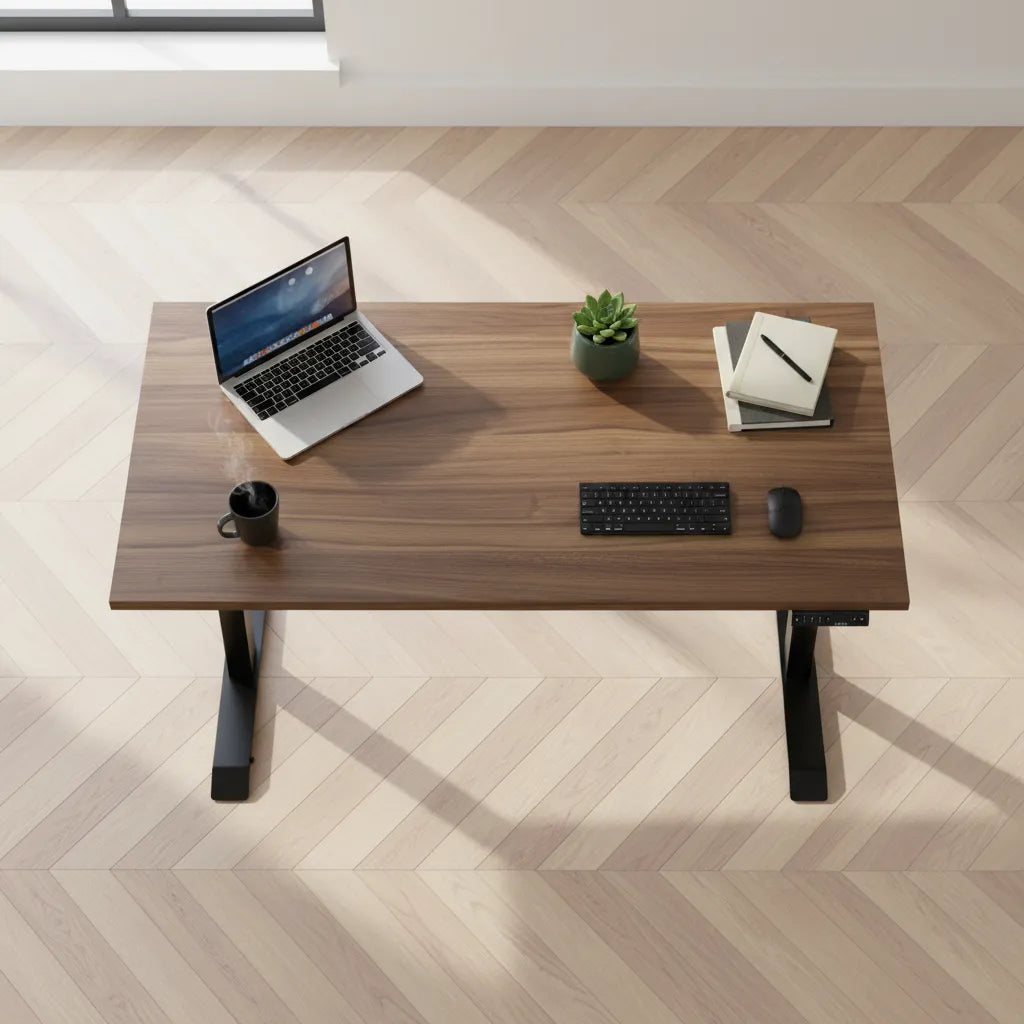
Top view of an organized dark wood desk with laptop, keyboard, mouse, notebook and plant

How to Organize a Home Office Desk Without Losing Work Space

Organize a home office desk by task frequency, reach, cable paths, and storage zones while preserving the clear surface needed for focused work.

Read moreabout How to Organize a Home Office Desk Without Losing Work Space

Person working at a wood desk beside a large window with a monitor on a riser

Should Your Monitor Face a Window? How to Reduce Glare
A practical guide to positioning a monitor near a window, controlling glare, and preserving a comfortable viewing angle without giving up natural light.

Read moreabout Should Your Monitor Face a Window? How to Reduce Glare

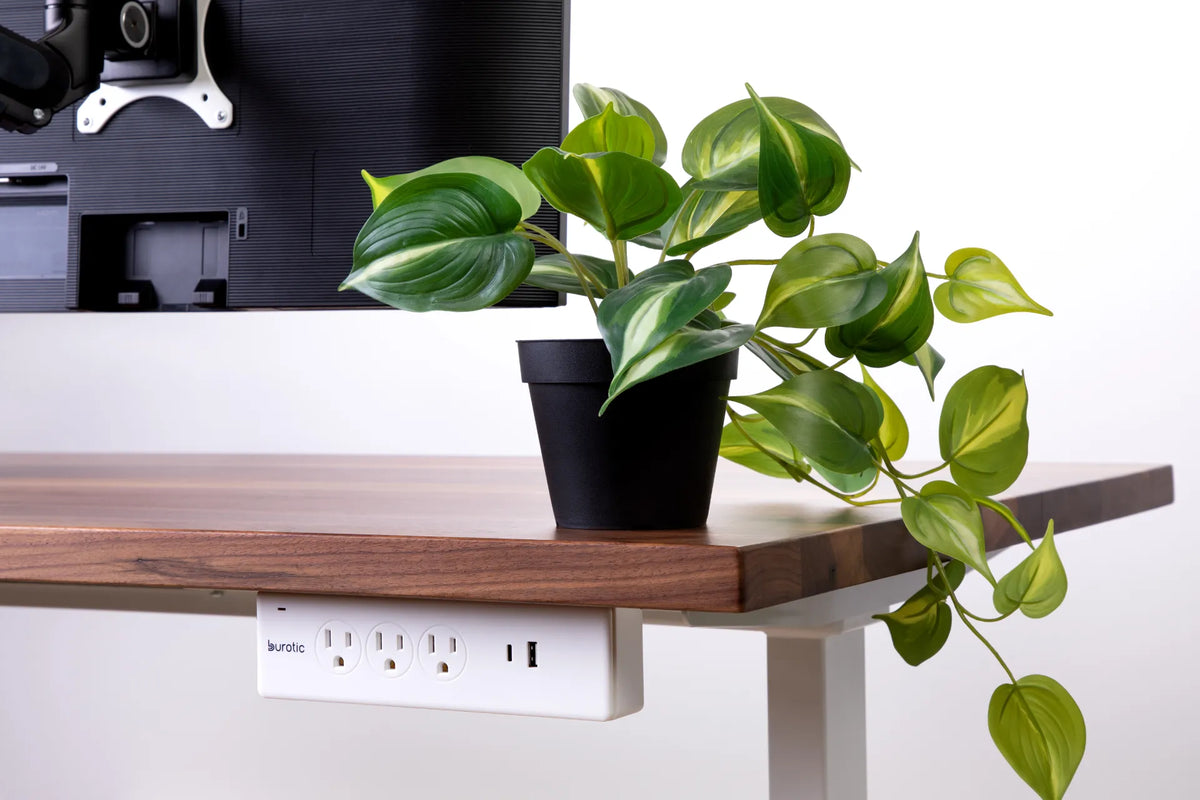
White Burotic power bar mounted below the rear edge of a wood desk beside a trailing green plant and monitor

Should a Power Bar Be Mounted Above or Below Your Desk?
Compare above-desk and under-desk power bar placement for access, spill exposure, cable movement, standing desk travel and a clean workspace.

Read moreabout Should a Power Bar Be Mounted Above or Below Your Desk?

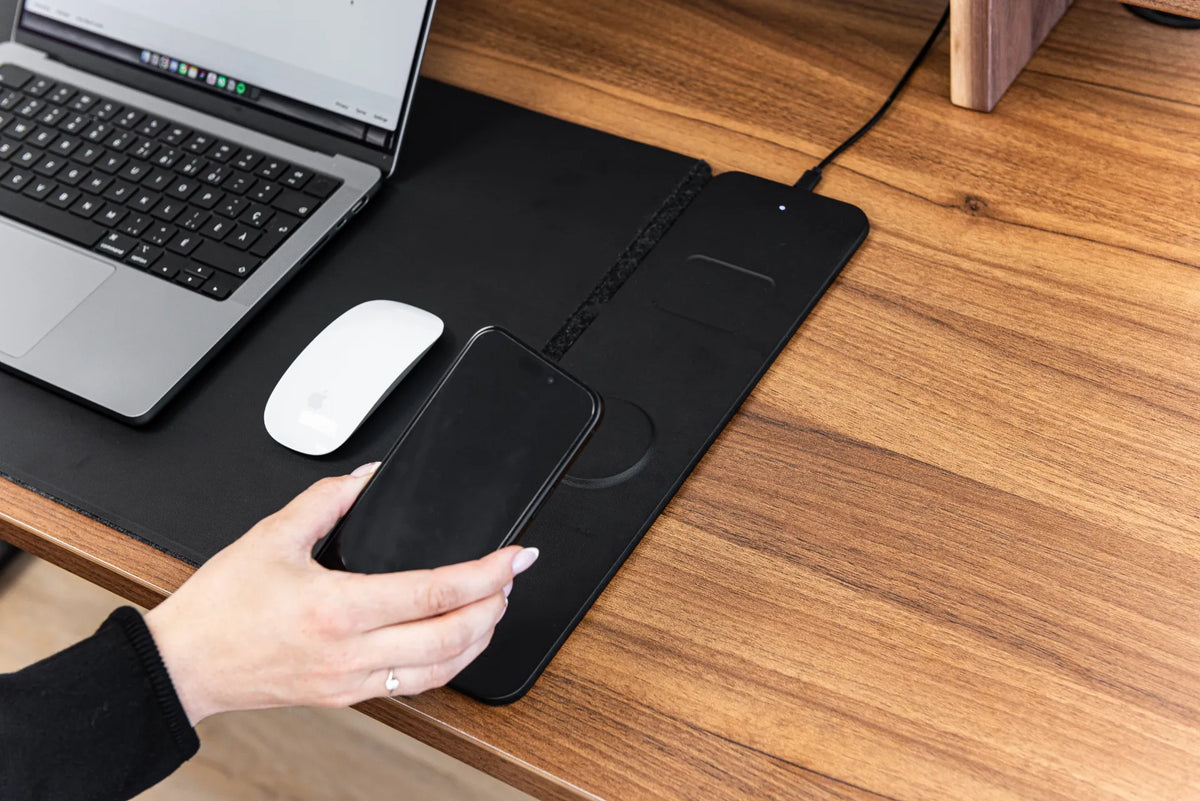
Hand positioning a black smartphone over the charging area of a black desk pad beside a laptop and white mouse on a wood desk

Why Is My Wireless Charging Desk Pad Not Charging?
Troubleshoot a wireless charging desk pad by checking power, phone compatibility, coil alignment, cases, heat, nearby objects and cable connections.

Read moreabout Why Is My Wireless Charging Desk Pad Not Charging?

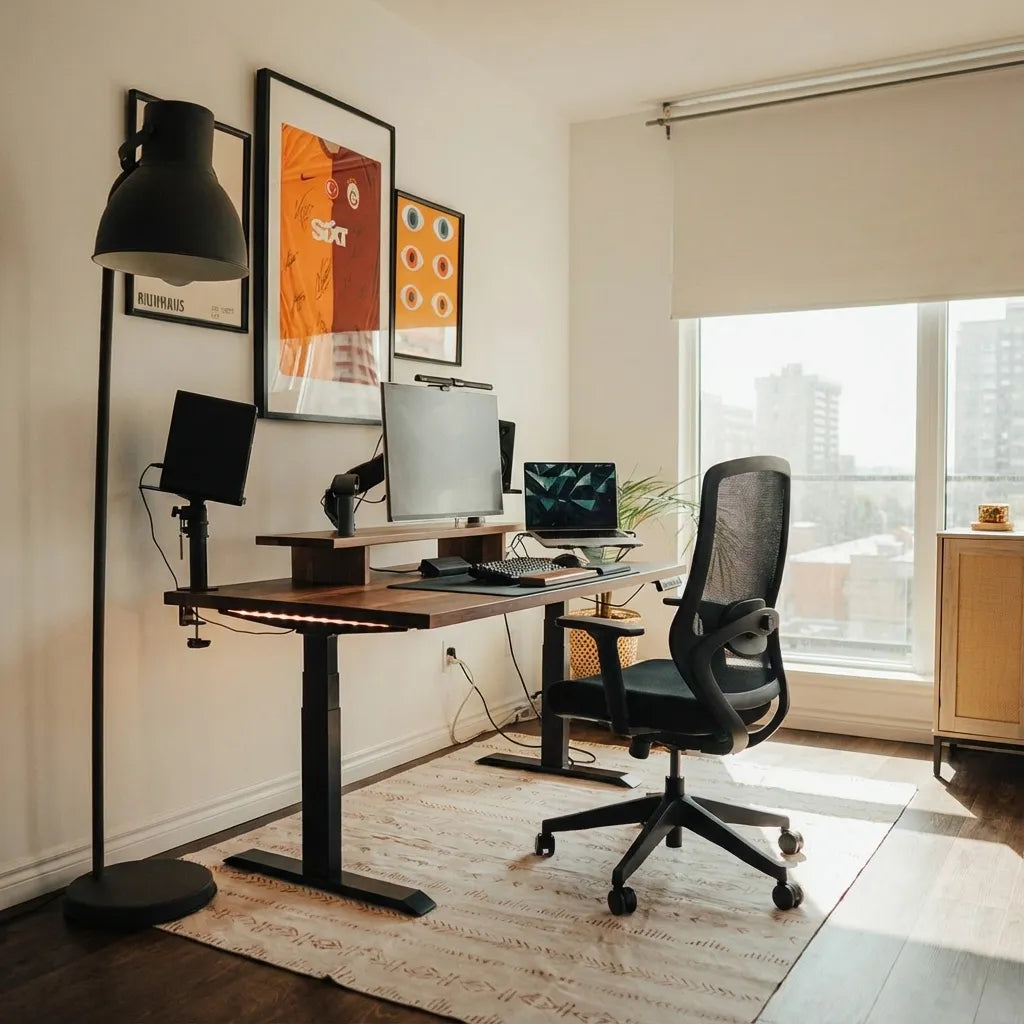
Home office with a wood standing desk, three screens, a laptop and black mesh chair positioned near a large window

Should Your Desk Face the Door? A Practical Home Office Guide

Decide whether your desk should face the door by balancing sightlines, circulation, screen privacy, daylight, cable access and ergonomic positioning.

Read moreabout Should Your Desk Face the Door? A Practical Home Office Guide