



Ergonomic Office Tips & Buying Guides

Close-up of a black Burotic power bar with three outlets and USB ports mounted at the back of a light wood desk

Why Does My Power Bar Keep Turning Off? Safe Checks
A power bar that keeps turning off may be overloaded, overheating, connected to a faulty device or reacting to a supply problem. Use only safe external checks.

Read moreabout Why Does My Power Bar Keep Turning Off? Safe Checks

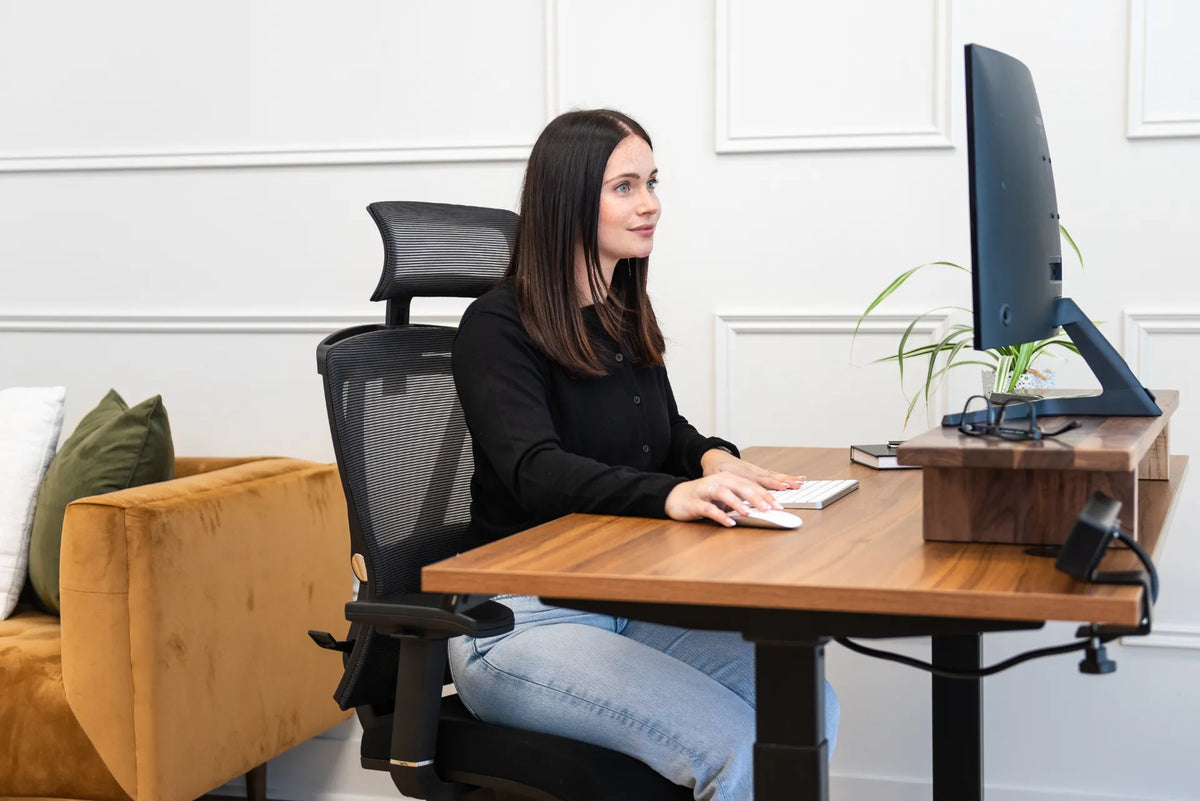
Woman seated in a black mesh ergonomic chair at a walnut standing desk with white keyboard, mouse and monitor on a wood riser

Should Your Office Chair Be Centred With Your Monitor?
For most computer work, align the chair, keyboard and primary monitor on one centreline, then adjust the desk layout around the task rather than the desk's geometric centre.

Read moreabout Should Your Office Chair Be Centred With Your Monitor?

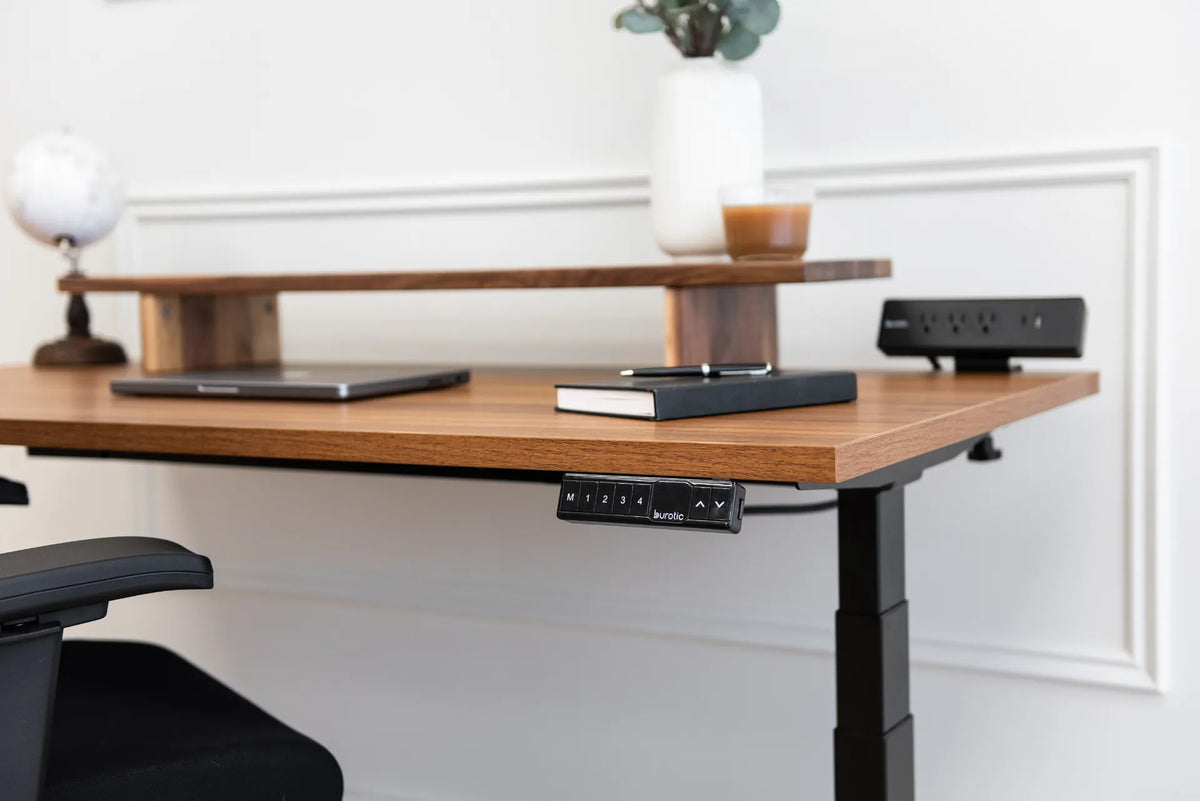
Walnut standing desk with a raised wood shelf, closed laptop, notebook, black memory controller and black power bar

How Deep Should a Monitor Riser Be? A Practical Sizing Guide

Choose monitor riser depth by measuring the full monitor base, preserving desk space, planning cable clearance and confirming that the riser remains stable.

Read moreabout How Deep Should a Monitor Riser Be? A Practical Sizing Guide

Person in cuffed blue jeans and light socks stepping on a black bevelled anti-fatigue mat on a brown hard floor

How to Clean an Anti-Fatigue Mat Without Damaging It
Clean a dry-area anti-fatigue mat safely with the manufacturer-approved method, mild solution and soft tools, then dry both the mat and floor completely.

Read moreabout How to Clean an Anti-Fatigue Mat Without Damaging It

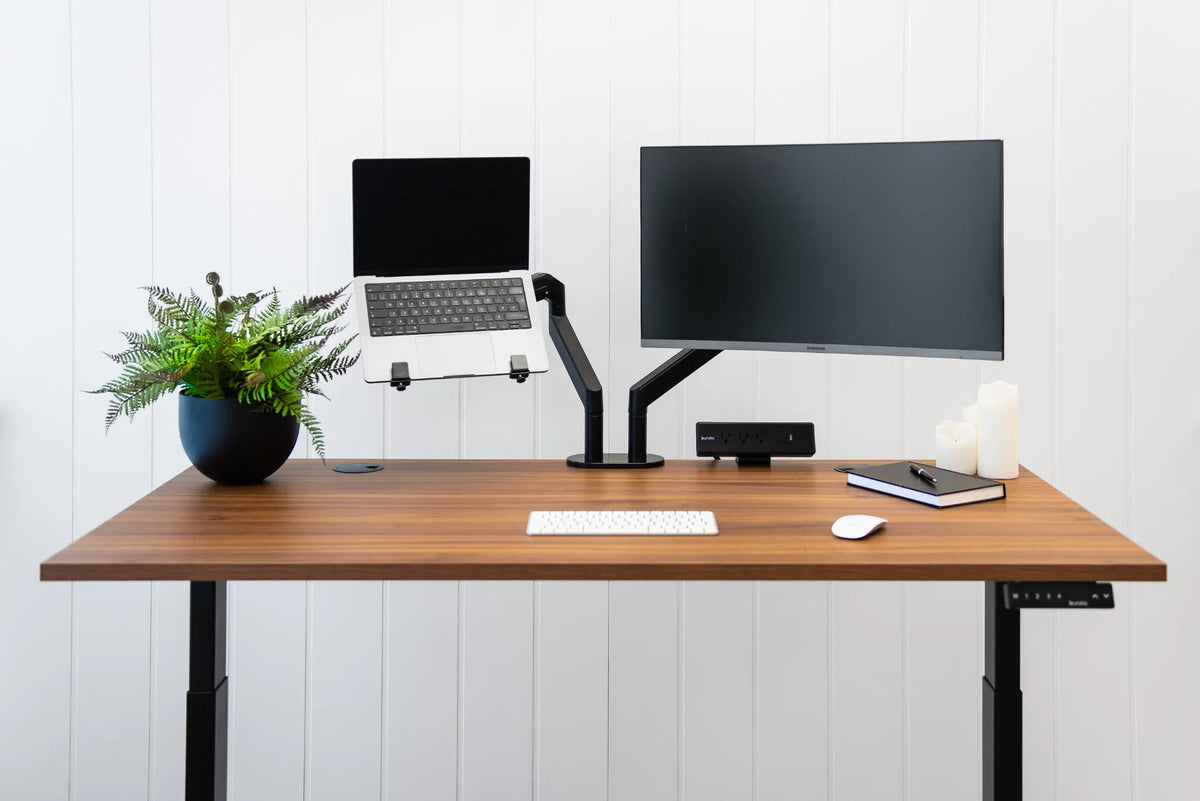
Walnut standing desk with laptop and external monitor on separate black arms, white keyboard and mouse, plant, notebook and black power bar

What Size Desk Do You Need for a Laptop and Monitor?
Choose desk width and depth for a laptop plus external monitor by measuring the devices, preserving input space, and planning viewing distance and arm clearance.

Read moreabout What Size Desk Do You Need for a Laptop and Monitor?

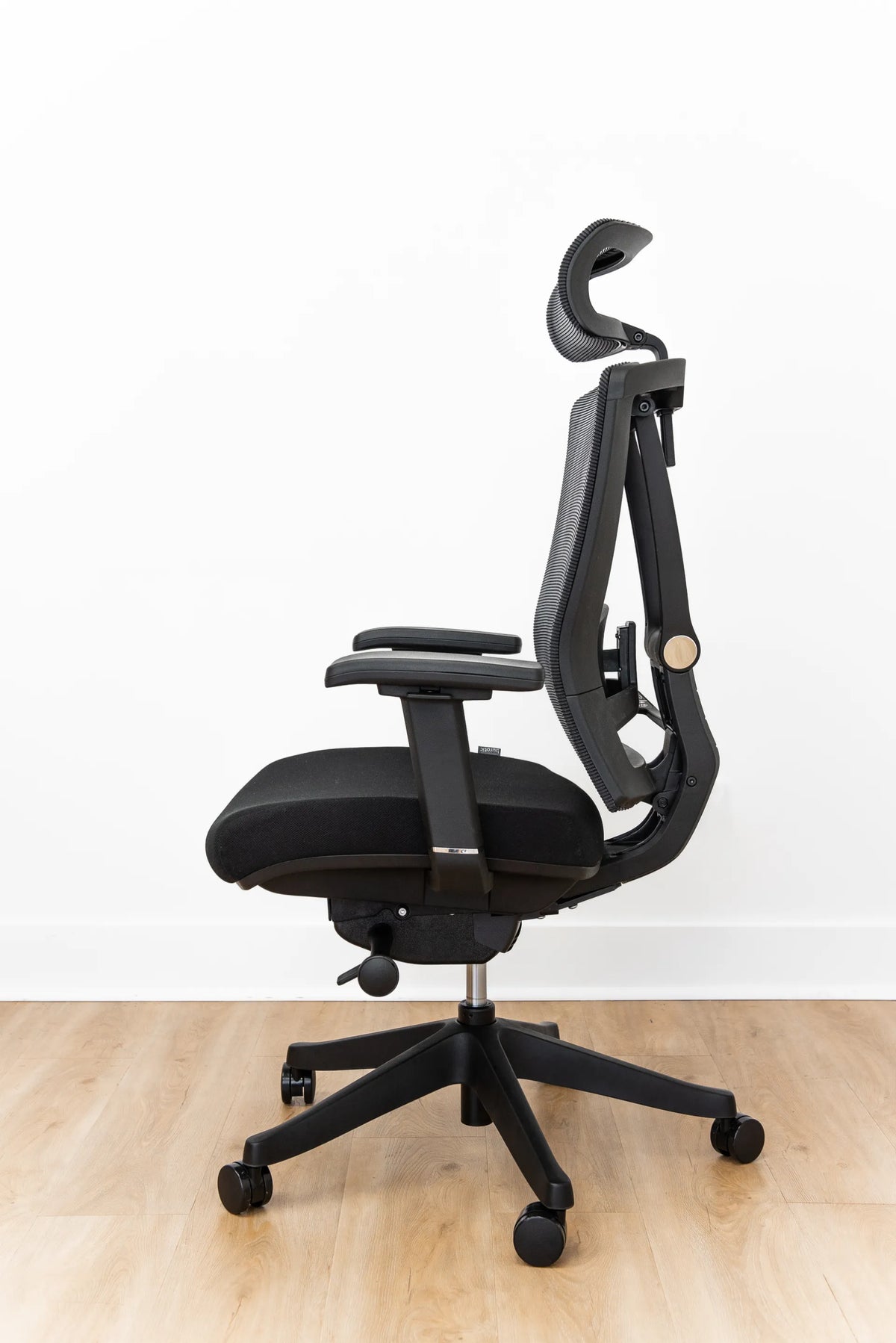
Side view of a black ergonomic office chair with mesh backrest, padded seat, adjustable armrests, headrest, lever and five-wheel base

Why Won't My Office Chair Backrest Lock? Safe Troubleshooting Steps

Learn why an office chair backrest may not lock, how to identify the control type, and which safe checks to make before requesting a repair or replacement part.

Read moreabout Why Won't My Office Chair Backrest Lock? Safe Troubleshooting Steps

Person using a white keyboard and mouse with both forearms over a black desk pad on a walnut desktop

Should You Rest Your Forearms on the Desk While Typing?
Light forearm support can reduce shoulder effort, but the desk edge, keyboard position and chair height must let the wrists stay neutral and the shoulders relaxed.

Read moreabout Should You Rest Your Forearms on the Desk While Typing?

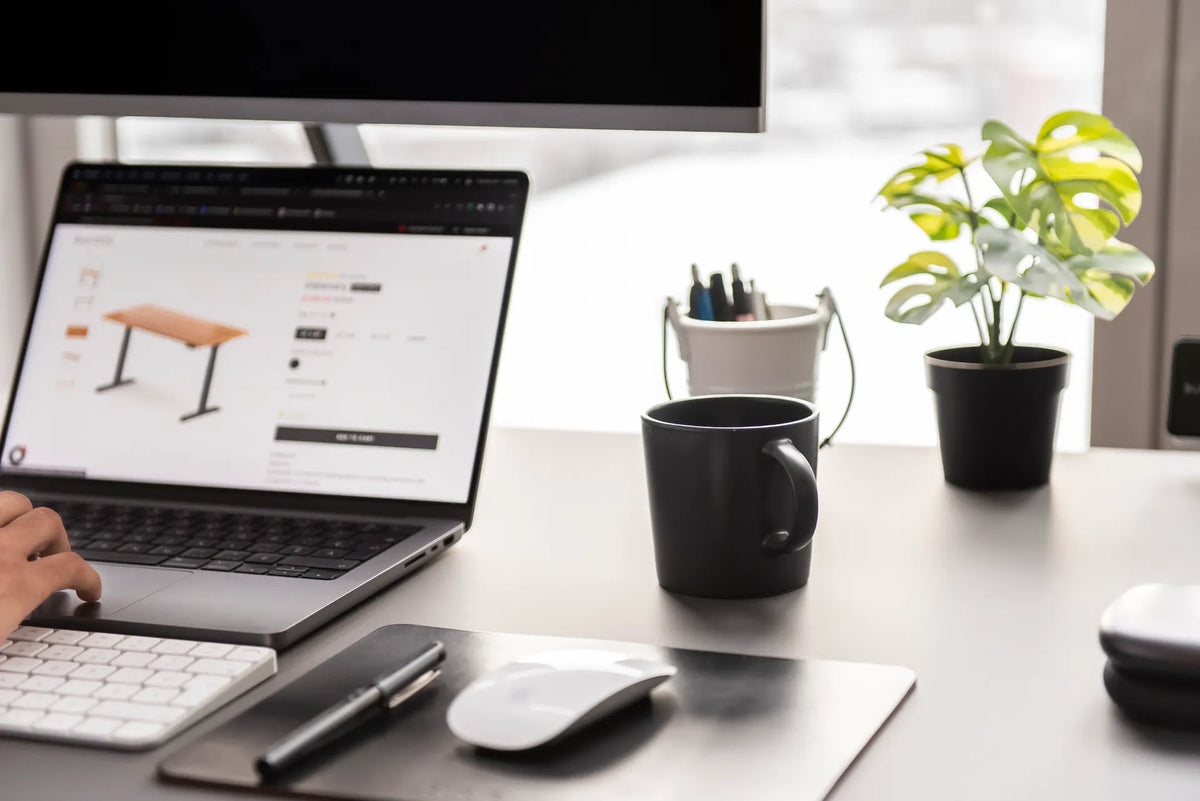
Bright white desk with laptop, mug, small plant, pen cup, notebook, keyboard and mouse arranged around the work area

What Should You Keep on Your Desk? A Practical Home Office Checklist
Keep the tools you use every day within easy reach, move backups and occasional supplies into storage, and preserve clear space for your main work.

Read moreabout What Should You Keep on Your Desk? A Practical Home Office Checklist

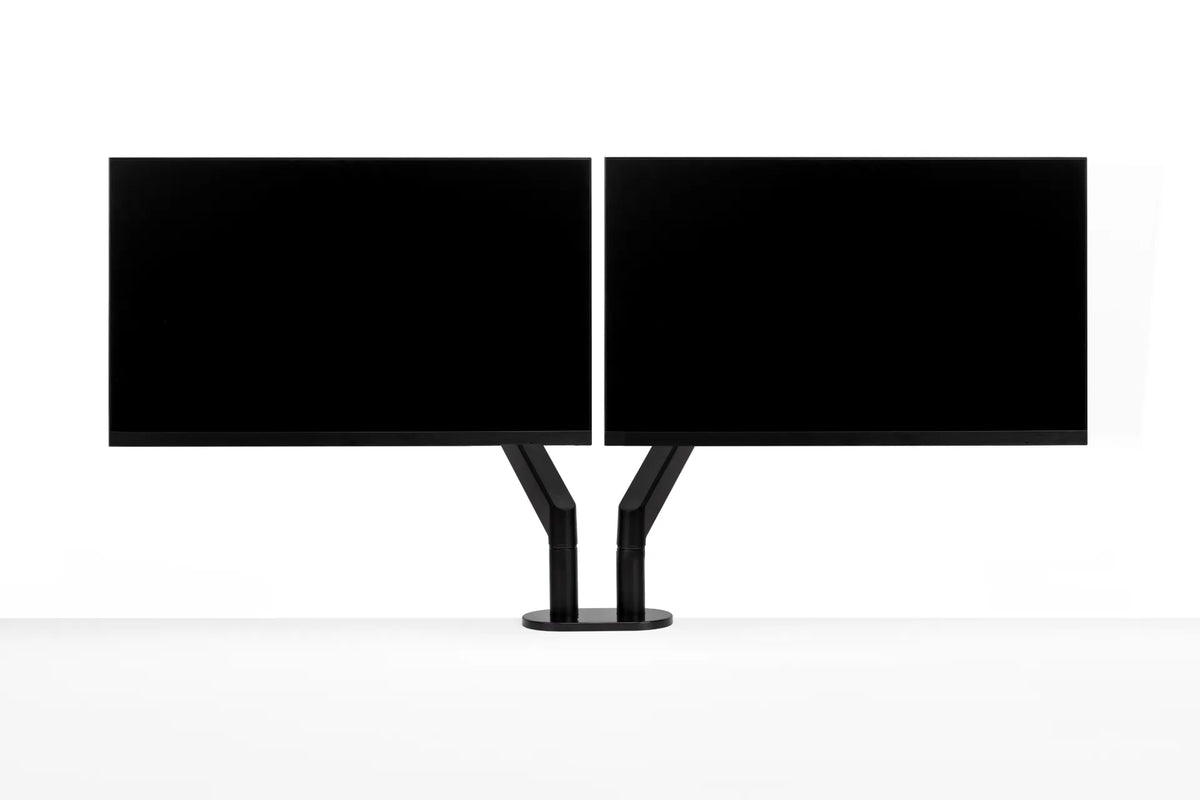
Two black monitors aligned side by side with their inner edges nearly touching on a central black dual monitor arm

Should Dual Monitors Touch? How Much Gap to Leave Between Screens

Learn when dual monitors should touch, how bezel width and screen angle affect the centre gap, and how to align two displays for comfortable work.

Read moreabout Should Dual Monitors Touch? How Much Gap to Leave Between Screens