Ergonomic Office Tips & Buying Guides

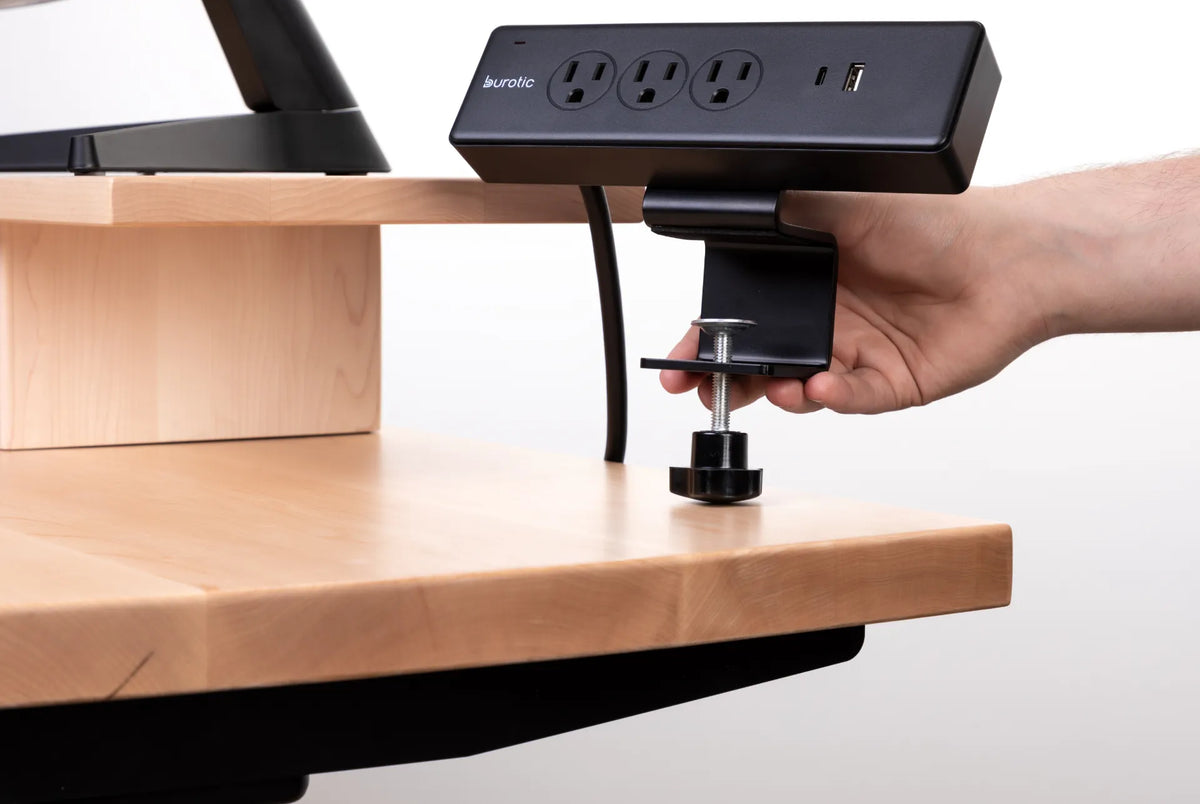
Hand tightening a black clamp-on Burotic power bar to the edge of a light wood desk

How to Install a Clamp-On Power Bar Without Damaging Your Desk

Install a clamp-on power bar securely while protecting the desktop edge, preserving cable slack and keeping electrical safety checks in view.

Read moreabout How to Install a Clamp-On Power Bar Without Damaging Your Desk

Person using a dark laptop at a bright white home office desk

Do You Need an External Keyboard and Mouse With a Laptop?

An external keyboard and mouse are not mandatory for every laptop task, but they can make long work sessions easier to arrange. Learn when they help and how to position them.

Read moreabout Do You Need an External Keyboard and Mouse With a Laptop?

Large monitor on a light wood riser above a laptop workstation beside industrial windows

Should the Top of Your Monitor Be at Eye Level?
Learn where the top of your monitor should sit, when a lower screen is better, and how to test screen height without forcing your neck or eyes.

Read moreabout Should the Top of Your Monitor Be at Eye Level?

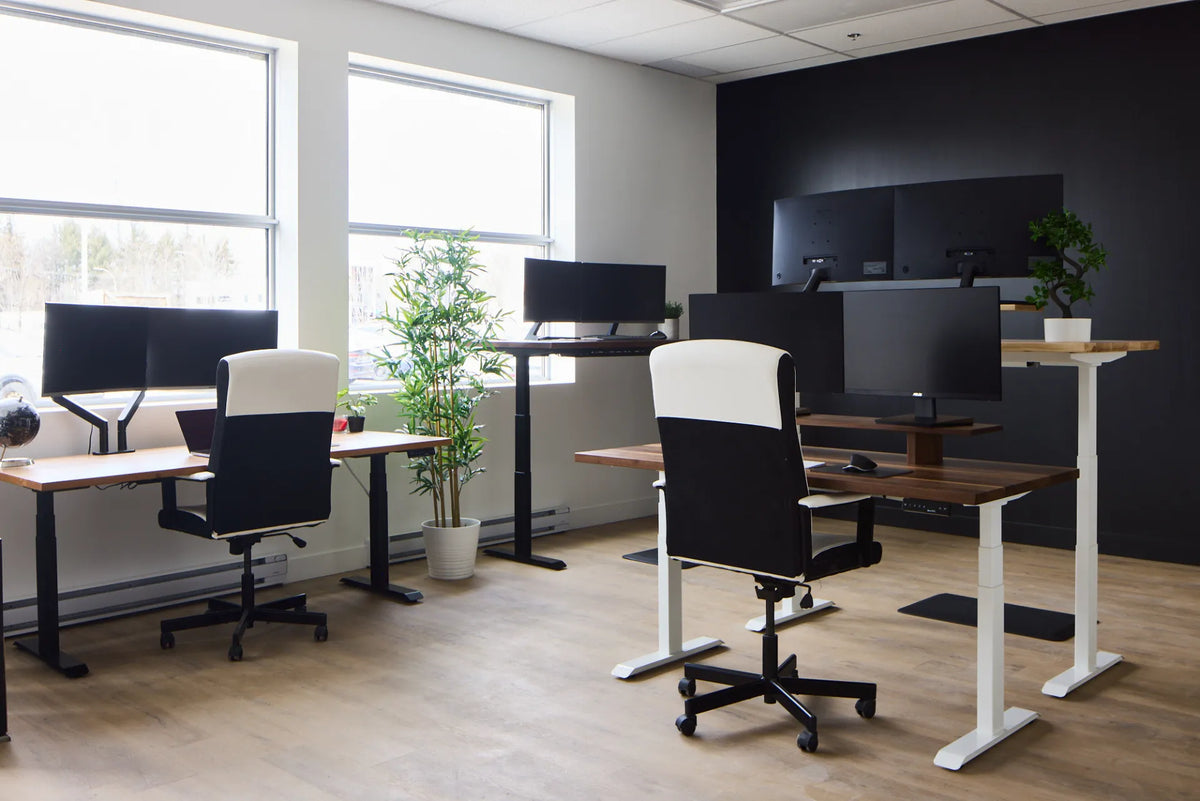
Bright shared office with several wood-top height-adjustable desks arranged near windows and a dark accent wall

Face-to-Face vs. Side-by-Side Desks: Which Office Layout Works Better?
Face-to-face desks favour quick conversation, while side-by-side desks usually support focus and reduce direct visual distraction. The better office layout depends on collaboration, privacy, circulation, lighting, acoustics and cable access.

Read moreabout Face-to-Face vs. Side-by-Side Desks: Which Office Layout Works Better?

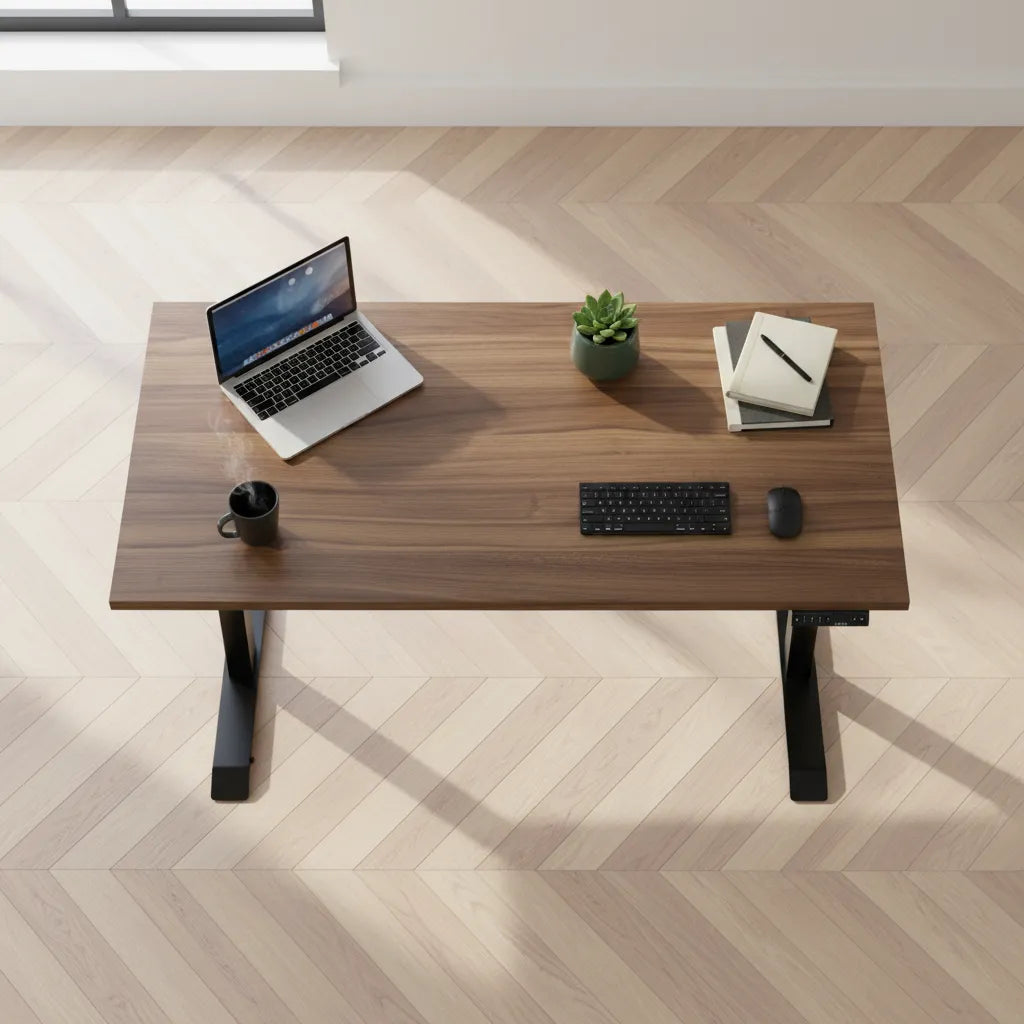
Overhead view of a compact wood desk with a laptop, notebook, keyboard, mouse, mug and small plant

How Deep Should a Desk Be for a Laptop?
A 24-inch-deep desk can work well for a laptop, while 30 inches offers more flexibility for a raised screen, external keyboard, mouse and paper. The right depth depends on how the laptop is used, not on one universal number.

Read moreabout How Deep Should a Desk Be for a Laptop?

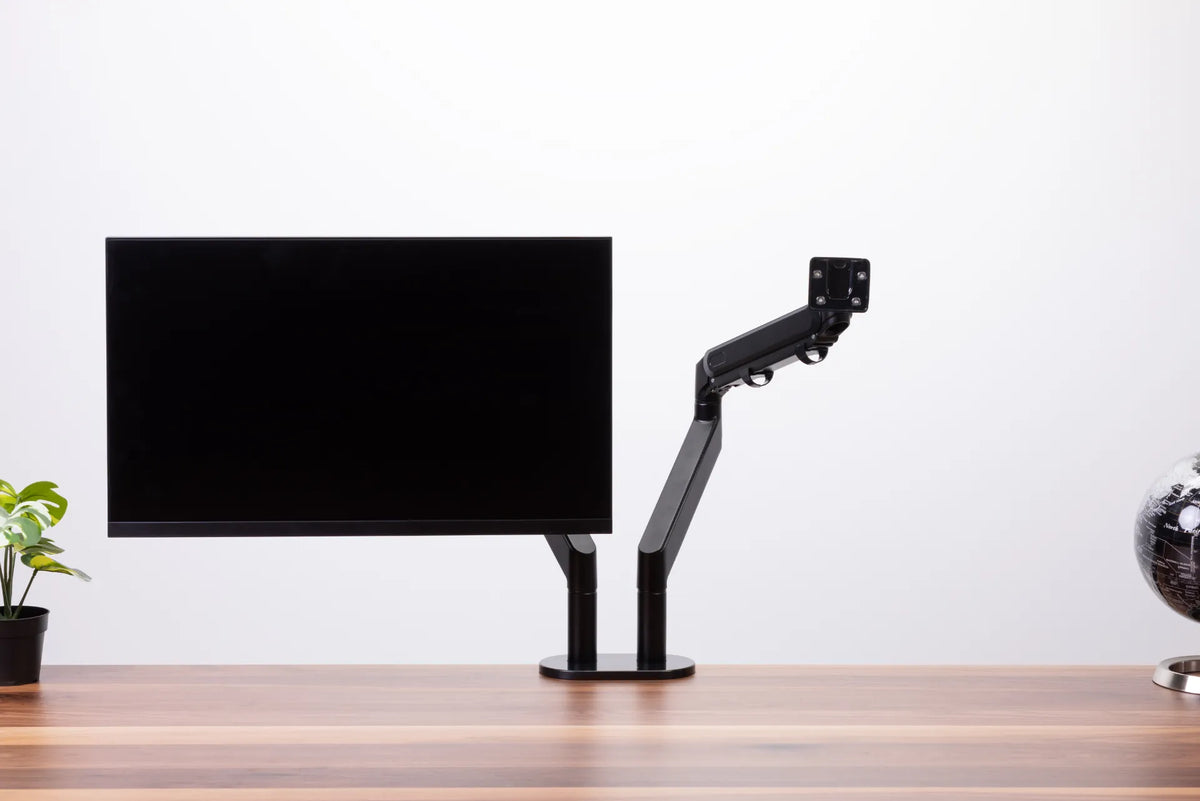
Black monitor and an empty articulated monitor arm on a dark dual-post base above a wood desk

Why Does My Monitor Arm Sag or Drop? How to Fix It Safely
A monitor arm that slowly drops, tilts forward or drifts upward usually needs a compatibility check, a careful tension adjustment or a mounting inspection. This guide shows how to identify the movement and correct it without forcing the mechanism.

Read moreabout Why Does My Monitor Arm Sag or Drop? How to Fix It Safely

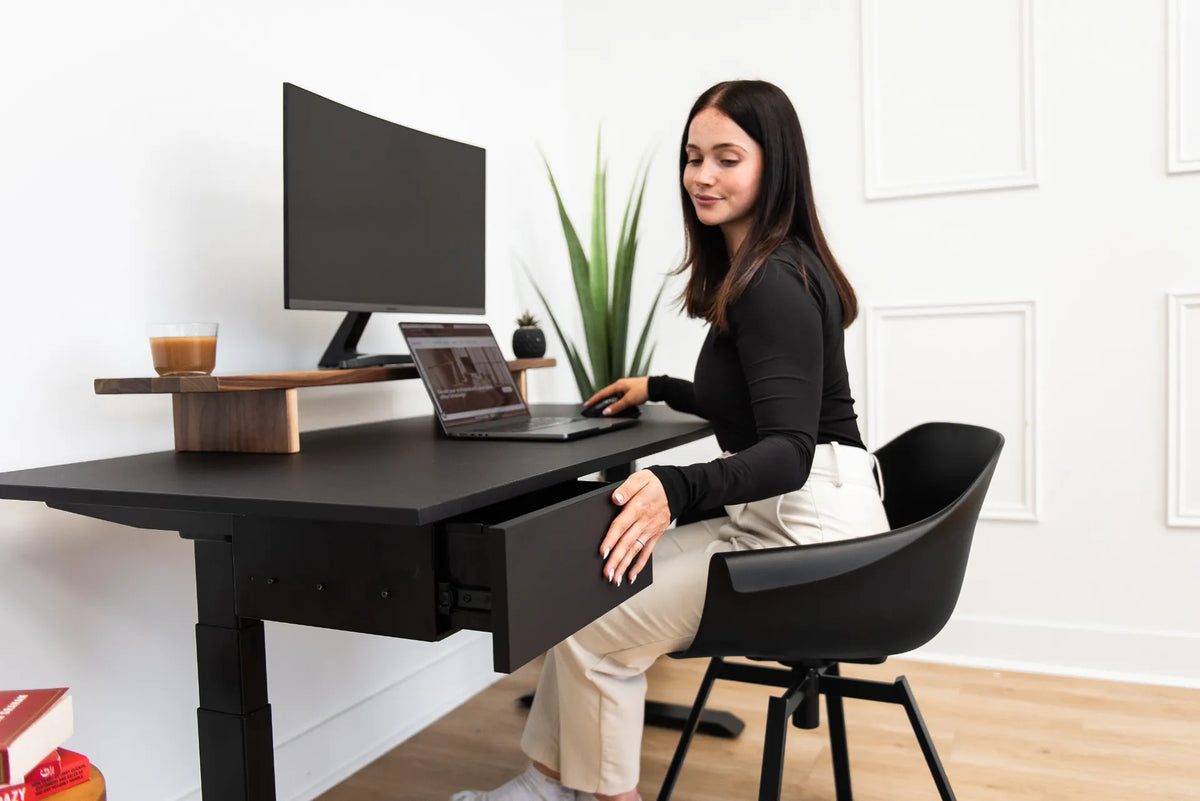
Woman seated in a black chair at a black desk while opening an under-desk drawer in a bright office

How Close Should Your Office Chair Be to Your Desk?
Learn how close to sit to your desk so your back stays supported, shoulders remain relaxed and the keyboard and mouse are within easy reach.

Read moreabout How Close Should Your Office Chair Be to Your Desk?

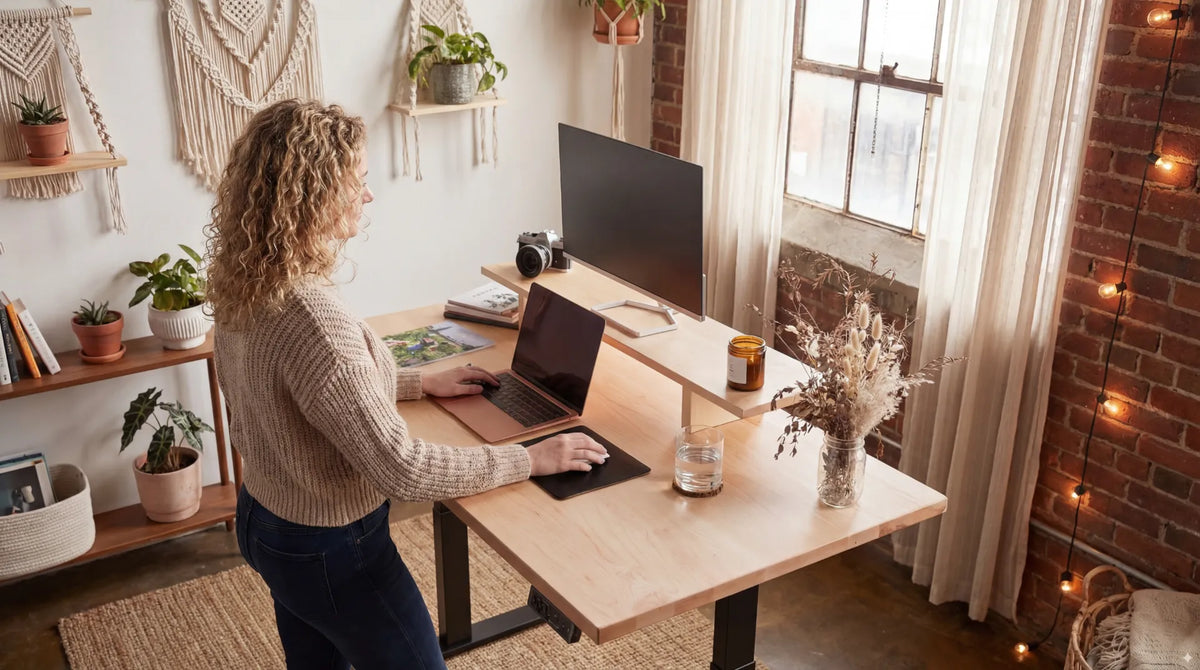
Woman standing at a light wood adjustable desk with a laptop, monitor riser and large screen in a warm home office

Should Your Elbows Be at 90 Degrees at a Standing Desk?

Use 90 degrees as a practical starting point, then adjust standing desk height so your shoulders relax, elbows stay close and wrists remain neutral.

Read moreabout Should Your Elbows Be at 90 Degrees at a Standing Desk?

Two black monitors mounted side by side on a white dual monitor arm against a white background

One Monitor vs. Two Monitors: Which Setup Is Better for Work?

Compare one-monitor and two-monitor setups by task, focus, desk space, ergonomics and cost so you can choose the arrangement that supports your actual work.

Read moreabout One Monitor vs. Two Monitors: Which Setup Is Better for Work?