






Should Desks Face Each Other in a Shared Office?
Face-to-face desks can support quick collaboration and use space efficiently, but they can also increase visual distraction, screen visibility and conversation noise. Compare face-to-face, side-by-side and back-to-back layouts before choosing a shared-office arrangement.

In this article
Desks should face each other when frequent collaboration is more important than visual privacy and uninterrupted concentration. For focused work, confidential screens or frequent video calls, side-by-side or back-to-back desks are often easier to manage. The best shared-office layout depends on the work, not on a single design rule.
Before moving furniture, compare how each orientation affects conversation, screen visibility, glare, chair movement, cables and the full travel of height-adjustable desks. A layout that looks efficient on a floor plan can feel crowded once people, chairs and monitors are added.
Quick answer by work style
- Face-to-face: best for frequent discussion, paired work and compact team zones.
- Side-by-side: useful for occasional collaboration while keeping both users oriented in the same direction.
- Back-to-back: supports independent focus and reduces direct eye contact, but needs generous chair clearance.
- Perpendicular or L-shaped: can balance communication and separation in a small two-person office.
These are starting points. Test the arrangement with the real chairs, equipment and work patterns before fixing power and data routes.
Advantages of face-to-face desks
Conversation is immediate
People can ask a short question or review a document without leaving the workstation. This can suit project partners, service teams and small groups that coordinate throughout the day. The Canadian Centre for Occupational Health and Safety recommends considering interaction with co-workers when selecting and arranging office furniture.
The layout can use a central zone efficiently
Two rectangular desks placed face-to-face can create a compact work island. Power and data may be routed toward the shared centre instead of across separate walls, provided the installation remains accessible and code-compliant. Screens or storage can sometimes share the centre line without blocking each user's primary work area.
Shared equipment is easy to reach
A printer, document tray or charging point can sit near the end of the desk pair. Keep shared items out of the keyboard and mouse zones. Frequently used equipment should not require either person to lean across the other's work surface.
Potential drawbacks
Visual distraction increases
Direct movement in the field of view can interrupt concentration. Even without conversation, gestures, screens and people walking behind a colleague may compete for attention. A modest divider can reduce direct sightlines, but its height, monitor placement and light transmission should be tested while seated and standing.
Screens may be visible
Face-to-face orientation can expose information to a colleague, visitor or camera. This matters for personal, financial or confidential work. Position screens so they do not broadcast sensitive content and follow the organization's privacy requirements. A layout should not rely on people remembering to minimize windows every time someone approaches.
Conversation noise travels directly
CCOHS advises considering acoustical privacy, concentration and the need to understand speech. Two people speaking toward each other can be helpful for teamwork but disruptive to nearby workers. If both users spend much of the day on calls, a different orientation, acoustic treatment or a separate call area may work better.
Glare can affect users differently
With desks facing each other, one monitor may face a window while the other has the window behind it. One user may see direct brightness and the other reflections. Check both positions at different times of day. Blinds, monitor angle and desk rotation may solve the problem without abandoning the entire layout.
How much space does a face-to-face setup need?
Measure the complete operational footprint, not only the desktop dimensions. Include:
- Both desk depths
- Any gap, divider or shared cable channel between them
- Monitor stands or arms that extend beyond the rear edge
- Chair depth with a person seated
- Chair pull-back space
- A separate circulation path when people must pass behind the chairs
CCOHS notes that office planning must consider occupant movement, the chair, storage, equipment, communication and barrier-free turning room. Our guide to space between two desks provides a practical measuring method. For a broader plan, use the office desk spacing guide.
Special checks for standing desks
Height-adjustable desks add moving parts to the layout. Raise both desks to their highest intended position and confirm that monitors, arms, shelves and cables cannot collide. One user may sit while the other stands, so test mixed positions as well as matching heights.
Keep hands, cables and shared objects away from the gap between moving surfaces. Do not bridge two independently moving desks with one rigid shelf, power bar or cable tray unless the equipment is specifically designed for that use. Each desk needs enough cable slack through its full travel without creating loops in the walkway.
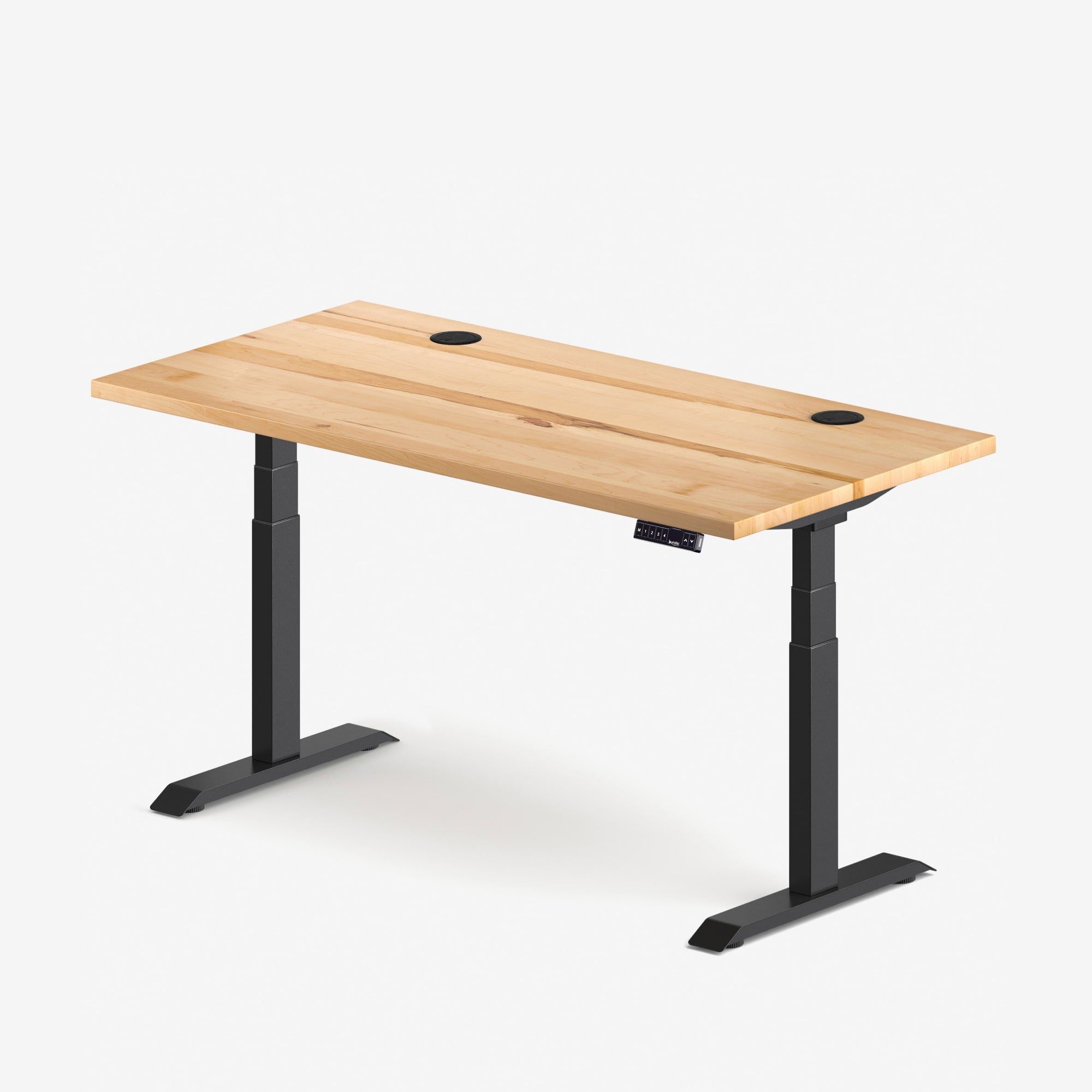
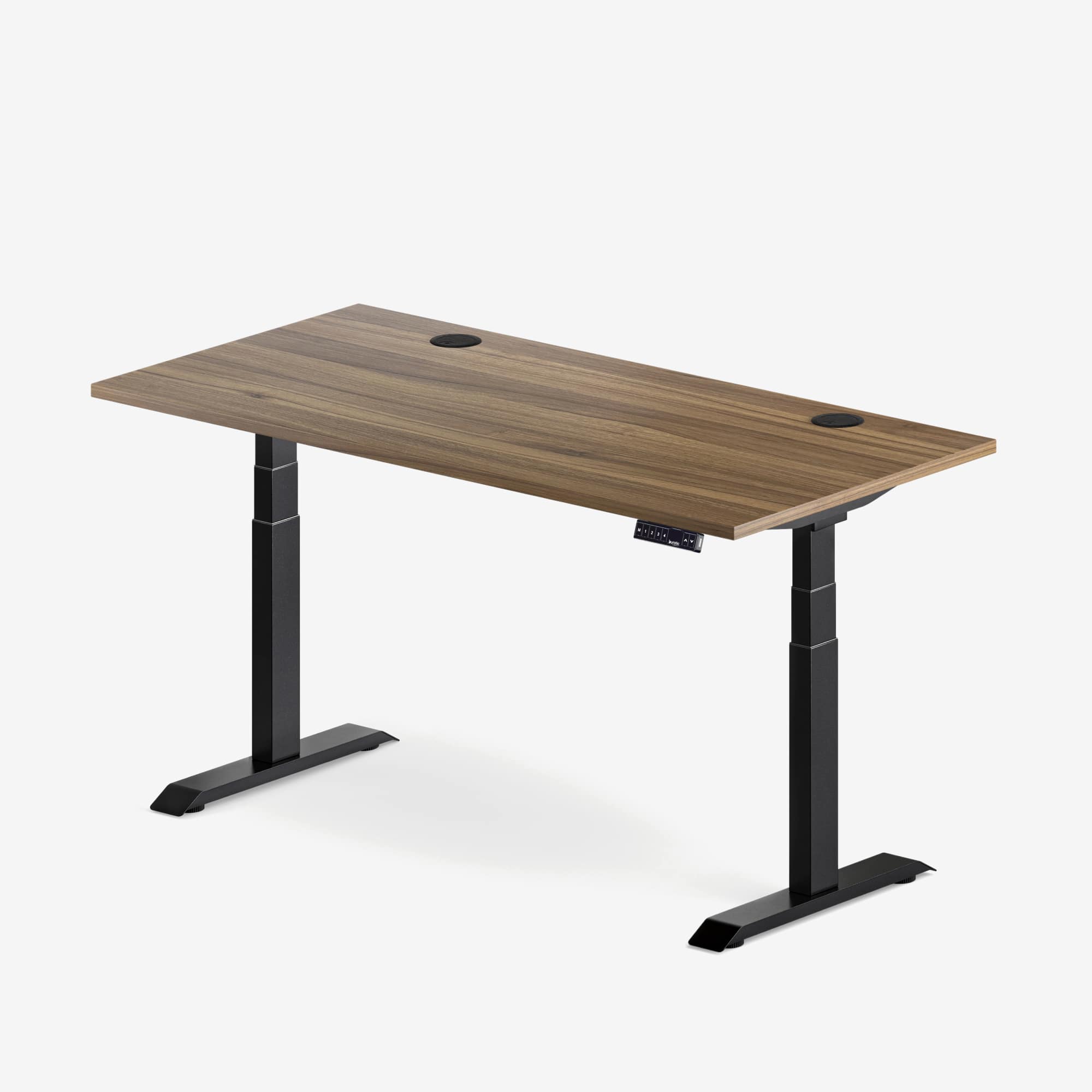
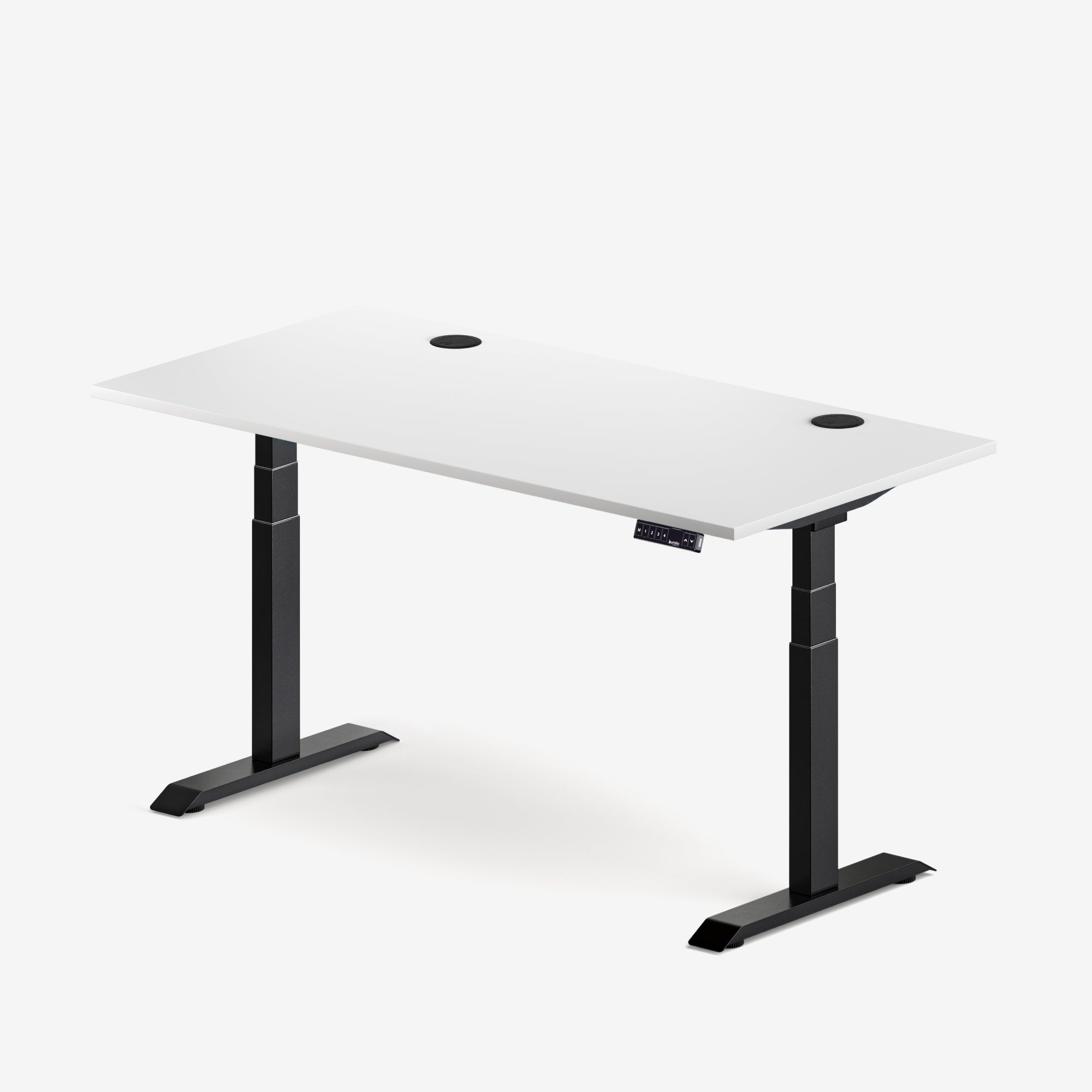
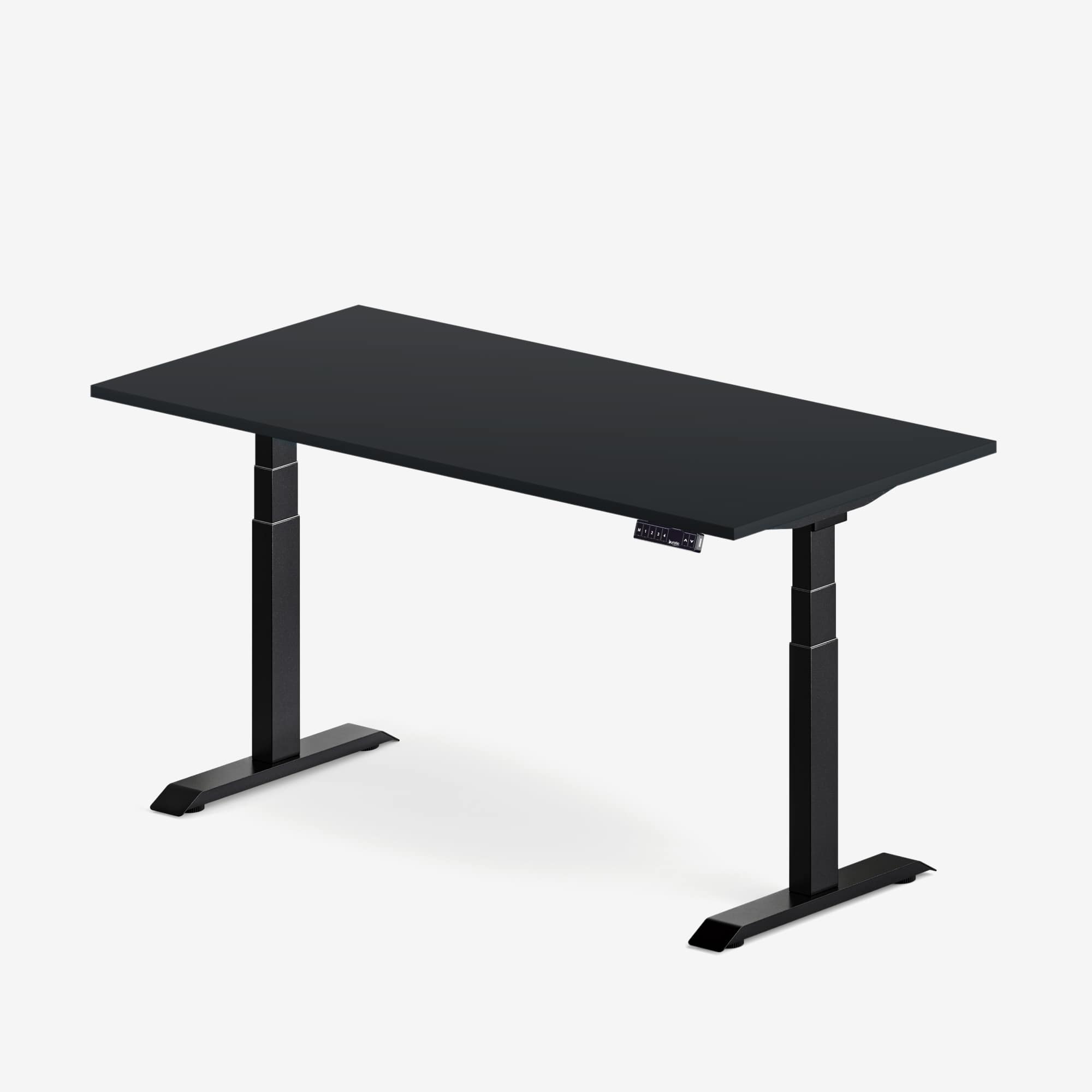
The shared-office standing desk guide covers controller access, movement and shared accessories. When choosing desks, compare the current sizes of Burotic's Aspire Premium Laminate Standing Desk with the measured room and equipment footprint.
When side-by-side desks work better
Side-by-side desks let both users face the same wall or room. They support quick conversation without constant direct eye contact and often make window glare easier to manage consistently. The arrangement can also simplify a shared camera background.
The risk is lateral crowding. Monitor arms, elbows and rolling chairs may compete for the centre boundary. Define each person's zone and keep shared storage from narrowing the working width.
Check camera backgrounds and eye lines
Video calls add another reason to test orientation. A face-to-face arrangement may place a colleague, moving chair or bright monitor directly behind the camera subject. Side-by-side desks may produce a calmer shared background, while back-to-back desks can send voices toward opposite sides of the room. Open the actual camera application at both stations, check what enters the frame and listen for echo or overlapping speech. If calls are frequent, headphones and a separate call space may matter more than the furniture angle. Keep camera equipment within each user's work zone so tripods, lights and cables do not intrude into the shared path.
When back-to-back desks work better
Back-to-back orientation provides stronger visual separation and can reduce the temptation to interrupt. It suits independent tasks, writing and analytical work. Screens are less exposed to the other user, although people entering the room may still see them.
This layout needs enough depth behind both workstations. Chairs can collide when users push back at the same time, and a walkway cannot be counted as chair space if others need continuous passage. Test the worst case with both chairs occupied and pulled back.
A practical layout test
- Mark each desk footprint on the floor with removable tape.
- Add the real chair and its pull-back zone.
- Mark monitor and arm overhang beyond the desktop.
- Walk every route with both chairs occupied.
- Sit at each position and check sightlines, glare and screen privacy.
- Simulate calls and focused work for at least part of a day.
- For adjustable desks, test low, high and mixed-height positions.
Invite both users to comment. A layout that technically fits may still fail if one person needs more quiet, handles confidential information or changes posture more often.
Bottom line
Face-to-face desks are a strong choice for a collaborative pair when the room has enough depth and privacy is manageable. Side-by-side desks offer a useful compromise, while back-to-back desks favour independent focus. Choose by the real work pattern, then verify movement, light, sound, screen visibility and sit-stand travel before final installation.
Previous article
Do USB Ports on a Power Bar Provide Surge Protection?
Next article
Desk Pad vs. Bare Desktop for Writing: Which Is Better?