Ergonomic Office Tips & Buying Guides

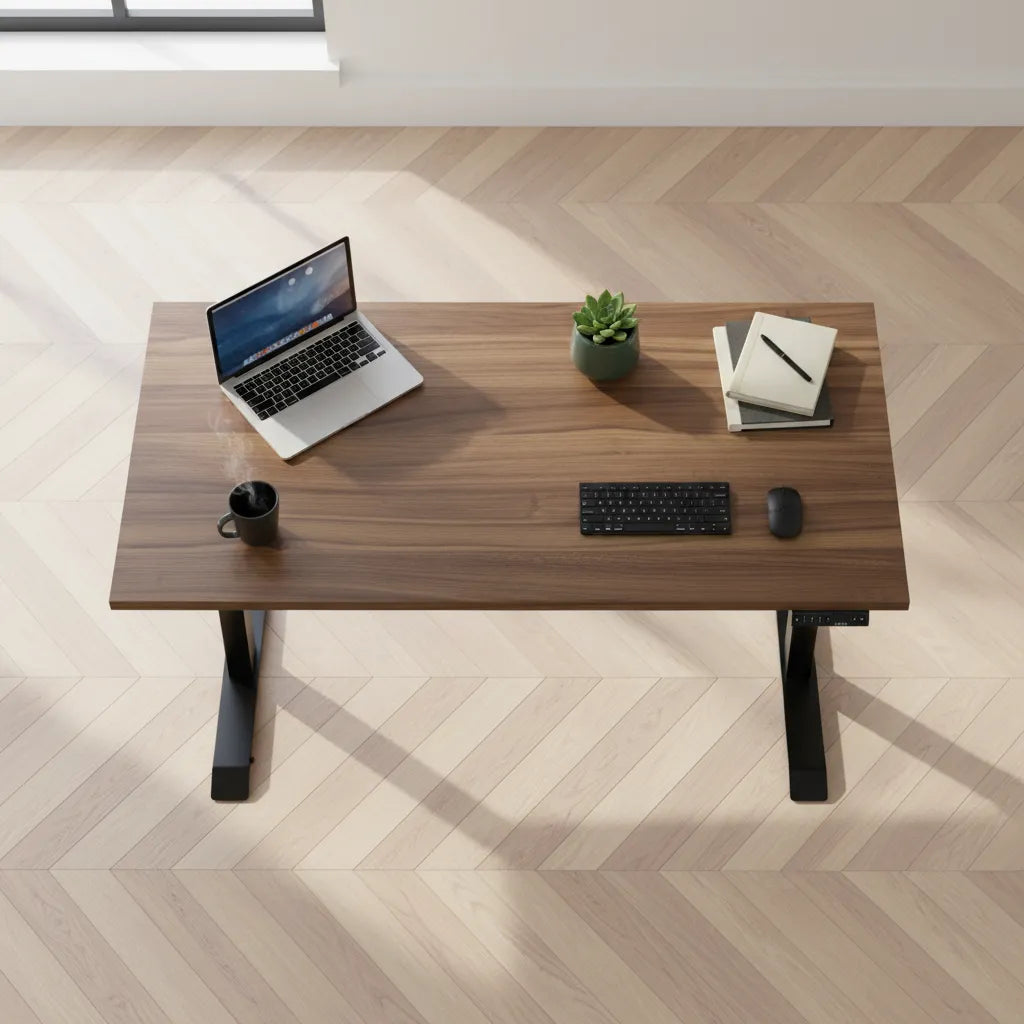
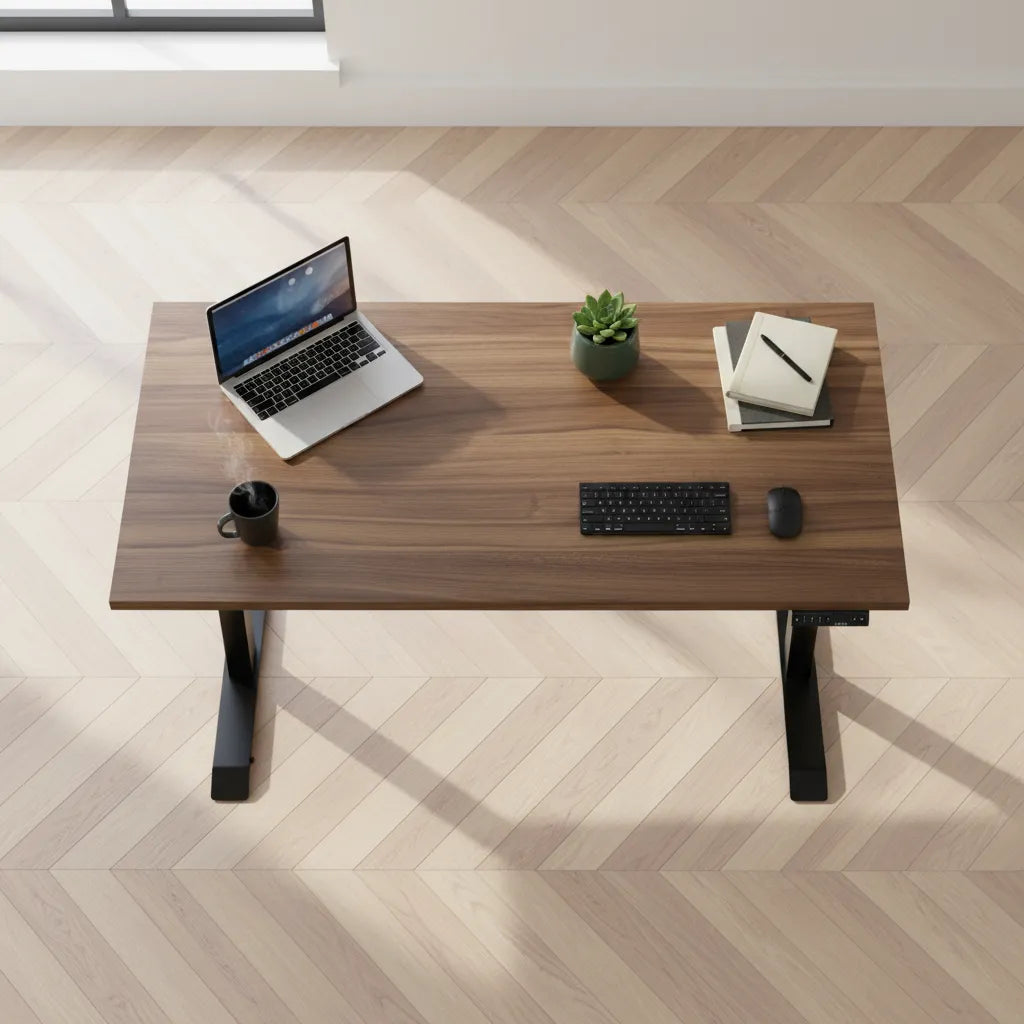
Top view of a walnut-tone standing desk with an open laptop, compact keyboard, mouse, notebook, mug and small plant

What Desk Width Do You Need for a Laptop?
A laptop can fit on a narrow surface, but a comfortable workstation needs room for the way you actually work. Learn how to calculate desk width for a laptop, keyboard, mouse, notes and future equipment.

Read moreabout What Desk Width Do You Need for a Laptop?

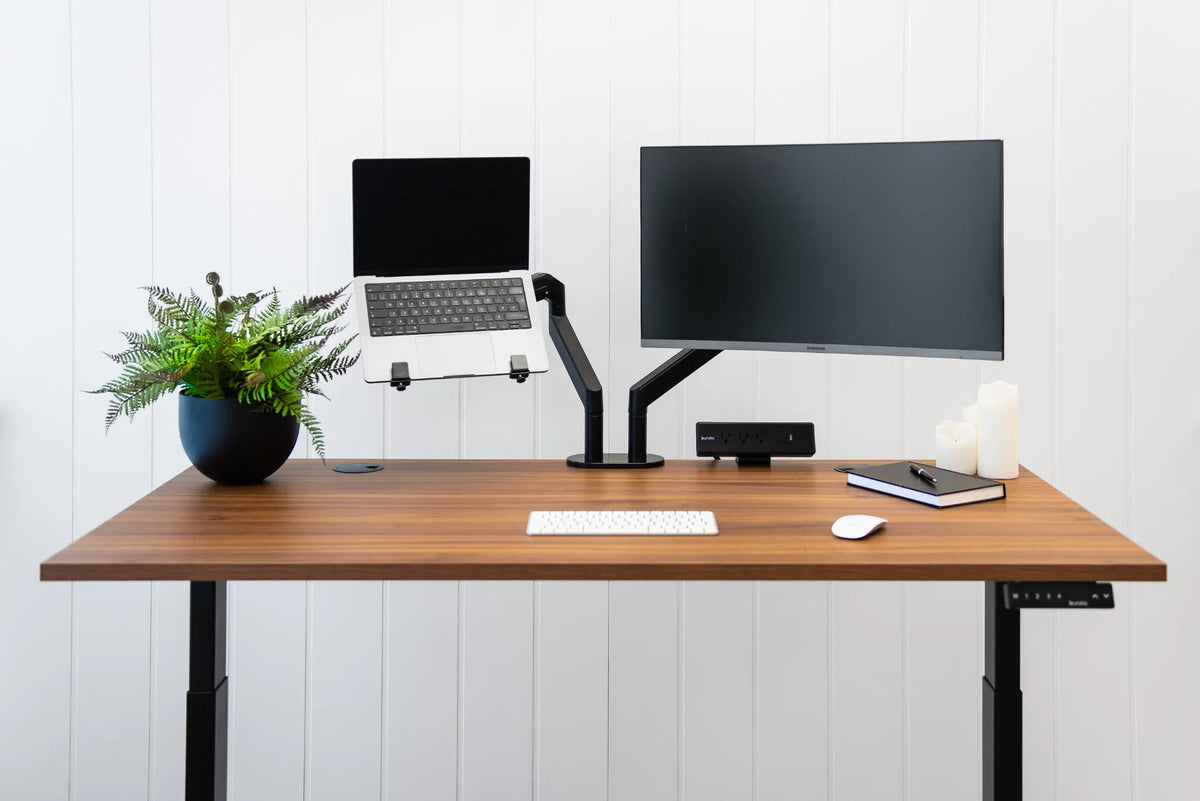
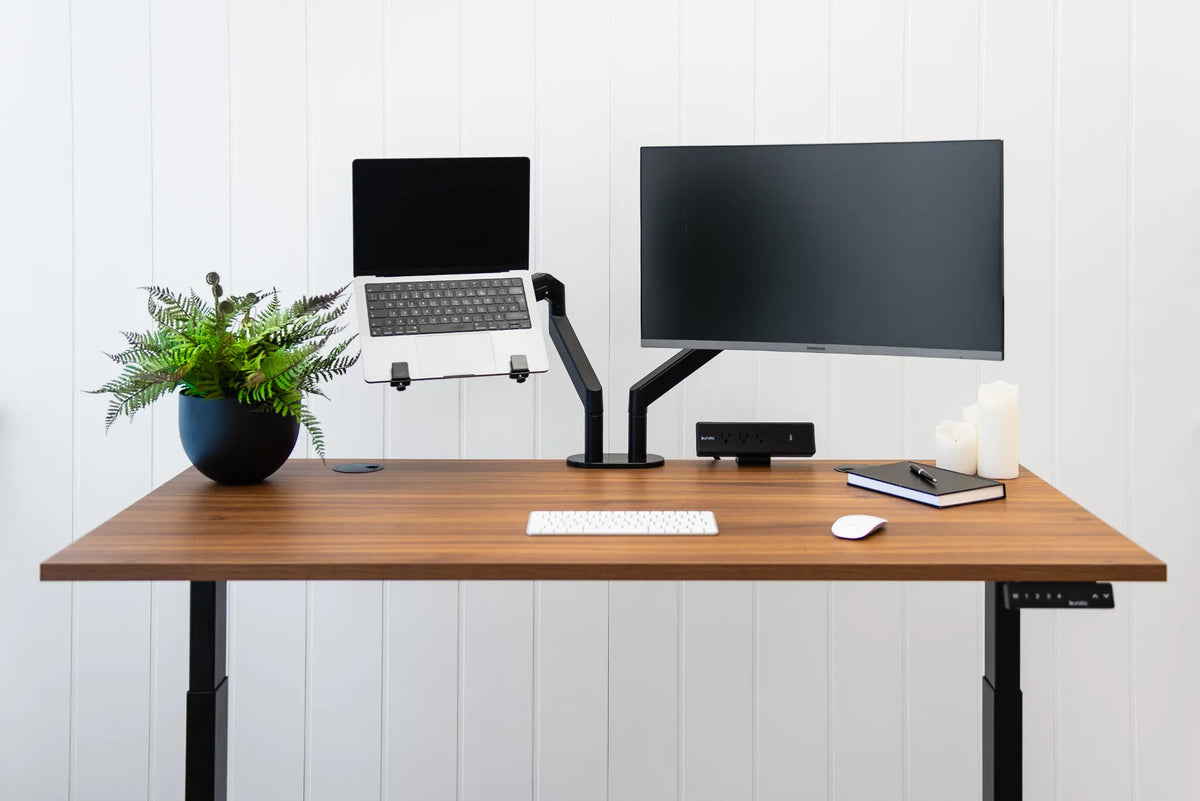
Walnut standing desk with laptop and external monitor on separate black arms, white keyboard and mouse, plant, notebook and black power bar

What Size Desk Do You Need for a Laptop and Monitor?
Choose desk width and depth for a laptop plus external monitor by measuring the devices, preserving input space, and planning viewing distance and arm clearance.

Read moreabout What Size Desk Do You Need for a Laptop and Monitor?

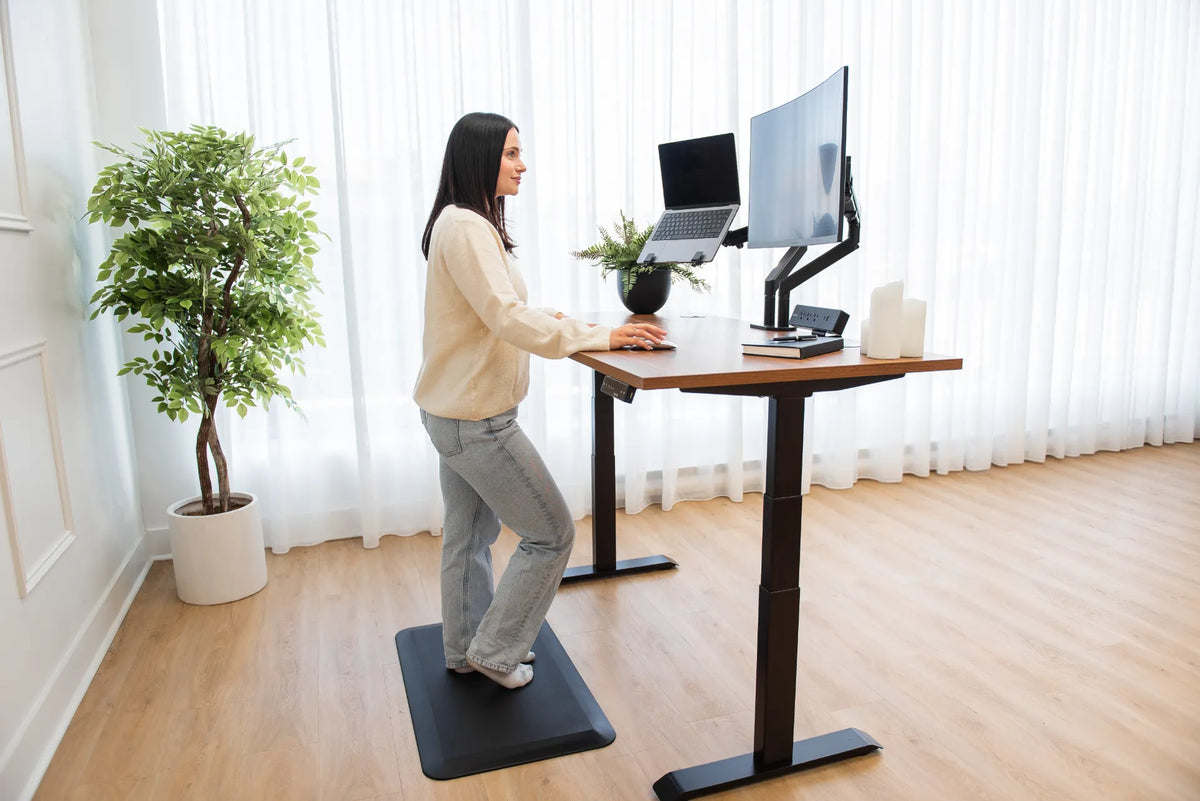
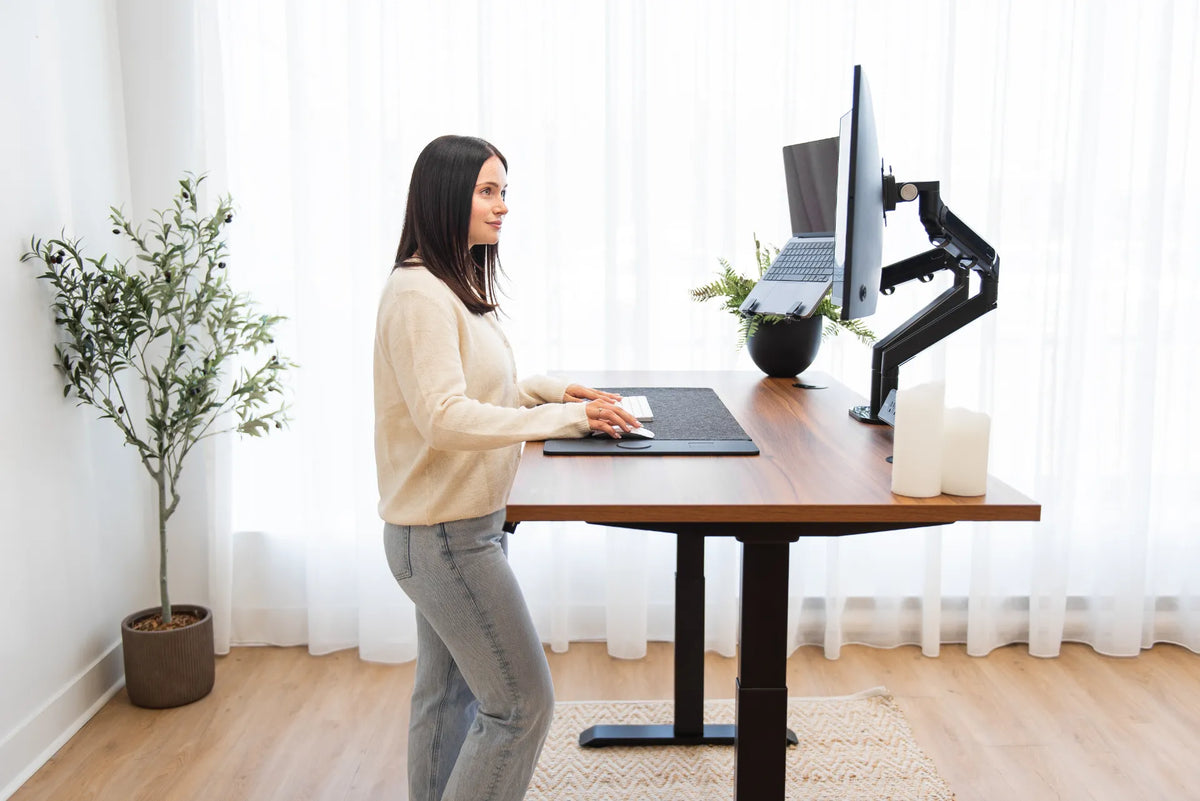
Person standing at a wood adjustable desk with a laptop to the left of a curved external monitor on black arms

Should Your Laptop Be on the Left or Right of Your Monitor?
Place a laptop beside an external monitor according to which screen is primary, your dominant tasks, and how often you turn toward the secondary display.

Read moreabout Should Your Laptop Be on the Left or Right of Your Monitor?

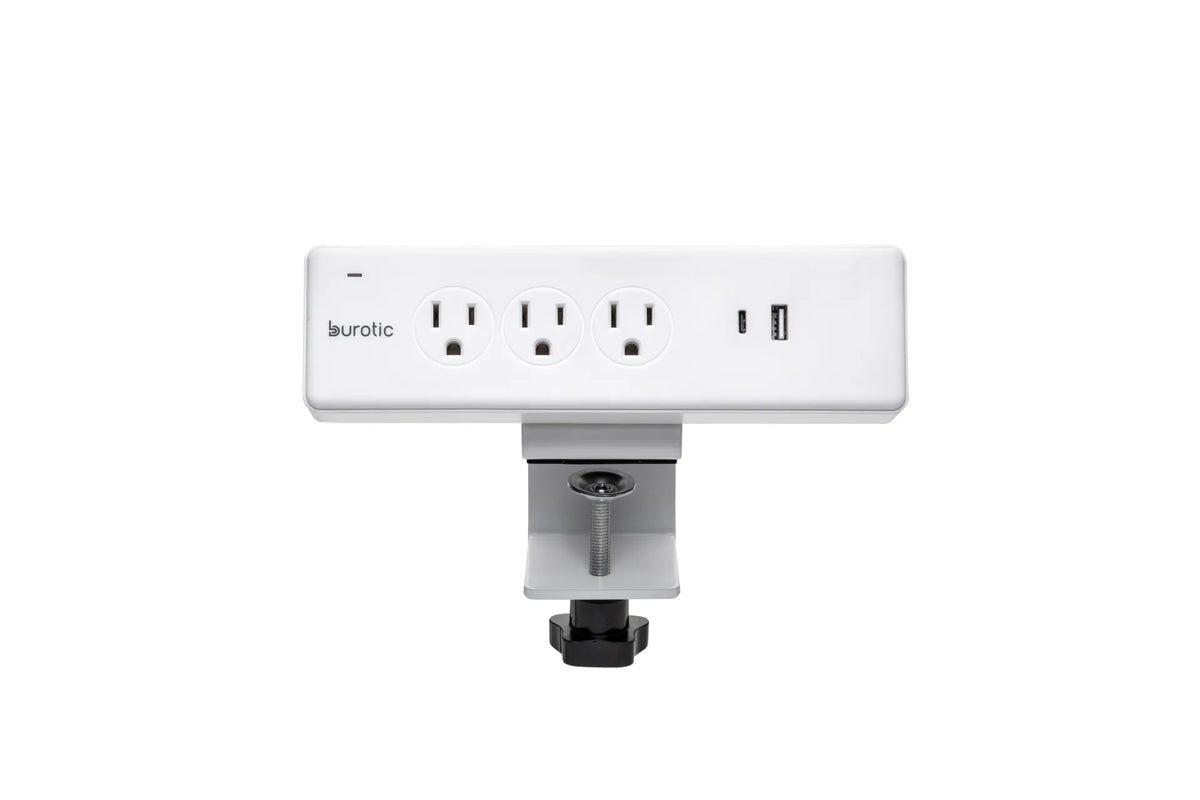
White Burotic clamp-on power bar with three grounded outlets, one USB-C port, one USB-A port and a white desk clamp on a white background

Can You Plug a Monitor and Laptop Into the Same Power Bar?
A monitor and laptop can often share a properly certified, correctly rated power bar, provided the total load and product instructions allow it.

Read moreabout Can You Plug a Monitor and Laptop Into the Same Power Bar?

Wood standing desk with a laptop on a raised tray beside a monitor on a black arm

Can You Mount a Laptop on a Monitor Arm? Compatibility and Setup Guide
A practical guide to mounting a laptop on a monitor arm, including tray compatibility, safe loading, ventilation, placement and ergonomic setup.

Read moreabout Can You Mount a Laptop on a Monitor Arm? Compatibility and Setup Guide

Overhead view of a compact wood desk with a laptop, notebook, keyboard, mouse, mug and small plant

How Deep Should a Desk Be for a Laptop?
A 24-inch-deep desk can work well for a laptop, while 30 inches offers more flexibility for a raised screen, external keyboard, mouse and paper. The right depth depends on how the laptop is used, not on one universal number.

Read moreabout How Deep Should a Desk Be for a Laptop?

Woman standing at a walnut-tone adjustable desk with a curved monitor and laptop mounted on separate black arms

How to Mount a Laptop Beside a Monitor at a Standing Desk
Plan a laptop-and-monitor setup with the right tray, compatible arm, external keyboard and mouse, safe cable slack and sit-stand testing.

Read moreabout How to Mount a Laptop Beside a Monitor at a Standing Desk

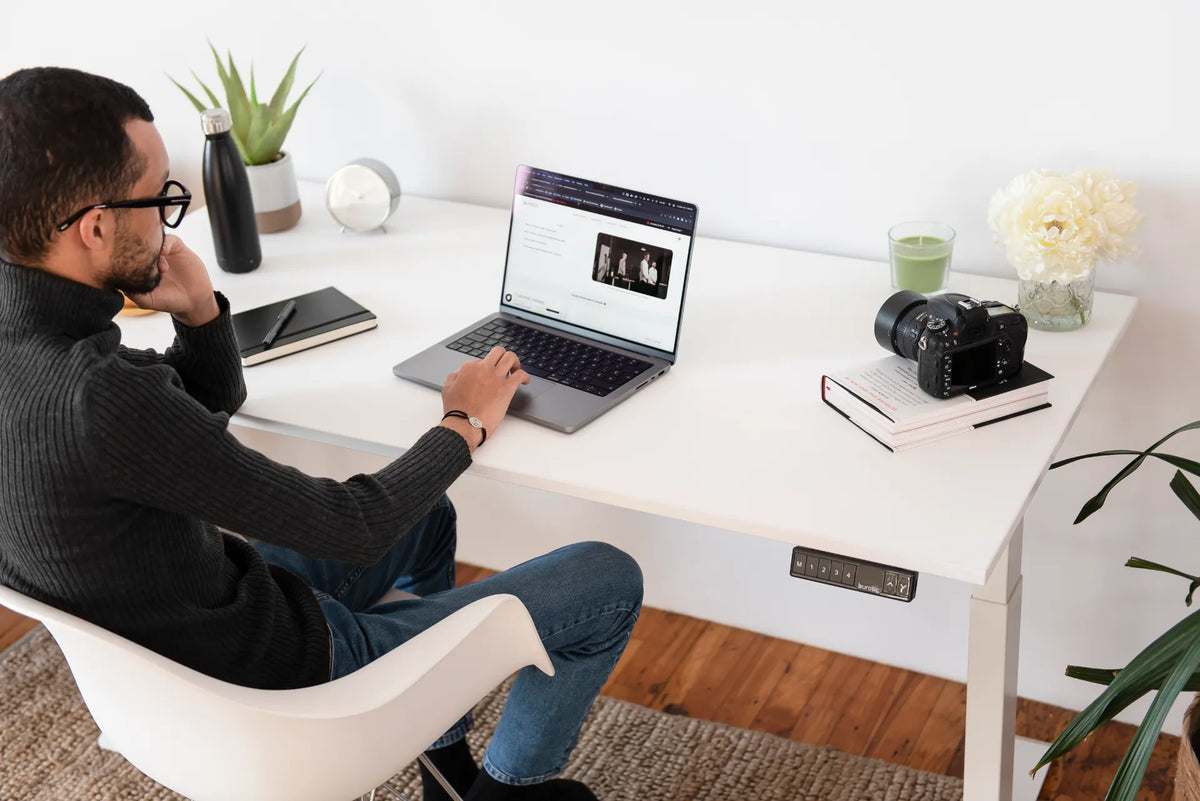
Person working on a laptop at a white standing desk with a notebook, camera, plants and desk controller

Laptop-Only Desk Setup: How to Work Comfortably Without a Monitor

Build a more comfortable laptop-only desk setup by improving screen height, keyboard reach, chair position, lighting and movement without assuming you need a second monitor.

Read moreabout Laptop-Only Desk Setup: How to Work Comfortably Without a Monitor