Ergonomic Office Tips & Buying Guides

Close view of a black monitor on a white stand above a light wood desk with a laptop, mouse, desk shelf, camera and plants by a window

Should You Tilt Your Monitor? Best Screen Angle for Desk Work
A slight monitor tilt can help keep the screen perpendicular to your line of sight and reduce reflections, but the right angle depends on screen height, viewing distance and lighting. Use this step-by-step setup and test.

Read moreabout Should You Tilt Your Monitor? Best Screen Angle for Desk Work

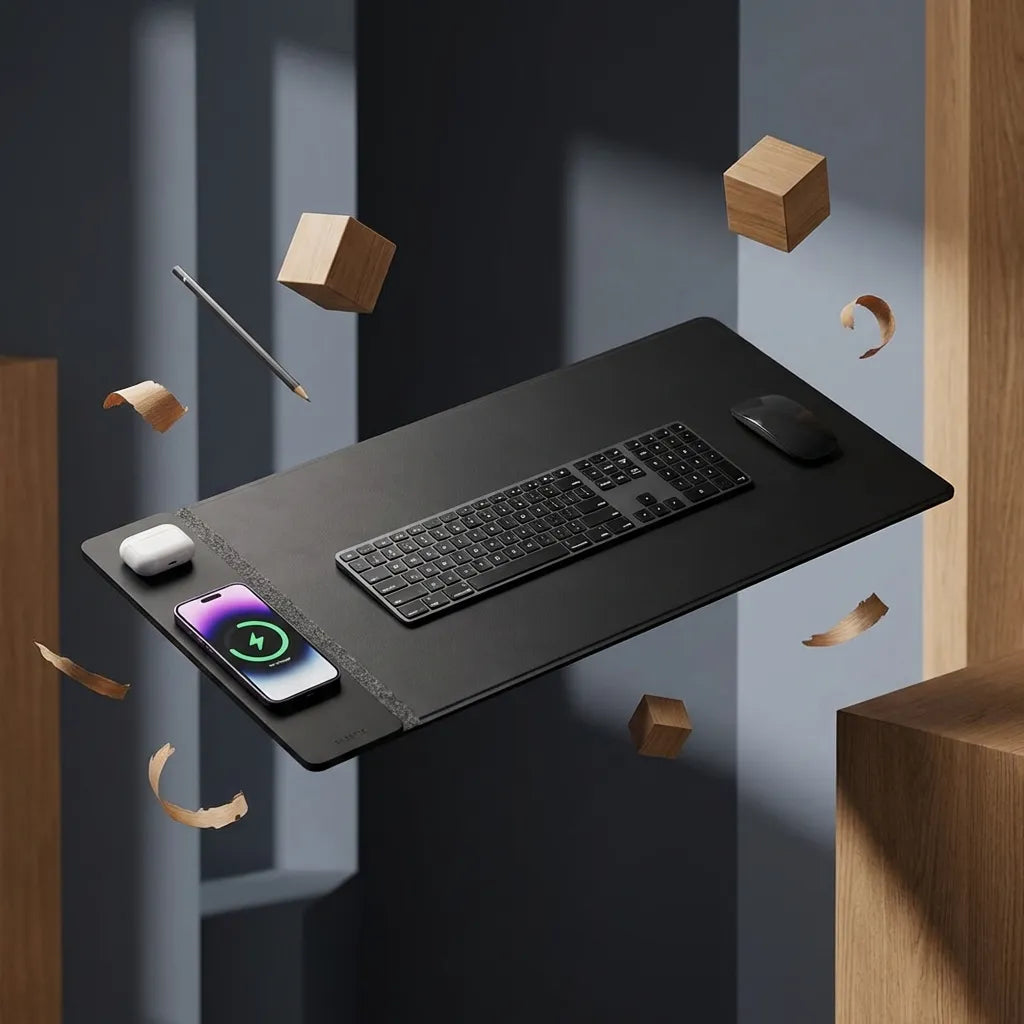
Black desk pad with a charging phone, white earbuds, full-size keyboard and black mouse in a dark studio composition

Where Should You Put Your Phone on Your Desk?
Choose a phone location based on focus, reach, charging, privacy and spill risk, then keep it outside the keyboard and mouse path.

Read moreabout Where Should You Put Your Phone on Your Desk?

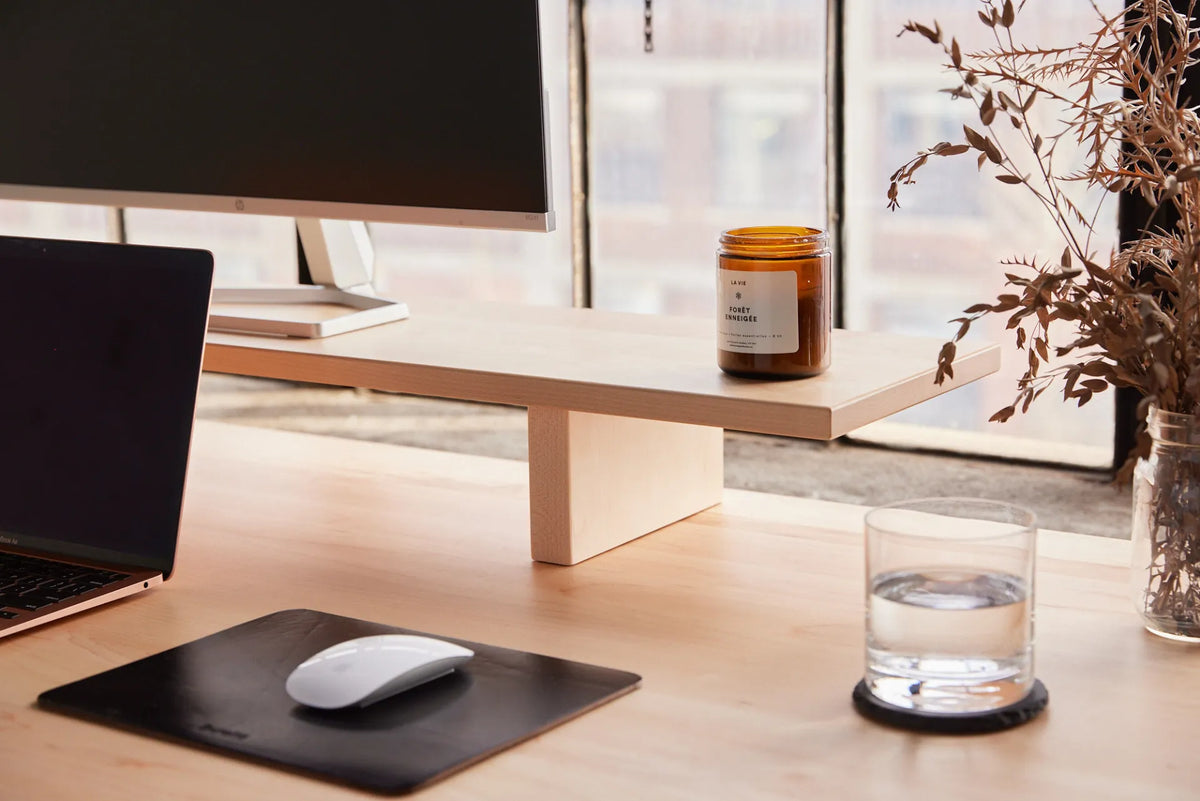
Glass of water on a coaster beside a white mouse, black mouse pad, laptop and monitor stand on a light wood desk

Where Should You Put a Drink on Your Desk? A Spill-Safe Setup
Place a drink in a stable, low-traffic zone away from electronics, controls and power, while keeping it reachable through the desk's full movement.

Read moreabout Where Should You Put a Drink on Your Desk? A Spill-Safe Setup

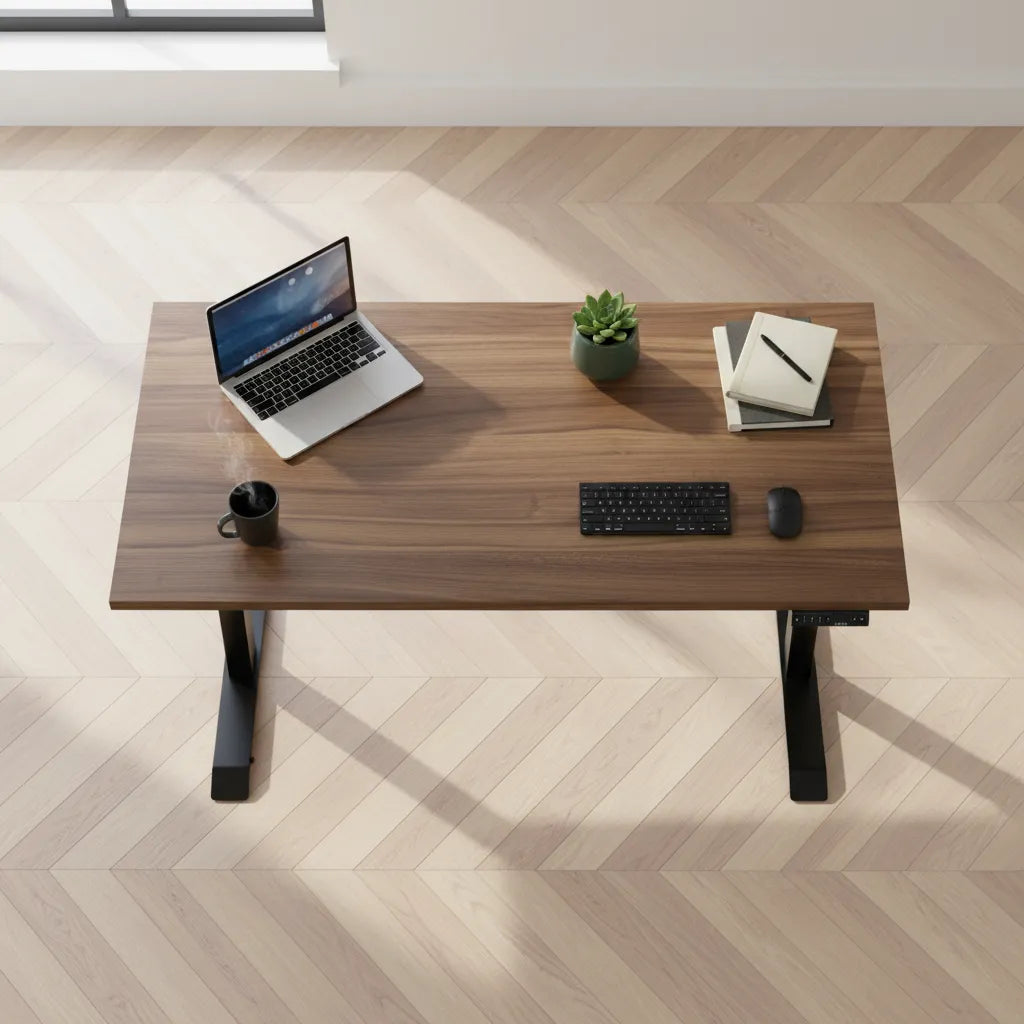
Overhead view of a brown wood adjustable desk with laptop, compact keyboard, mouse, plant, notebooks, mug and right-side controller

Where Should a Standing Desk Controller Be Installed?

Choose a standing desk controller location by testing reach, dominant hand, chair clearance, accessories, cable routing and the desk's complete movement.

Read moreabout Where Should a Standing Desk Controller Be Installed?

Hands typing on a compact white keyboard beside a white mouse on a black desk mat and wood desktop

How to Position a Mouse at Your Desk: Reach, Height and Grip

Position a computer mouse within easy reach by coordinating desk height, keyboard width, pointer settings and sitting or standing posture.

Read moreabout How to Position a Mouse at Your Desk: Reach, Height and Grip

One landscape monitor and one portrait monitor mounted side by side on a dual arm

Vertical Monitor Setup Guide: When Portrait Mode Works Best

A practical guide to deciding whether a portrait monitor fits your work, choosing its position and setting up a comfortable dual-screen workstation.

Read moreabout Vertical Monitor Setup Guide: When Portrait Mode Works Best

Person writing in a notebook on a wood standing desk with the height controller visible

How to Set Up a Desk for Computer Work and Handwriting

Create a practical desk for typing, mouse work, note-taking and paper review by planning zones, reach, lighting and sit-stand transitions.

Read moreabout How to Set Up a Desk for Computer Work and Handwriting

Minimalist black desk with laptop, monitor, white keyboard, mouse, notebook, mug and plant

Minimalist Desk Setup Guide for Focused Work

Create a minimalist desk setup that reduces clutter without sacrificing ergonomics, cable safety, storage or the tools needed for focused work.

Read moreabout Minimalist Desk Setup Guide for Focused Work

Black adjustable monitor arm shown with one screen mounted and one arm open

Best Standing Desk Accessories: 8 Upgrades That Actually Help

Prioritize standing desk accessories that improve screen position, cable travel, foot comfort, power access and daily organization.

Read moreabout Best Standing Desk Accessories: 8 Upgrades That Actually Help