Ergonomic Office Tips & Buying Guides

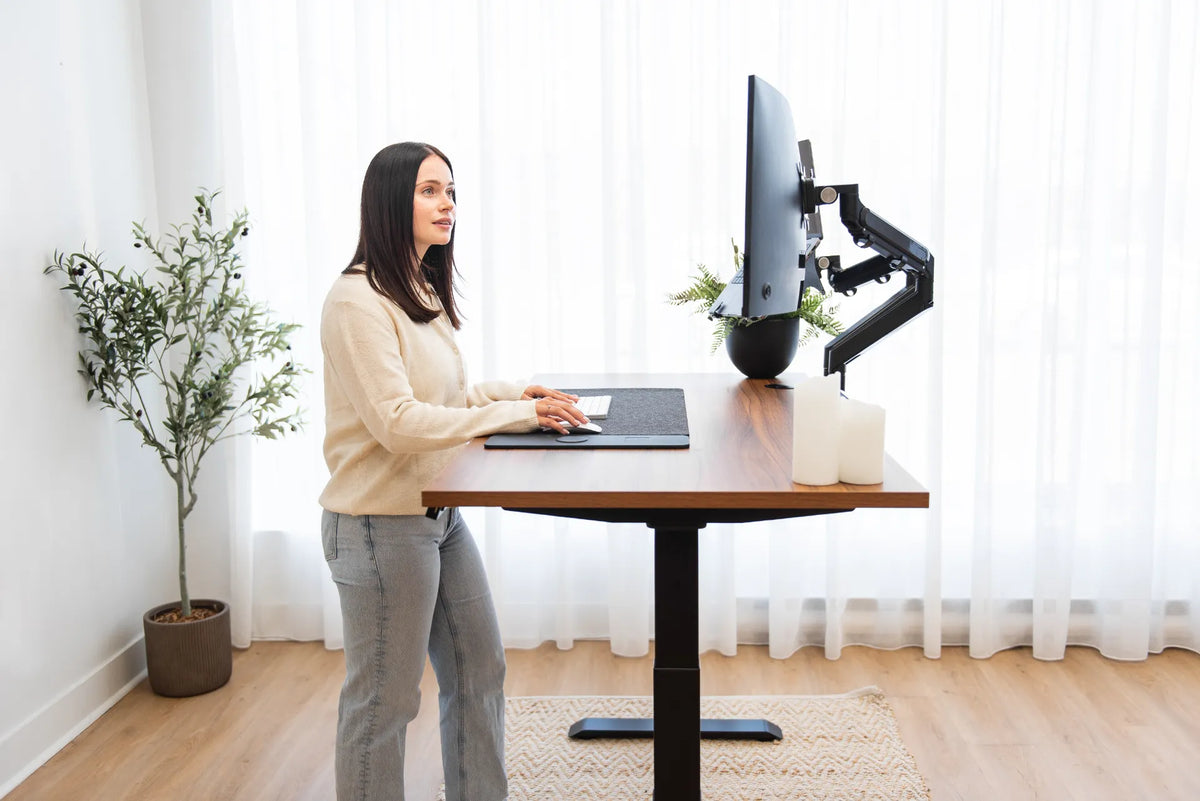
Person standing at a wood standing desk with two monitors on black adjustable arms in a bright office

How High Should Your Monitor Be at a Standing Desk?
Set your standing desk monitor height by aligning the screen with your natural gaze, then check distance, keyboard height and the sitting position.

Read moreabout How High Should Your Monitor Be at a Standing Desk?

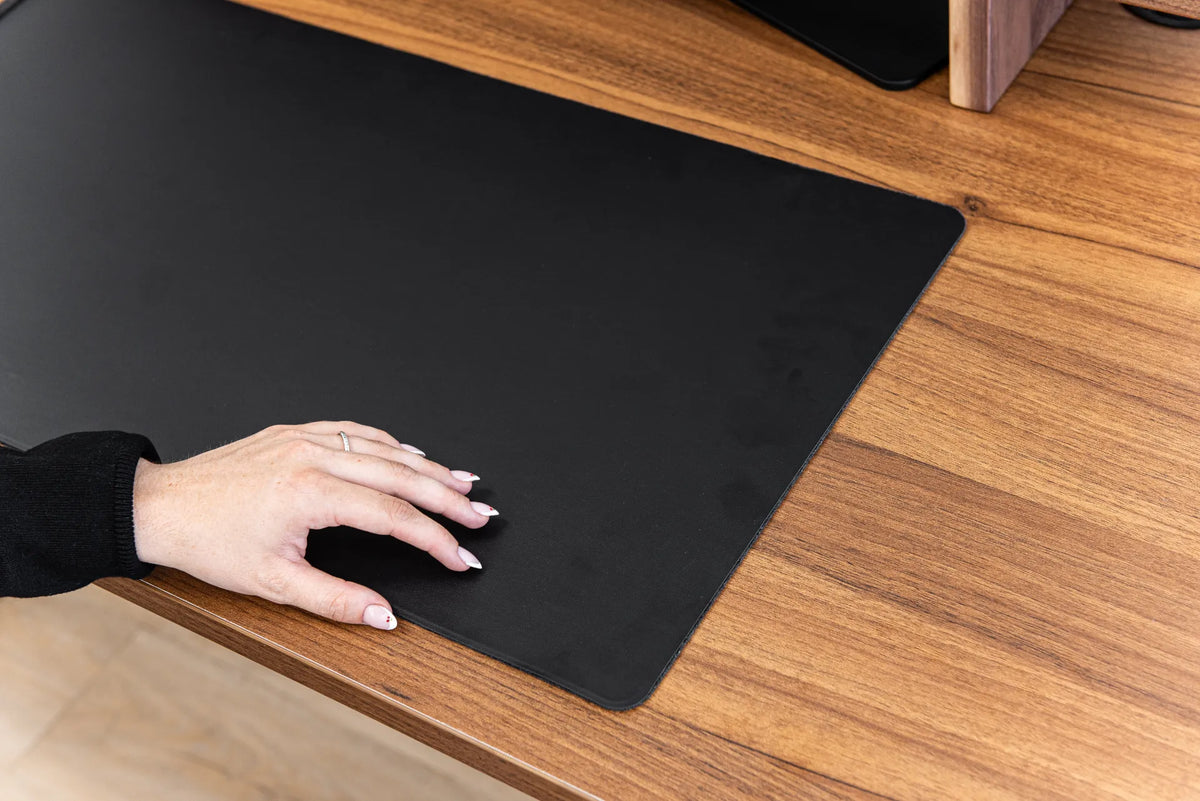
Black desk pad with a keyboard and mouse on a warm wood desktop, shown in close-up

How Large Should a Desk Pad Be?

Choose a desk pad size by measuring your keyboard, mouse travel, writing space and usable desktop instead of relying on a one-size rule.
Read moreabout How Large Should a Desk Pad Be?

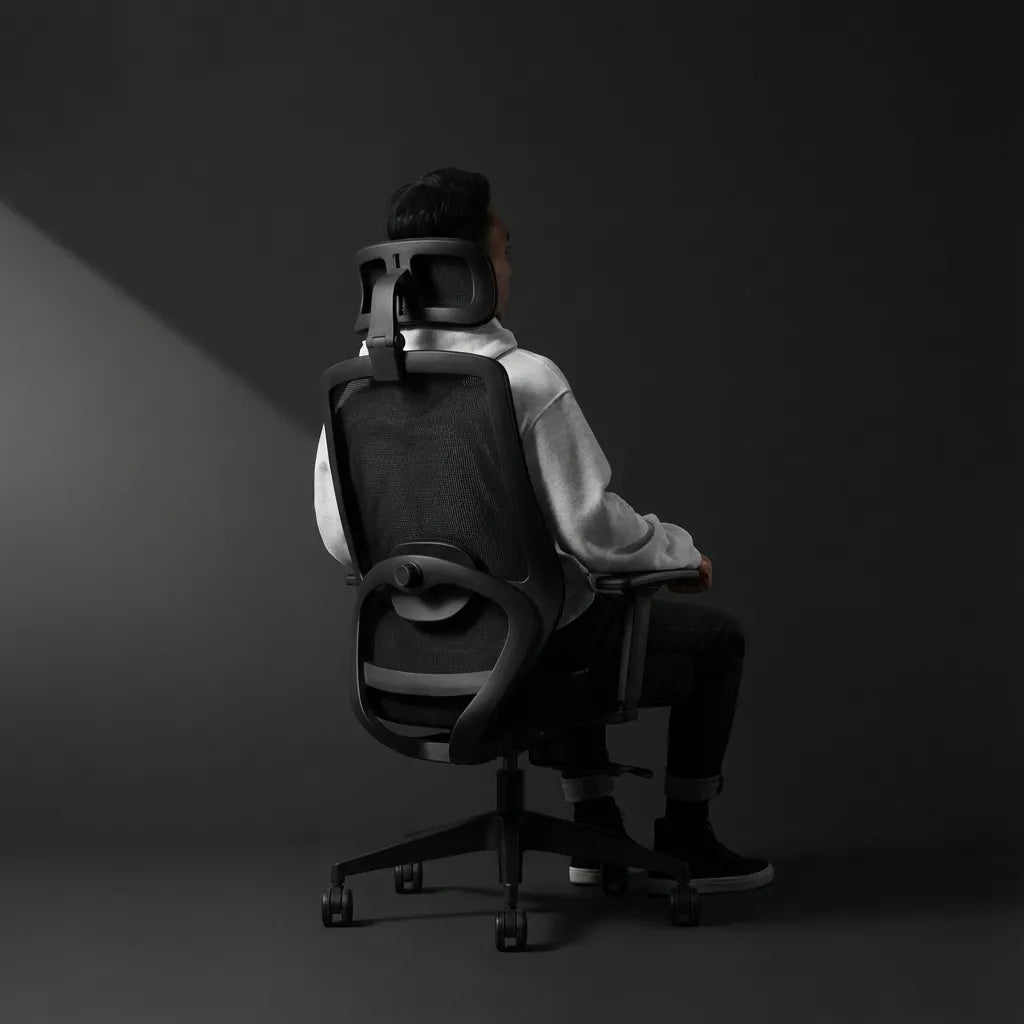
Person seated in a black mesh ergonomic chair with a headrest in a dark studio workspace

Where Should an Office Chair Headrest Sit?

Learn where an office chair headrest should sit, how to adjust it for upright work and reclined breaks, and how to spot a poor fit.
Read moreabout Where Should an Office Chair Headrest Sit?

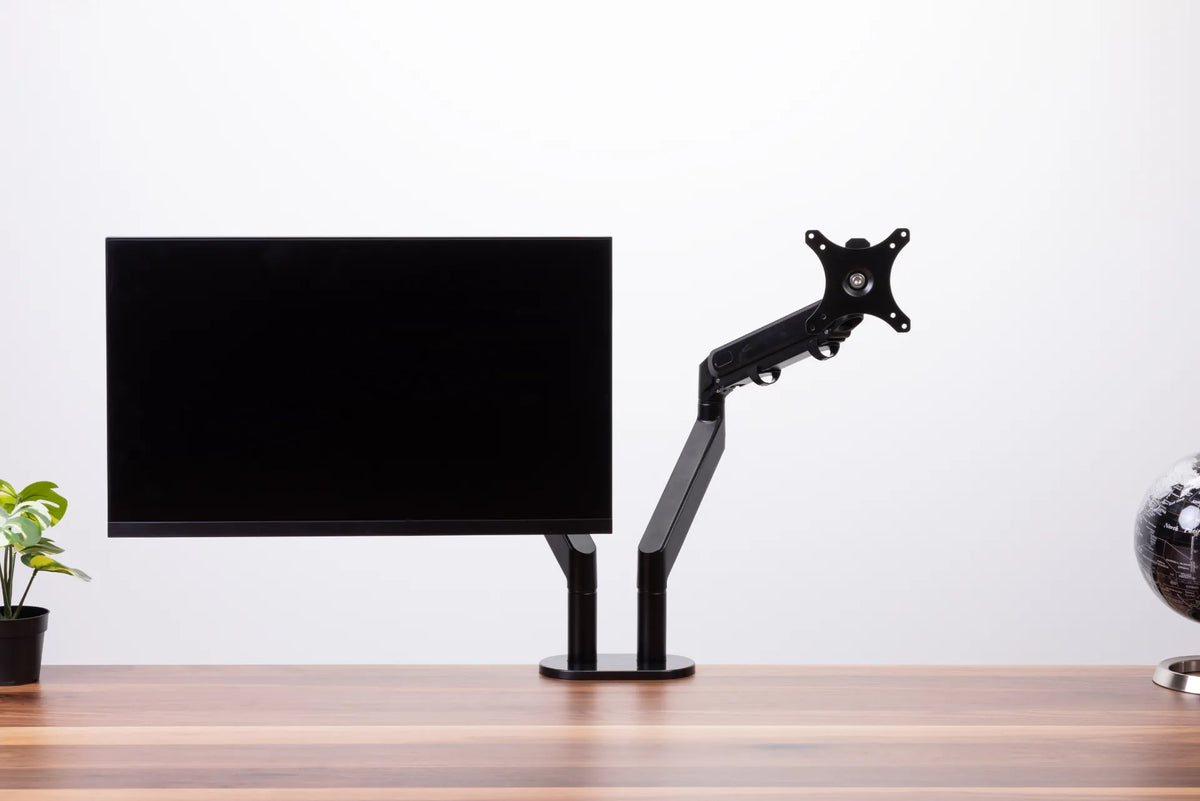
Black monitor on a dual monitor arm with the second VESA mounting plate visible against a white background

How to Stop Monitor Wobble on a Standing Desk
Diagnose monitor wobble by separating desk movement from clamp, arm, VESA plate and screen-position problems, then fix the source safely.

Read moreabout How to Stop Monitor Wobble on a Standing Desk

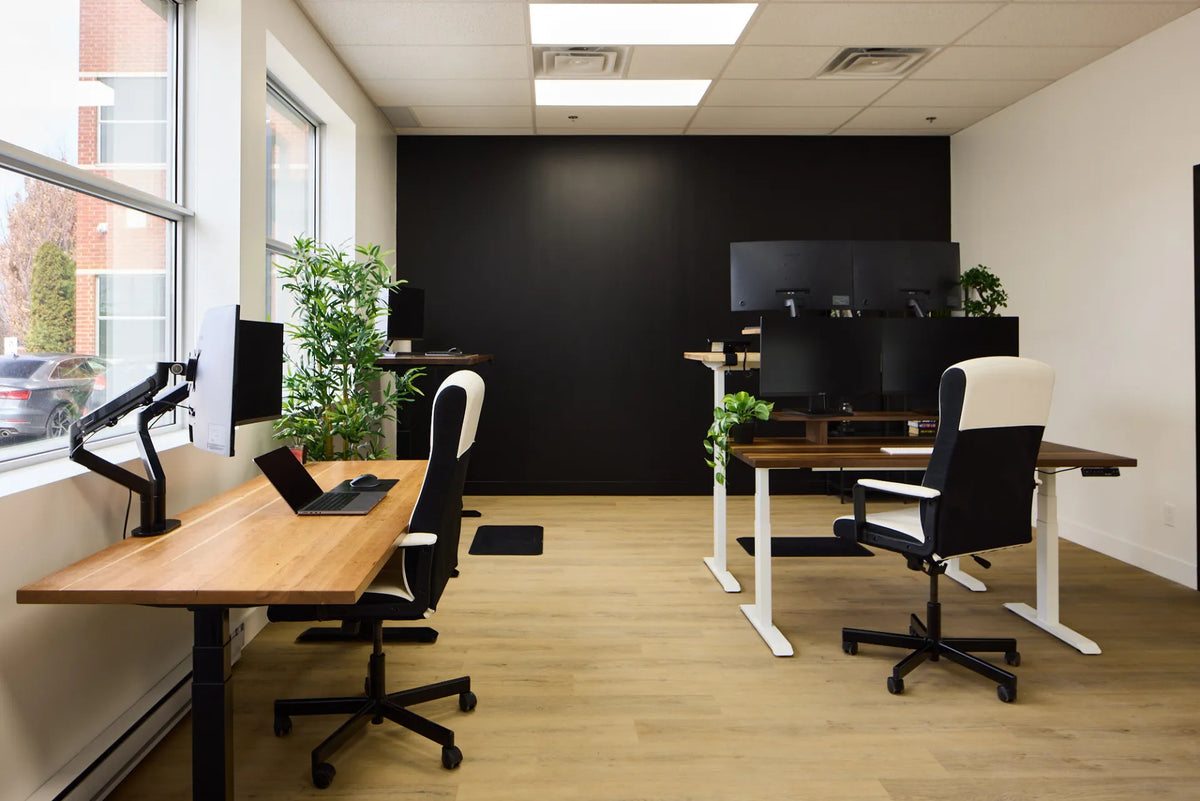
Shared office with rows of wood adjustable desks, monitors, chairs, plants and a clear central walkway

Hot Desking Setup Guide: Shared Adjustable Workstations
Build a shared adjustable workstation that each employee can reset quickly, use comfortably and leave ready for the next person.

Read moreabout Hot Desking Setup Guide: Shared Adjustable Workstations

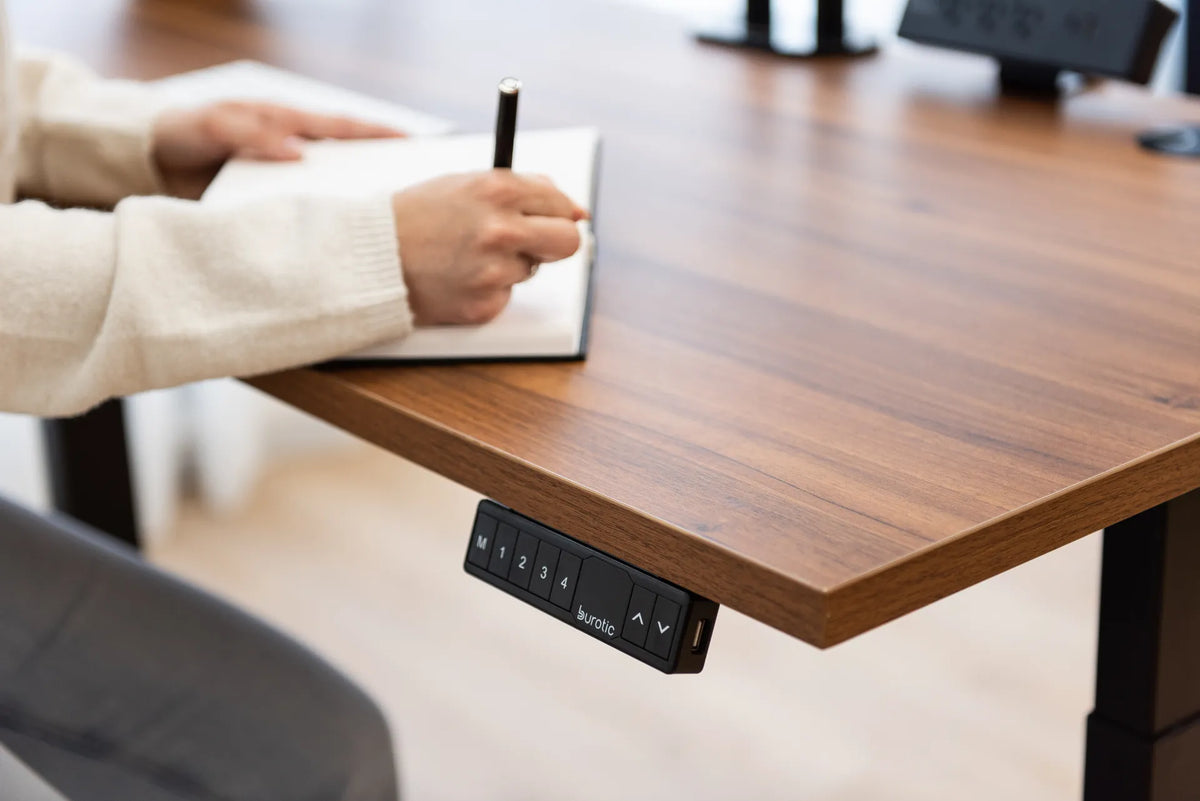
Person writing in an open notebook on a walnut-coloured standing desk beside a black memory controller

How to Position Paper Documents at a Computer Workstation
Position paper notes, forms and reference documents to reduce repeated head turning, preserve screen visibility and keep writing space practical.

Read moreabout How to Position Paper Documents at a Computer Workstation

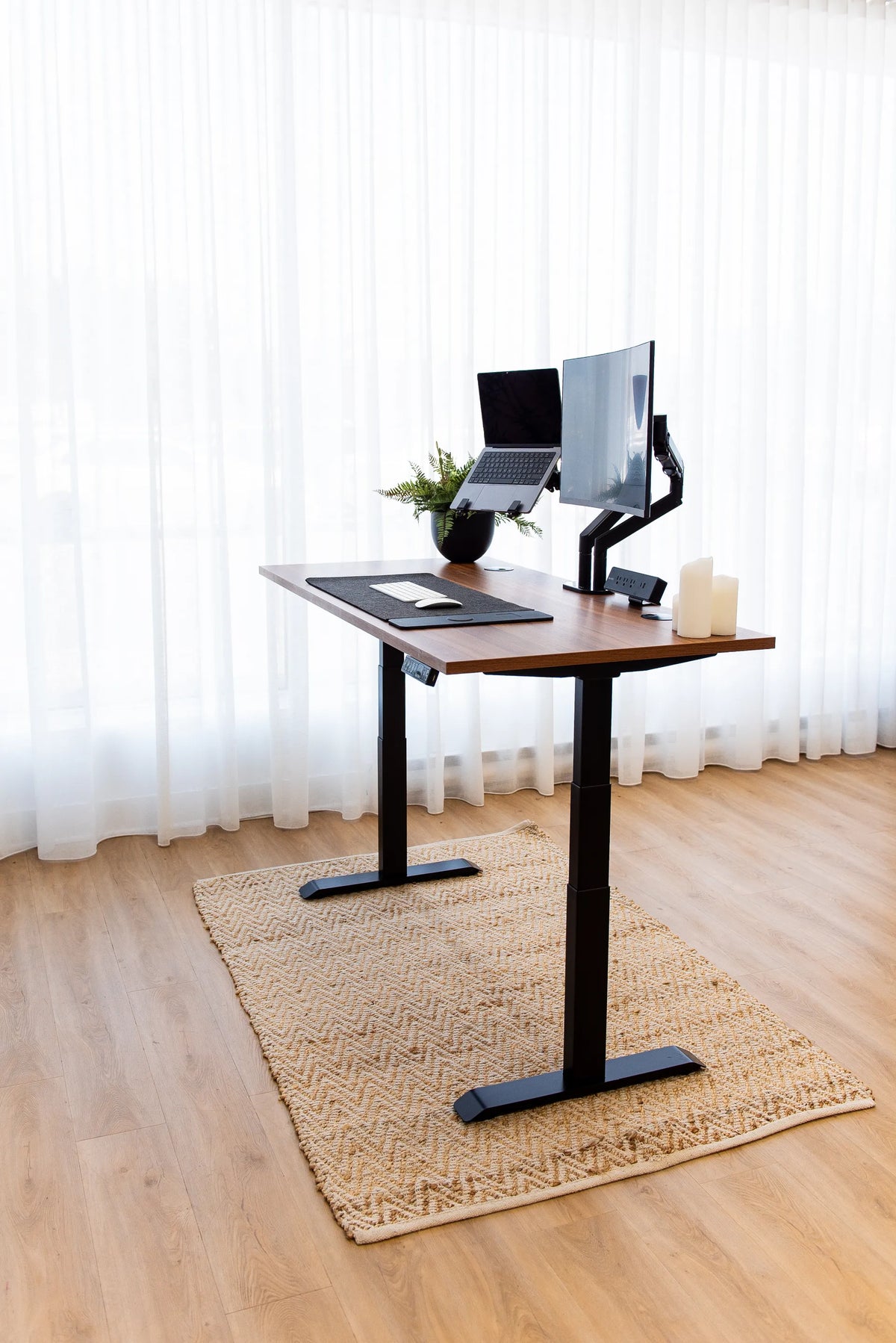
Full standing desk with a wood top, black frame, monitor arm, raised laptop, keyboard, mouse, plant and candles on a beige rug

Desk Reach Zones: Where to Put the Items You Use Most

Organize a desk into primary, secondary and occasional reach zones so keyboards, tools, storage and decor support the task without crowding movement.

Read moreabout Desk Reach Zones: Where to Put the Items You Use Most

Hands typing on a compact white keyboard beside a white mouse on a black desk pad over a wood desktop

Do You Need a Wrist Rest? How to Use One Without Adding Pressure
Learn when a wrist or palm rest may help, how to size and position it, and what to adjust first for straighter wrists at a keyboard and mouse.

Read moreabout Do You Need a Wrist Rest? How to Use One Without Adding Pressure

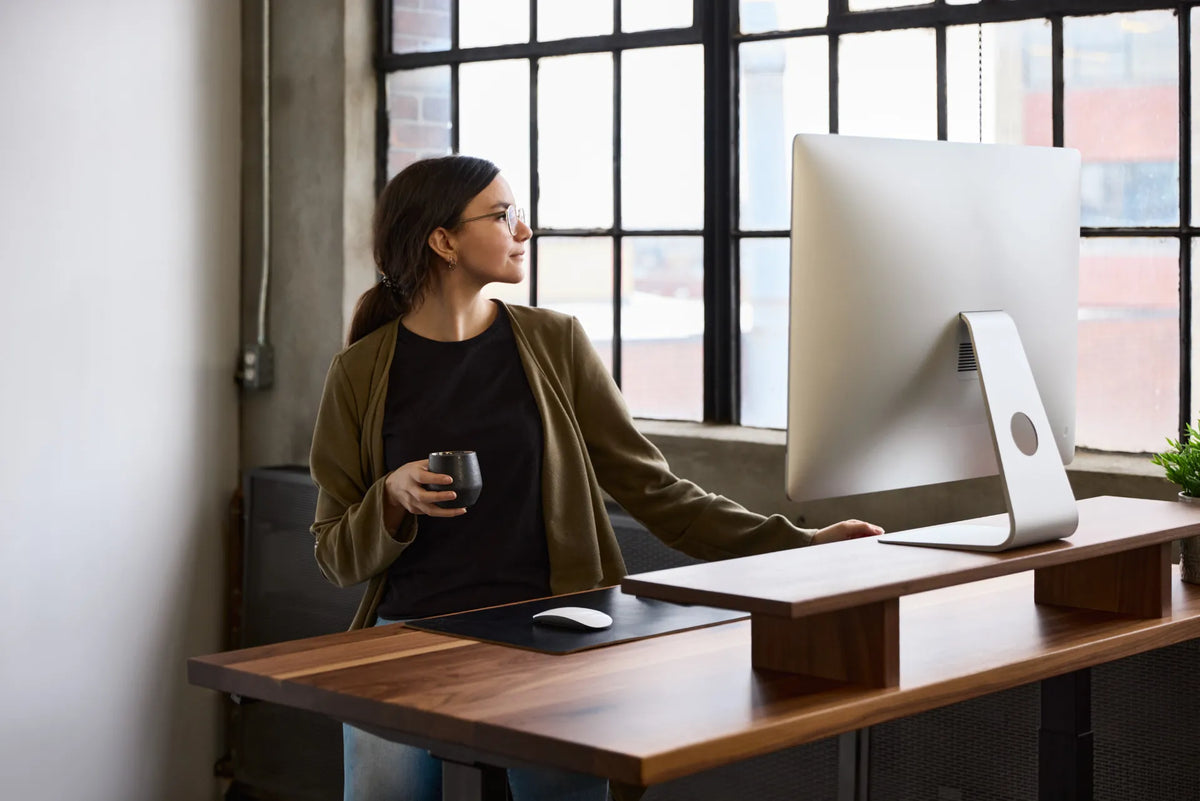
Woman standing at a dark wood desk and looking toward a large white monitor beside a notebook and mug

How to Centre a Monitor on Your Desk for Better Ergonomics

Centre a primary monitor on your body and keyboard, then adjust distance, height, glare and dual-screen angles for seated and standing work.

Read moreabout How to Centre a Monitor on Your Desk for Better Ergonomics