


Under-Desk Storage Ideas for a Small Home Office

In this article
Under-desk storage can make a small home office more useful, but only if it protects the space needed for your knees, feet, chair, cables, and any height-adjustable movement. A shallow drawer is well suited to pens, adapters, and a notebook. A mobile filing cabinet works better for paper and heavier supplies. A cable tray, headphone hook, or small side caddy can solve one specific problem without turning the entire underside into a cabinet.
The best approach is to match each item to the smallest suitable storage type, then check the complete workstation in seated and standing positions. Storage should reduce reaching and visual clutter. It should not force your body to one side or create a collision every time the desk moves.
Measure the space you cannot afford to lose
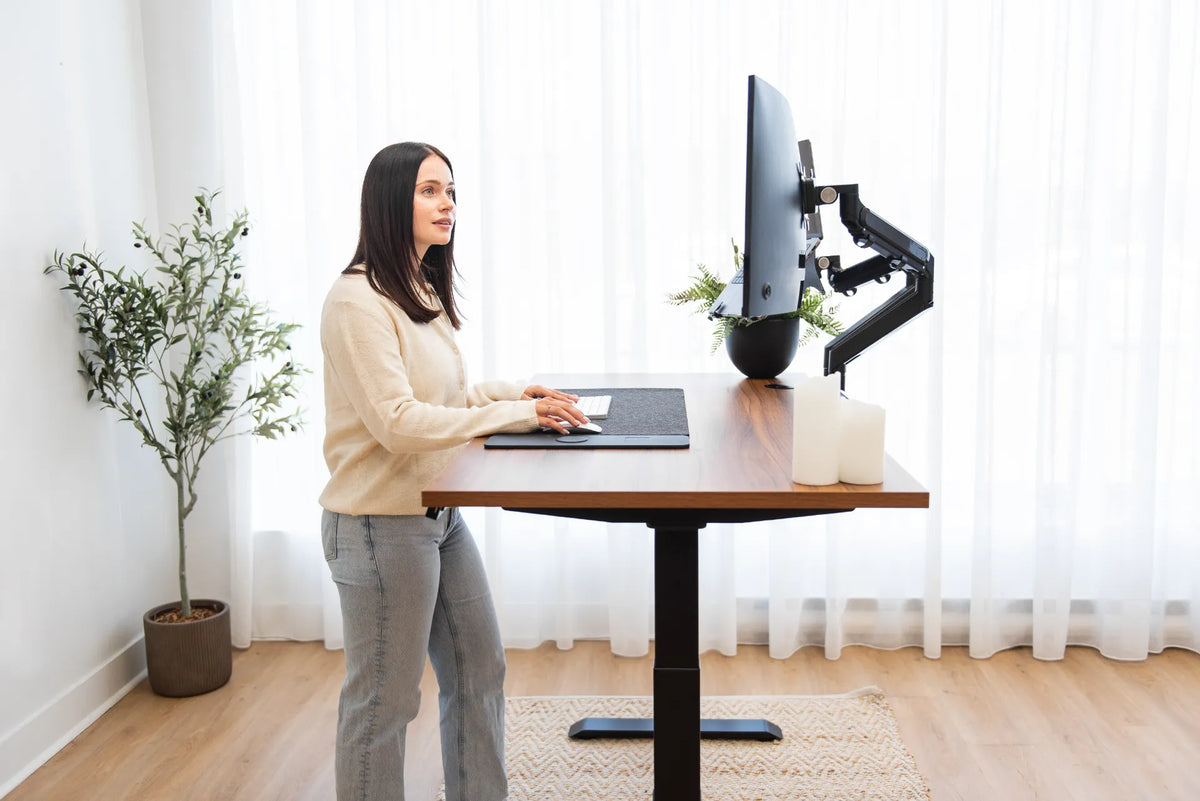
Start with the clear area under the desk. Measure the height from the floor to the underside, the width between the legs, and the depth available behind your knees. Sit in your normal working position and note where your thighs, knees, shins, and feet move. Pull the chair back and rotate it as you would during the day.
OSHA recommends enough clearance below the work surface for the thighs, legs, and feet, and warns that stored items can limit movement. CCOHS similarly advises planning space for the user, equipment, materials, movement, and storage together. Treat that clear zone as essential workspace, not empty capacity waiting to be filled.
If the desk adjusts in height, measure at the lowest and highest settings you use. Look for frame rails, motors, control boxes, and moving legs. Nothing should touch these components or hang where a cable can catch.
Choose storage by what it must hold
Shallow under-desk drawer
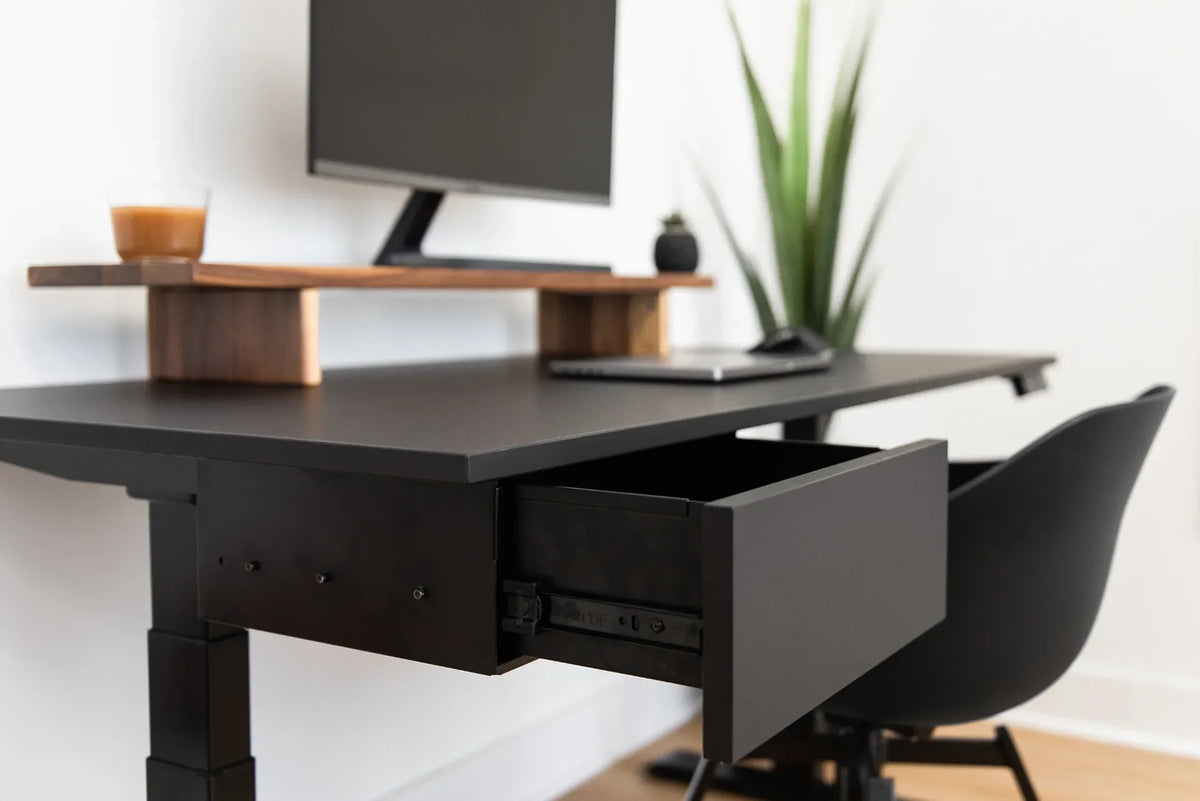
A shallow drawer is useful for small, frequently used items such as pens, sticky notes, a compact notebook, charging adapters, or a calculator. It keeps the desktop clear while placing supplies within reach. Because it mounts directly below the top, it can reduce thigh clearance. Check the combined height of the drawer and mounting hardware before installation.
Organize the drawer by function rather than filling every compartment. Keep daily writing tools together, small technology together, and remove duplicates. Burotic's guide to organizing desk drawers explains how to assign zones without creating a hidden clutter pile.
Mobile filing cabinet
A mobile cabinet can store paper, larger supplies, and personal items without attaching hardware to the desktop. It can move when the workstation changes and may double as a side surface. It also occupies floor area and can narrow the chair route. Place it beside the desk when possible rather than directly in front of one leg.
For a focused purchasing decision, compare an attached drawer and a cabinet in Burotic's desk drawer versus filing cabinet guide. The current metal filing cabinet page provides verified dimensions to compare with your measured space.
Cable tray or cable basket
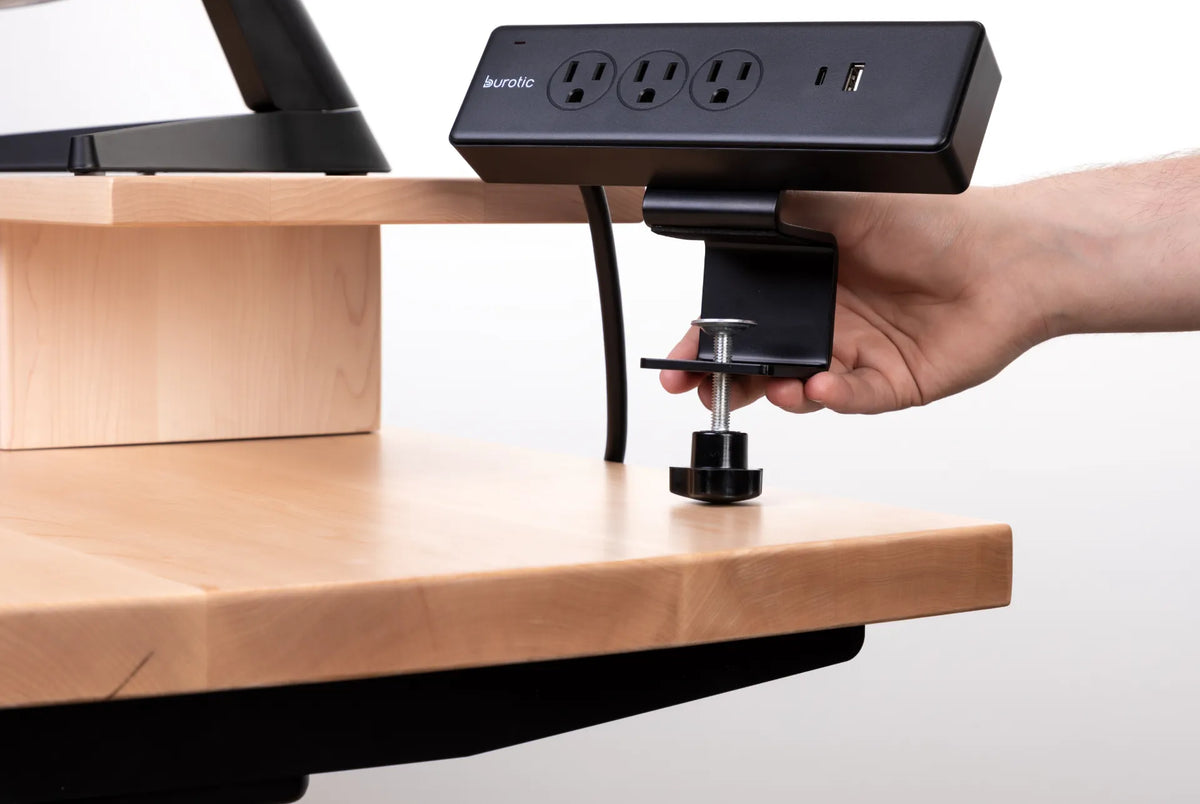
A cable tray is storage for infrastructure, not office supplies. It keeps a power bar and extra cable length away from feet and chair casters. Mount it where you can inspect connections and where the desk frame permits. Leave enough slack for devices and the full height range of an adjustable desk.
Hooks and small caddies
A hook can keep headphones or a bag off the floor. A narrow caddy can hold one notebook or a few cables. These accessories work best when they solve a defined problem. Install them outside the knee path and away from the side where you normally enter the chair.
Rolling cart beside the desk
A slim cart is not technically under the desk, but it can use the adjacent space more safely than filling the centre. It suits art supplies, reference books, or shared household items. Choose one that can move without scratching the floor and give it a parking position that does not block the door.
Keep a central leg zone
A small office often tempts people to use every cubic centimetre. Resist that urge below the primary work position. Keep a central zone wide enough to change foot position and sit squarely in front of the keyboard. If storage forces both knees to one side, the workstation is too crowded even if every object technically fits.
Place a cabinet to one side and a shallow drawer toward the side opposite your dominant entry route. Do not mount accessories where they press against the thighs at the desk's lowest setting. If you use a footrest, include its full depth and movement in the plan.
Plan storage for a standing desk
Storage attached to the desktop rises and lowers with the desk. Floor storage does not. This difference creates several checks:
- raise and lower the desk slowly while watching every cable and accessory;
- keep cabinet tops clear of the descending desktop and frame;
- do not route a cable from moving storage to a fixed object without enough slack;
- keep hanging bags and headphones away from the legs and controller;
- respect the manufacturer's mounting and load instructions.
CCOHS notes that cables and storage should not interfere with a sit-stand workstation. Test the complete movement after any installation. Stop if the desk meets resistance or if an item can be crushed.
Match the storage to frequency of use
Daily items belong in the easiest location. Weekly items can sit in a lower drawer or nearby cabinet. Refills, archives, and seasonal equipment should move to a closet or shelf away from the desk. This frequency rule prevents the most accessible space from filling with objects you rarely touch.
Keep the primary reach area for the keyboard, mouse, phone, and active document. CCOHS advises placing equipment and materials according to importance and frequency. Storage should support that sequence instead of making you open several containers for one simple task.
Use the vertical and side zones carefully
If the underside cannot safely hold more storage, use the wall beside the desk, a monitor riser, or a shallow shelf. Vertical file holders can keep current projects visible without taking the main writing area. Avoid placing heavy objects above the workstation unless the shelf and wall mounting are appropriate.
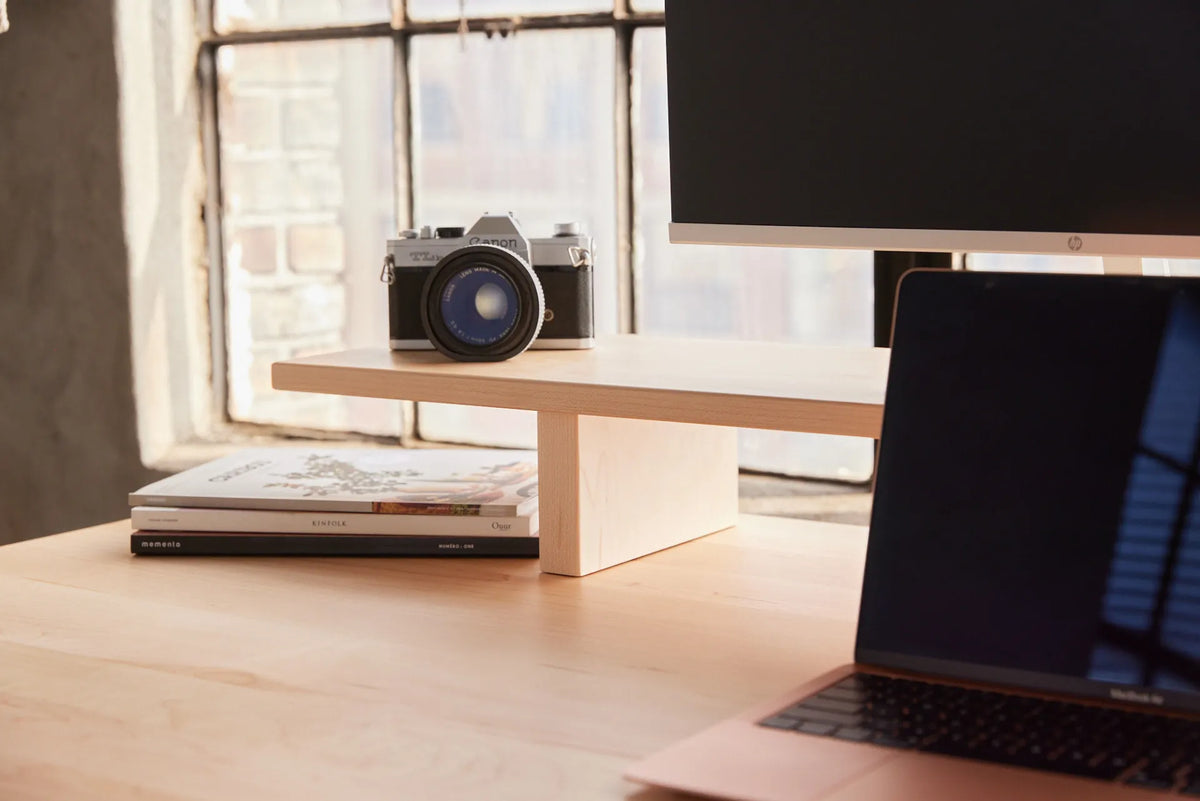
A monitor riser may create a small parking area for a notebook or keyboard, provided the screen remains at a comfortable height. A side-mounted accessory can be useful, but check whether it catches clothing or narrows the entry route.
A simple storage map
- List everything currently on and below the desk.
- Remove duplicates, expired notes, empty packaging, and unused cables.
- Group the remaining items by daily, weekly, and occasional use.
- Protect the central leg and foot zone.
- Assign small daily items to a shallow drawer.
- Assign paper and heavier items to side or mobile storage.
- Give power and data cables their own tray or route.
- Test seated posture, chair movement, and the full desk height range.
This sequence avoids buying a container before you know what it must hold. If an item has no logical home, reconsider whether it needs to remain at the workstation.
Installation checks before drilling
Inspect both sides of the desktop. Locate frame rails, control boxes, cable trays, fasteners, and any existing holes. Confirm the surface material and thickness against the accessory instructions. Do not assume a screw that fits a solid top is appropriate for every laminate or hollow construction.
Use the template supplied with the product and verify screw length. Keep hardware away from electrical components. If the accessory cannot be installed according to its instructions, choose a non-mounted option. Burotic's under-desk drawer installation guide provides a more detailed planning sequence.
Common under-desk storage mistakes
Filling the centre: boxes and cabinets can force the feet and knees into one narrow position.
Ignoring the desk frame: a drawer may fit the top but collide with a rail or control box below it.
Mounting before sorting: storage capacity expands clutter when unnecessary items are never removed.
Combining power and loose supplies: adapters, paper, and pens do not belong in a cable tray with electrical connections.
Testing only while seated: an adjustable desk needs a complete motion test with cables and storage loaded as intended.
What works best in a small office?
For many compact setups, the most efficient combination is one shallow under-desk drawer for daily small items, one cable tray for infrastructure, and a mobile cabinet or cart beside the desk for paper and heavier supplies. This keeps different functions separate and preserves the central leg zone.
Choose fewer storage pieces with clear roles. Measure first, protect movement, and leave some empty capacity. A small office feels more functional when storage supports the work instead of surrounding the user.
Previous article
Standing Desk Memory Presets Not Working? What to Check
Next article
Standing Desk Memory Presets Not Working? What to Check