Ergonomic Office Tips & Buying Guides

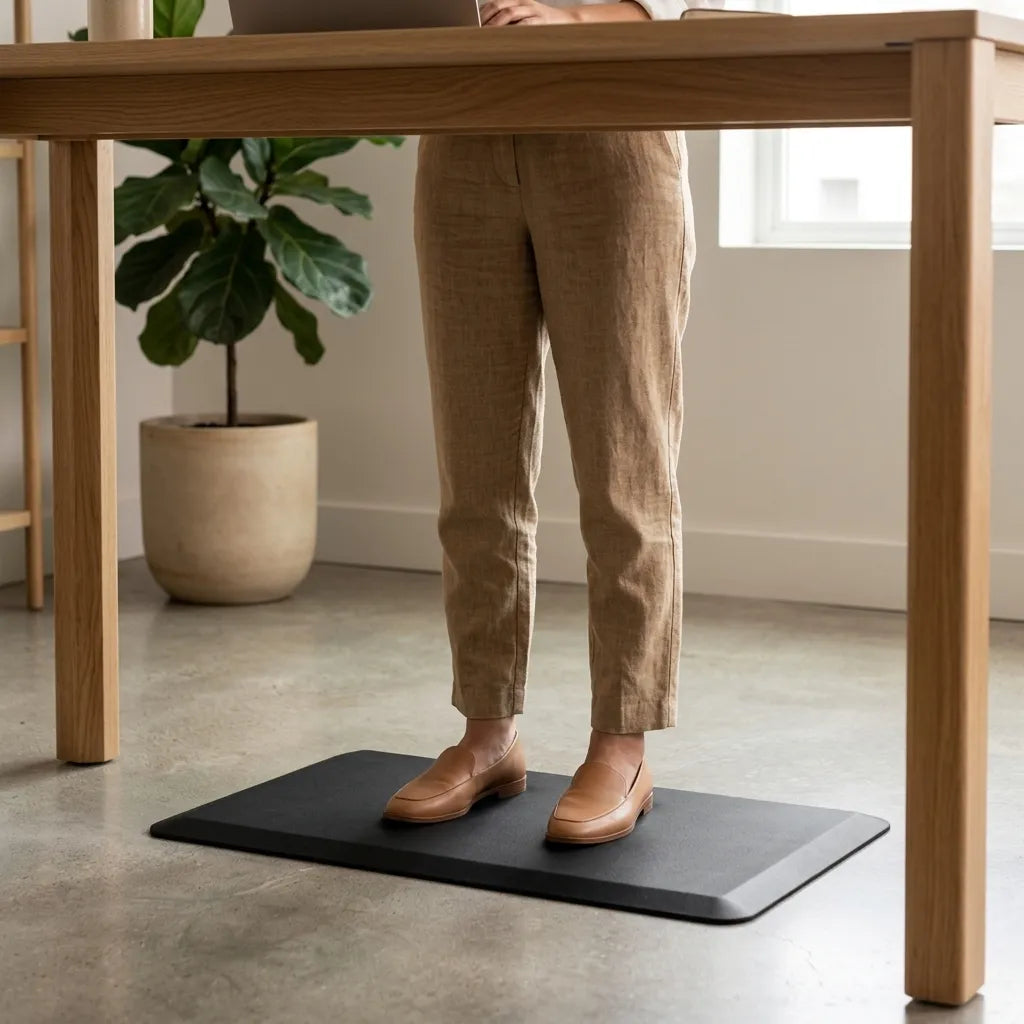
Person in tan trousers and brown loafers standing on a black anti-fatigue mat under the front edge of a light wood desk

Where Should You Place an Anti-Fatigue Mat at a Desk?
Position an anti-fatigue mat where you naturally stand, keep its edges clear and make it easy to move when you return to sitting.

Read moreabout Where Should You Place an Anti-Fatigue Mat at a Desk?

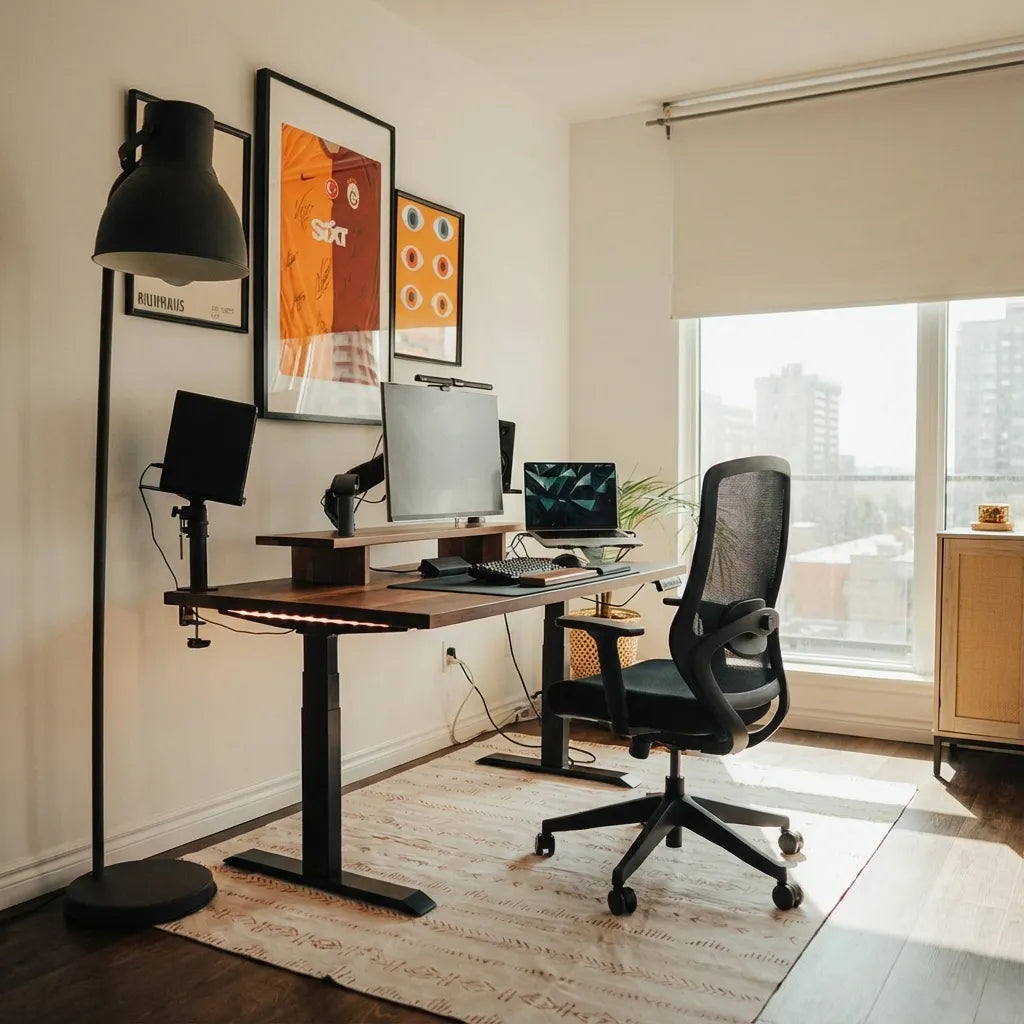
Home office with a black floor lamp beside a wood standing desk, three screens, a laptop and a black mesh chair near a window

Where Should You Place a Lamp to Reduce Screen Glare?
Learn where to place task lighting beside a monitor, how to test for reflections and how to balance screen and room brightness.

Read moreabout Where Should You Place a Lamp to Reduce Screen Glare?

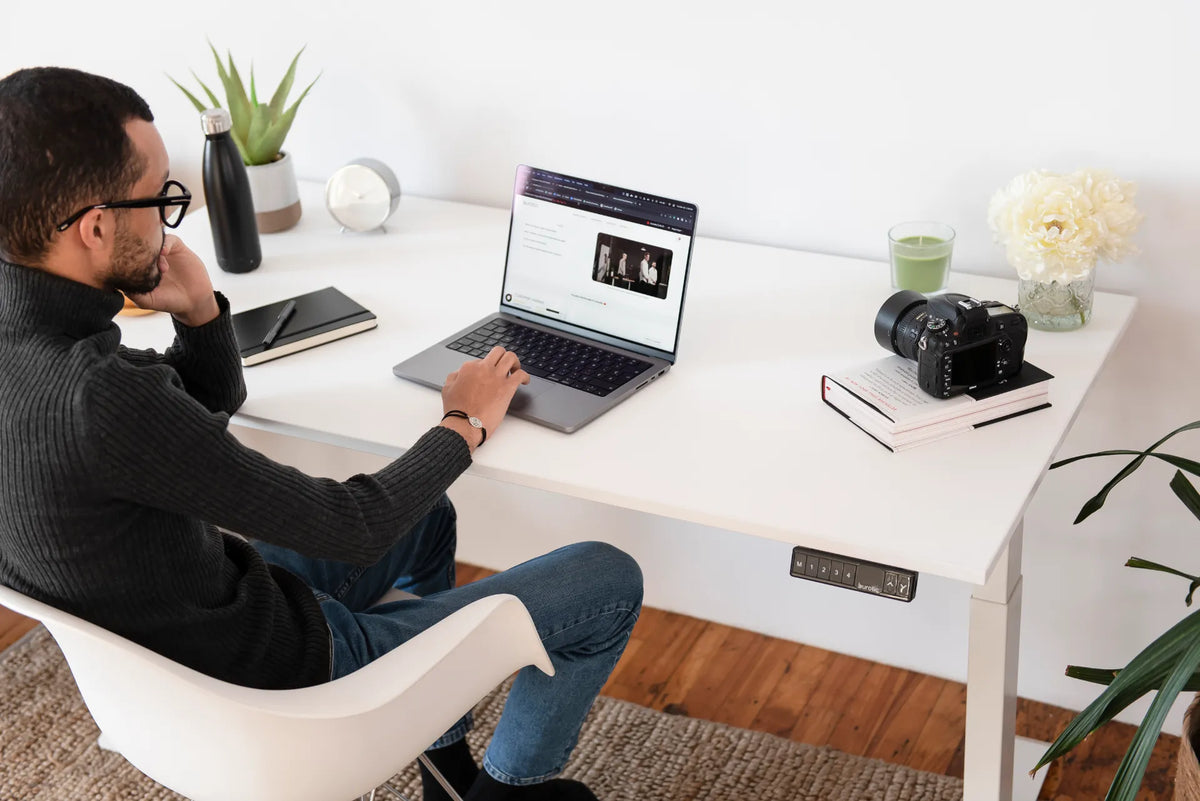
Man seated in a white chair using a laptop on a white height-adjustable desk with plants, notebooks and a camera nearby

How Far Should You Sit From a Laptop Screen?
A practical guide to laptop viewing distance, screen height, text size and posture for a more comfortable Canadian home office setup.

Read moreabout How Far Should You Sit From a Laptop Screen?

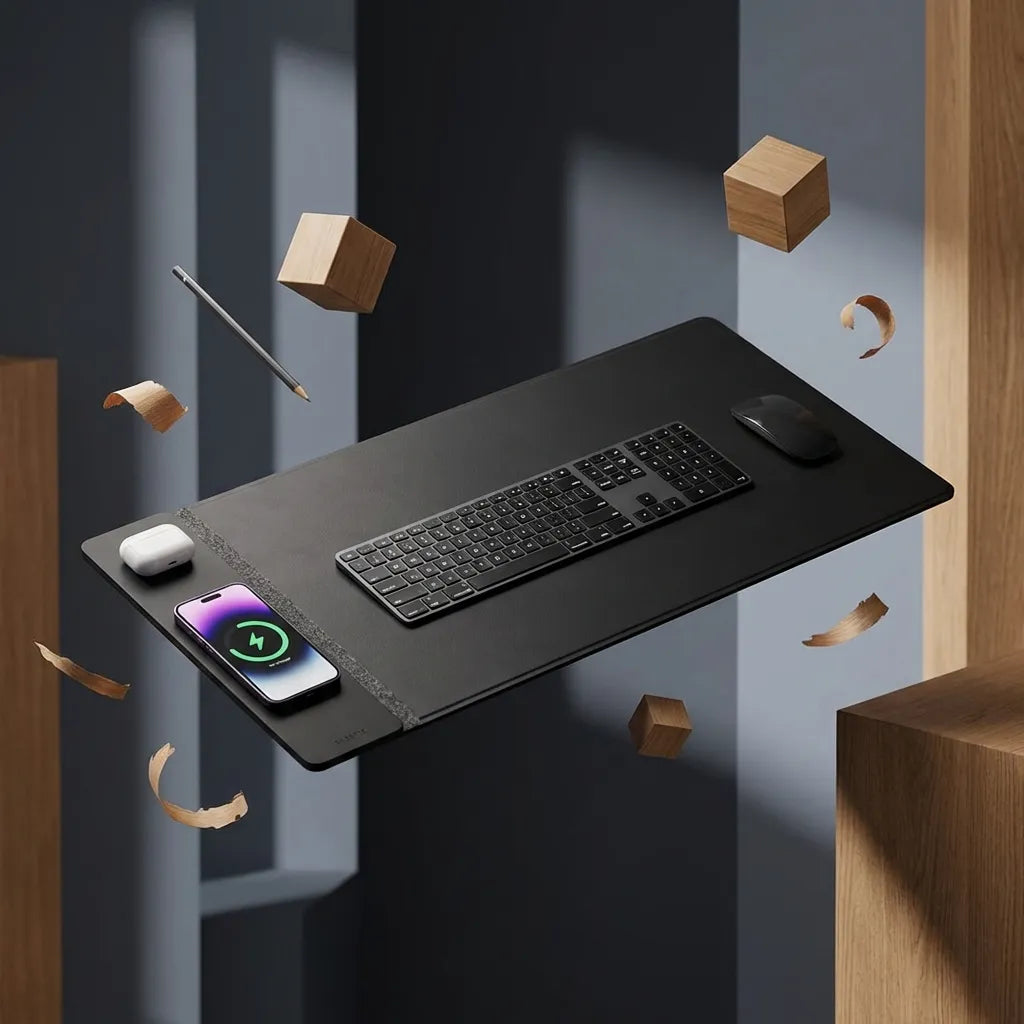
Black desk pad with a phone charging beside white earbuds, a keyboard and a mouse in a dark wood setting

Will a Wireless Charging Desk Pad Work With Your Phone?
A wireless charging desk pad works only when the phone supports a compatible wireless standard and its receiving coil aligns with the charging zone. Cases, metal and power adapters can change the result.

Read moreabout Will a Wireless Charging Desk Pad Work With Your Phone?

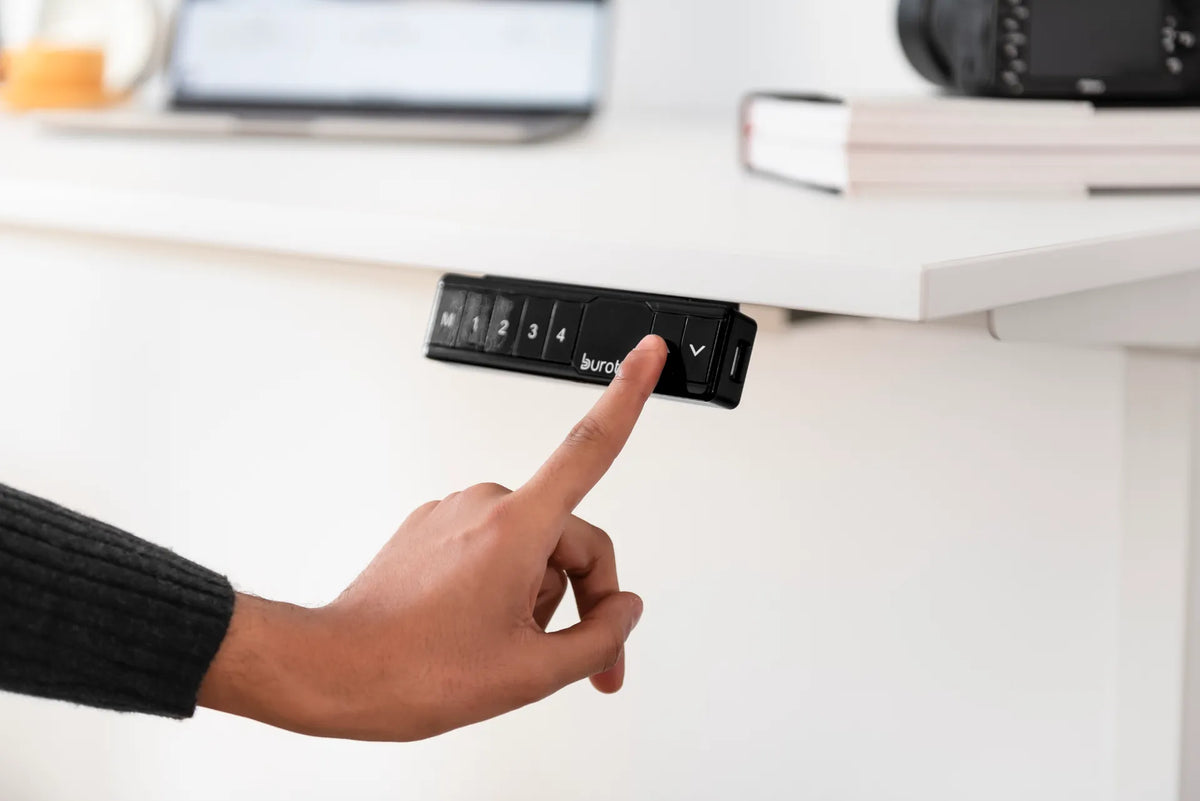
Hand pressing the down arrow on a black Burotic memory controller under a white standing desk

Why Does My Standing Desk Stop and Reverse?
A brief stop and reversal often indicates an anti-collision response, but repeated reversals with a clear path can also point to cables, load, alignment or a control fault.

Read moreabout Why Does My Standing Desk Stop and Reverse?

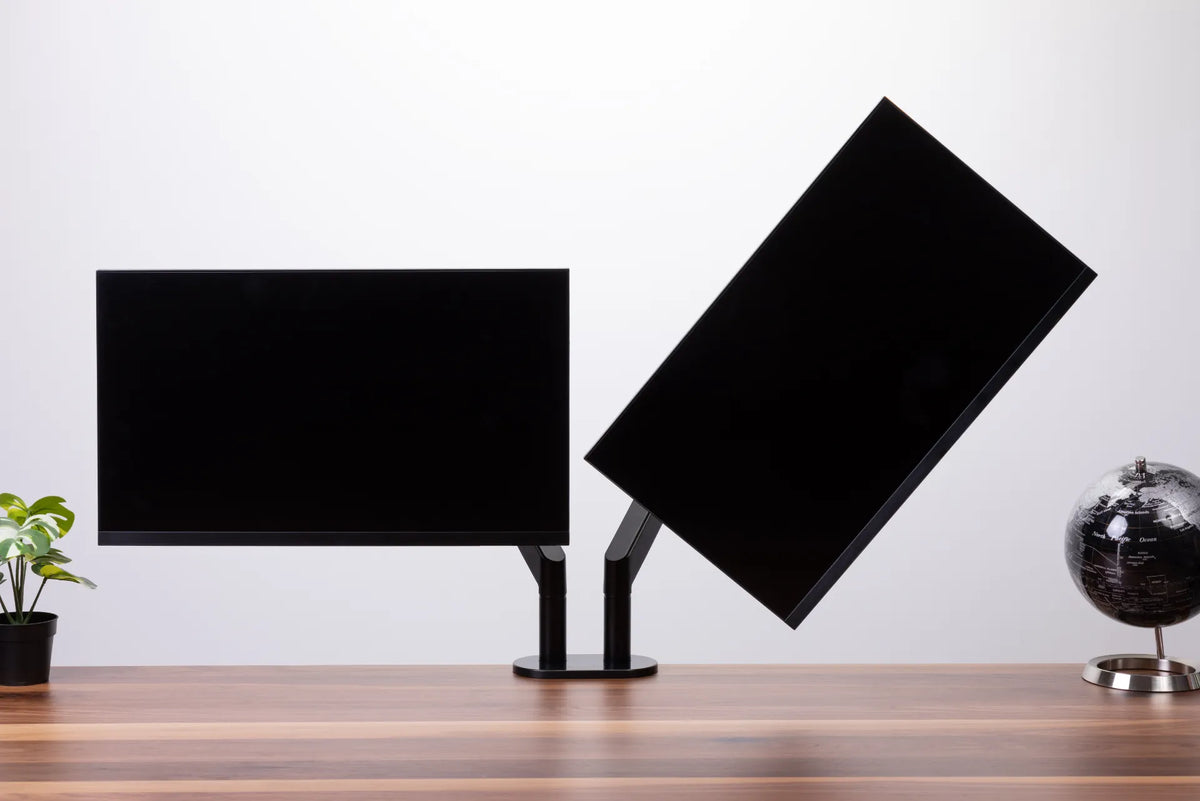
Two black monitors on a dual arm above a wood desk, with one screen horizontal and the other tilted toward portrait

Can You Use a Monitor Arm Without VESA Holes?
A monitor without visible VESA holes may still accept a hidden or model-specific mount. Confirm the exact model, mounting pattern, weight and approved adapter before removing its stand.

Read moreabout Can You Use a Monitor Arm Without VESA Holes?

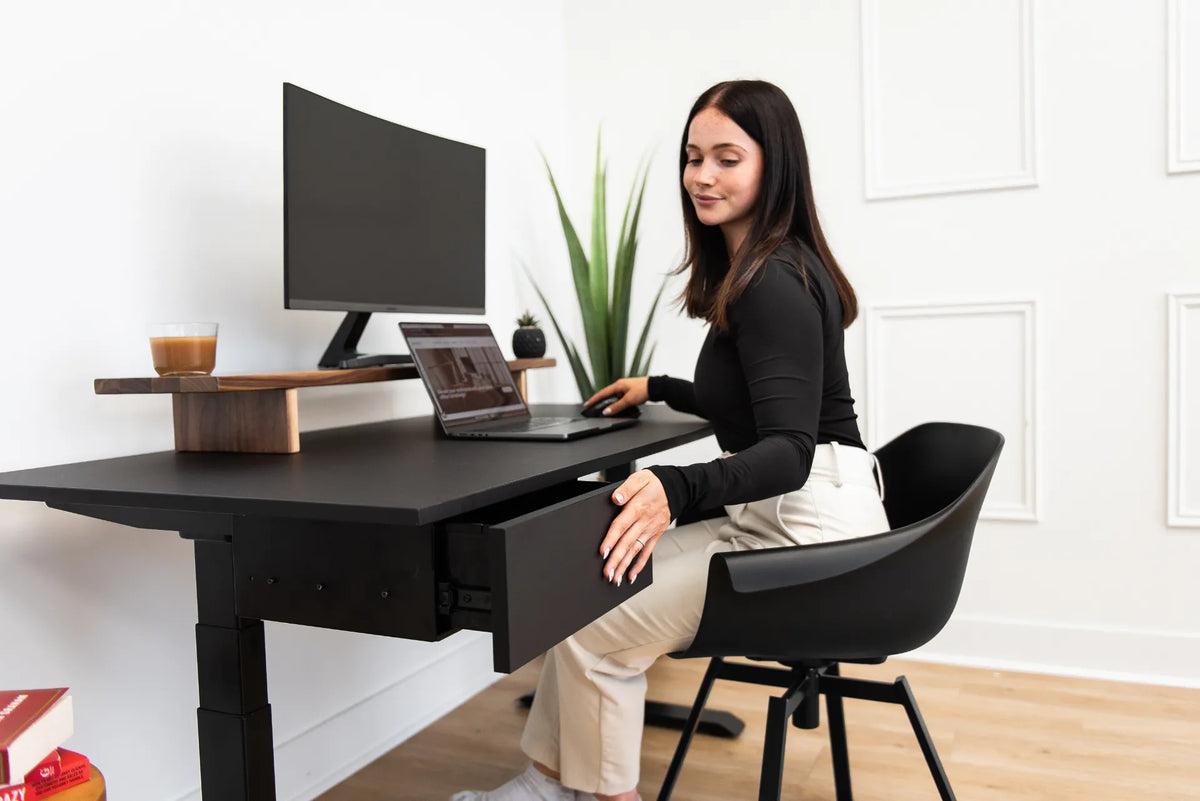
Woman seated at a black standing desk while pulling open a black under-desk drawer in a bright office

Why Is My Desk Drawer Hard to Open?

Do not force a sticking desk drawer. Empty it, inspect for trapped items, compare the gaps, check accessible hardware and follow the slide maker's care instructions.

Read moreabout Why Is My Desk Drawer Hard to Open?

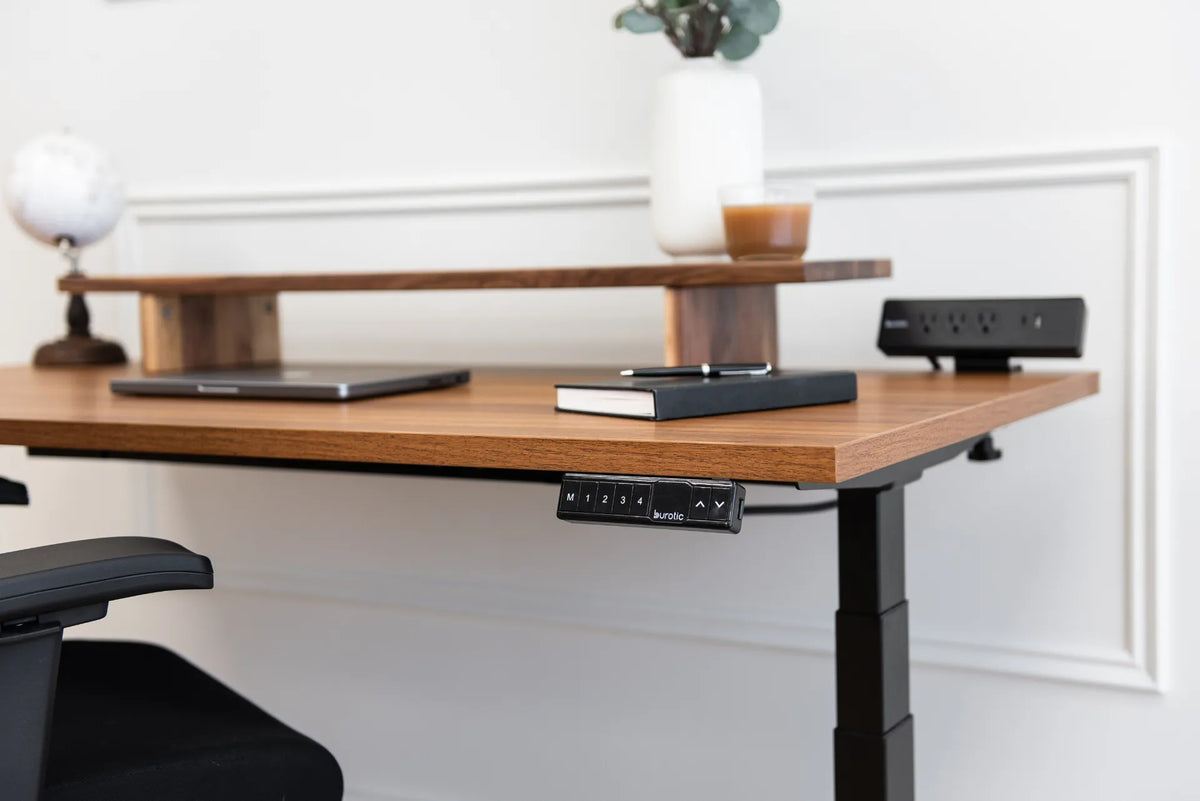
Close view of a walnut standing desk with black legs, a memory controller, monitor riser and power bar

Why Is My Standing Desk Making a Clicking Noise?

One faint click during an approved reset may be normal for some desks. Repeated clicking, grinding, uneven movement or electrical symptoms call for a careful inspection and support.

Read moreabout Why Is My Standing Desk Making a Clicking Noise?

Woman reading at a light wood standing desk beside large industrial windows with a monitor and laptop

How Far Should a Desk Be From a Window?

There is no universal desk-to-window distance. Use glare, window operation, heating, airflow, desk movement and circulation to measure the right clearance for your room.

Read moreabout How Far Should a Desk Be From a Window?