Ergonomic Office Tips & Buying Guides

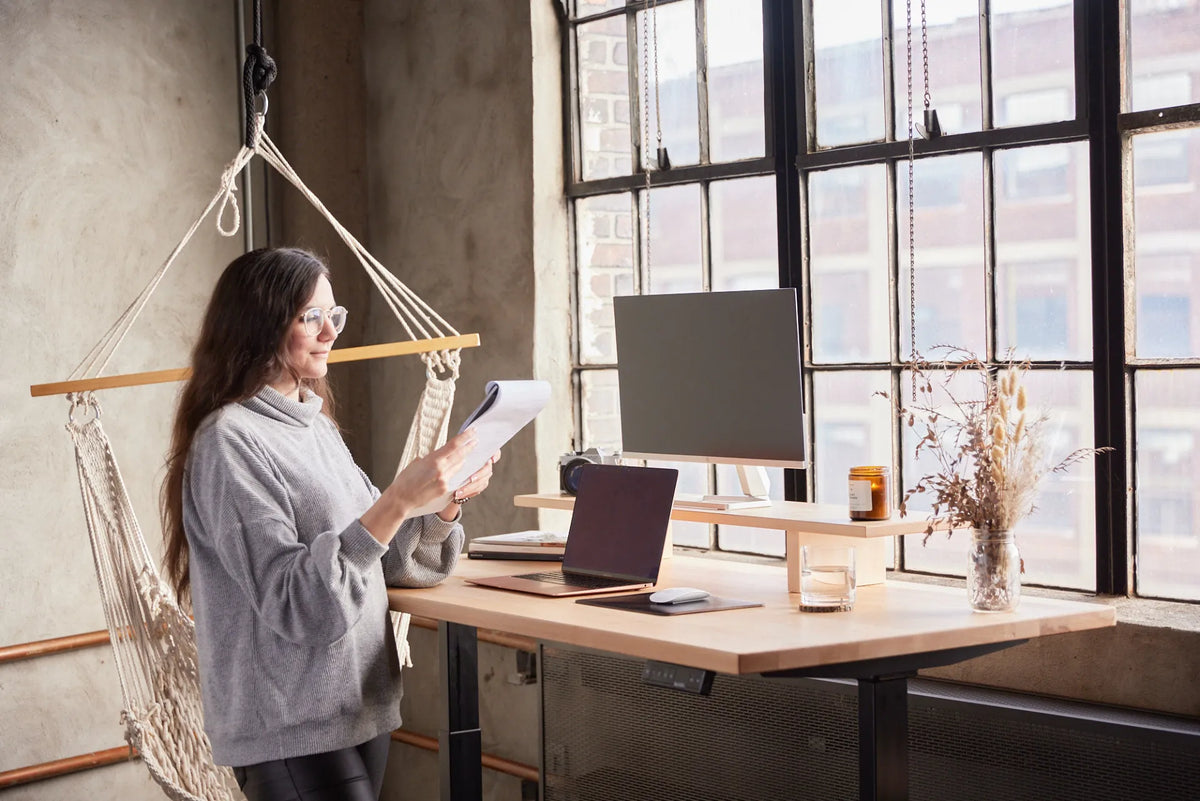
Woman standing at a light wood adjustable desk and reviewing paper documents beside a laptop, monitor and monitor stand

Standing Desk Setup for Paperwork and Document Review
Set up a standing desk for reading, comparing and annotating paper documents with suitable height, lighting, document zones and easy transitions to screen work.

Read moreabout Standing Desk Setup for Paperwork and Document Review

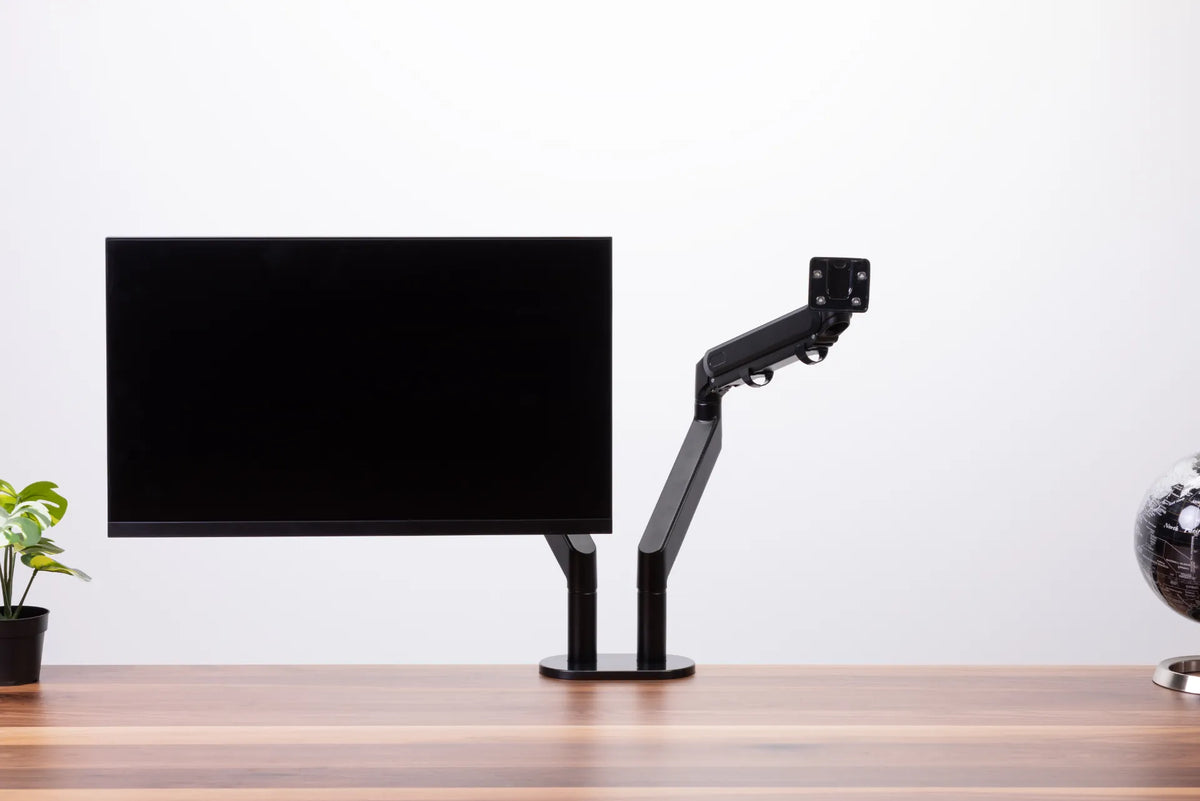
Black dual monitor arm with one screen installed and a second empty VESA mount above a wood desktop

Where Should You Position a Monitor Arm on Your Desk?
Position a monitor arm by planning the screen centre, clamp location, arm sweep, wall clearance, cable slack and the way your adjustable desk moves.

Read moreabout Where Should You Position a Monitor Arm on Your Desk?

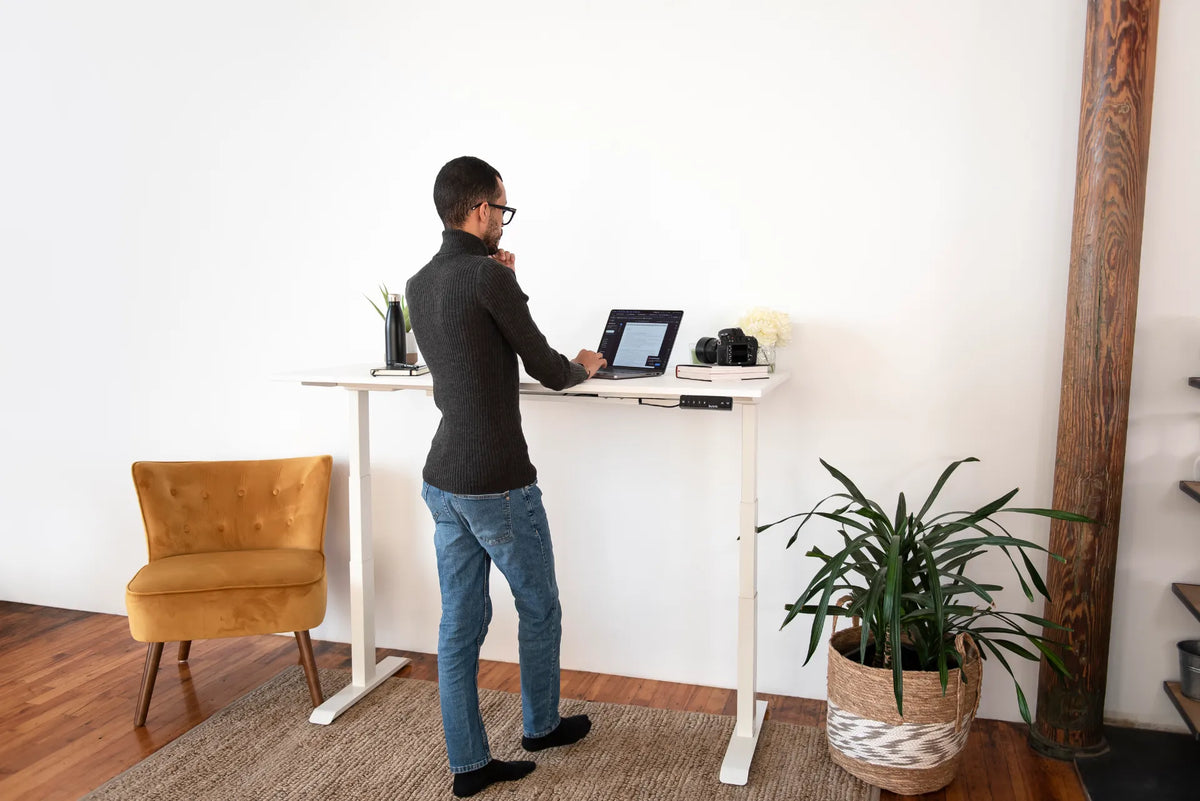
Person in black socks standing at a white adjustable desk with a laptop, camera, books, plants and a woven rug

Should You Wear Shoes at a Standing Desk? Comfort and Safety Guide

Compare supportive shoes, socks and barefoot standing at an adjustable desk, then coordinate footwear with desk height, flooring, mats and movement.

Read moreabout Should You Wear Shoes at a Standing Desk? Comfort and Safety Guide

Person writing in an open notebook on a wood standing desk with a black memory controller below the desktop

Standing Desk Height for Handwriting: Notes, Forms and Paperwork

Set a standing desk height for handwriting by coordinating the chair, elbows, forearms, page position, lighting and transitions from computer work.

Read moreabout Standing Desk Height for Handwriting: Notes, Forms and Paperwork

Hands typing on a compact white keyboard beside a white mouse on a black desk mat and wood desktop

How to Position a Mouse at Your Desk: Reach, Height and Grip
Position a computer mouse within easy reach by coordinating desk height, keyboard width, pointer settings and sitting or standing posture.

Read moreabout How to Position a Mouse at Your Desk: Reach, Height and Grip

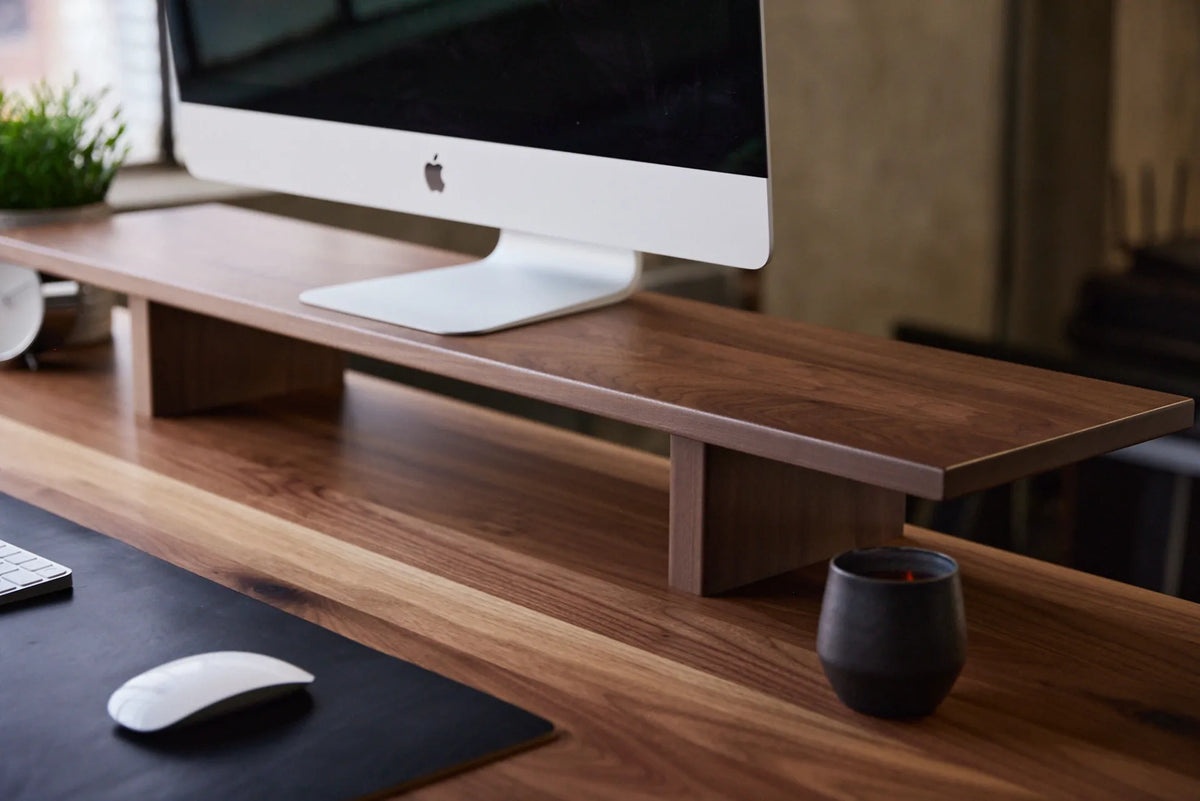
Dark wood monitor stand supporting a desktop display above a wood desk with a mouse and cup

How High Should a Monitor Stand Be? A Practical Setup Guide

Set a monitor stand to a useful height by measuring your eye line, screen position, viewing distance and sitting-to-standing posture.

Read moreabout How High Should a Monitor Stand Be? A Practical Setup Guide

Person seated in a black mesh ergonomic chair with a headrest and visible back support against a dark background

Office Chair for Long Hours: What to Look for in Canada
Choose an office chair for long computer days by evaluating fit, adjustment range, back support, armrests, movement and compatibility with your desk.

Read moreabout Office Chair for Long Hours: What to Look for in Canada

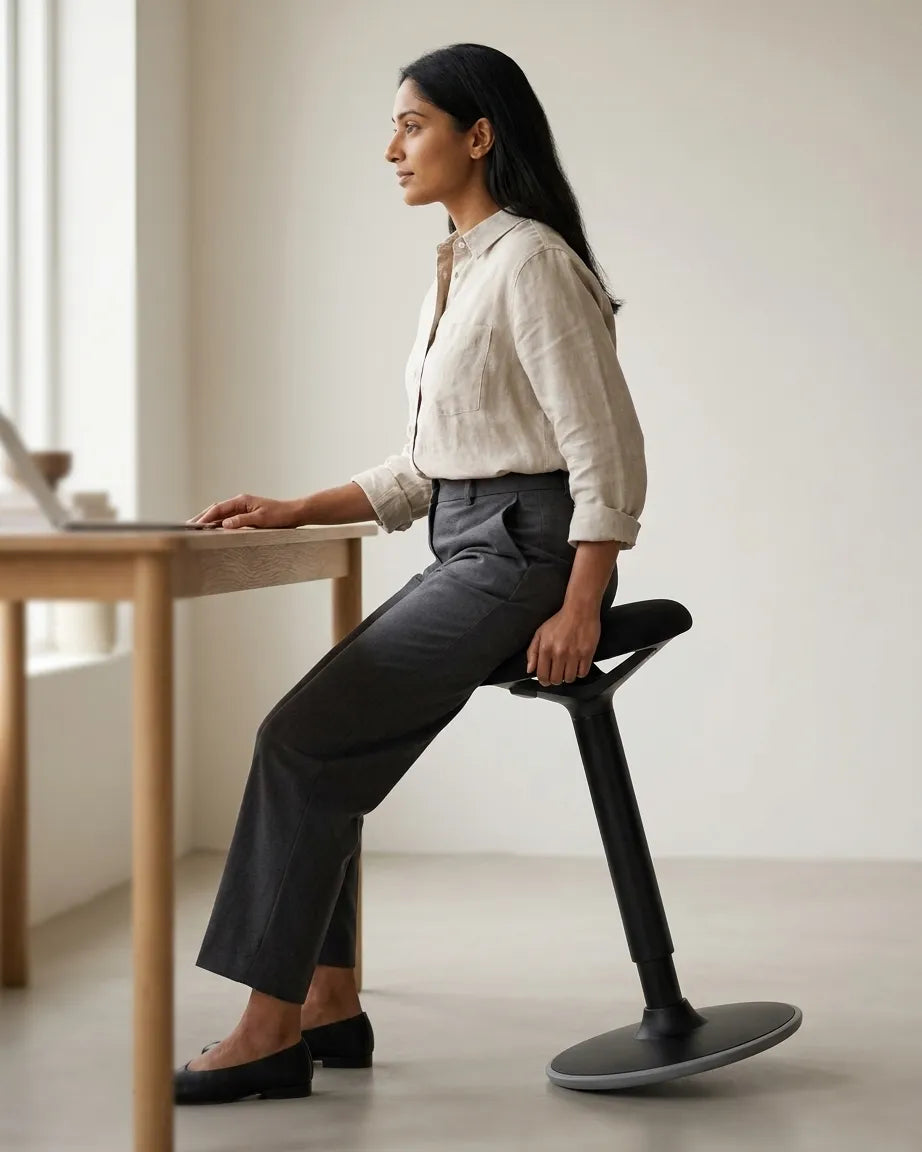
Person holding a white balance stool with a dark seat beside a light wood standing desk

How High Should a Balance Stool Be? Sitting and Perching Guide
Set a balance stool height for supported sitting or light perching, then coordinate the desk, feet, task duration and transitions with a regular chair.

Read moreabout How High Should a Balance Stool Be? Sitting and Perching Guide

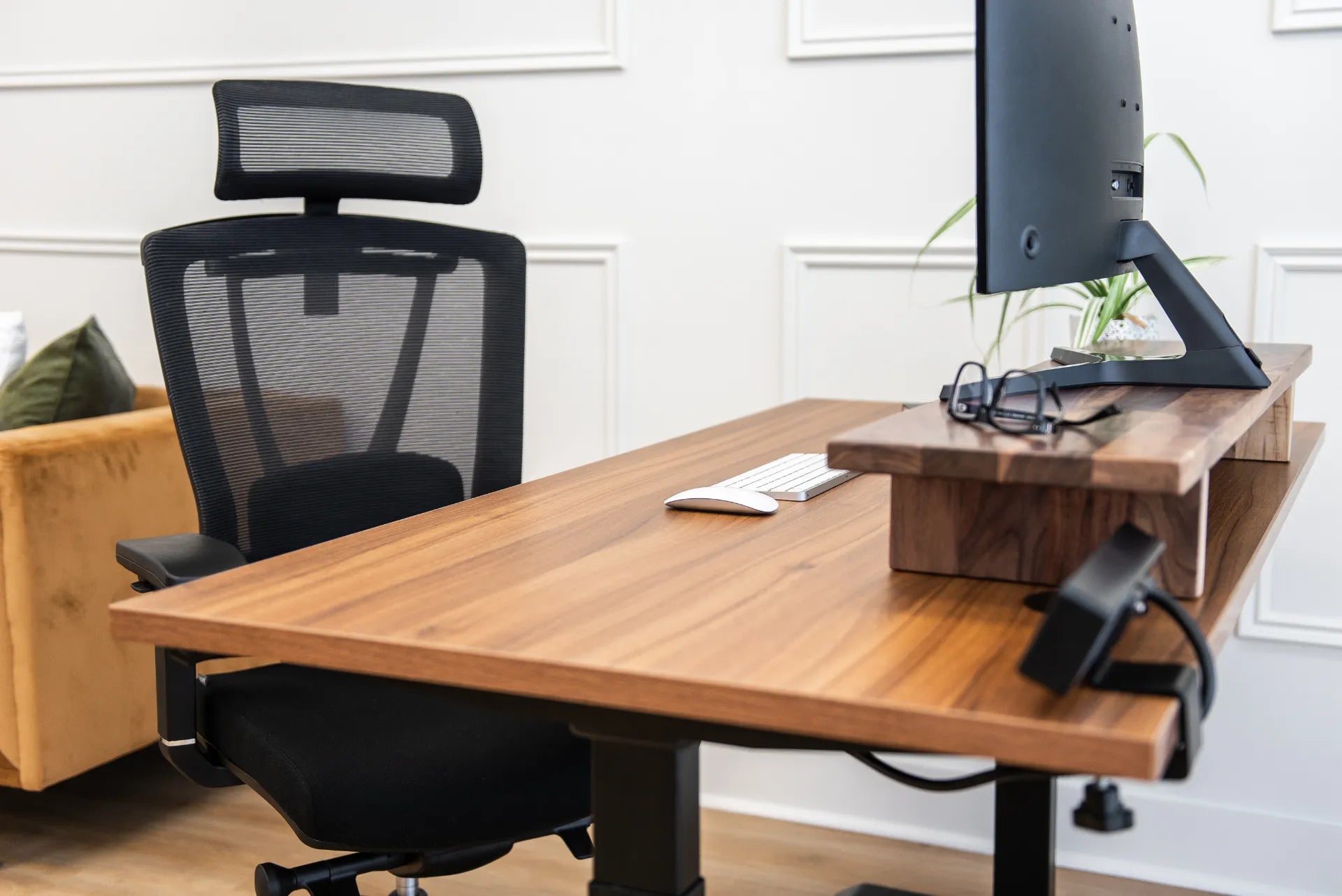
Wood standing desk with a mesh chair, monitor shelf, screen, keyboard, mouse and eyeglasses

Monitor Setup for Progressive Lenses and Bifocals

Adjust monitor height, distance, text size and lighting for progressive lenses or bifocals without forcing the neck into an uncomfortable viewing position.

Read moreabout Monitor Setup for Progressive Lenses and Bifocals