

Ergonomic Office Tips & Buying Guides

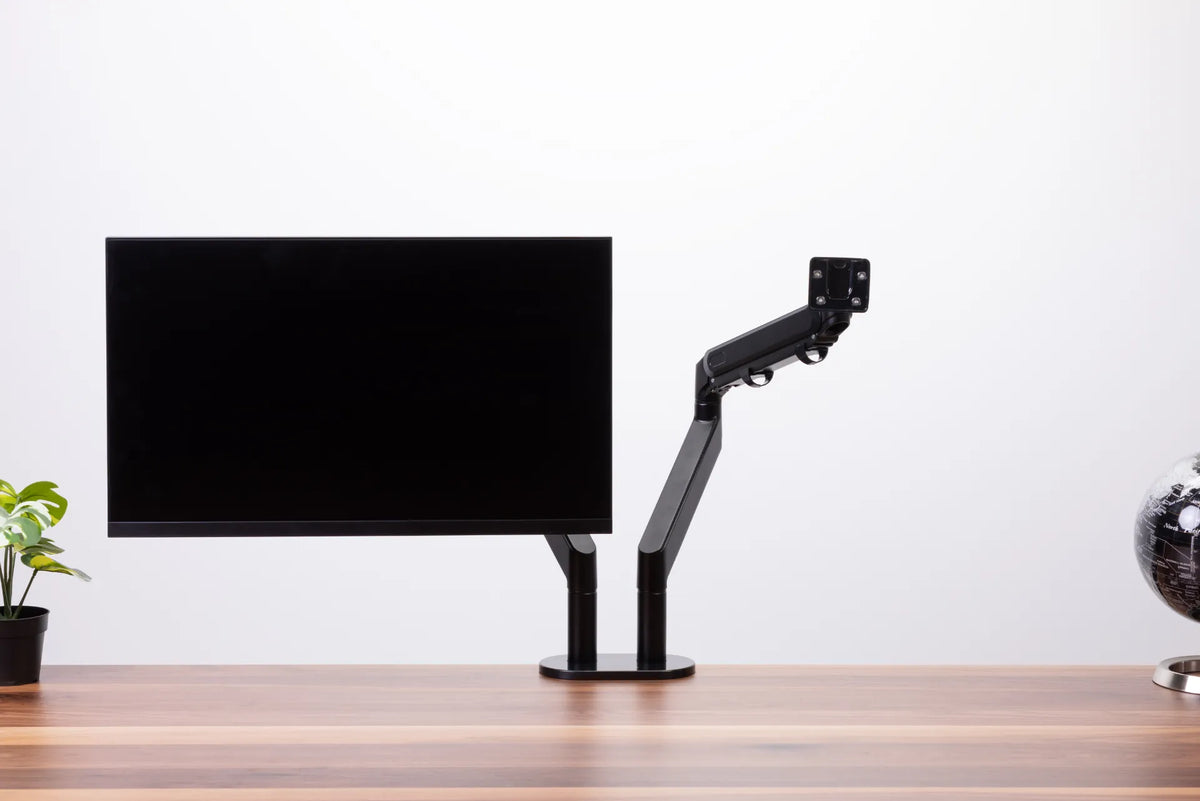
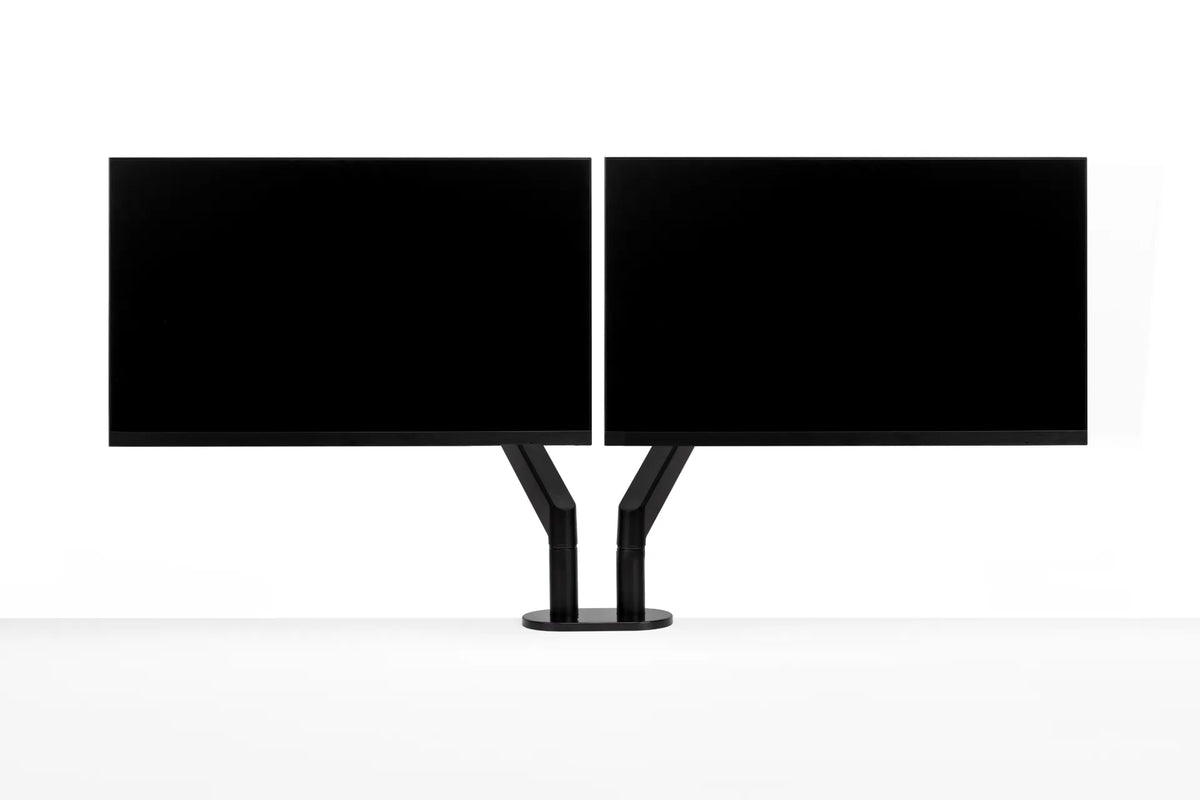
Black single monitor arm beside a mounted black display, showing the empty VESA plate and articulated joints

How Much Weight Can a Monitor Arm Hold?
How to match a monitor's weight, VESA pattern and accessories to a monitor arm's real load range, without relying on screen size alone.

Read moreabout How Much Weight Can a Monitor Arm Hold?

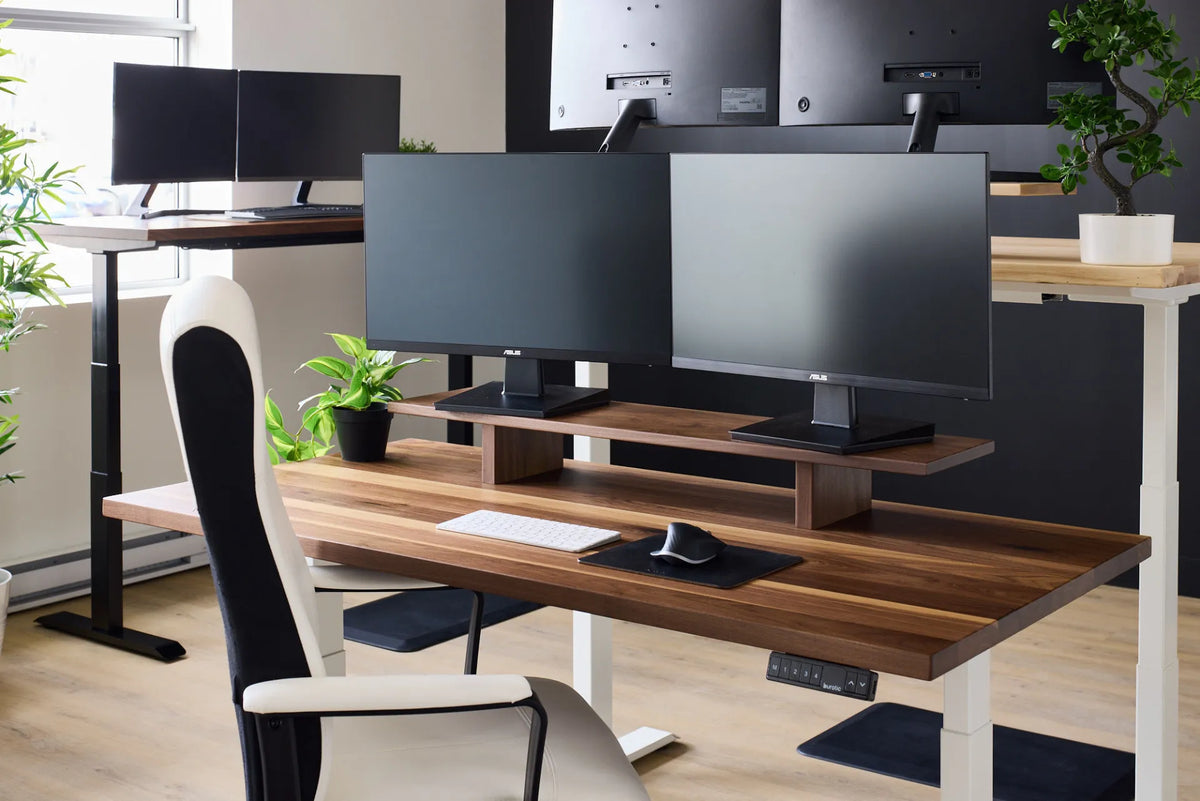
Two black monitors side by side on a long walnut-tone monitor riser above a standing desk in a shared office

Can a Monitor Riser Hold Two Monitors? What to Check

A practical way to check whether two monitors will fit safely and ergonomically on one desk riser, including width, depth, load, screen position and cable clearance.

Read moreabout Can a Monitor Riser Hold Two Monitors? What to Check

Woman standing at a light wood adjustable desk using a rose-gold laptop below a large external monitor in a bright loft office

How High Should a Laptop Screen Be?

Set a laptop screen at a comfortable viewing height without sacrificing keyboard and mouse ergonomics. This practical guide explains the ideal starting point, how to measure it, and when to add an external keyboard or monitor.

Read moreabout How High Should a Laptop Screen Be?

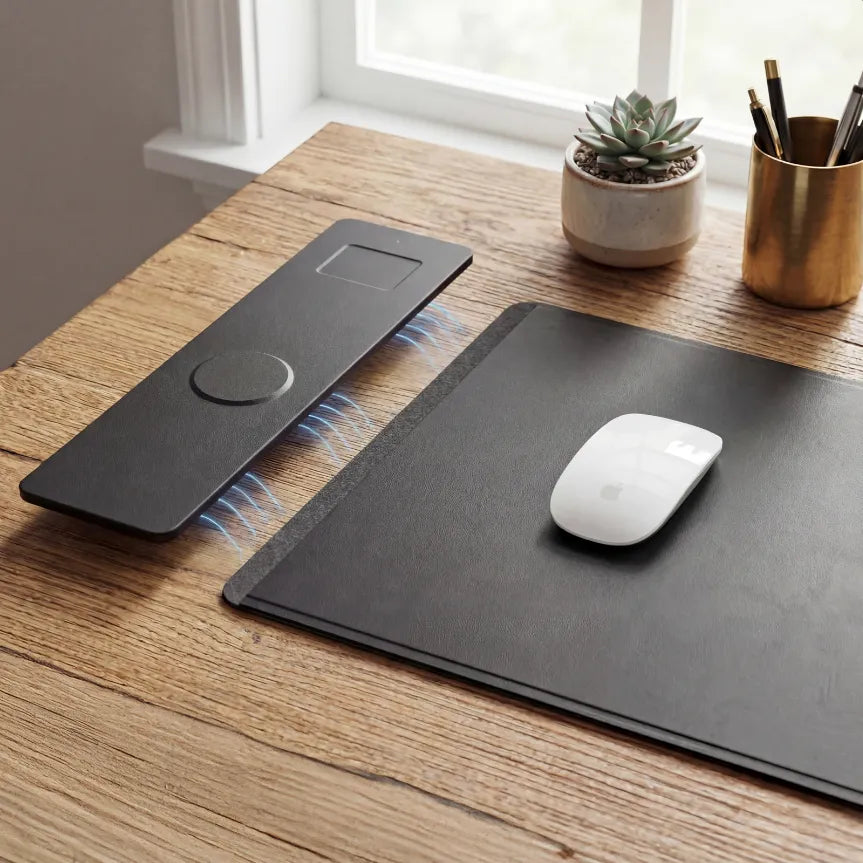
White mouse on a black desk pad beside a black charging accessory on a wood desktop

How Much Mouse Space Do You Need on a Desk?
A practical sizing method for mouse space that accounts for office work, design tasks, sensitivity settings, keyboard width and easy reach.

Read moreabout How Much Mouse Space Do You Need on a Desk?

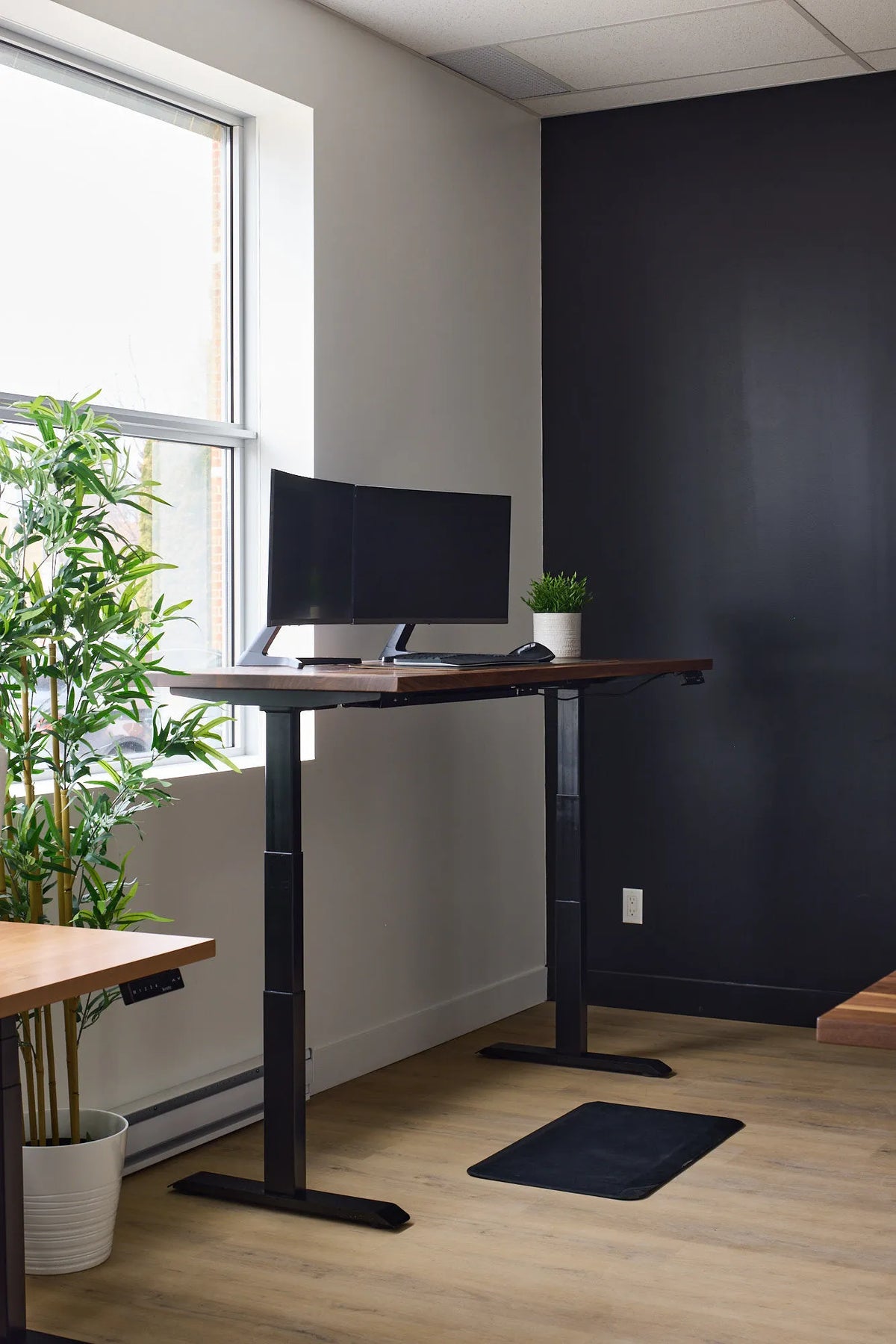
Two black monitors on a walnut-tone standing desk beside a window and green plants

How Deep Should a Desk Be for Two Monitors?

A practical way to choose desk depth for two monitors, based on viewing distance, stand footprint, screen size and the way you use each display.

Read moreabout How Deep Should a Desk Be for Two Monitors?

Bright white desk with laptop, mug, small plant, pen cup, notebook, keyboard and mouse arranged around the work area

What Should You Keep on Your Desk? A Practical Home Office Checklist
Keep the tools you use every day within easy reach, move backups and occasional supplies into storage, and preserve clear space for your main work.

Read moreabout What Should You Keep on Your Desk? A Practical Home Office Checklist

Two black monitors aligned side by side with their inner edges nearly touching on a central black dual monitor arm

Should Dual Monitors Touch? How Much Gap to Leave Between Screens

Learn when dual monitors should touch, how bezel width and screen angle affect the centre gap, and how to align two displays for comfortable work.

Read moreabout Should Dual Monitors Touch? How Much Gap to Leave Between Screens

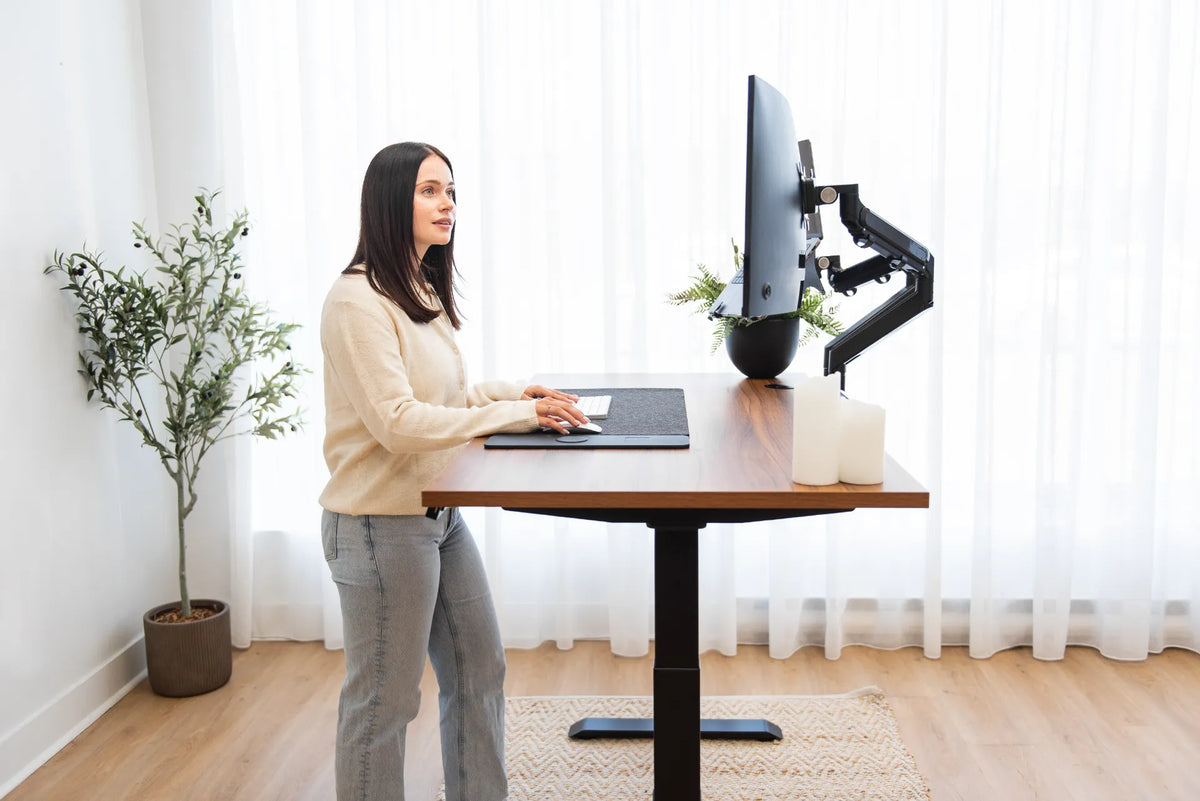
Woman standing at a light wood adjustable desk using an open laptop below a large external monitor in a warm home office

Should You Close Your Laptop When Using an External Monitor?
Choose between open-laptop, closed-laptop and external-monitor setups by considering screen priority, ergonomics, cooling, camera use and desk space.

Read moreabout Should You Close Your Laptop When Using an External Monitor?

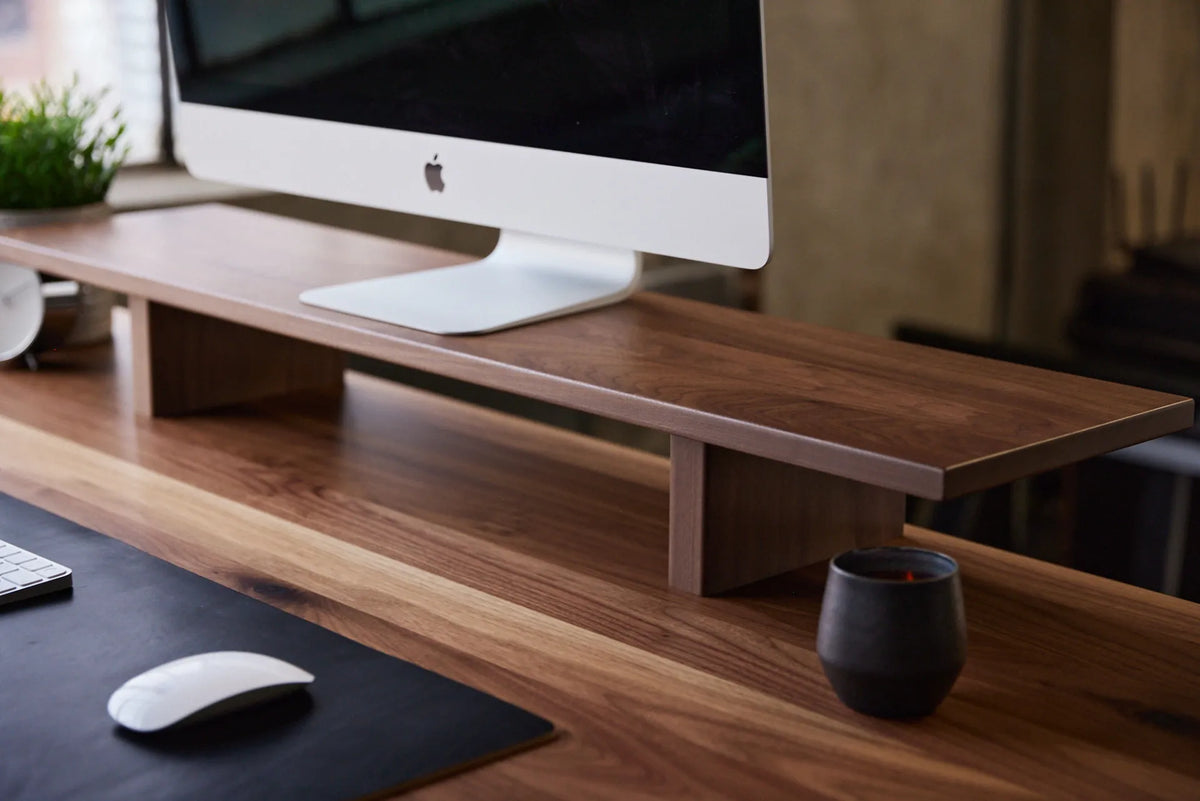
Close-up of a large monitor on a long walnut monitor riser above a matching wood desk, with keyboard and mouse below

How Wide Should a Monitor Riser Be? A Practical Sizing Guide

Measure your monitor base, desk and storage needs to choose a monitor riser that is wide enough without crowding your workspace.

Read moreabout How Wide Should a Monitor Riser Be? A Practical Sizing Guide