





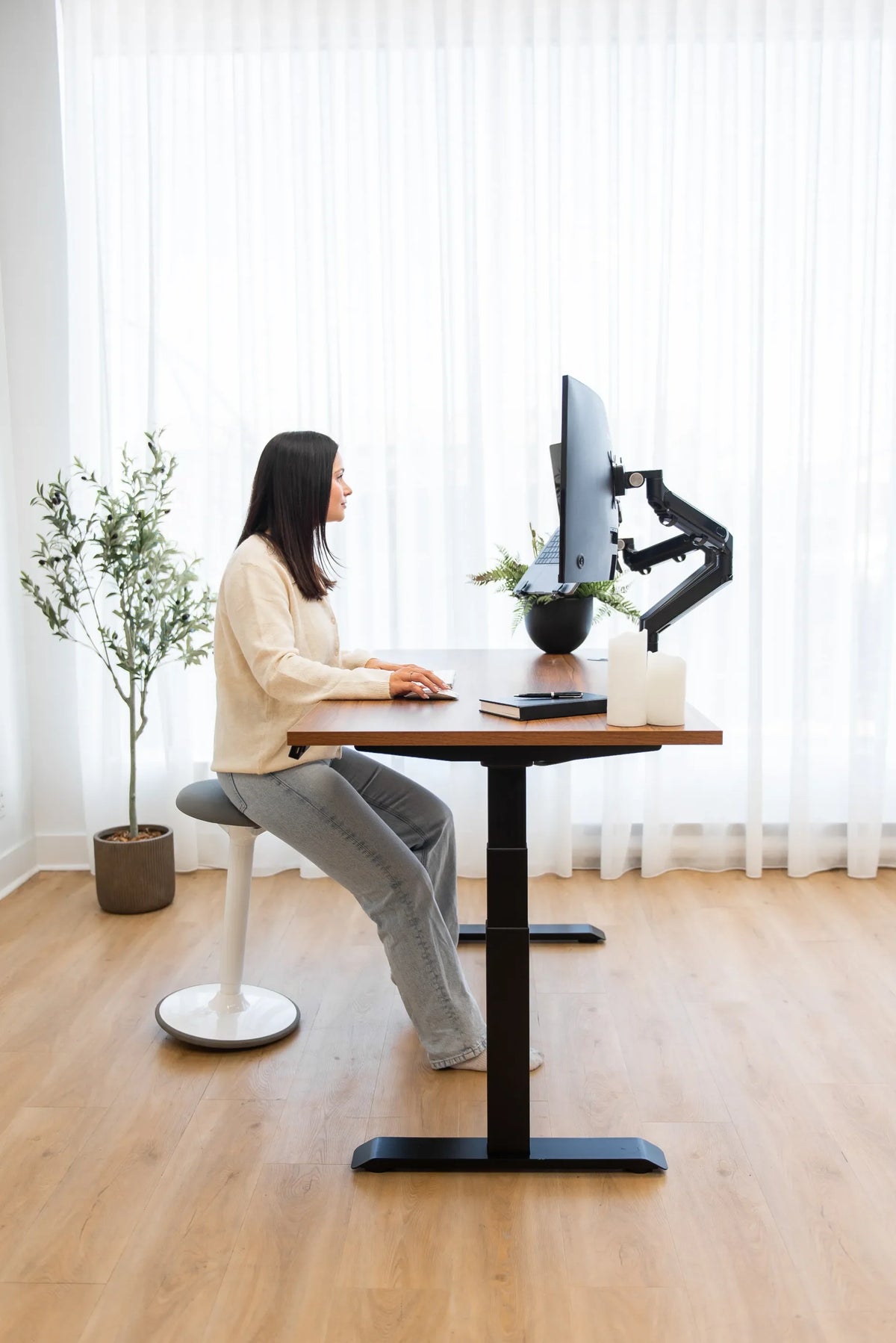
Ideal Office Chair Height: A Practical Ergonomic Setup Guide

In this article
The ideal office chair height is the setting that lets you work with supported feet, relaxed shoulders and elbows close to desk height. It is not one fixed number. Two people of the same height may need different settings because their lower-leg length, torso length, desk height and footwear differ.
A useful starting test is simple: sit all the way back, place both feet flat on the floor, and look for knees around hip level or slightly lower. Then check whether your forearms can reach the keyboard with elbows close to your sides and shoulders relaxed. If the chair must rise to match a fixed desk, support the feet with a stable footrest instead of leaving them suspended.
Why chair height affects the whole workstation
Seat height changes more than the angle of your knees. Raise the chair and your elbows approach the desk, but your feet may lose support. Lower it and your feet become stable, but you may shrug your shoulders or bend your wrists upward to reach the work surface. That is why chair height and desk height must be adjusted as a pair.
The Canadian Centre for Occupational Health and Safety advises matching elbow height to the work surface. It also recommends a footrest when a chair has to be raised and the feet no longer rest flat. The objective is a balanced setup rather than a textbook pose held without movement.
What is the ideal office chair height?
The best height places your thighs comfortably supported, your lower legs near vertical and your feet fully supported. Your knees should be about level with the hips or slightly below them. At the same time, your elbows should be near the height of the keyboard or desk surface so your shoulders can remain neutral.
Product specifications often list seat-height ranges in centimetres or inches. Those measurements help with initial screening, but they do not guarantee fit. Cushion compression, footwear, seat tilt and the point from which a manufacturer measures can change the usable height. Test the actual sitting position whenever possible.
A quick standing reference
CCOHS suggests standing in front of the chair and adjusting it so the highest point of the seat is just below the kneecap. This creates a practical first estimate. Sit down after that, settle against the backrest and refine the setting based on foot, thigh and elbow support.
Signs the chair is too high
- Your heels lift, your feet dangle or you balance on your toes.
- You feel pressure under the thighs or near the front edge of the seat.
- You slide forward to reach the floor and lose backrest contact.
- Your legs feel restless because they lack a stable base.
Signs the chair is too low
- Your knees sit noticeably above your hips.
- Your hip angle feels compressed and your pelvis rolls backward.
- You raise your shoulders or bend your wrists to reach the desk.
- You lean on the armrests or desk to lift your upper body.
How to set chair height in the right order
- Wear normal work footwear. Shoes can change effective leg length, so adjust for what you actually wear.
- Stand in front of the chair. Bring the seat to just below the kneecap as an initial reference.
- Sit fully against the backrest. Keep the pelvis near the back of the seat instead of perching forward.
- Support the feet. Place them flat on the floor, roughly below or slightly ahead of the knees.
- Check the knees and hips. Aim for knees around hip level or slightly lower without pressure under the thighs.
- Match the elbows to the work surface. Keep the upper arms close to the body and shoulders relaxed while the forearms reach the keyboard.
- Add a footrest if necessary. When a fixed desk forces the chair higher, bring the floor up to the feet.
- Recheck the backrest and screen. Confirm that lumbar support meets the lower back and the monitor does not make you look sharply up or down.
Fixed desk versus adjustable desk
With a fixed-height desk, the work surface usually becomes the constraint. Set the chair high enough for neutral shoulders and wrists, then use a footrest if your feet do not reach the floor securely. Avoid solving a tall desk by stretching your arms upward or sitting on the front edge.
An adjustable desk gives you more freedom. Set the chair for the lower body first, then lower or raise the desktop to meet the elbows. This order preserves foot support and reduces compromises. Burotic's ergonomic workspace guide explains how the chair, desk, monitor and input devices work together.
How much space should be behind the knees?
Chair height and seat depth interact. Even a suitable height can feel wrong if the seat pan is too deep. CCOHS recommends leaving about three finger widths between the front edge of the seat and the back of the knees. This clearance helps avoid pressure and makes it easier to use the backrest.
If the gap is too small, shorten the seat depth if the chair allows it. If the seat cannot adjust, choose a chair whose seat pan better matches your thigh length. Do not compensate by sliding forward, because that removes lumbar and upper-back support.
Where should the armrests be after height adjustment?
Set armrests after the seat height is established. They should lightly support the forearms with the shoulders relaxed and elbows close to the body. Armrests that are too high can elevate the shoulders; ones that are too low may encourage leaning to one side or provide no useful contact.
Check that the armrests fit under or beside the desk. If they collide with the edge, you may be kept too far from the keyboard. Adjustable armrests make it easier to preserve the chair position while bringing the hands close to the work.
Do monitor height and chair height need to match?
Do not use chair height to correct a monitor that is too high or too low. Once the chair and desk relationship is comfortable, adjust the screen independently. Position the monitor so you can view the main work area without sustained neck bending, and change text size before moving closer through a forward head posture.
Laptop users often face a conflict because the screen and keyboard are attached. A laptop stand with an external keyboard and mouse lets the display rise while the input devices remain near elbow height. This generally produces a more adaptable setup than raising the chair simply to improve the viewing angle.
Common measurement mistakes
- Relying only on body height. People distribute height differently between legs and torso.
- Measuring an empty chair. The cushion may compress once you sit.
- Ignoring shoes. Thick soles can materially change the setting.
- Choosing desk contact over foot support. Use a footrest when both cannot be achieved directly.
- Locking into one posture. Comfort improves when you change position and take movement breaks.
A five-minute real-work test
Type for several minutes, use the mouse, read a document and lean back briefly. Your shoulders should remain relaxed, your wrists should not be sharply angled, and your feet should stay supported without effort. Confirm that the front edge of the seat does not press behind the knees.
Then stand, walk briefly and repeat the test later in the day. Small changes of one or two centimetres can matter. Save the final chair and desk positions if your equipment has memory settings, especially in a shared workspace.
Choosing a chair with enough adjustment range
Before buying, compare the chair's published seat-height range with the lower-leg measurement of the intended user and the height of the desk. Also consider seat depth, lumbar positioning and armrest adjustment. A wide adjustment list is valuable only when the controls produce a genuine fit.
The Burotic Loop Ergonomic Chair includes seat-height and seat-depth adjustment, adjustable lumbar support, 3D armrests and a breathable mesh back. The Burotic Peak Ergonomic Chair offers another fully adjustable seating format. For a broader fit checklist, read How to Choose an Ergonomic Chair That Fits Your Body.
The practical answer
Your ideal office chair height is the point where supported feet, comfortable knees and relaxed elbows can coexist. Start with the seat just below kneecap height, sit fully back, then fine-tune for the desk. If a fixed work surface forces the chair upward, use a footrest. If the desk adjusts, set the chair first and move the desktop to elbow level.
No single posture stays ideal all day. Use the chair's adjustment range, recline occasionally and change position regularly. If pain persists or is connected to an injury or health condition, consult a qualified professional rather than treating a general setup guide as medical advice.


Previous article
Where Should Lumbar Support Sit on an Office Chair?
Next article
How to Clean a Mesh Office Chair Without Damaging It