





Do You Need Armrests on an Office Chair?

In this article
You do not always need armrests on an office chair, but well-fitted adjustable armrests can make computer work more comfortable by supporting part of the forearm weight and helping the shoulders relax. Poorly positioned armrests can do the opposite. They may lift the shoulders, push the elbows away from the body, press into the forearms, or stop the chair from moving close enough to the desk.
The useful question is not whether armrests are universally good. It is whether a particular pair fits your body, your desk height, and your tasks. If the supports can sit just below the relaxed elbows without interfering with the work surface, they are often helpful. If they cannot be adjusted out of the way, an armless chair or removable armrests may be the better choice.
What armrests are supposed to do
Armrests provide a place to support the forearms during pauses, reading, calls, and some computer tasks. That support can reduce the effort required from the shoulder and neck muscles. The Canadian Centre for Occupational Health and Safety notes that armrests can take some load off the shoulders and neck, while also stressing that they must not interfere with free movement at the workstation.
They are not meant to carry your full upper-body weight while you type. Nor should they force the wrists toward the keyboard. For continuous keyboard and mouse work, the desk, chair, and input devices must work together so the elbows stay near the body and the wrists remain close to neutral.
When armrests are helpful
They support pauses between tasks
During reading, video meetings, or brief pauses, armrests give the forearms somewhere to rest. This can help you avoid holding the arms slightly away from the body for long periods. Support is most useful when both shoulders can remain level and relaxed.
They help with getting in and out of the chair
Some people use armrests for balance or leverage when sitting down and standing up. The chair must remain stable, and the supports must be strong and appropriately placed. If mobility or pain makes transfers difficult, seek individual guidance from a qualified health professional rather than relying only on general workstation advice.
They can make reclined work more supported
When a chair reclines, correctly adjusted armrests can move with the user and support the forearms during reading or calls. Fixed supports may become less useful as the backrest angle changes. Test the full range of positions you actually use.
When armrests get in the way
They prevent the chair from approaching the desk
This is the most common fit problem. If the armrests hit the front edge or underside of the desk, you may sit too far away and reach for the keyboard. OSHA advises removing armrests or not using them if they interfere with the workstation and cannot be adjusted properly.
Check this before buying. Lower the chair to the intended working height, then roll it toward the desk. The torso should approach the keyboard without the armrests colliding with the surface. A height-adjustable desk can solve some mismatches, but the desktop should still align with the elbow and input-device position.
They lift the shoulders
Armrests set too high cause the shoulders to shrug. This may feel acceptable for a few minutes but becomes tiring over a long work session. Lower them until the shoulders relax. If the lowest setting is still too high, the supports do not fit that user.
They encourage the elbows to flare outward
Supports that are too far apart can push the forearms away from the torso. Inward width adjustment is valuable because bodies differ. The goal is not to squeeze the sides, but to support the arms while keeping the elbows close to their natural position.
They create contact pressure
A hard or narrow pad can press into the forearm or elbow. The edge should feel smooth, and the pad should support a comfortable area rather than one small point. Avoid leaning heavily on one side, which can shift the trunk and shoulders.
How to adjust office chair armrests
- Set the seat height and desk relationship first so the feet and back are supported.
- Let the upper arms hang naturally with the shoulders relaxed.
- Bend the elbows to the position used for typing.
- Raise the armrests until they lightly meet the forearms without lifting the shoulders.
- Move the pads inward or outward so the elbows remain near the body.
- Adjust depth so the supports do not block the chair from approaching the desk.
- Test typing, mousing, reading, reclining, and getting in and out.
If the chair has several controls, change one setting at a time. The Burotic guide to office chair armrest height gives a focused setup sequence. Recheck the settings when desk height, keyboard position, or task changes.
Are armless office chairs ergonomic?
An armless chair can be appropriate when the work requires frequent movement, close access to the surface, or repeated side-to-side reach. It may also fit under a compact desk more easily. The absence of armrests does not automatically make a chair poor, just as the presence of armrests does not automatically make it ergonomic.
CCOHS explains that a chair becomes ergonomic when it fits the user, workstation, and task. An armless seat still needs suitable seat height, seat depth, back support when required, stability, and a match with the desk. The work surface may support the forearms for some tasks, but avoid resting the wrists or pressing the forearms on a hard desk edge.
Armrests versus a stool or perch seat
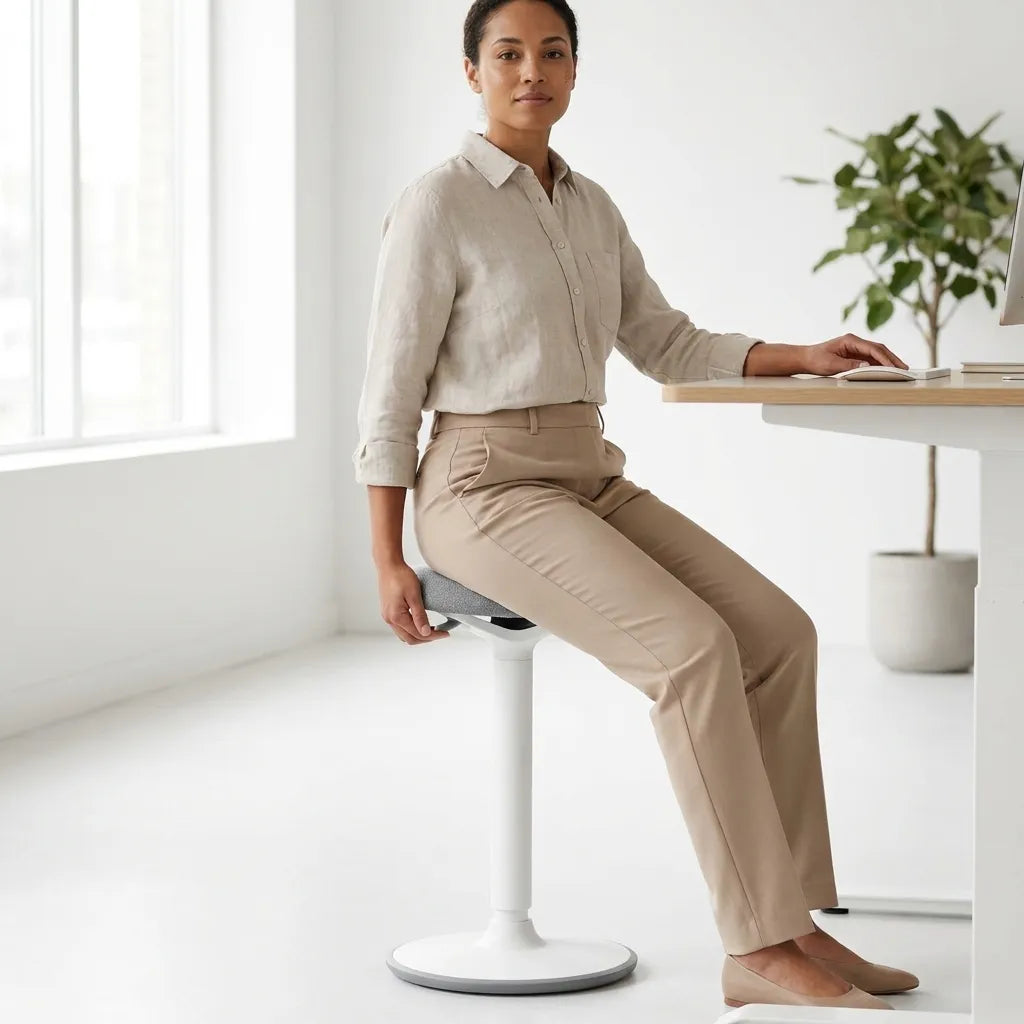
Backless stools and perch seats typically do not have armrests. They are designed for mobility and shorter periods rather than full upper-body support. They can be useful as one option in a varied sit-stand routine, but they are not a direct replacement for a supportive office chair during every task.
If you alternate between sitting and standing, a balance stool can provide a compact perch option, while a full chair remains available for longer seated work. Base the choice on task duration, stability, and comfort, not on a claim that one posture is always best.
What to look for when buying armrests
- Height range: low enough for relaxed shoulders and high enough to meet the forearms.
- Width adjustment: the ability to bring the supports closer to the body.
- Depth or pivot: movement that clears the desk and follows different tasks.
- Pad shape: enough area and edge comfort without excessive bulk.
- Removability: useful when several people share the chair or the desk clearance is uncertain.
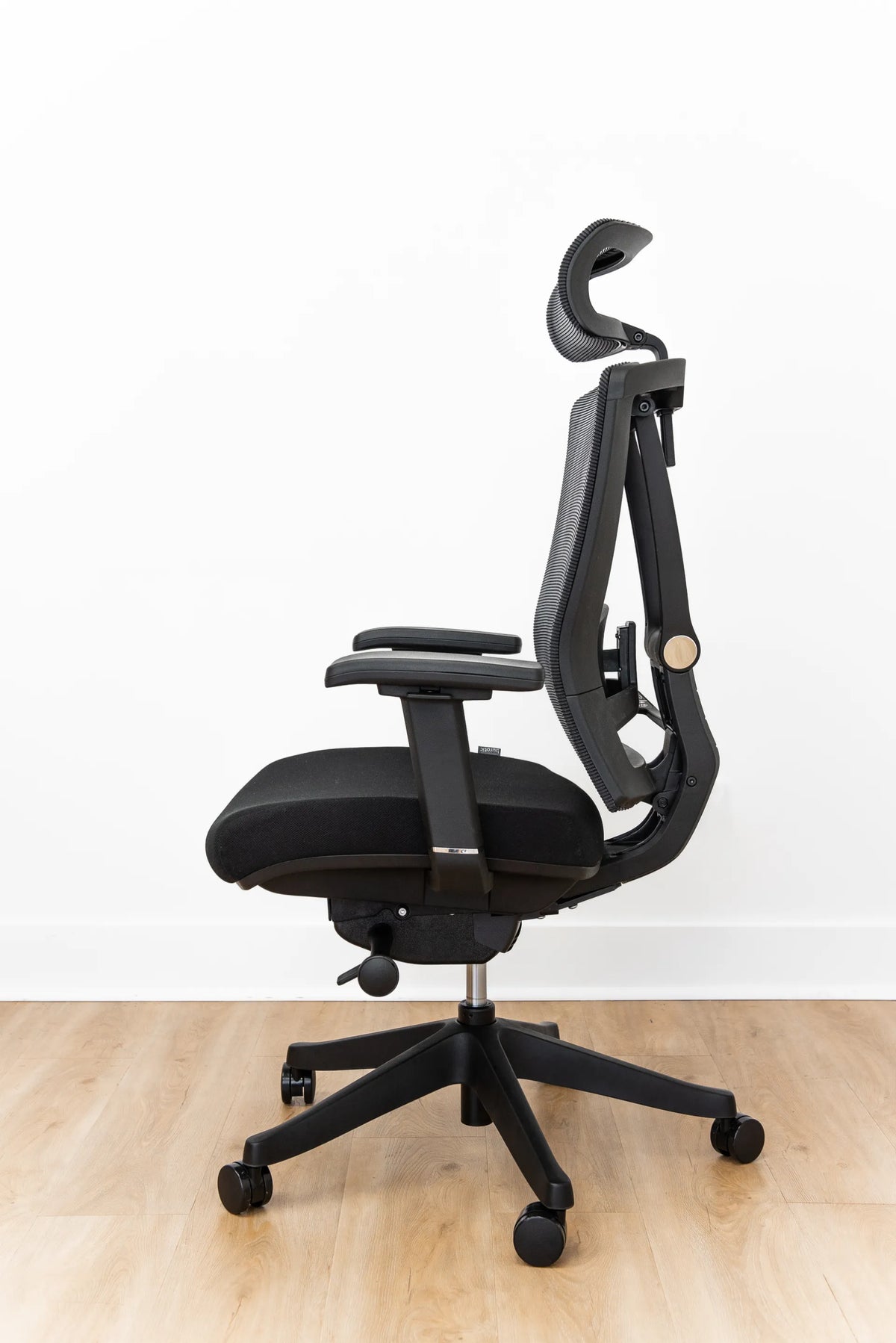
Try the chair whenever possible. CCOHS recommends selecting office furniture through a process that matches the person and task rather than relying on a product label. The Burotic chair collection lets you compare seating options, and the Peak Ergonomic Chair page shows an adjustable chair option without turning this guide into a universal prescription.
Common armrest mistakes
Setting them first: establish seat height, back support, and desk position before fine-tuning armrests.
Using them to reach the keyboard: armrests should support a neutral position, not push the body forward.
Leaving one higher than the other: asymmetric support can encourage leaning. Match the settings unless an assessed individual need says otherwise.
Assuming more adjustment is automatically better: adjustments only help if their ranges fit the user and remain stable.
A practical decision
Choose armrests if they can support your forearms with relaxed shoulders, keep the elbows near the body, and allow the chair to approach the desk. Choose an armless design, removable supports, or supports that swing away if your tasks demand mobility or if fixed armrests block the workstation.
If discomfort persists after reasonable adjustments, do not treat a new chair setting as a diagnosis or cure. Consider an ergonomic assessment or advice from a qualified health professional. For general fit criteria, see how to choose an ergonomic chair that fits your body.


Previous article
What Desk Width Do You Need for Two Monitors?
Next article
Should Your Laptop Be on the Left or Right of Your Monitor?