

When Should You Sit or Stand at a Standing Desk?

In this article
A standing desk is most useful when it makes changing position easy. The goal is not to replace every seated hour with a standing hour. It is to choose a position that fits the task, change before discomfort builds, and keep enough movement in the day that no single posture becomes the default for too long.
That makes the practical question less about a universal timer and more about context: what are you doing, how precise is the work, what equipment do you need, and how does your body feel today? This guide explains when sitting, standing and brief movement breaks tend to work best, plus how to set up a workstation that supports all three.
There is no single perfect sit-stand ratio
People vary in experience, health, footwear, work demands and tolerance. A new standing desk user may prefer short standing intervals, while someone accustomed to changing posture may stand comfortably through a longer call or review session. The Canadian Centre for Occupational Health and Safety recommends alternating positions and adjusting the workstation to the individual rather than treating standing as the only correct posture. Its sit-stand workstation guidance also emphasizes proper keyboard, mouse and monitor placement.
A clock can be a useful reminder, but it should not override early signs of fatigue. Shift position when your feet feel heavy, your shoulders rise, you begin leaning on the desk, or you repeatedly adjust to escape pressure. These are cues to change the task, the posture or both. Persistent pain, numbness or symptoms that concern you deserve advice from a qualified health professional; general ergonomic guidance is not a diagnosis.
Tasks that often work well while sitting
Detailed writing and precision input
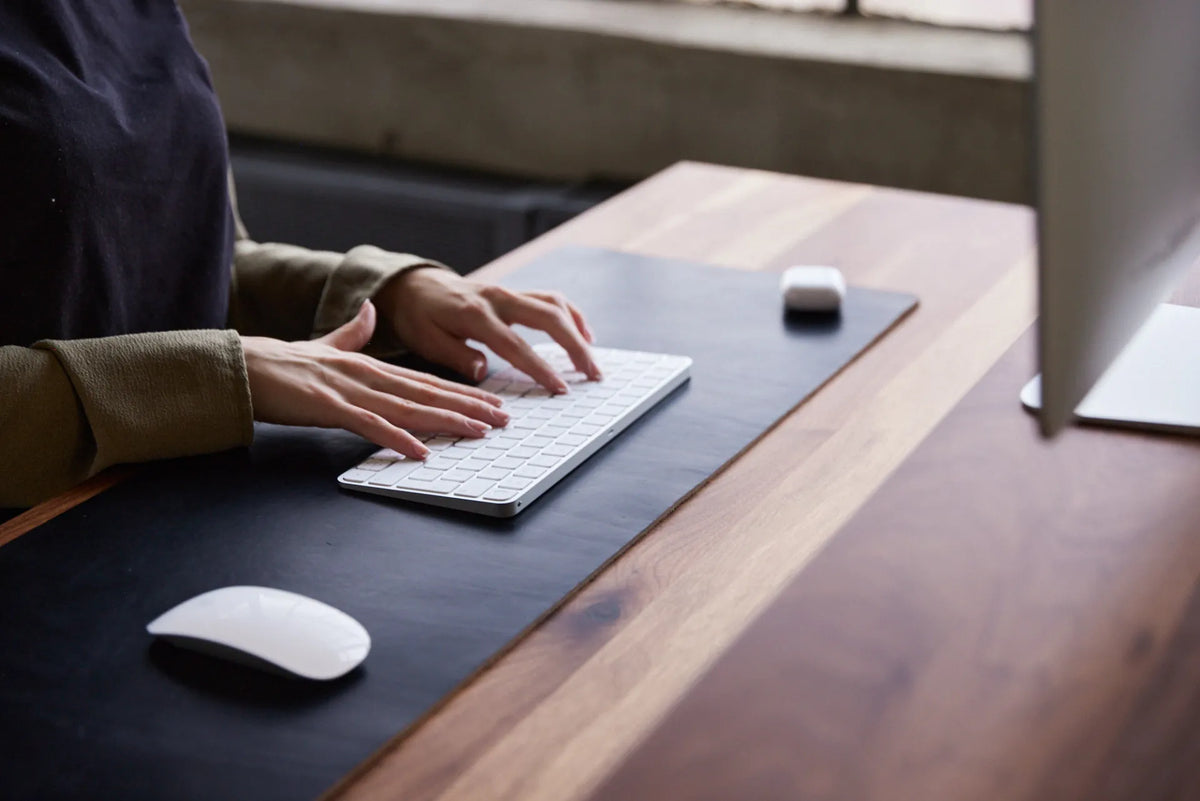
Long-form writing, spreadsheet work, illustration and other precise tasks often benefit from a stable seated base. A supportive chair can reduce the effort required to hold the body still while the hands perform small, accurate movements. Keep the keyboard and mouse close enough that the elbows remain near the sides and the wrists stay in a neutral range. Burotic's keyboard and hand placement guide provides a practical setup sequence.
Deep concentration
Some people focus more easily when seated because fewer postural adjustments compete for attention. If a demanding task requires sustained concentration, sitting is a reasonable choice. The better goal is to plan a natural break point: stand after completing a section, reviewing a document or reaching the end of a work block.
Work that needs several reference materials
Tasks involving paper files, a tablet, notes and a primary computer can be easier while seated, especially when the desk surface is carefully zoned. Do not let the convenience of a large surface push the keyboard or mouse too far away. Keep frequent tools within easy reach and move occasional materials to a secondary zone.
Tasks that often work well while standing
Calls, brief meetings and collaborative reviews
Standing can suit phone calls, virtual meetings and short reviews because these tasks require less continuous keyboard input. It also makes a few steps or gentle weight shifts easier. Keep the camera and monitor positioned so you do not crane the neck, and avoid locking the knees or leaning one hip against the desk.
Reading, sorting and light administrative work
Email triage, document review, scheduling and other short administrative tasks can become useful posture-change opportunities. Raise the desk before starting the task and lower it again when precision or fatigue makes sitting more appropriate. Using saved height settings can make this transition quick instead of disruptive.
Creative planning and low-intensity thinking
Brainstorming, outlining and reviewing ideas may pair well with standing, especially when you want a change in energy. The benefit comes from the change and the chance to move, not from assuming that standing automatically improves performance. If your attention shifts to foot discomfort, sit down or walk briefly.
Movement breaks are a third option
Sitting and standing are both relatively static. A short walk to refill water, a few comfortable steps, or a gentle range-of-motion break can provide a different stimulus. The CCOHS advises varying posture and moving regularly. Burotic's standing desk exercise and movement-break guide offers simple ideas that can be adapted to your abilities and workplace.
Link movement to events that already happen: after a call, before lunch, while a large file exports or between clients. This is often easier to maintain than relying on motivation alone. A reminder can help at first, but the routine should remain flexible enough for meetings and deep work.
Set both heights before building a routine
Seated position
Start with the chair. Place the feet securely on the floor or on a suitable foot support, support the lower back and adjust the seat so the thighs are comfortable. Then bring the desk to approximately elbow height. If the desk cannot go low enough for your seated position, a footrest and an appropriate chair adjustment may help, but the entire relationship between chair, desk and input devices must be checked.
Standing position
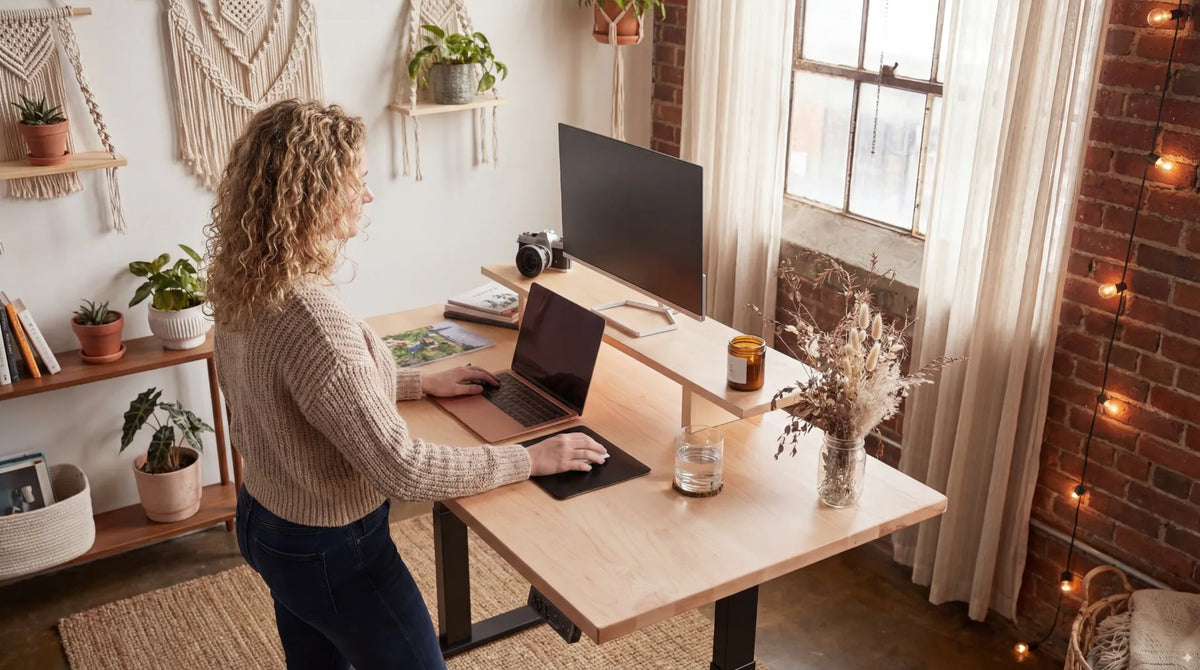
Stand close to the desk with relaxed shoulders. Bring the work surface near elbow height and keep the keyboard and mouse on the same level. Avoid reaching forward. Supportive footwear and an anti-fatigue mat may improve comfort for some users, but a mat is not a reason to remain stationary when you need a change.
Monitor position
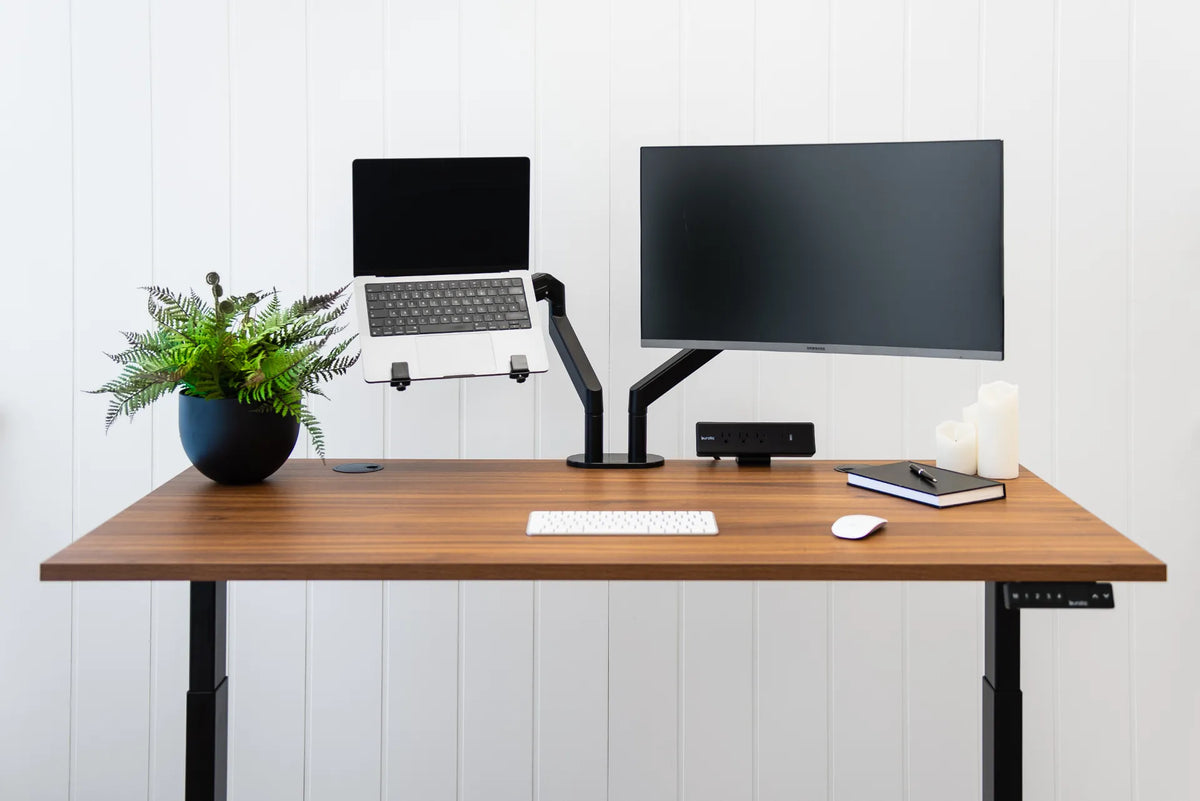
The monitor should support a neutral head position in both modes. The CCOHS monitor-positioning guidance recommends placing the screen so the viewing angle is comfortable and the top is not too high. If the screen only works at one desk height, consider a properly compatible monitor arm and verify its mounting, screen-size and weight requirements before purchase.
Build a task-based workday
Try assigning posture to work blocks rather than forcing a rigid minute-by-minute schedule. You might sit for focused writing, stand for a scheduled call, walk for a short break, then return seated for detailed editing. On another day, the same call may happen seated because you are tired. The system works when changing position remains easy.
New users should begin conservatively. One or two brief standing blocks can reveal whether the height, screen, footwear and cable routing are correct. Increase standing time gradually only when it remains comfortable. Burotic's standing desk transition plan explains how to progress without turning a flexible workstation into another endurance test.
Common mistakes to avoid
- Standing until fatigue: change earlier, before posture deteriorates.
- Leaning on the desk: this often signals that the height, task or duration needs adjustment.
- Leaving the mouse behind: keyboard and mouse should remain close in both positions.
- Raising only the laptop: if the screen rises but the keyboard follows, the shoulders and wrists may be forced into an awkward position. Use an external keyboard and mouse when appropriate.
- Ignoring cables: test every cable through the full height range with enough controlled slack and no pinch points.
- Treating discomfort as a target: standing longer is not automatically better.
A simple decision checklist
Before each work block, ask four questions. Does the task require fine motor precision? Does it benefit from light movement? Is the equipment correctly positioned at the intended height? Are you comfortable right now? If the answers favour stability, sit. If they favour movement and the setup is ready, stand. If neither posture feels good, take a brief break and reassess.
Make transitions the feature
The best time to sit or stand is the time that matches your task and comfort while leaving room for the next change. A well-configured adjustable standing desk reduces friction between postures, but your routine creates the benefit. Set both heights carefully, start with realistic intervals and use work transitions as reminders to move.
Previous article
Standing Desk Weight Capacity: How to Plan a Multi-Monitor Setup
Next article
Standing Desk Weight Capacity: How to Plan a Multi-Monitor Setup