Ergonomic Office Tips & Buying Guides

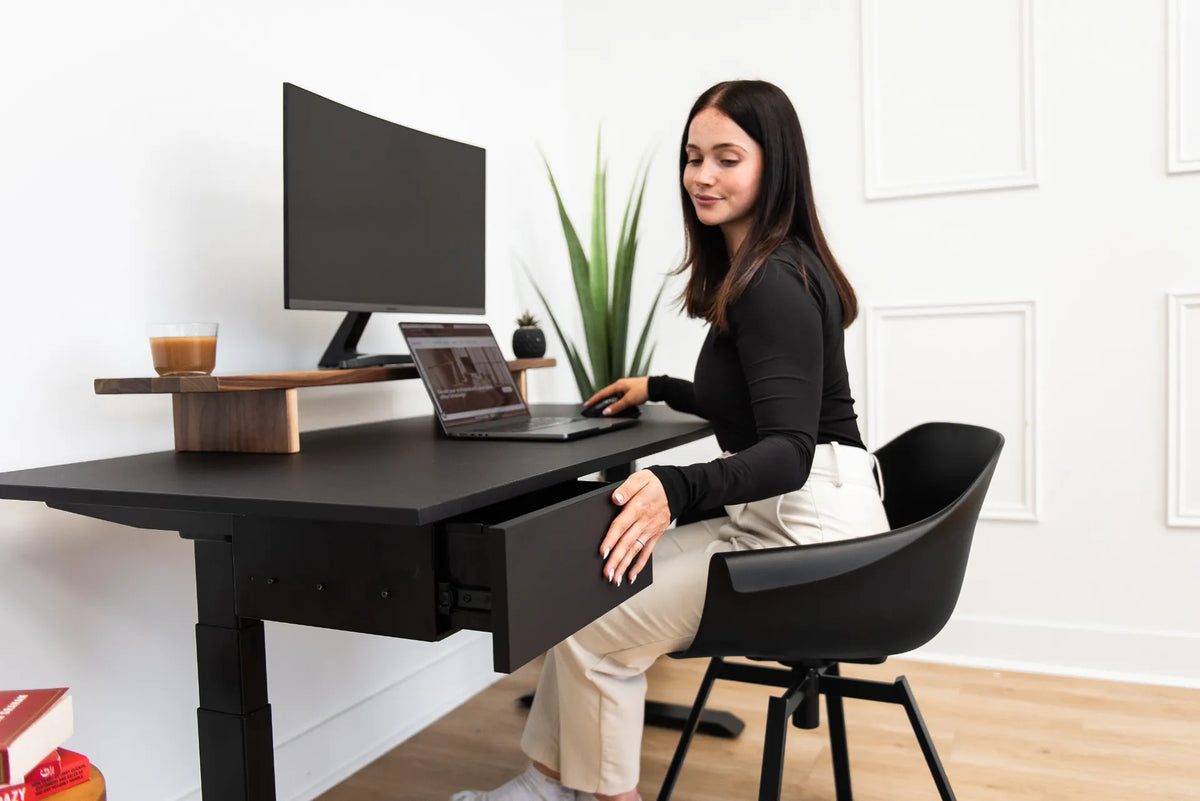
Woman seated in a black chair at a black desk while opening an under-desk drawer in a bright office

How Close Should Your Office Chair Be to Your Desk?
Learn how close to sit to your desk so your back stays supported, shoulders remain relaxed and the keyboard and mouse are within easy reach.

Read moreabout How Close Should Your Office Chair Be to Your Desk?

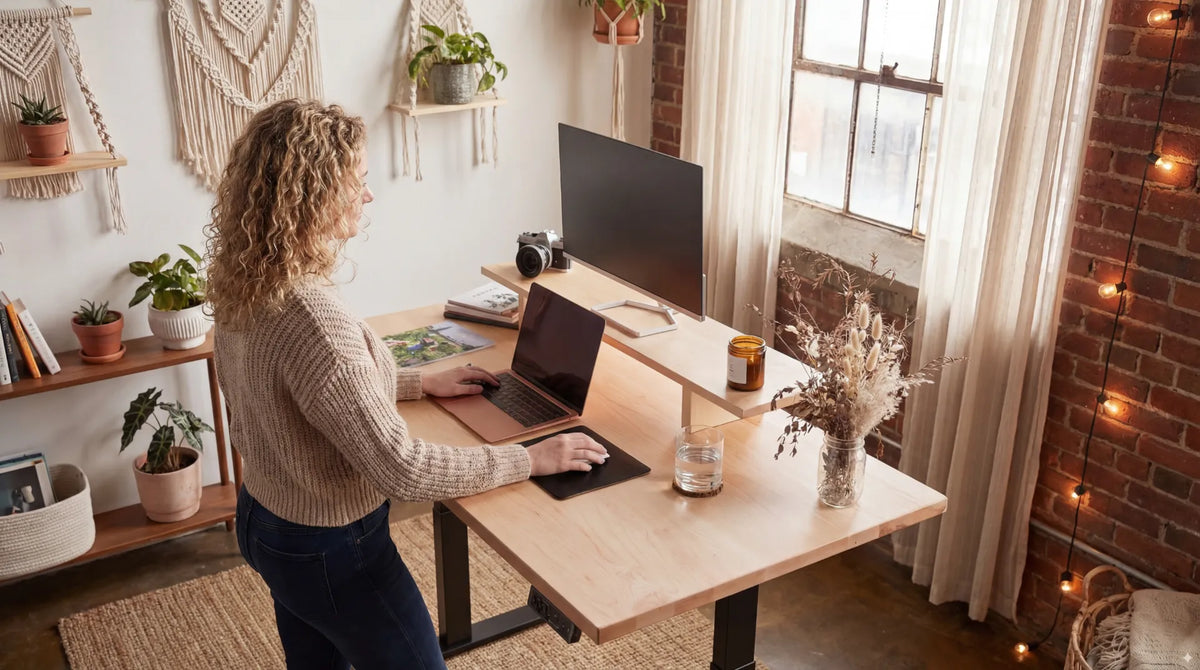
Woman standing at a light wood adjustable desk with a laptop, monitor riser and large screen in a warm home office

Should Your Elbows Be at 90 Degrees at a Standing Desk?

Use 90 degrees as a practical starting point, then adjust standing desk height so your shoulders relax, elbows stay close and wrists remain neutral.

Read moreabout Should Your Elbows Be at 90 Degrees at a Standing Desk?

Two black monitors mounted side by side on a white dual monitor arm against a white background

One Monitor vs. Two Monitors: Which Setup Is Better for Work?
Compare one-monitor and two-monitor setups by task, focus, desk space, ergonomics and cost so you can choose the arrangement that supports your actual work.

Read moreabout One Monitor vs. Two Monitors: Which Setup Is Better for Work?

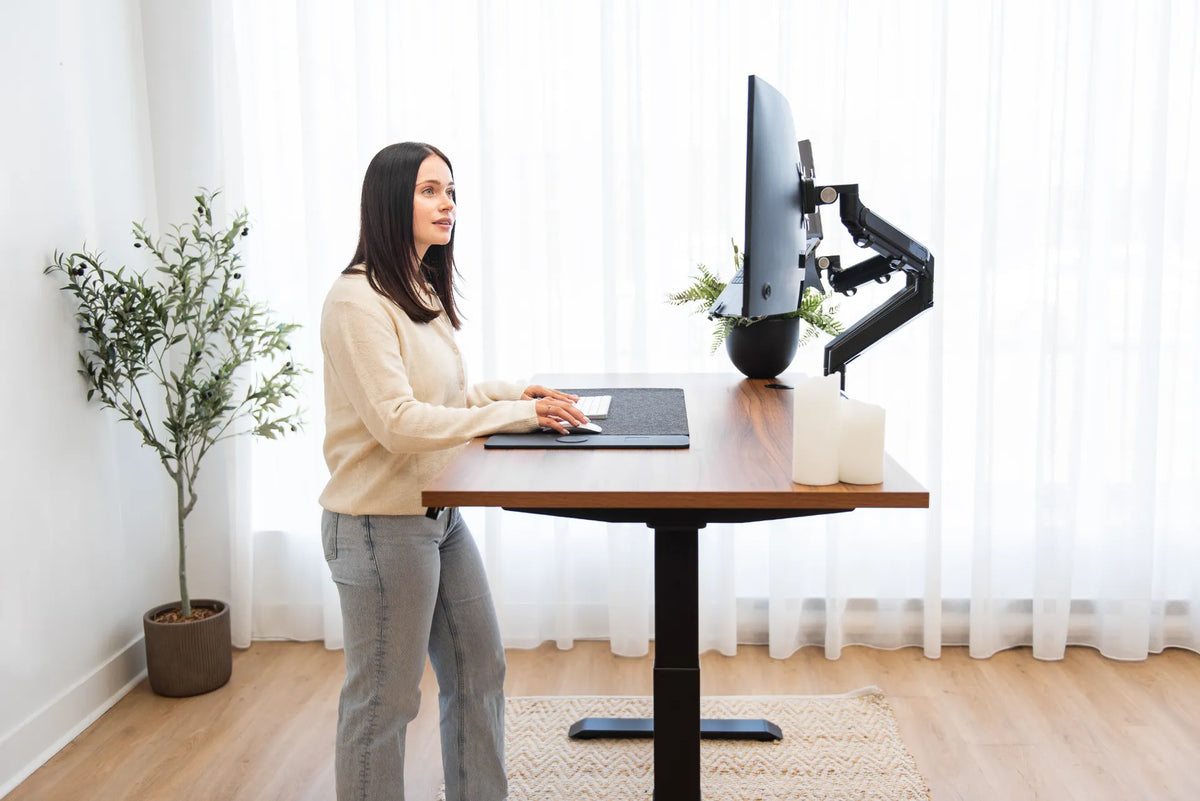
Person standing at a wood standing desk with two monitors on black adjustable arms in a bright office

How High Should Your Monitor Be at a Standing Desk?

Set your standing desk monitor height by aligning the screen with your natural gaze, then check distance, keyboard height and the sitting position.

Read moreabout How High Should Your Monitor Be at a Standing Desk?

Laptop, mug, pen holder, plant, keyboard and mouse arranged on a bright office desk

How to Organize Desk Accessories Without Clutter
Organize desk accessories by frequency, task and reach so daily tools stay available without crowding the keyboard, mouse or writing area.

Read moreabout How to Organize Desk Accessories Without Clutter

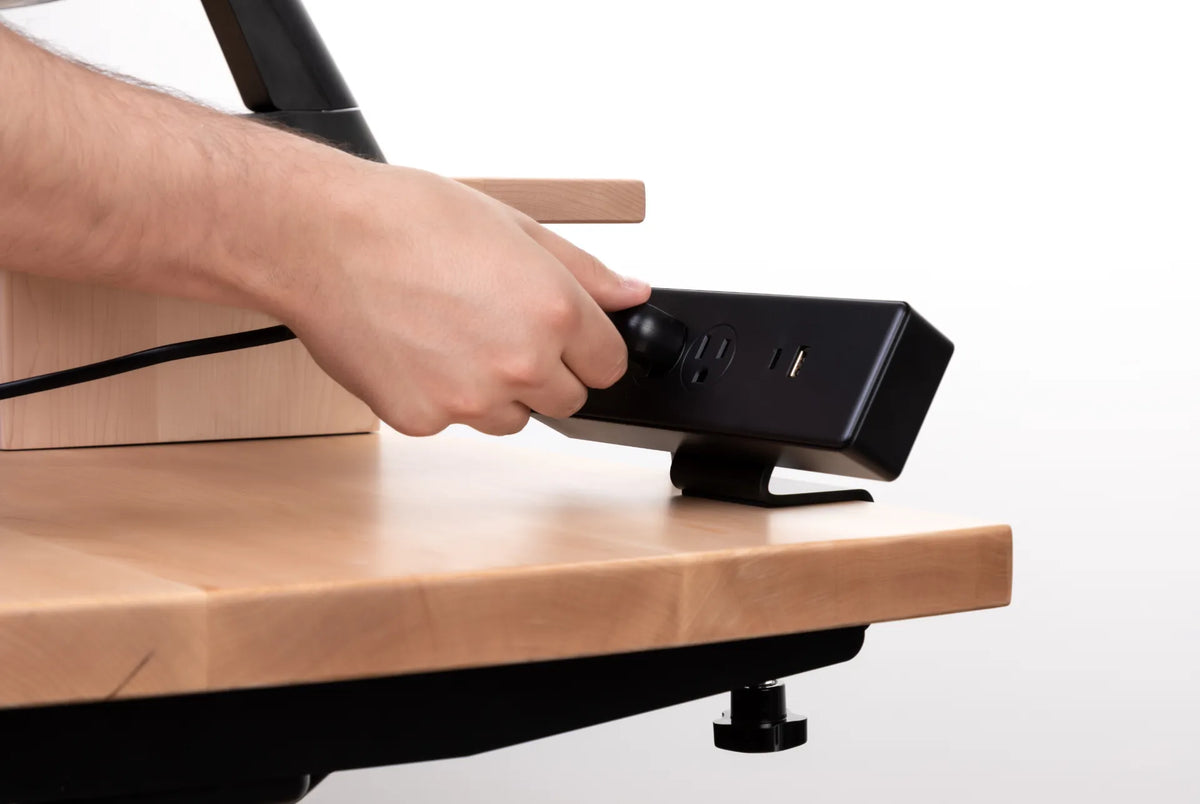
Hands connecting a black power bar on a light wood desk shelf with a clamp mount visible below

Why Do Standing Desk Cables Pull When the Desk Moves?
Stop standing desk cables from pulling by finding the tight segment, adding a controlled service loop and securing power at the moving desktop.

Read moreabout Why Do Standing Desk Cables Pull When the Desk Moves?

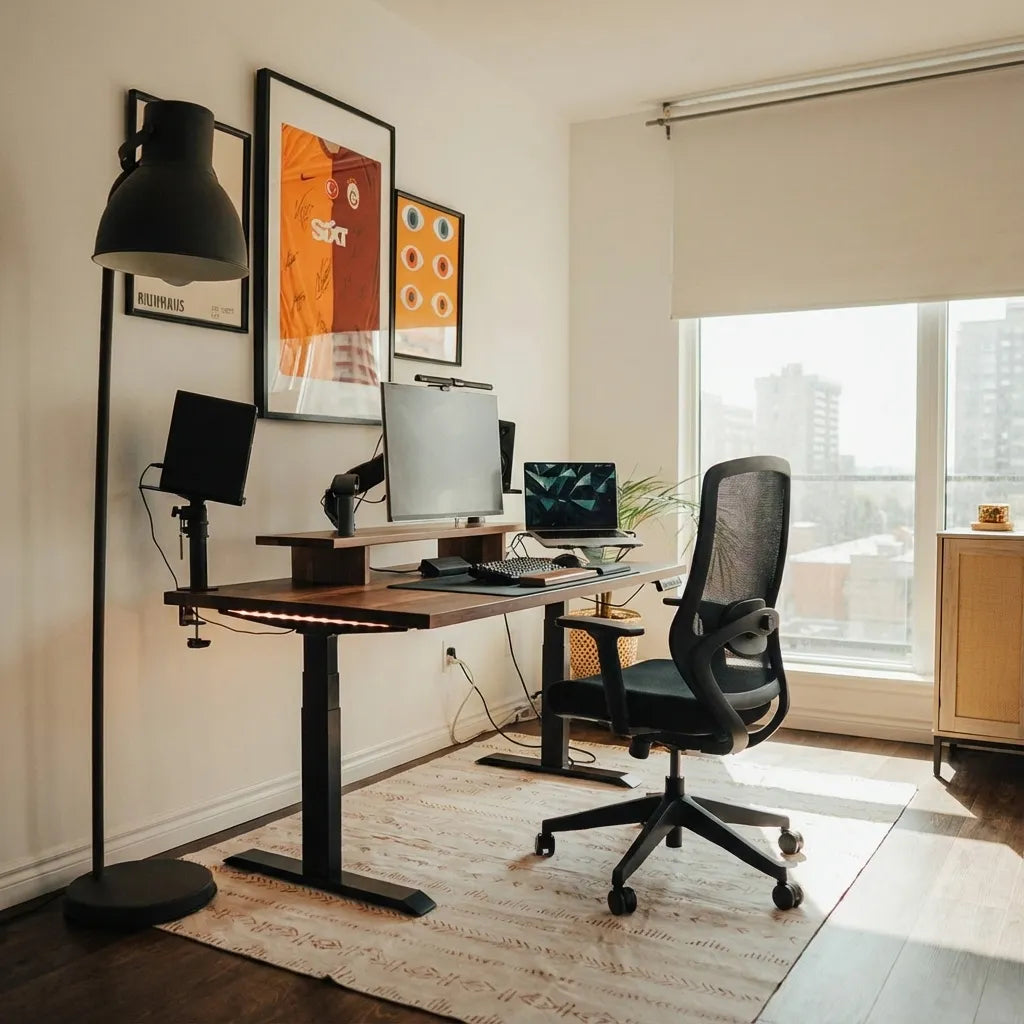
Complete home office with a wood standing desk, three-screen workstation and black mesh chair by a window

What Size Desk Do You Need for Three Monitors?

Plan a three-monitor desk by measuring real screen width, stand or arm footprints, viewing distance, keyboard space and cable movement.

Read moreabout What Size Desk Do You Need for Three Monitors?
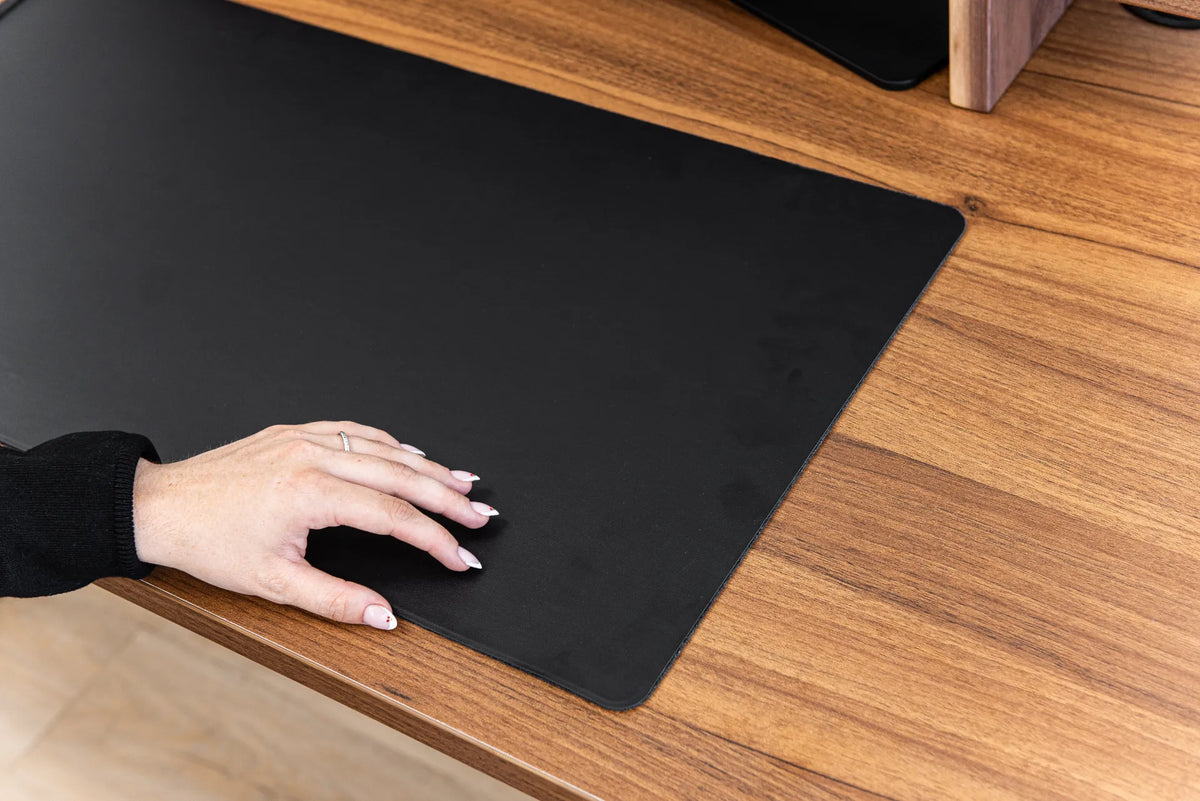
Black desk pad with a keyboard and mouse on a warm wood desktop, shown in close-up

How Large Should a Desk Pad Be?

Choose a desk pad size by measuring your keyboard, mouse travel, writing space and usable desktop instead of relying on a one-size rule.
Read moreabout How Large Should a Desk Pad Be?

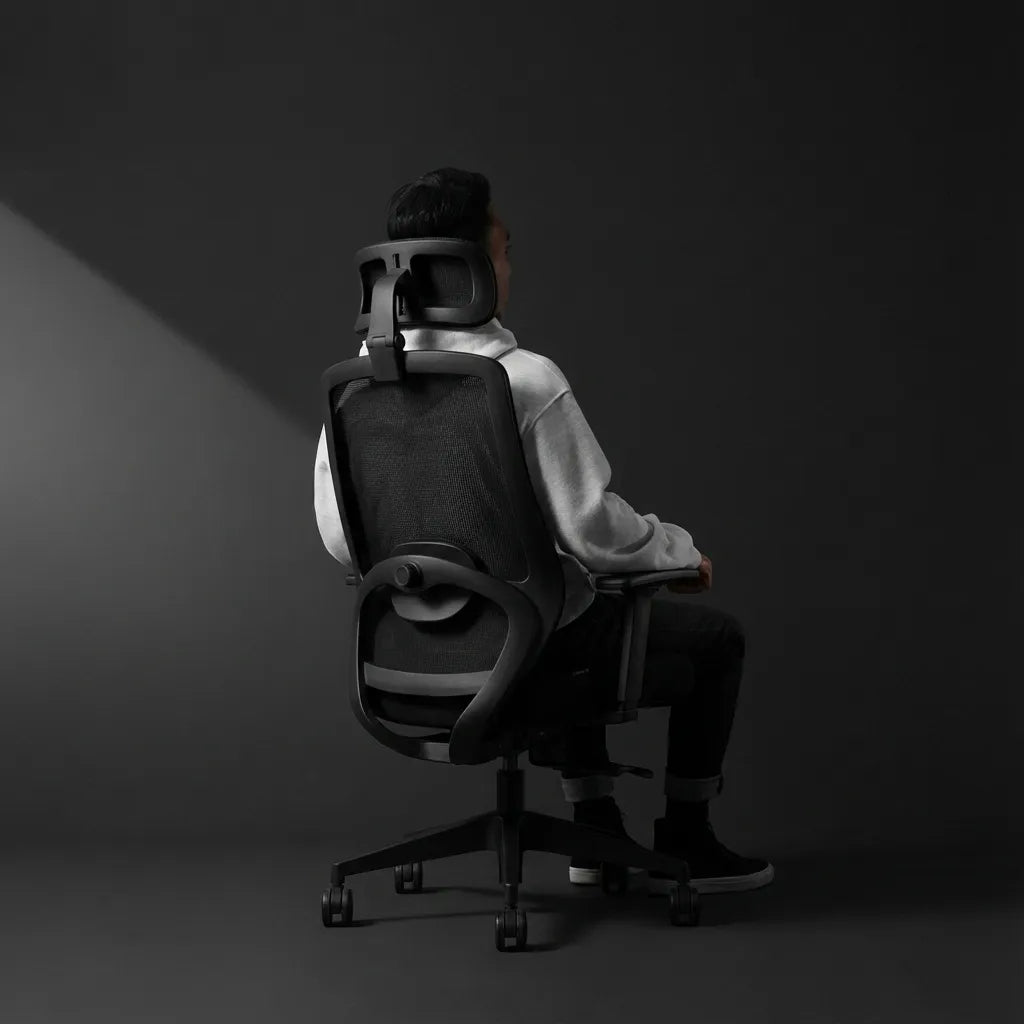
Person seated in a black mesh ergonomic chair with a headrest in a dark studio workspace

Where Should an Office Chair Headrest Sit?

Learn where an office chair headrest should sit, how to adjust it for upright work and reclined breaks, and how to spot a poor fit.

Read moreabout Where Should an Office Chair Headrest Sit?