Ergonomic Office Tips & Buying Guides

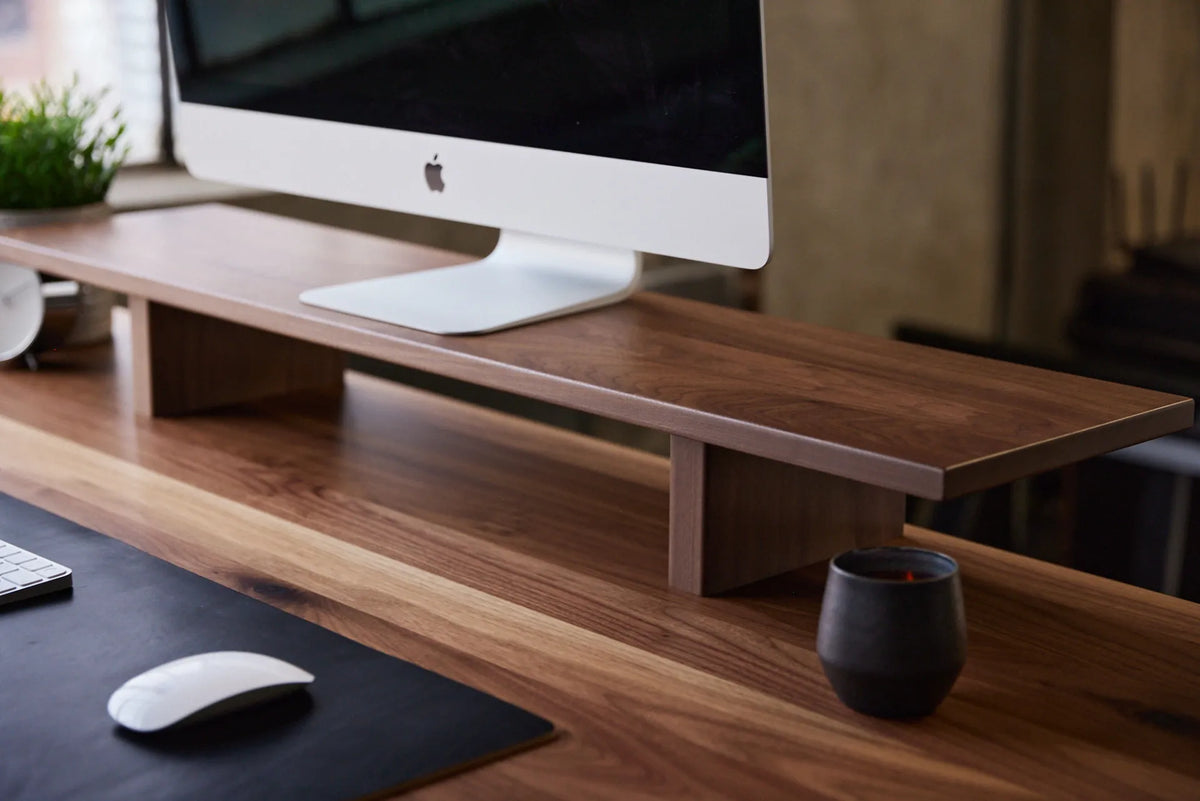
Close-up of a large monitor on a long walnut monitor riser above a matching wood desk, with keyboard and mouse below

How Wide Should a Monitor Riser Be? A Practical Sizing Guide
Measure your monitor base, desk and storage needs to choose a monitor riser that is wide enough without crowding your workspace.

Read moreabout How Wide Should a Monitor Riser Be? A Practical Sizing Guide

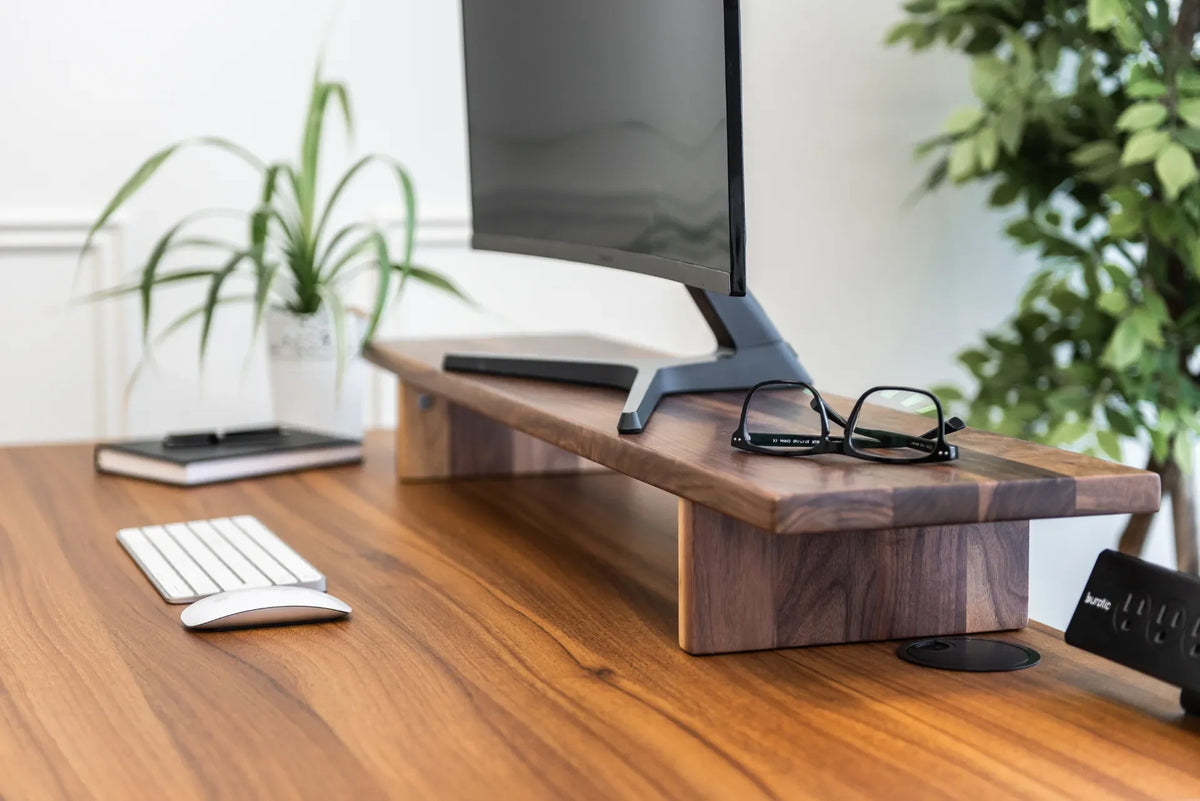
Black monitor on a thick walnut stand above a white keyboard and mouse, with black glasses, plants and a desktop power bar nearby

Monitor Distance by Screen Size: 24, 27 and 32 Inches
A practical way to set viewing distance for 24-, 27- and 32-inch monitors, then fine-tune the screen for text size, posture and desk depth.

Read moreabout Monitor Distance by Screen Size: 24, 27 and 32 Inches

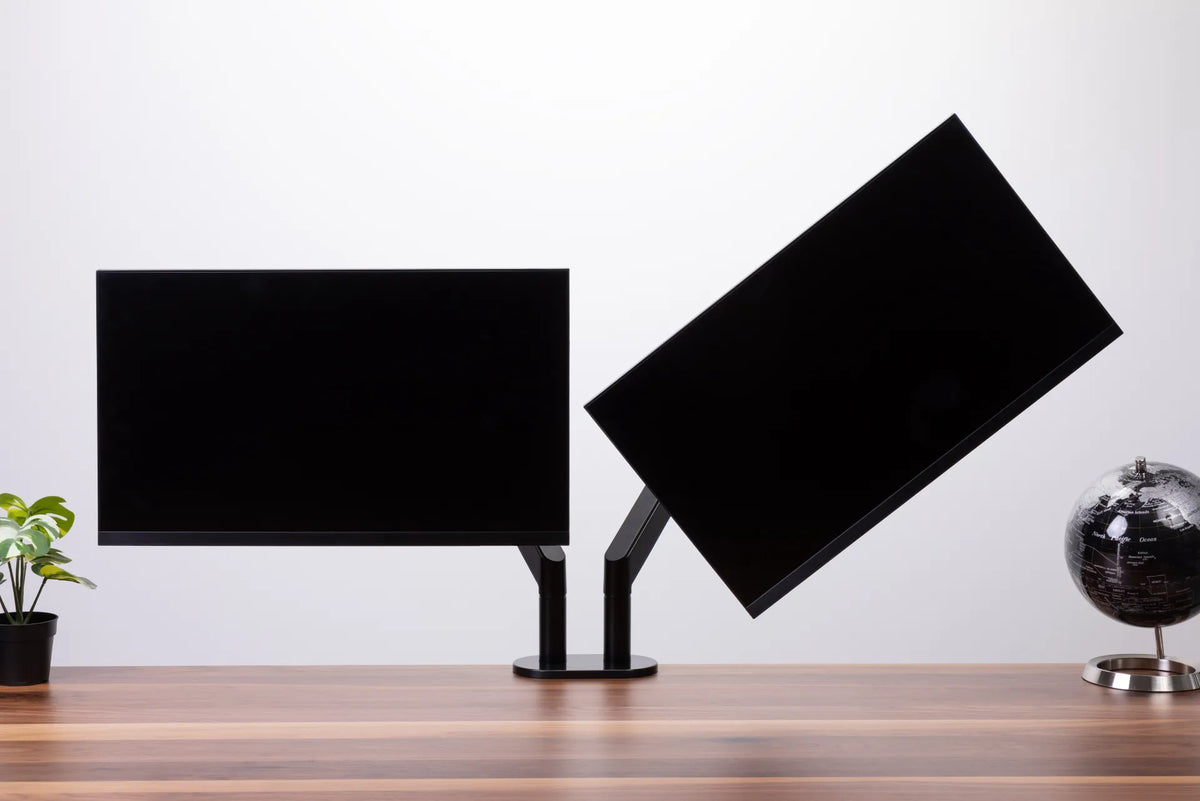
Two black monitors of similar size on a black dual monitor arm above a wood desk, with one screen angled inward

Do Dual Monitors Need to Be the Same Size?

Two monitors do not have to match, but size, resolution, scaling and placement determine how comfortable a mixed-screen setup feels. This guide explains when matching displays help and how to align different monitors.

Read moreabout Do Dual Monitors Need to Be the Same Size?

Large monitor on a light wood riser above a laptop workstation beside industrial windows

Should the Top of Your Monitor Be at Eye Level?
Learn where the top of your monitor should sit, when a lower screen is better, and how to test screen height without forcing your neck or eyes.

Read moreabout Should the Top of Your Monitor Be at Eye Level?

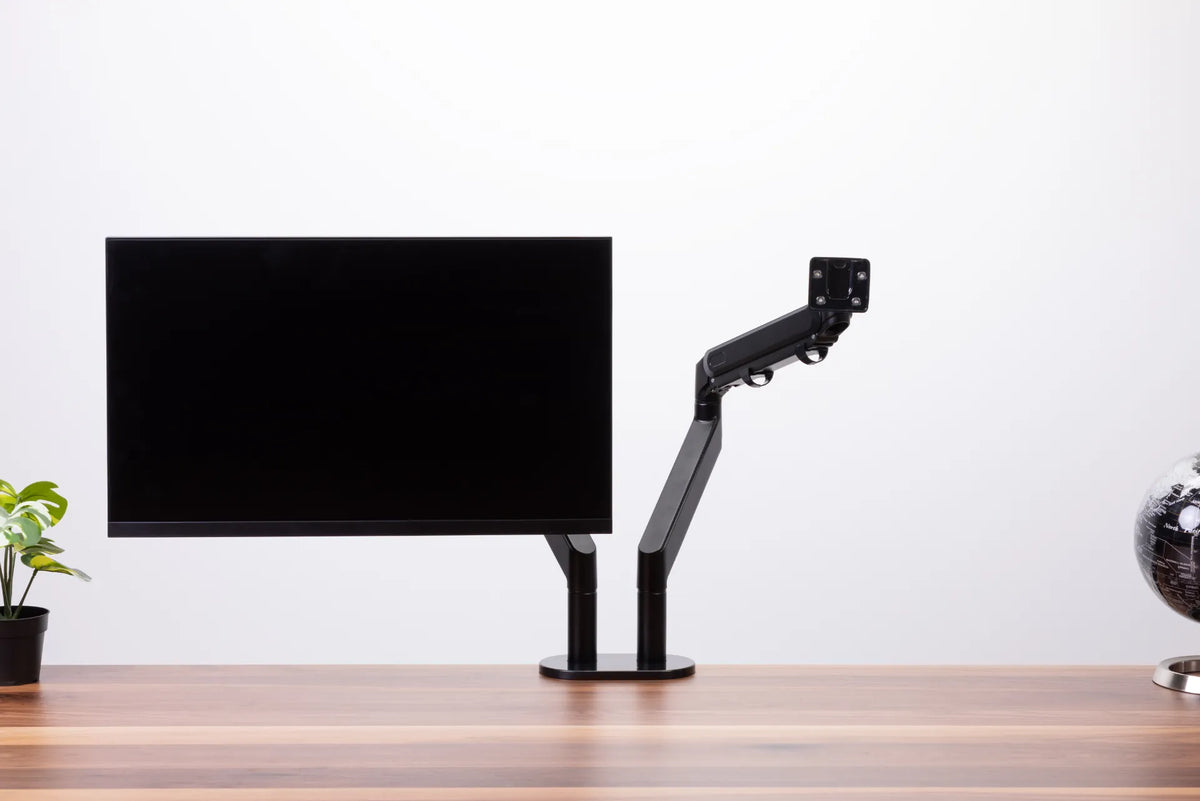
Black monitor and an empty articulated monitor arm on a dark dual-post base above a wood desk

Why Does My Monitor Arm Sag or Drop? How to Fix It Safely

A monitor arm that slowly drops, tilts forward or drifts upward usually needs a compatibility check, a careful tension adjustment or a mounting inspection. This guide shows how to identify the movement and correct it without forcing the mechanism.

Read moreabout Why Does My Monitor Arm Sag or Drop? How to Fix It Safely

Two black monitors mounted side by side on a white dual monitor arm against a white background

One Monitor vs. Two Monitors: Which Setup Is Better for Work?

Compare one-monitor and two-monitor setups by task, focus, desk space, ergonomics and cost so you can choose the arrangement that supports your actual work.

Read moreabout One Monitor vs. Two Monitors: Which Setup Is Better for Work?

Person standing at a wood standing desk with two monitors on black adjustable arms in a bright office

How High Should Your Monitor Be at a Standing Desk?

Set your standing desk monitor height by aligning the screen with your natural gaze, then check distance, keyboard height and the sitting position.

Read moreabout How High Should Your Monitor Be at a Standing Desk?

Close view of a black monitor on a white stand above a light wood desk with a laptop, mouse, desk shelf, camera and plants by a window

Should You Tilt Your Monitor? Best Screen Angle for Desk Work

A slight monitor tilt can help keep the screen perpendicular to your line of sight and reduce reflections, but the right angle depends on screen height, viewing distance and lighting. Use this step-by-step setup and test.

Read moreabout Should You Tilt Your Monitor? Best Screen Angle for Desk Work

Front view of a wood-grain desk with a curved monitor and raised laptop on black arms, a white keyboard, mouse and plants

27 vs. 32-Inch Monitor: How Much Desk Depth Do You Need?

Compare the space a 27 or 32-inch monitor needs, measure eye-to-screen distance, and test desk depth before changing your display or desk.

Read moreabout 27 vs. 32-Inch Monitor: How Much Desk Depth Do You Need?