Ergonomic Office Tips & Buying Guides

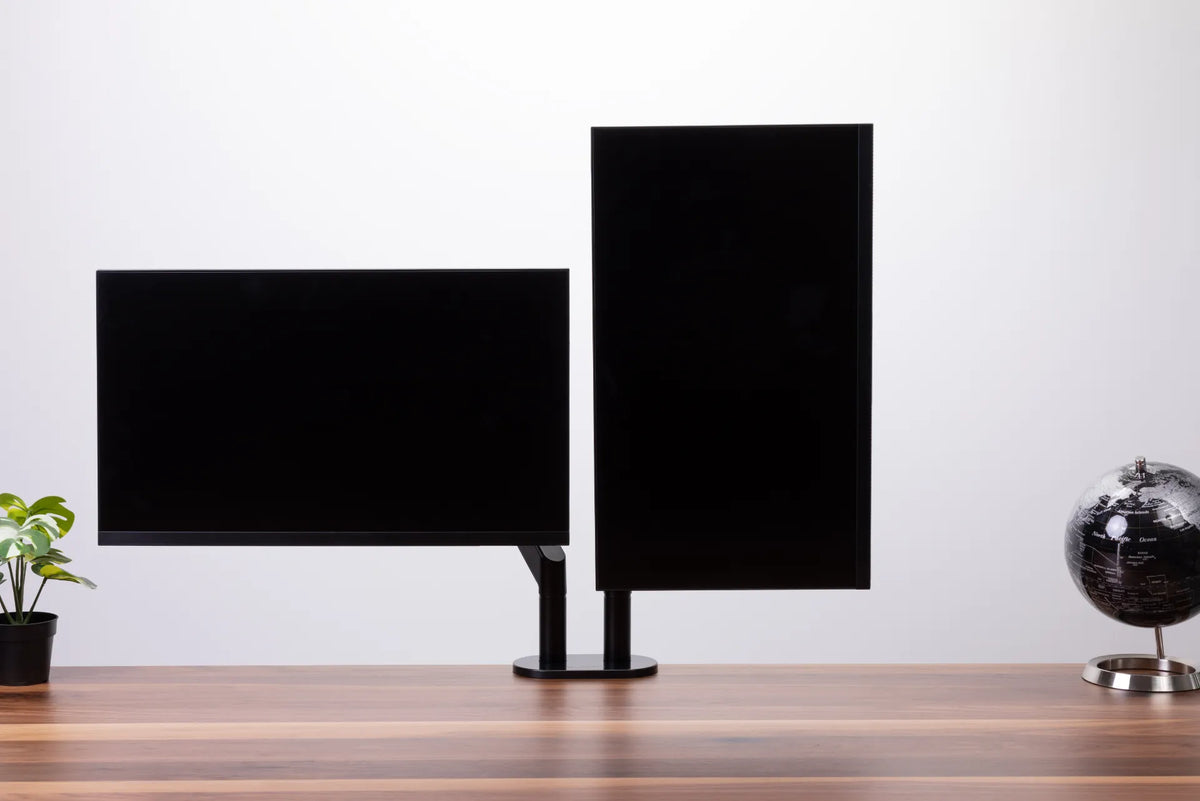
One landscape monitor and one portrait monitor mounted side by side on a black dual monitor arm

Should One Monitor Be Vertical in a Dual-Monitor Setup?
A portrait secondary monitor can improve reading, coding and document work, but only when the primary screen remains centred and both displays fit a comfortable viewing zone.

Read moreabout Should One Monitor Be Vertical in a Dual-Monitor Setup?

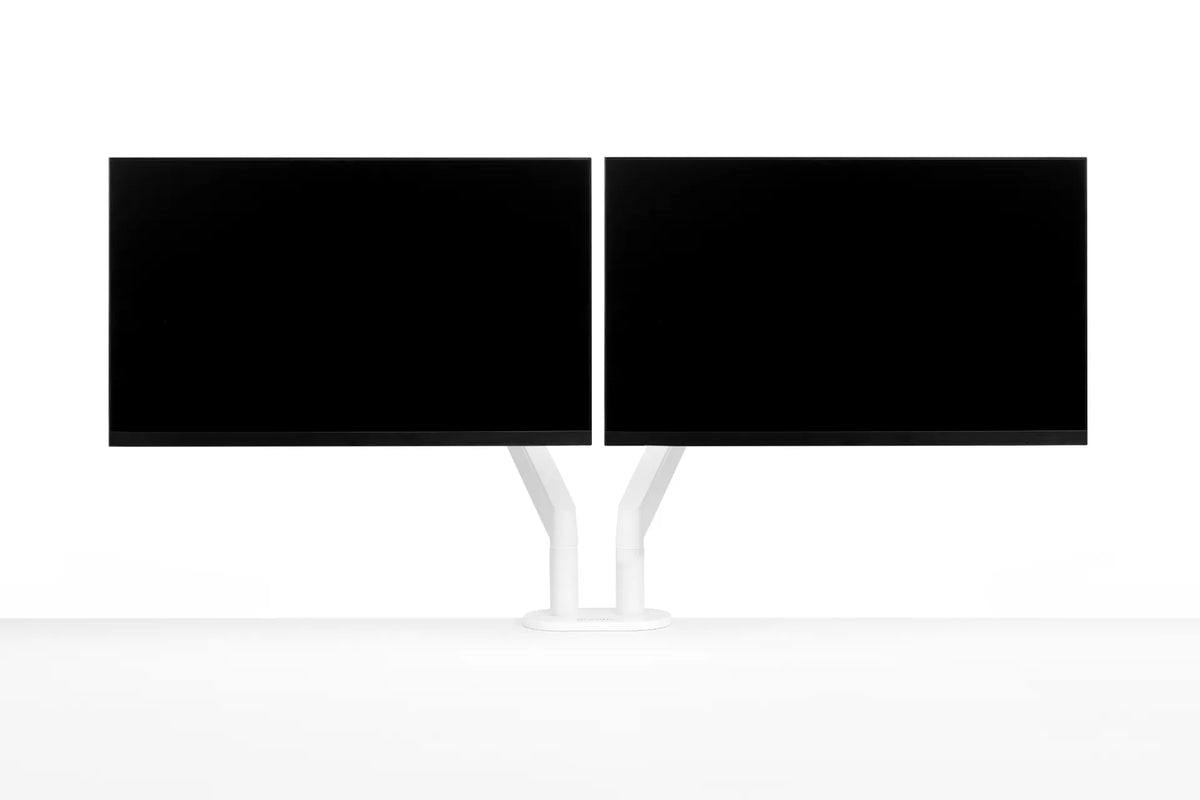
Two black monitors mounted side by side on a white dual monitor arm against a clean white background

Which Monitor Should Be Primary in a Dual-Monitor Setup?
Choose the right primary monitor for a dual-screen workstation, then position both displays to reduce repeated head turning and keep everyday tasks within easy reach.

Read moreabout Which Monitor Should Be Primary in a Dual-Monitor Setup?

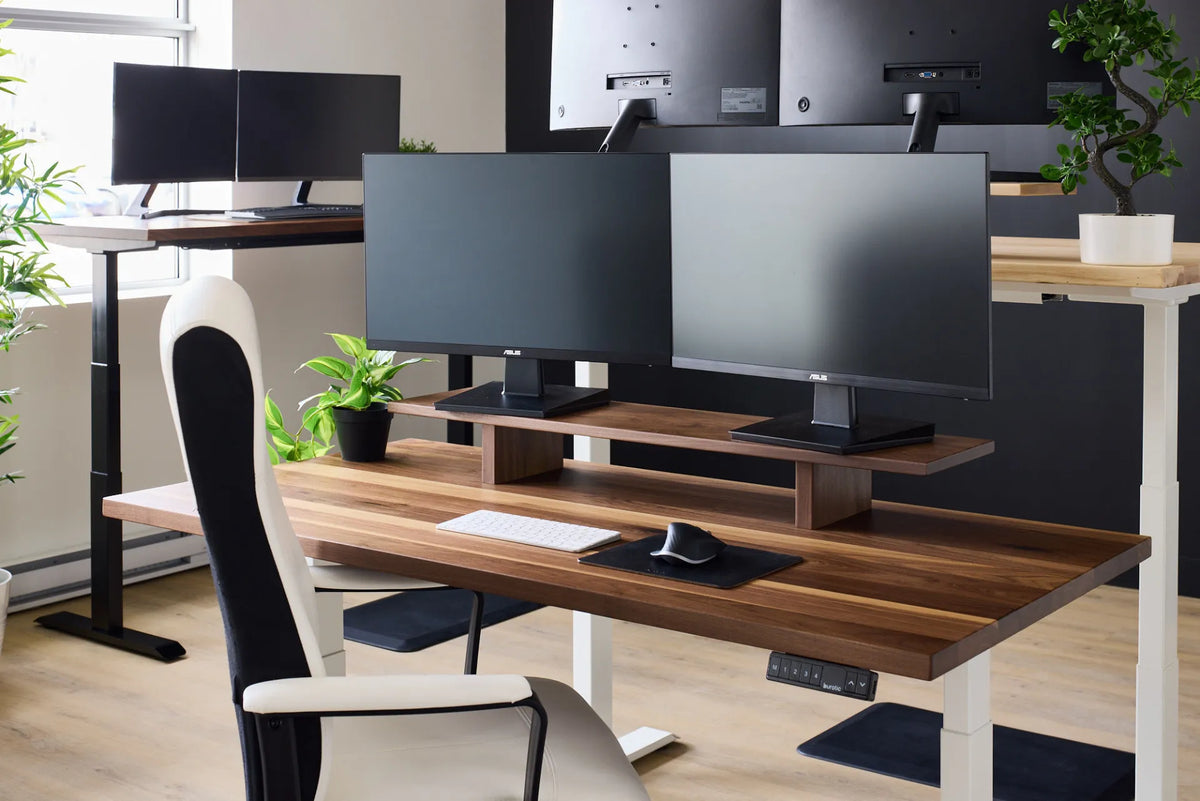
Two black monitors side by side on a long walnut-tone monitor riser above a standing desk in a shared office

Can a Monitor Riser Hold Two Monitors? What to Check
A practical way to check whether two monitors will fit safely and ergonomically on one desk riser, including width, depth, load, screen position and cable clearance.

Read moreabout Can a Monitor Riser Hold Two Monitors? What to Check

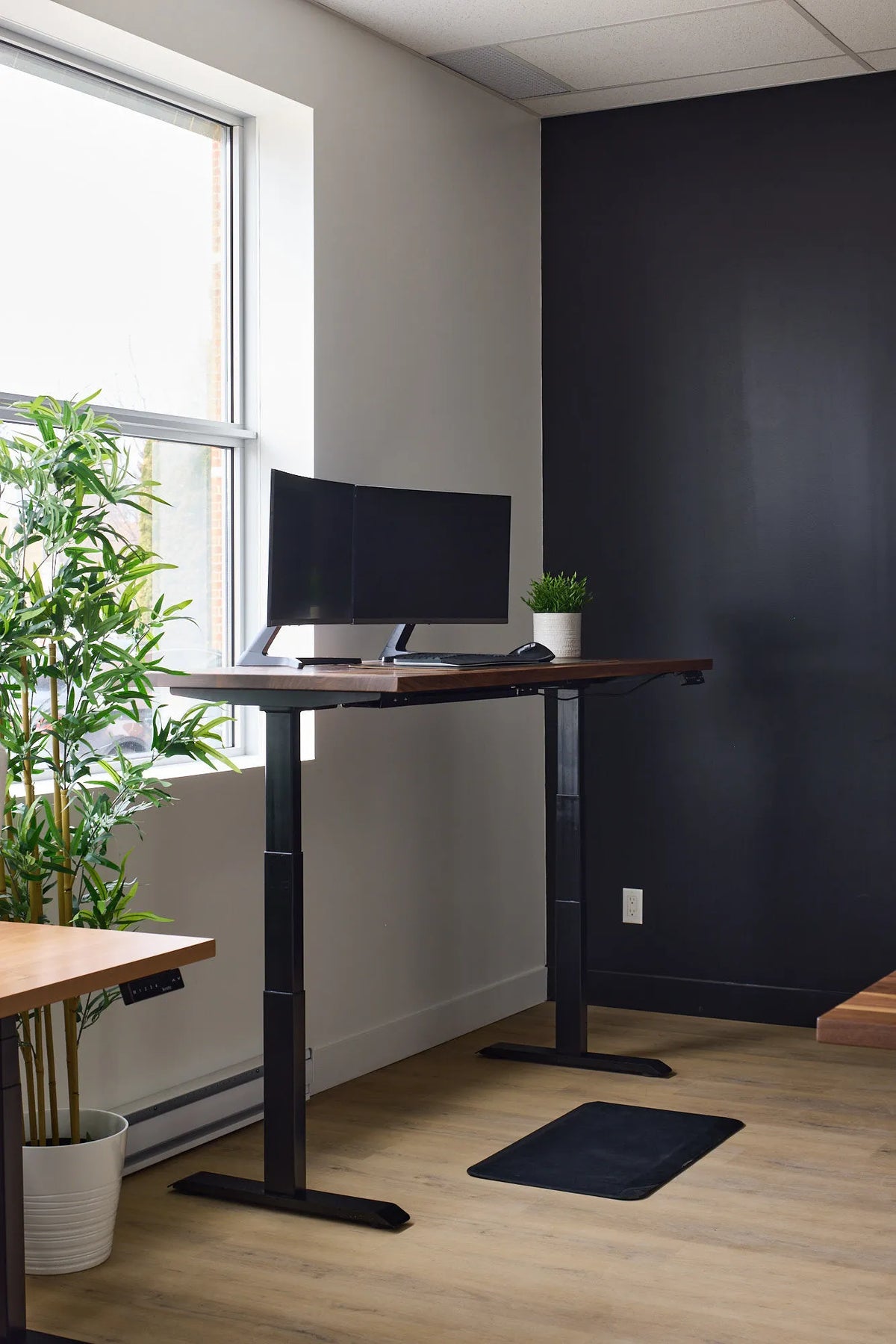
Two black monitors on a walnut-tone standing desk beside a window and green plants

How Deep Should a Desk Be for Two Monitors?
A practical way to choose desk depth for two monitors, based on viewing distance, stand footprint, screen size and the way you use each display.

Read moreabout How Deep Should a Desk Be for Two Monitors?

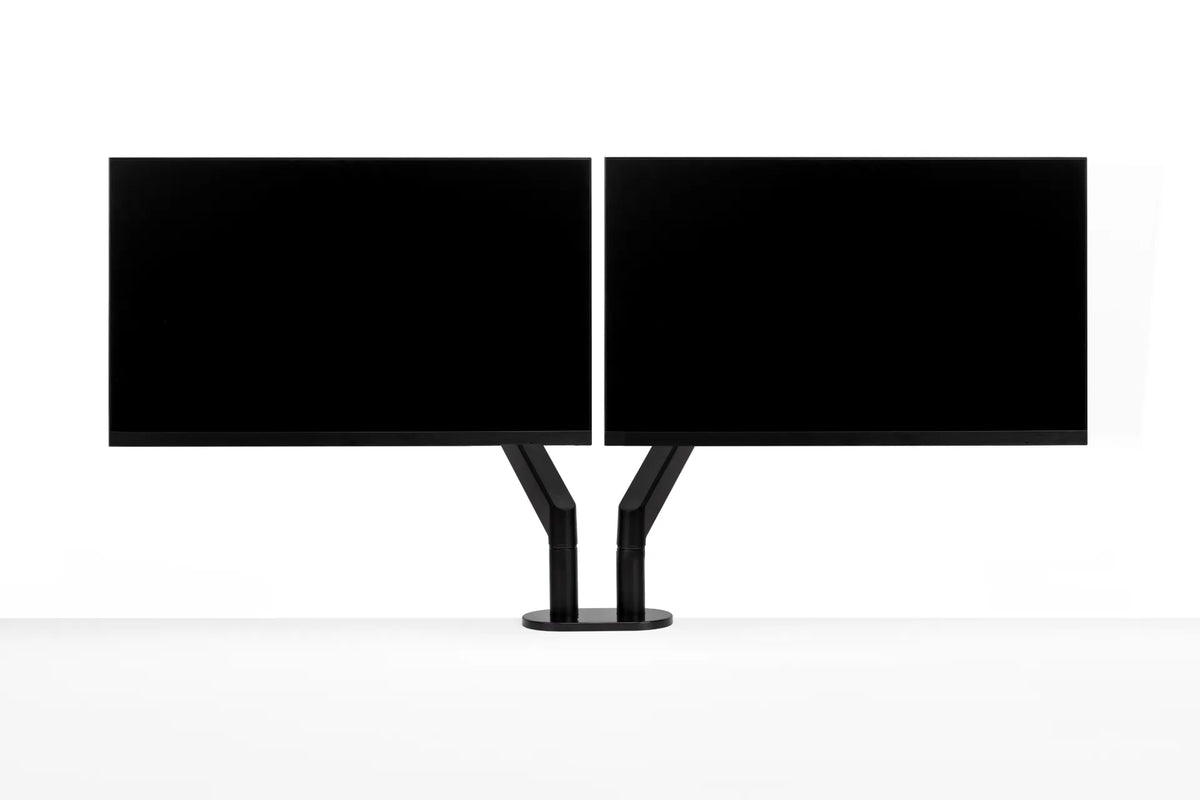
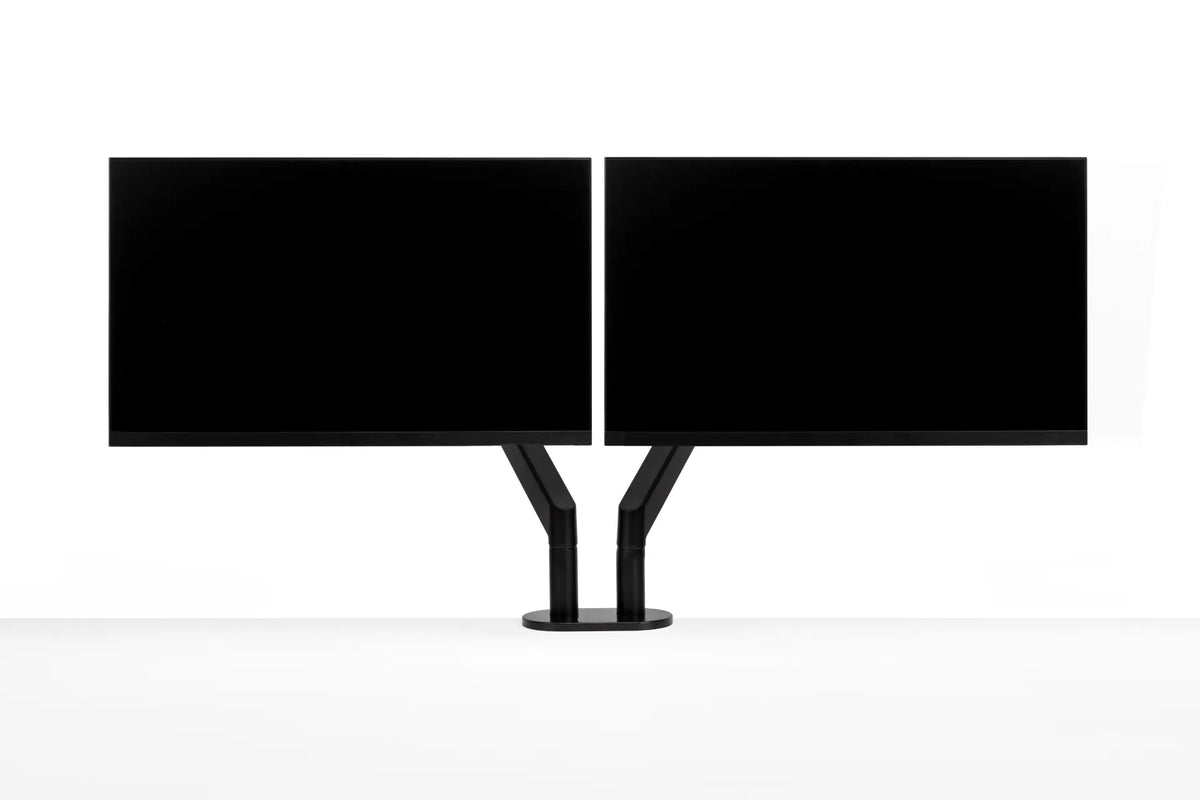
Two black monitors aligned side by side with their inner edges nearly touching on a central black dual monitor arm

Should Dual Monitors Touch? How Much Gap to Leave Between Screens
Learn when dual monitors should touch, how bezel width and screen angle affect the centre gap, and how to align two displays for comfortable work.

Read moreabout Should Dual Monitors Touch? How Much Gap to Leave Between Screens

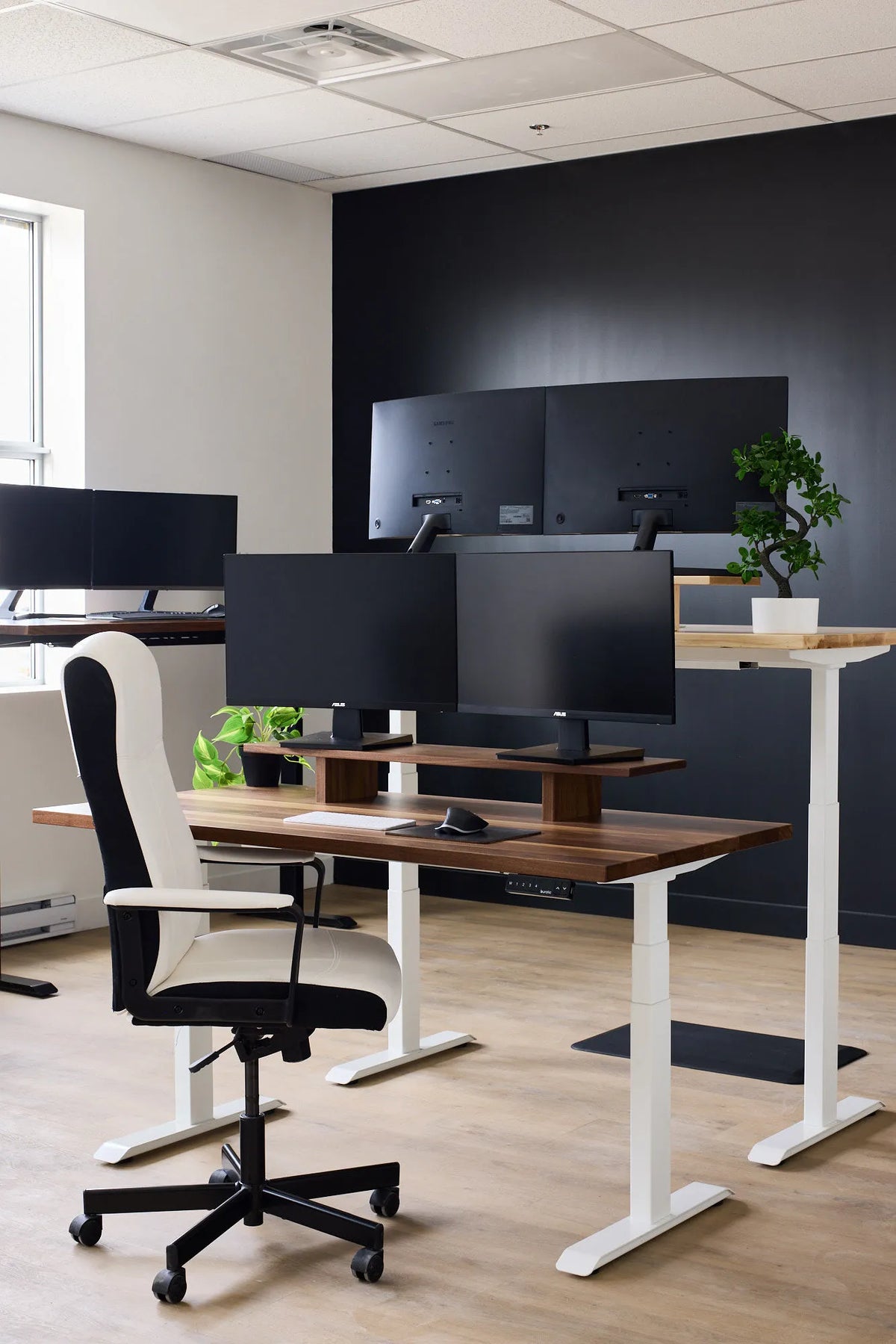
Office workstation with two black monitors on a wood riser, a white adjustable desk and a white chair

What Desk Width Do You Need for Two Monitors?
Choose a practical desk width for two monitors by measuring the screens, stands, viewing angle, input devices, and the work space you need beside them.

Read moreabout What Desk Width Do You Need for Two Monitors?

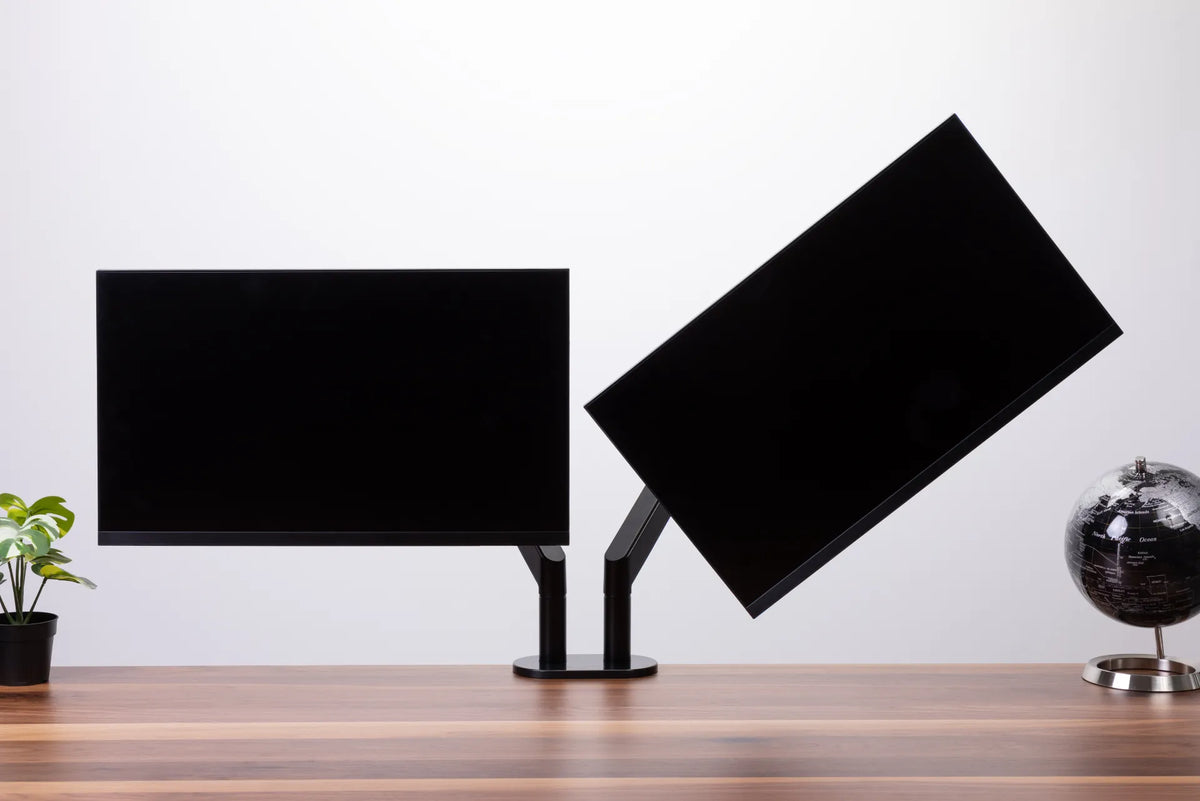
Two black monitors of similar size on a black dual monitor arm above a wood desk, with one screen angled inward

Do Dual Monitors Need to Be the Same Size?

Two monitors do not have to match, but size, resolution, scaling and placement determine how comfortable a mixed-screen setup feels. This guide explains when matching displays help and how to align different monitors.

Read moreabout Do Dual Monitors Need to Be the Same Size?

Two black monitors mounted side by side on a white dual monitor arm against a white background

One Monitor vs. Two Monitors: Which Setup Is Better for Work?
Compare one-monitor and two-monitor setups by task, focus, desk space, ergonomics and cost so you can choose the arrangement that supports your actual work.

Read moreabout One Monitor vs. Two Monitors: Which Setup Is Better for Work?

Two black monitors aligned side by side on a black dual monitor arm against a white background

How to Align Dual Monitors: Height, Angle and Primary Screen

Set up two monitors so the screen you use most stays centred, both displays are easy to scan and the arrangement still works when your standing desk moves.

Read moreabout How to Align Dual Monitors: Height, Angle and Primary Screen