

Face-to-Face vs. Side-by-Side Desks: Which Office Layout Works Better?

In this article
Face-to-face desks are usually better for teams that need frequent, spontaneous conversation. Side-by-side desks are often better for focused individual work because people are not looking directly at one another and screens can be oriented more consistently. Neither arrangement is automatically best for every office.
The right layout depends on the work, not only the number of desks that fit. Before moving furniture, compare collaboration, visual privacy, speech distraction, circulation, windows, power and the movement of adjustable desks.
What is a face-to-face desk layout?
In a face-to-face arrangement, two people sit opposite each other. The desktops may touch, share a central gap or be separated by a low divider. This layout creates a compact team zone and makes conversation easy.
It also places faces, screens and voices directly across from one another. That can be useful for paired work, but distracting for concentration. A divider may reduce visual interruption, although it does not automatically solve speech privacy or sound transmission.
What is a side-by-side desk layout?
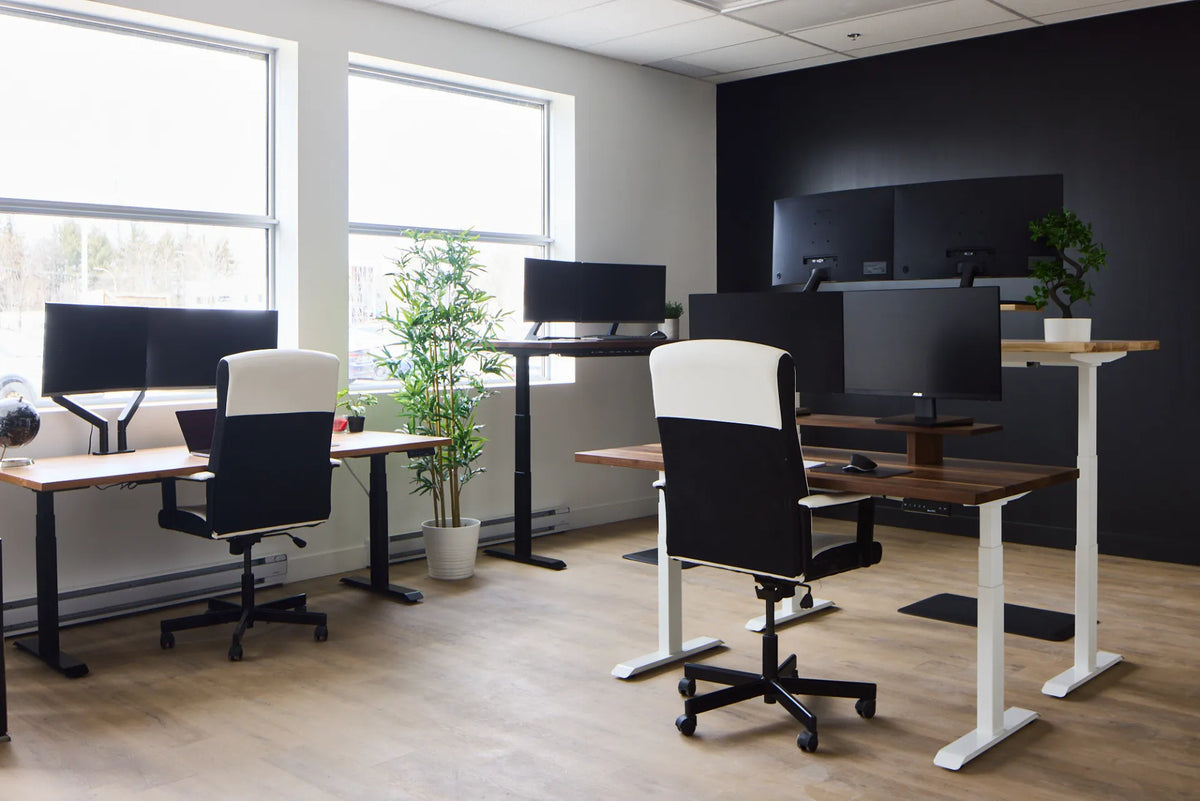
In a side-by-side arrangement, people face the same direction with their desks next to one another. The workstations can share a wall, window orientation or cable route. Conversation is still possible, but it usually requires a deliberate turn rather than constant eye contact.
This layout can create a calm visual field and simplify screen orientation. Its main challenge is lateral noise and the possibility that one person frequently crosses into the other person's work zone.
Face-to-face vs. side-by-side at a glance
| Decision factor | Face-to-face | Side-by-side |
|---|---|---|
| Quick collaboration | Strong | Good, but requires turning |
| Visual focus | More potential interruption | Usually calmer |
| Screen privacy | Screens may be more visible across the pair | Easier to align screens away from circulation |
| Cable planning | Can share a central power route | Can share a wall or rear cable route |
| Window orientation | One person may face a different light direction | Both screens can often use the same orientation |
| Space efficiency | Compact paired island | Efficient along a long wall |
Choose based on the work people actually do
Face-to-face works for paired tasks
Choose face-to-face desks when two people regularly compare documents, discuss designs, train one another or make rapid decisions together. The arrangement lowers the friction of starting a conversation and can make a small project team feel connected.
It is less suitable when both people spend long periods on calls, perform confidential work or need uninterrupted concentration. In that case, frequent eye movement and nearby speech can outweigh the collaboration benefit.
Side-by-side works for parallel individual tasks
Choose side-by-side desks when people work independently but still need occasional contact. Writers, analysts, developers and administrative staff often benefit from a consistent forward visual field. Turning to ask a question remains easy, but collaboration is more intentional.
If one person is on calls throughout the day, side-by-side seating does not eliminate the noise. Add distance, acoustic treatment, quiet rooms or scheduling practices rather than expecting furniture orientation alone to solve the problem.
Privacy and acoustics matter more than eye contact
Research from the National Research Council of Canada emphasizes that the type of work and the degree of privacy required are critical when planning an open office. Team-style areas can still experience intrusive speech, especially when sound paths are unobstructed.
A face-to-face divider can reduce direct visual distraction, but speech can travel over and around it. Side-by-side desks may remove direct eye contact, yet nearby calls remain audible. Consider ceiling absorption, soft flooring, wall treatment, enclosed rooms for confidential conversations and team etiquette.
Do not promise complete acoustic privacy from a desktop screen or decorative panel. Sensitive conversations need an appropriate room and information-handling policy.
Plan sightlines before placing desks
Sit in each proposed position and look forward, sideways and toward the door. Check whether visitors can see confidential information, whether a busy corridor stays in peripheral vision, and whether colleagues must walk behind chairs to reach storage.
Face-to-face seating can put another person's moving hands and expressions directly in view. Side-by-side seating can expose both screens to the same doorway. The preferred arrangement is the one that reduces avoidable interruption while preserving the communication the work requires.
Use windows without creating screen glare
Whenever possible, place screens roughly perpendicular to windows rather than directly facing or backing onto strong daylight. A face-to-face island may give the two workers opposite relationships to the same window. One screen could receive reflections while the other person looks into bright light.
Side-by-side desks can simplify the orientation because both screens face the same direction. Test the space at different times of day, and use adjustable blinds or shades where needed. Moving a desk a small distance can be more effective than increasing screen brightness.
Allow every adjustable desk to move independently
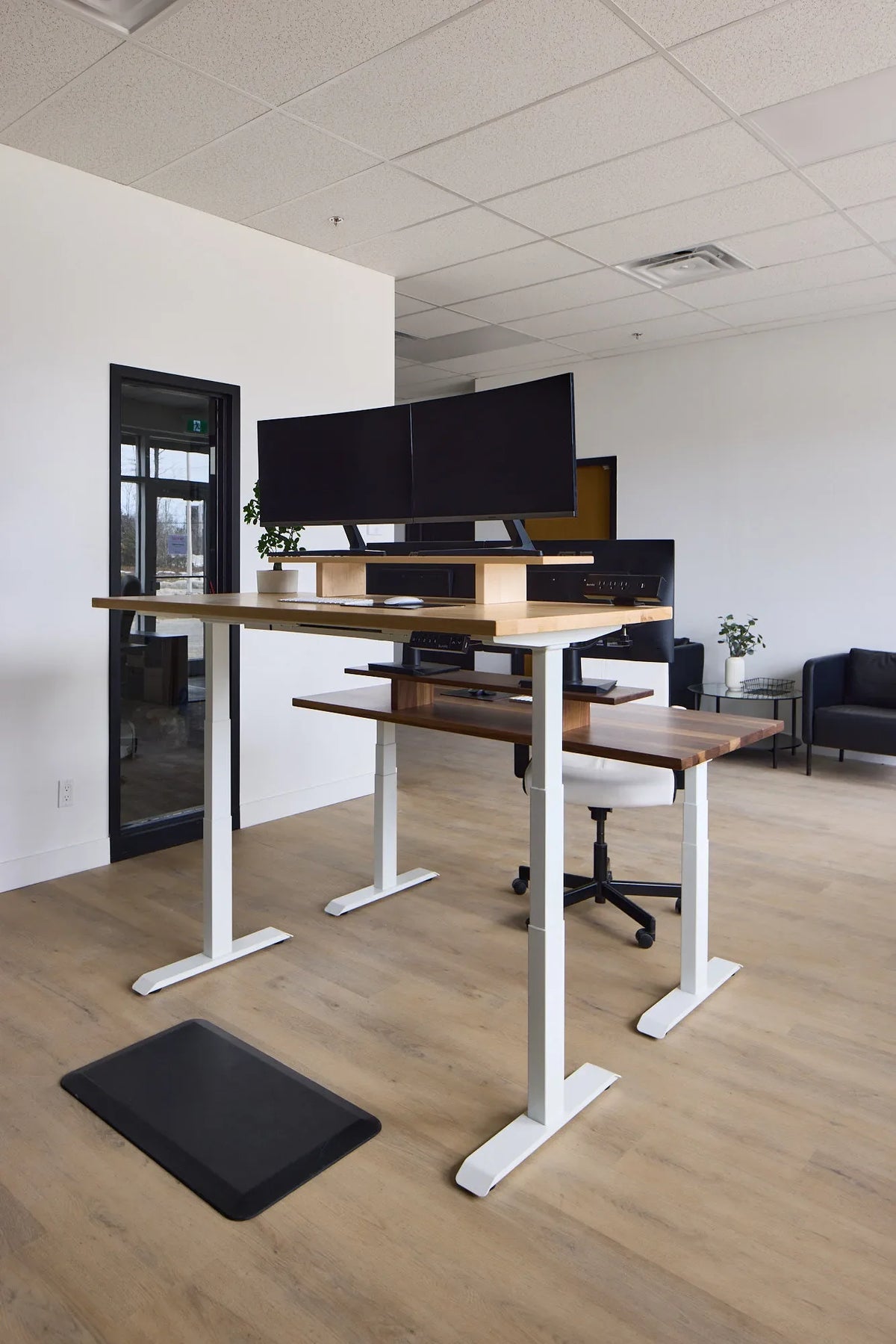
Height-adjustable desks need clearance around the top, legs, cables and accessories. Two face-to-face desks should not trap a shared power cable or collide with a divider as one desk rises. Side-by-side desks should have enough separation that the tops, controls and monitor arms do not touch.
Run each desk through its full height range before finalizing the layout. Watch power cords, network cables and monitor leads. Shared cables need a planned transition point that does not pull when only one desk moves.
Check circulation with chairs in use
A floor plan that works with chairs tucked in may fail during a normal day. Pull the chairs back, open drawers and simulate a person walking behind each workstation. Keep exit routes, doors, accessibility paths and building requirements clear. Consult the applicable local codes and a qualified space planner for a commercial installation.
Face-to-face desk islands can concentrate chair movement on two opposite sides. Side-by-side rows can create one long circulation lane. The better choice is the one that keeps the busiest path away from seated workers and avoids cable crossings.
Plan power and data before moving furniture
Face-to-face desks can share a central cable route, but that route must support independent height changes and allow service access. Side-by-side desks can often use a wall-side raceway or a shared floor box. In either layout, avoid loose extension cords across walking paths.
Count computers, monitors, chargers, lamps and future equipment. Have permanent electrical work completed by a qualified professional. The desk arrangement should follow safe power access rather than relying on a chain of temporary cords.
A simple decision process
- List the tasks: note how much time is spent collaborating, concentrating, calling and handling private information.
- Map fixed elements: mark windows, doors, columns, outlets, floor boxes and required paths.
- Mock up both layouts: use tape or temporary furniture and include chairs at working positions.
- Test sound and sightlines: conduct a sample call and view screens from entrances and corridors.
- Move adjustable desks: raise and lower every desk while watching cables and clearances.
- Ask the users: the people doing the work can identify interruptions and workflow needs that a floor plan misses.
Can you combine both layouts?
Yes. A shared office can use side-by-side desks for focused daily work and a separate face-to-face table for reviews. A larger team can place paired face-to-face stations inside a quieter side-by-side row. Mobile acoustic elements or bookable rooms can support tasks that need more privacy.
A hybrid layout is often more useful than forcing one orientation throughout the office. What matters is giving each activity an appropriate place.
Which arrangement should you choose?
Choose face-to-face when conversation is part of the work and the team can manage visual and speech distraction. Choose side-by-side when sustained focus, consistent screen orientation and quieter sightlines have priority. If the team does both, separate the focus zone from the collaboration zone.
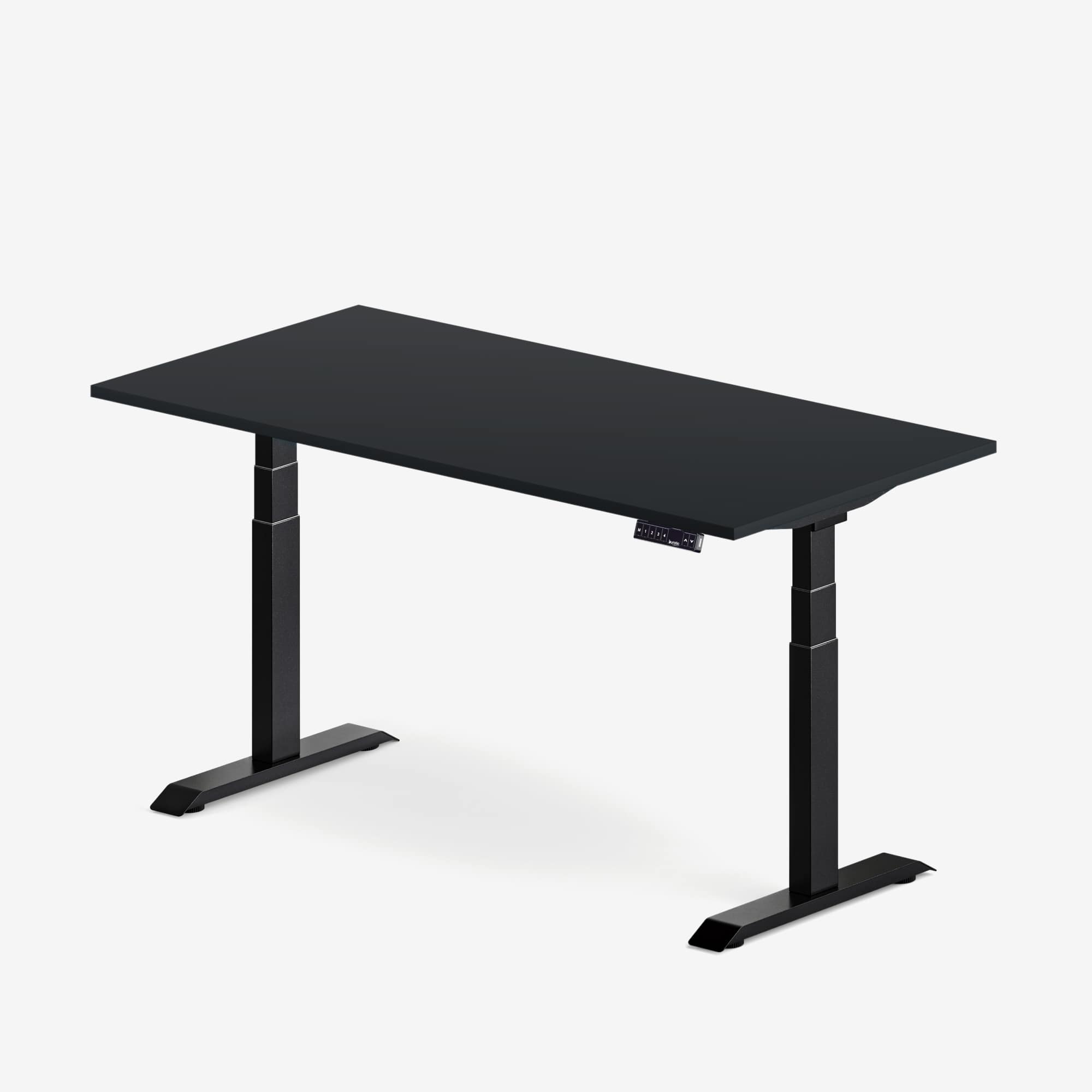
Before buying furniture, review how much space to leave between two office desks, compare it with the broader office desk spacing guide, and use the shared standing-desk planning guide. For rooms that need more surface around a corner, Burotic's active L-Shaped Aspire Wood Laminate Standing Desk offers another layout option.
Sources
- National Research Council Canada: Workstation Design for the Open-Plan Office
- National Research Council Canada: Acoustical Design Guide for Open Offices
- Canadian Centre for Occupational Health and Safety: Purchasing Ergonomic Office Furniture
A useful office layout is not the one that fits the most desks in a diagram. It is the one that supports the work, protects circulation, controls avoidable distraction and remains easy to adjust as the team changes.

Previous article
How Deep Should a Desk Be for a Laptop?