

Office Chair Tilt Mechanisms Explained: Synchro, Knee and More

In this article
An office chair tilt mechanism controls how the seat and backrest move when you lean back. It influences hip angle, backrest contact, balance and how naturally you can change position. Terms such as swivel tilt, synchro tilt, knee tilt, tension and lock describe different parts of that movement.
No mechanism is automatically best for everyone. A good choice provides predictable motion, enough resistance for your body, useful lock positions and controls you can operate while seated. Understanding the terms makes product comparisons more meaningful.
Tilt is not the same as recline
Manufacturers use these words inconsistently. In general, recline describes the backrest moving rearward, while tilt may describe the seat and backrest rotating together around a pivot. Always read the actual control description and test the motion instead of relying on the feature name.
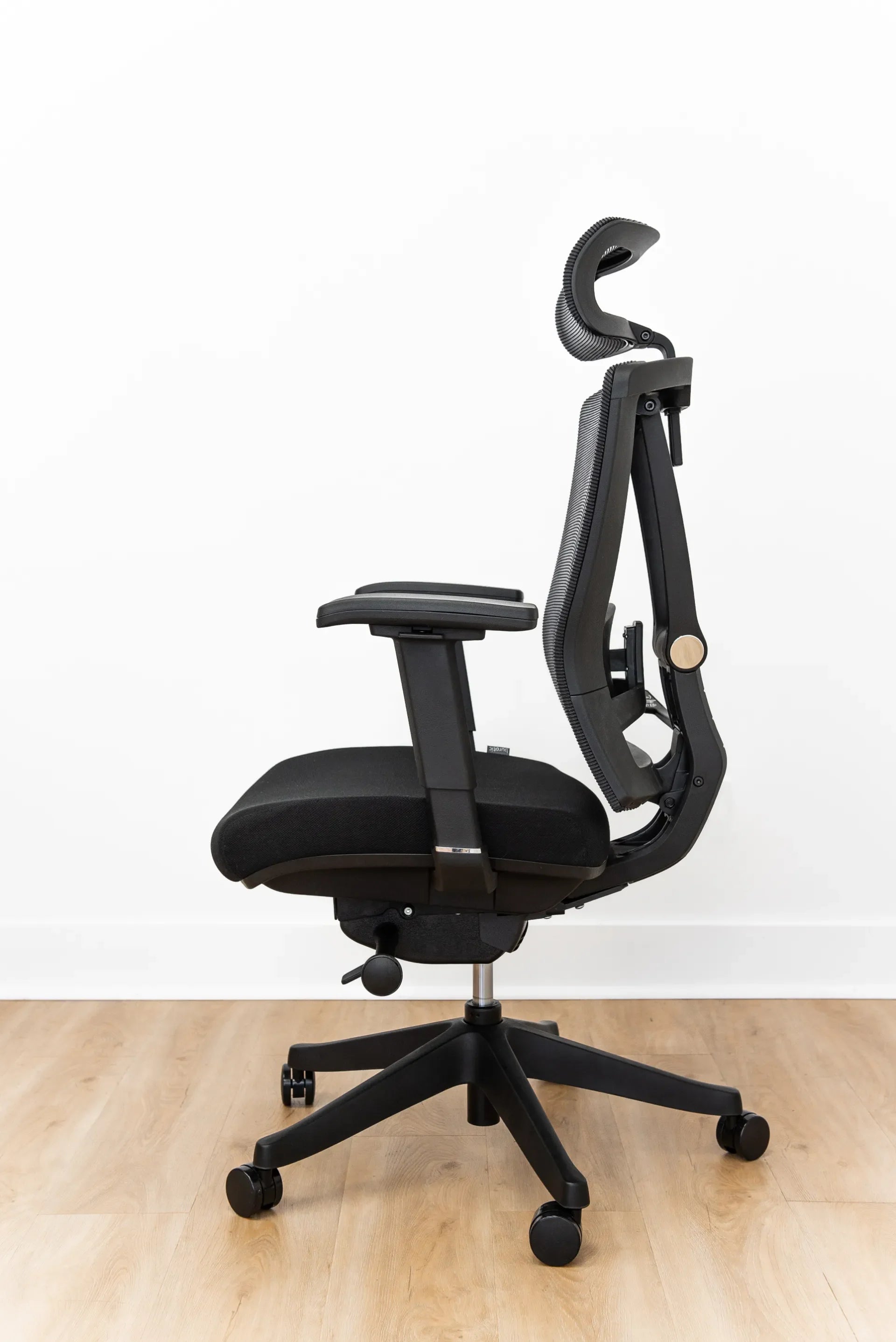
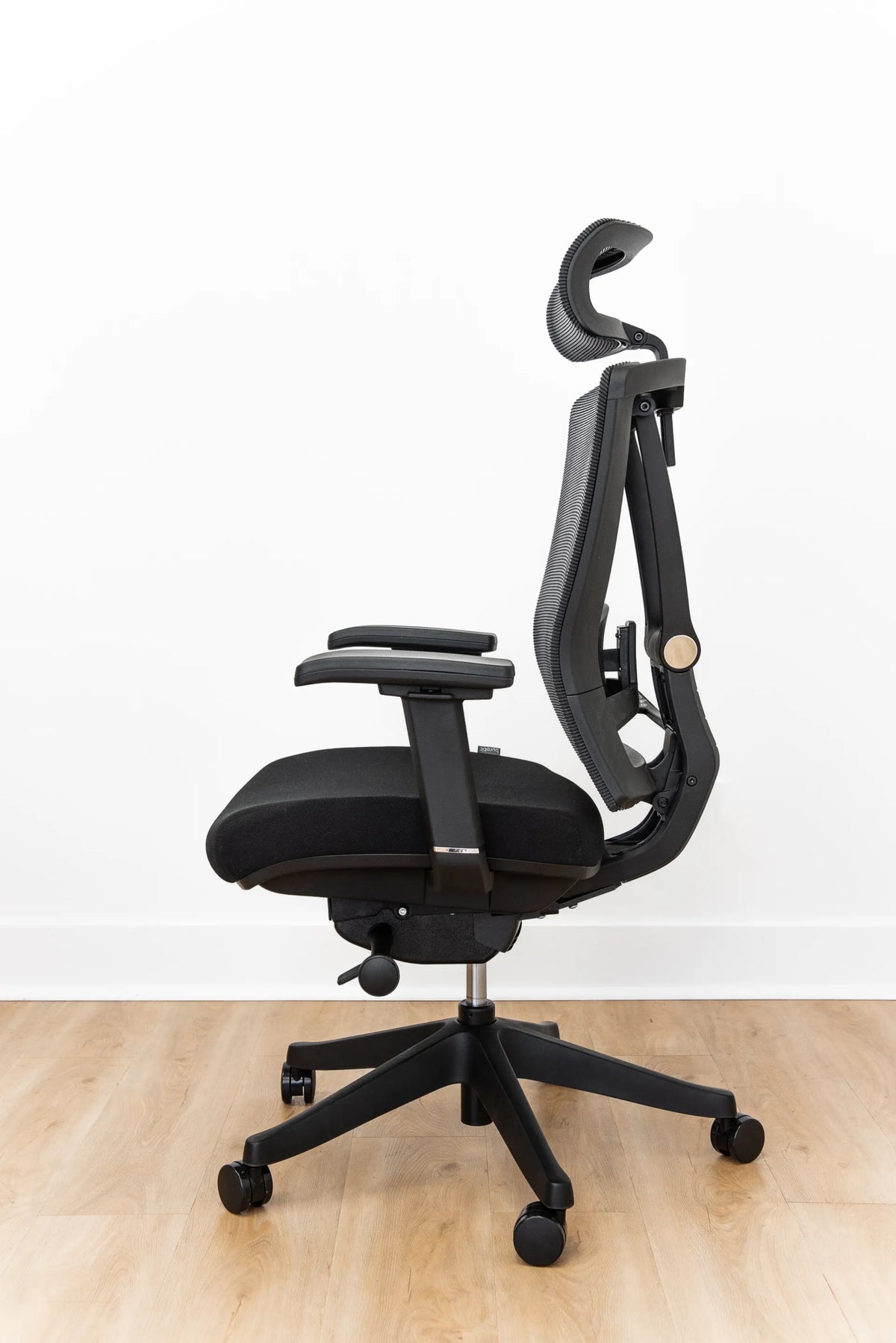
The photographed Burotic chair is shown from the side in a reclined position. Its black cushioned seat, mesh back, adjustable armrest, headrest, frame and under-seat controls are visible. The photo demonstrates movement, but it does not by itself prove a specific internal mechanism.
Why movement matters
The Canadian Centre for Occupational Health and Safety notes that no single sitting position remains comfortable for a long period. A chair that moves smoothly can help you alternate between upright task work, a modest recline for reading and short position changes. Movement does not replace standing or walking breaks, but it reduces the need to hold one rigid posture.
Common office chair tilt mechanisms
Swivel or centre tilt
With centre tilt, the seat and back typically rotate together around a point near the centre of the seat. It creates a rocking motion, but the front edge may rise as you lean back. Shorter users may feel their feet lose contact if the range is large.
This simple mechanism is common on basic task and executive chairs. Check whether the movement can be locked and whether the tension range is broad enough.
Knee tilt
Knee tilt moves the pivot closer to the front of the seat. The front edge therefore rises less during recline, which can help the feet remain supported. The mechanism is often used where a smoother lounge-like motion is desired.
It may add cost and weight, and the term does not guarantee a particular backrest ratio. Test the actual chair.
Synchro tilt
Synchro tilt moves the backrest and seat at different angles, with the backrest generally travelling farther. This opens the angle between the torso and thighs while keeping the seat comparatively stable. Ratios vary by design, so do not assume all synchro chairs feel alike.
A well-tuned synchro mechanism can support frequent movement between focused and reclined positions. Confirm that the front edge does not create pressure and that lumbar support remains aligned throughout the motion.
Backrest-only recline
Some chairs allow the backrest to move while the seat stays nearly level. This can preserve foot contact and desk height, but the relationship between the lumbar support and pelvis may change more noticeably. Check for sliding or a gap behind the lower back.
Weight-responsive or automatic tilt
These mechanisms adjust resistance using body weight or a preset spring system, reducing the number of manual controls. They can work well in shared offices, but automatic does not mean universally correct. Users may still need seat depth, height and recline-limit adjustments.
What is tilt tension?
Tilt tension controls how much force is required to lean back. Too little resistance can make the chair fall away from you; too much can prevent natural movement. Start in the middle of the range and adjust gradually while sitting in your usual working position.
The control may be a large knob under the seat, a side crank or an integrated lever. Some weight-responsive mechanisms have no manual tension control. Never force a knob past its normal stop.
What is a tilt lock?
A tilt lock holds the chair at one or more angles. A single-position lock usually secures the upright position. A multi-position lock provides several fixed angles. An infinite lock can hold the recline at many points within its range.
A recline limiter is different: it sets the farthest angle but may still allow movement before that limit. Product descriptions sometimes use lock and limiter loosely, so verify the behaviour.
How to adjust tilt safely
- Set seat height so the feet are supported.
- Check seat depth and leave clearance behind the knees.
- Sit fully against the backrest.
- Unlock the tilt while holding the backrest with your body.
- Start with moderate tension.
- Lean back slowly and note whether the feet lift or the seat edge presses.
- Adjust one step at a time.
- Choose an upright task position and a modest reclined position.
- Confirm that the controls lock reliably before relying on them.
Read the manufacturer instructions because lever directions and lock behaviour vary. Keep fingers away from moving joints and never alter the mechanism housing.
How tilt interacts with other adjustments
Seat height
If the chair is too high, reclining may worsen foot instability. Set height first and use a footrest when a fixed desk requires the chair to rise.
Seat depth
A deep seat can make users slide forward before they reach the backrest. Correct depth before evaluating recline quality.
Lumbar support
Lumbar contact should remain broad as you move. Use our lumbar support guide to refine the position.
Armrests
Armrests should not trap the elbows or collide with the desk during movement. Their height may feel different once the torso reclines.
Common problems and what they suggest
- The chair drops backward: increase tension if the mechanism allows it.
- The chair will not recline: check the lock and reduce tension gradually.
- The feet lift: verify seat height and consider a mechanism with less front-edge rise.
- The lower back loses contact: adjust lumbar height, seat depth or recline limit.
- The chair rocks when locked: a small amount of play may be normal, but a sudden change or loose hardware needs inspection.
- The control slips: stop using the affected position and consult the manufacturer.
Choosing a mechanism for your work
For frequent typing, look for stable upright support with easy access to a modest recline. For reading, calls or creative review, a smooth range and useful limiter can matter more. In a shared office, intuitive controls and a wide tension range reduce setup time.
Do not evaluate tilt in isolation. A premium mechanism cannot compensate for unsuitable seat depth, poor lumbar placement or armrests that block the desk. Test the full chair for at least 20 minutes.
Burotic chair controls
The Loop Ergonomic Chair offers an infinite recline lock along with seat-depth adjustment, adjustable lumbar support and 3D armrests. The Peak Ergonomic Chair is another fully adjustable option. Compare overall fit with our chair selection guide and set the correct office chair height before tuning recline.
The practical takeaway
Centre tilt rocks the seat and back together, knee tilt moves the pivot forward, synchro tilt uses different seat and back angles, and backrest-only designs keep the seat more stable. Tension controls effort, while locks and limiters control position or travel.
The best mechanism is predictable, adjustable and compatible with your body and tasks. Set the chair from the floor upward, test movement slowly and keep changing posture during the day.


Previous article
How to Adjust an Office Chair for Hip Comfort
Next article
Mesh vs. Upholstered Office Chairs: Which Is Better for You?