





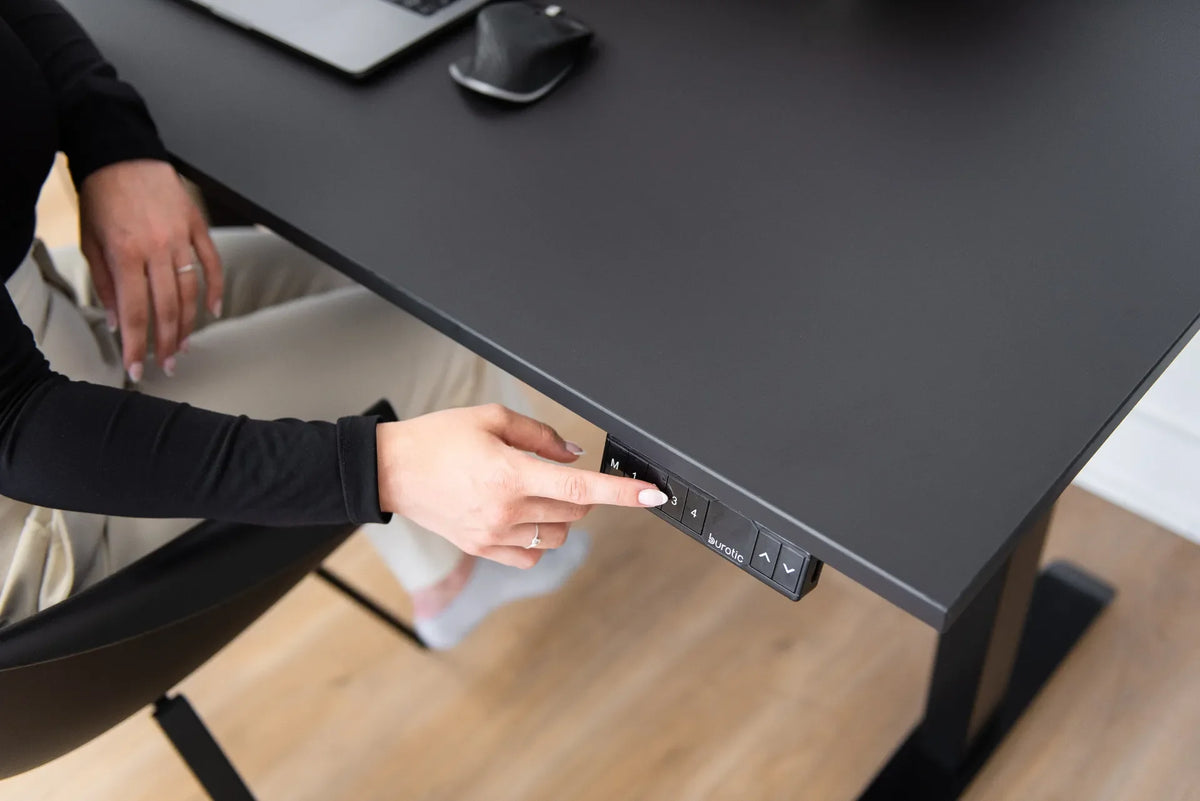
Why Is One Side of My Standing Desk Higher Than the Other?

In this article
If one side of a standing desk is higher than the other, stop moving it repeatedly and identify whether the difference comes from the floor, the levelling feet, the assembly or the lifting columns. A desk that only looks uneven on an irregular floor needs a different fix from a desk whose columns have lost their height reference.
Start with the desk lowered, unloaded and disconnected from power when inspecting hardware. Do not force a column, open a motor housing or apply a reset sequence from another model. Use the exact manual for the desk.
First confirm that the desk is actually uneven
Visual references can be misleading. A sloped floor, uneven baseboard or crooked wall decoration can make a level desk appear tilted. Place a level on the desktop in the left-to-right direction, then front-to-back. Repeat near the front and rear edges.
If you do not have a level, measure from the floor to the same point under each side of the top. This method is less reliable on an uneven floor, so compare several points. Do not measure one side from the top surface and the other from the underside.
Remove loose items before testing. A rolling object can confirm a slope, but it cannot tell you whether the cause is the floor, frame or top.
Step 1: inspect the floor and levelling feet
Lower the desk to a safe working height and unplug it. Check whether all frame feet contact the floor. On hard flooring, a levelling pad that is slightly retracted can create a visible tilt. On carpet, one foot may sink more deeply or rest on the edge of a rug.
Adjust only the levelling feet intended for this purpose. Make small changes, then recheck the level in both directions. Do not use folded cardboard, loose wood scraps or unstable shims under a motorized desk. They can move when the desk changes height.
If the desk is on carpet, the guide Can You Put a Standing Desk on Carpet? explains how the surface can affect stability and levelling.
Step 2: check whether the tabletop or frame is misaligned
With the desk unplugged, inspect the visible fasteners that connect the top, cross-members and legs. Follow the assembly manual and use the specified tool. A loose fastener can allow one area to lift or twist, while overtightening can damage threads or the desktop.
Compare the frame position under both sides of the top. The left and right assemblies should follow the dimensions and mounting locations in the manual. A top that was attached off-centre can look uneven even when the columns move together.
Do not add new holes, braces or improvised hardware before contacting support. Unapproved modifications can make diagnosis harder and may affect the product.
Step 3: remove uneven loading
Temporarily remove heavy equipment and accessories. A monitor arm, computer, printer or loaded drawer concentrated on one side can flex a desktop or exaggerate movement. The load may not be the original cause, but an empty desk is easier to assess.
After levelling and resetting, return equipment gradually. Keep heavy items within the supported area identified by the desk manufacturer. Do not assume the maximum capacity means every load distribution is equally appropriate.
Step 4: compare the columns through a short movement
Reconnect the desk only after the physical inspection is complete and the travel path is clear. Move it a short distance while watching both sides from a safe position. Stop immediately if one side moves while the other remains still, if you hear grinding or repeated clicking, or if a cable becomes tight.
A desk that begins level but becomes uneven during movement may have a synchronization, motor or connection problem. Repeatedly pressing the controls is unlikely to solve a disconnected motor and can make the difference larger.
Step 5: check power and motor connections
Disconnect power before touching connectors. Confirm that each visible plug is fully seated in the control box according to the manual. Look for a connector that is loose, pinched or routed where the moving frame can pull it.
Do not open electrical components or attempt to repair a damaged cable. The Canadian Centre for Occupational Health and Safety recommends removing damaged electrical equipment from service and having repairs performed by qualified personnel.
If the controls are blank or unresponsive rather than uneven, follow Why Is My Standing Desk Controller Not Responding? first.
Step 6: use the correct reset procedure
Many electric desks use a reset or initialization sequence to re-establish the lower reference position. The sequence is not universal. Use the manual for the exact controller and frame. A generic combination found online can change settings or fail to address the real problem.
For the Burotic Aspire base, use How to Reset an Aspire Standing Desk Base, which follows the official Aspire manual and explains the applicable error codes. If the desk shows a code, record it before disconnecting power.
During a reset, keep the space under the desk clear and prevent cables from catching. Do not sit on the desktop or try to hold one side by hand.
Uneven desk or wobbling desk?
An uneven desk has a measurable height difference from one side to the other. A wobbling desk may be level but move during typing or when pushed. The two symptoms can share causes such as levelling feet or loose fasteners, but they are not identical.
Use Why Is My Standing Desk Wobbly? when the top is level but movement remains the main concern.
What not to do
- Do not force the higher side downward.
- Do not run the desk repeatedly through its full range while the columns are visibly different.
- Do not disconnect motor cables while power is connected.
- Do not open a motor, column or control box.
- Do not copy a reset sequence without confirming the model.
- Do not keep heavy or fragile objects on the top during diagnosis.
When to contact support
Stop troubleshooting and document the problem if one column does not move, the height difference increases, an error returns after the correct reset, a connector or cable is damaged, or the desk makes unusual mechanical sounds. Record a short video showing the controller and both legs, note the displayed code and provide the desk model.
These details help support distinguish a setup issue from a component problem. Avoid disassembling electrical parts before receiving instructions.
A safe diagnostic checklist
- Remove fragile and heavy items.
- Lower the desk and disconnect power.
- Check the floor and all levelling feet.
- Inspect visible fasteners and assembly alignment.
- Confirm motor and control-box plugs with power disconnected.
- Reconnect and observe a short movement.
- Record any error code.
- Follow only the model-specific reset instructions.
- Contact support if the sides still move differently.
Final answer
One side of a standing desk can be higher because of an uneven floor, misadjusted levelling feet, assembly alignment, uneven loading or lifting columns that need model-specific troubleshooting. Confirm the slope, inspect the physical setup with power disconnected, then use the correct manual. If the columns move differently or the problem returns, stop and contact support.
The active Aspire Standing Desk Frame page and Burotic manual guides provide the current product-specific information for Aspire owners.

Previous article
What Size Desk Fits a Small Room?
Next article
Where Should an Office Chair Headrest Sit?