





Can You Plug a Standing Desk Into a Power Bar?

In this article
You can plug some standing desks into a power bar, but only when the desk manufacturer permits it and the power bar is approved, grounded and rated for the complete connected load. If the desk manual says to use a grounded wall outlet directly, follow that instruction. Never connect one power bar to another, and never assume that spare receptacles mean spare electrical capacity.
A standing desk adds a second safety issue beyond electrical load: movement. The supply cord must remain relaxed from the lowest to the highest position without rubbing, pinching or pulling the power bar loose. This checklist helps you decide whether a proposed setup is appropriate. It does not replace the product manual or advice from a qualified electrician.
Start with the standing desk manual
The desk manufacturer’s instructions take priority. Look for the required voltage, grounding, warnings about extension cords or power bars, and the location of the power supply. Some manuals require a direct connection to a properly grounded wall outlet. Others may permit an approved distribution device that meets specified ratings.
If the instructions are unavailable or unclear, do not guess. Contact the manufacturer with the exact desk model and the power bar’s certification and rating. For a Burotic desk, the Aspire reset and error-code guide can help with controller problems, while product-specific electrical questions should go to Burotic support.
Check Canadian certification
Health Canada advises consumers to look for recognized Canadian certification marks on electrical products. A power bar sold online is not automatically approved for use in Canada. Check the device itself, not only a marketplace listing. The label should also show its electrical rating.
Inspect the cord, plug, housing and receptacles before use. CCOHS recommends checking cord-connected equipment and power bars for wear or damage. Replace a device with cracked insulation, a loose plug, scorch marks, unusual heat or a receptacle that no longer grips securely.
Calculate the total connected load
A power bar’s rating applies to everything connected to it at the same time. Add the standing desk and every monitor, computer, charger, lamp and accessory. Use the input information from each product label or manual. Do not use output wattage, such as a computer power supply’s maximum output, as a casual substitute when the manufacturer provides input values.
Motorized desks draw power intermittently, and startup demand can differ from steady operation. That is another reason to follow the desk maker’s instructions and keep a sensible margin rather than filling every outlet. High-load heating appliances should not share an office power bar. Health Canada specifically warns never to plug portable heaters into an extension cord or power bar.
Outlets are not a capacity meter
A strip with three or six receptacles can still be overloaded before every position is used. USB ports also draw from the device. Treat the printed current or wattage rating as the limit, and account for all loads. If the calculation is uncertain, use a dedicated wall outlet or ask a qualified electrician.
Never daisy-chain power devices
Daisy-chaining means connecting a power bar to another power bar, an extension cord or a similar distribution device. Canadian safety guidance warns against this practice because connections can overheat and the combined load becomes difficult to assess. Plug the approved power bar directly into a suitable grounded wall receptacle unless its instructions explicitly state another permitted arrangement.
Do not hide connections under rugs, through doorways or where chair casters can damage them. Keep liquids away. A neat-looking cable route is not safe if it traps heat, crushes insulation or creates tension.
Plan for the desk’s full travel
Before energizing the desk, route the power cord and raise the surface slowly while watching every connection. The cord should have enough slack at standing height and should not form a loop that catches a drawer, frame foot or chair at sitting height. Secure cables to parts that move with the tabletop only when the manufacturer permits it.
Place the final connection so it cannot be pulled across a sharp edge. Avoid attaching a power device where the moving desktop can crush it against a wall or cabinet. Our standing desk cable management guide explains how to build a movement loop and test the route.
Test without valuable equipment first
After confirming the electrical setup, operate the empty desk through one full cycle. Listen for strain and watch the cable at the top and bottom. Then add monitors and accessories and repeat. Stop immediately if a plug shifts, a cord tightens, a device becomes unusually warm or the desk reports an error.
When a wall outlet is the better choice
Use a direct wall connection when the manual requires it, when the power bar’s rating or certification is uncertain, when the bar would need an extension cord, or when the combined load is too close to the rating. A direct connection is also easier to troubleshoot because it removes one device and several connection points.
If the wall outlet is too far away, do not improvise a chain of cords. A qualified electrician can assess whether another receptacle or circuit is appropriate. In a leased office, coordinate changes with the property manager.
What a desk-mounted power bar is good for
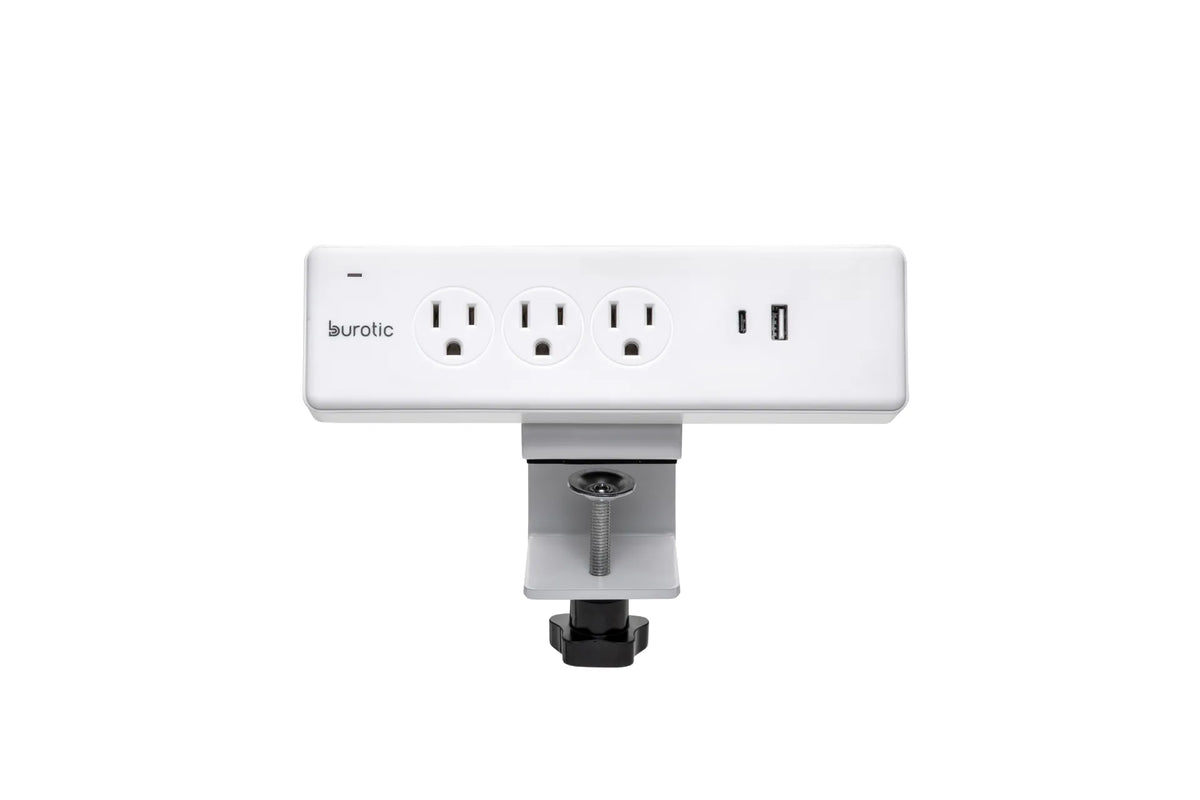
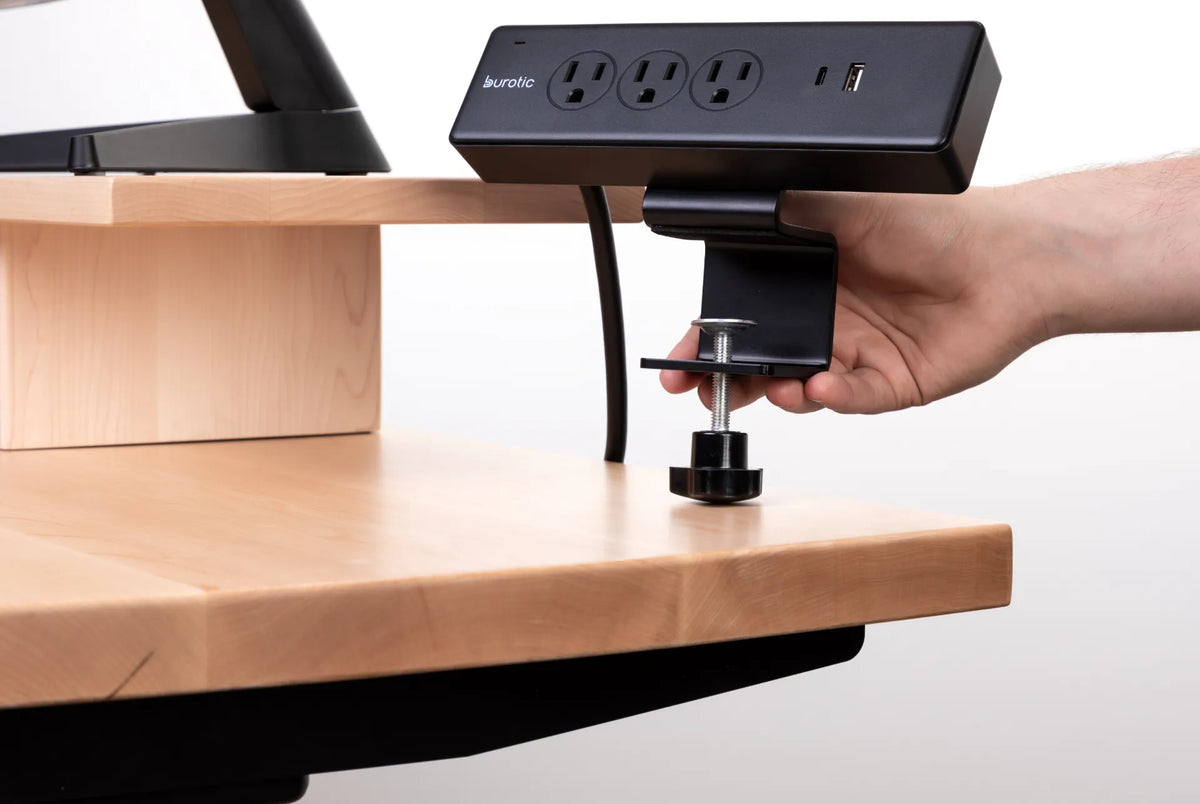
A desk-mounted bar can place approved outlets and charging ports within reach and reduce loose peripheral cords. The verified Burotic Power Bar is available in on-desk and under-desk configurations. Its presence in the catalogue does not by itself establish that every standing-desk motor can be connected to it. Confirm the desk manual, the label ratings and the intended installation before use.
For monitors, laptop adapters and low-power accessories, a mounted bar can simplify the moving cable bundle. Keep the bar accessible for inspection and disconnection. Do not mount it where spilled drinks are likely or where knees and chair arms can strike it.
Power bar, surge protector or extension cord?
These terms describe different functions. A basic power bar distributes power. A surge protector includes components intended to limit certain voltage transients. An extension cord primarily adds reach. One product may combine features, but its label and instructions determine what it is designed to do. Our power bar, surge protector and extension cord comparison explains the differences.
Surge protection does not increase the circuit capacity, correct an ungrounded outlet or make daisy-chaining acceptable. Likewise, a reset switch on a bar does not replace proper load planning.
Seven checks before plugging in
- The desk manual permits the proposed connection.
- The power bar has a recognized Canadian certification mark.
- The voltage, current and grounding requirements match.
- The total connected load stays within the printed rating with margin.
- The bar plugs directly into a suitable wall receptacle, with no daisy chain.
- The cord stays relaxed and protected through the desk’s full travel.
- The bar remains visible, dry, undamaged and easy to disconnect.
The practical answer
Do not answer this question from the number of open outlets alone. A standing desk may use a power bar only when its manufacturer allows it and the entire setup meets certification, grounding, load and cable-movement requirements. When any of those facts is missing, use the connection specified by the desk manual or obtain qualified advice.
A safe setup should remain safe at both sitting and standing height. Recheck it after moving the desk, adding equipment or changing the cable route.

Previous article
How Much Space Should You Leave Between Two Office Desks?
Next article
Where Should Your Feet Be When Standing at a Desk?