



Ergonomic Office Tips & Buying Guides

Walnut standing desk with black frame, monitor arm, laptop arm and accessories positioned on a beige rug in a bright room

Can You Put a Standing Desk in the Middle of a Room?
A floating standing desk can work well when you plan circulation, cable routes, screen glare and the desk's full movement before choosing its position.

Read moreabout Can You Put a Standing Desk in the Middle of a Room?

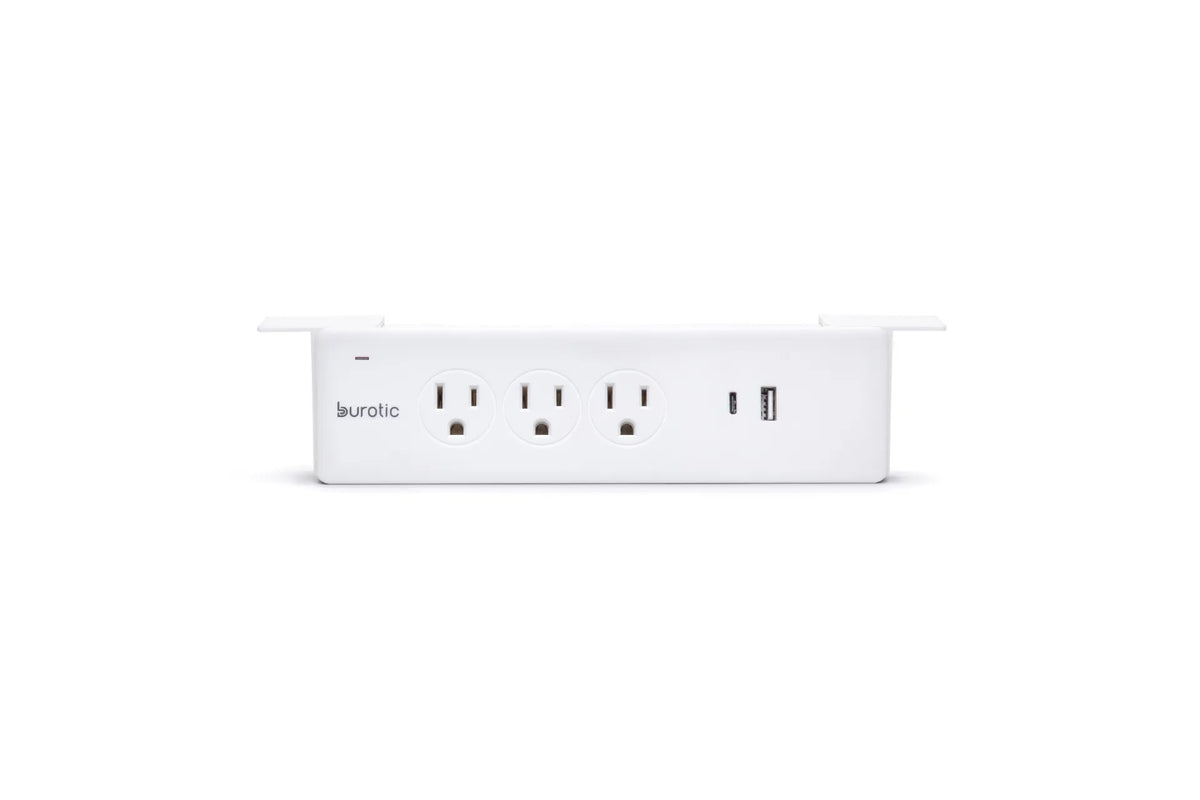
White Burotic power bar with three electrical outlets and two USB ports on a white background

How Many Devices Can You Safely Plug Into a Home Office Power Bar?
A practical Canadian guide to counting devices, checking electrical ratings and avoiding overloaded power bars in a home office.

Read moreabout How Many Devices Can You Safely Plug Into a Home Office Power Bar?

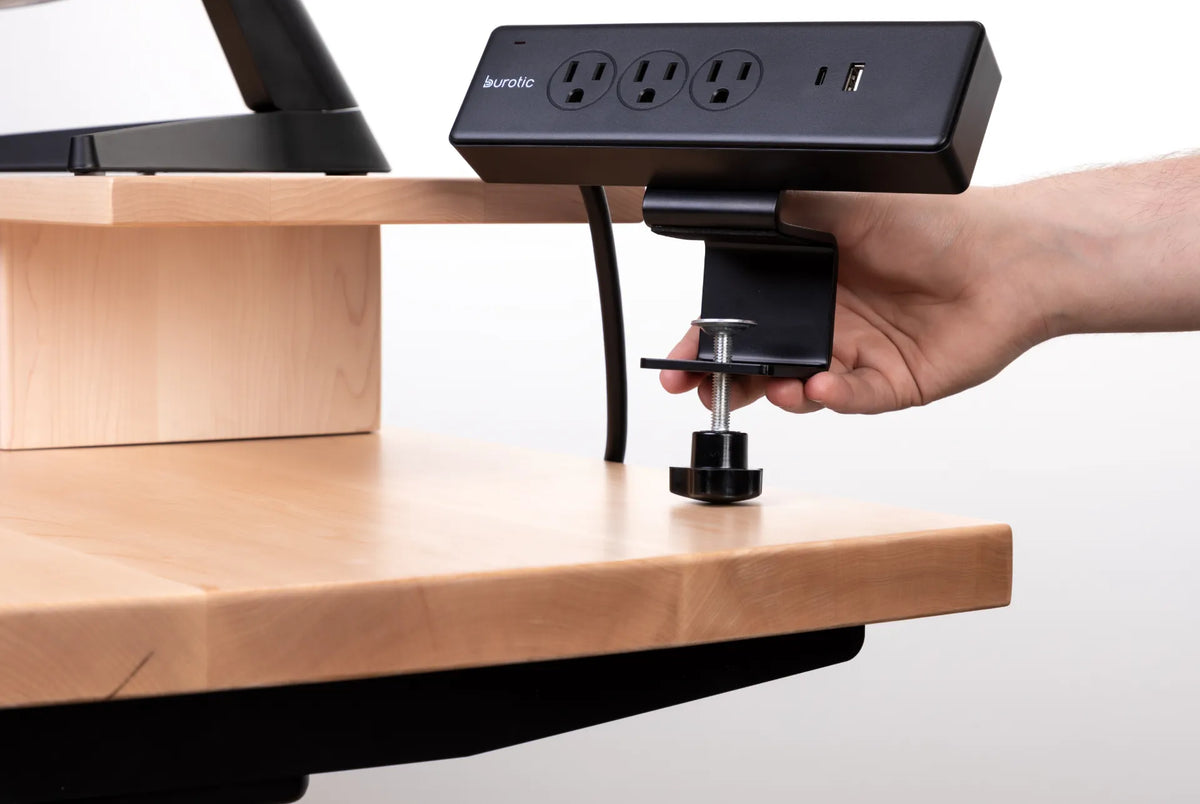
Hand positioning the clamp of a black Burotic power bar on the edge of a thick light wood desk

Will a Clamp-On Power Bar Fit Your Desk? What to Measure
Check desktop thickness, edge shape, underside clearance, cable path and electrical requirements before buying a clamp-on power bar. This measurement-first guide helps prevent a poor fit.

Read moreabout Will a Clamp-On Power Bar Fit Your Desk? What to Measure

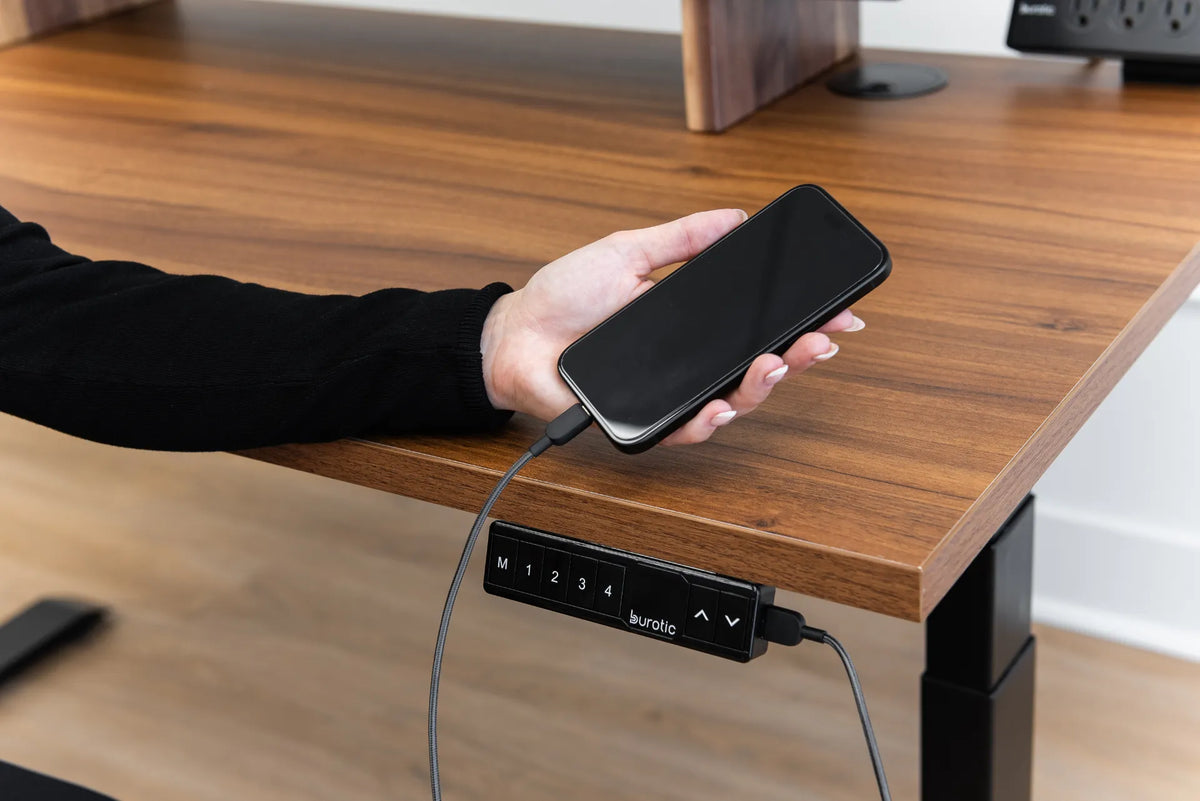
Hand holding a phone connected by cable to the USB port on a black standing desk controller

Why Is Your Standing Desk USB Port Charging Slowly?

A safe troubleshooting guide for slow phone charging from a standing desk USB port, including power limits, cables, heat and device settings.

Read moreabout Why Is Your Standing Desk USB Port Charging Slowly?

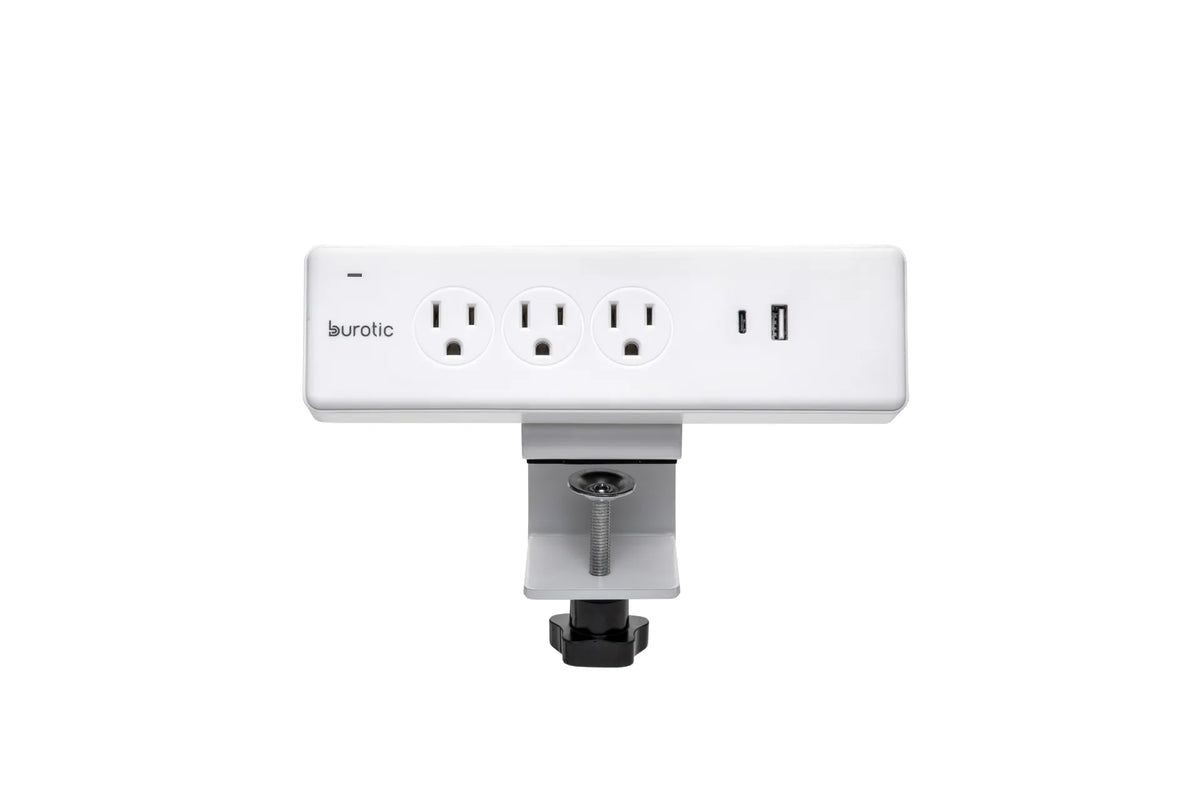
White clamp-on Burotic power bar with three grounded outlets, USB-C and USB-A ports on a white background

Can You Plug a Power Bar Into Another Power Bar?
Plugging one power bar into another can create overheating, overload and cord-management hazards. Learn why direct wall connection is the safer choice and what to do when your office needs more outlets.

Read moreabout Can You Plug a Power Bar Into Another Power Bar?

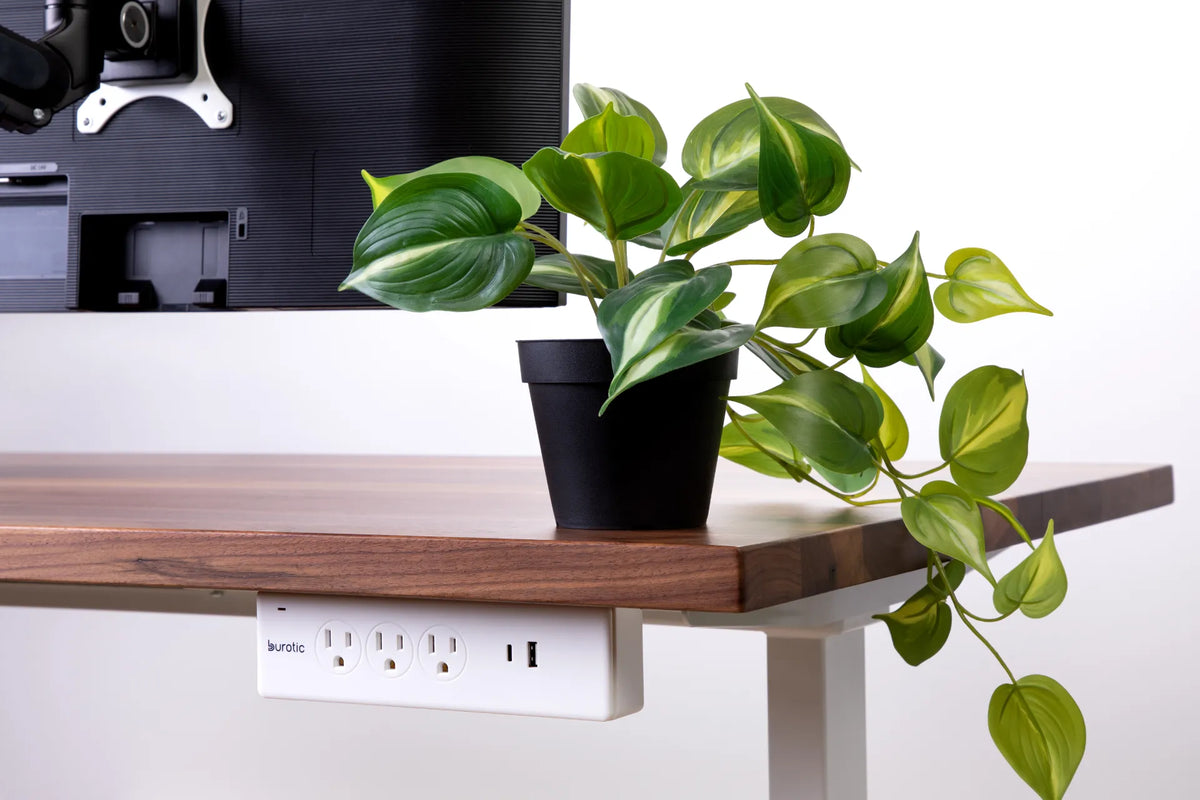
White Burotic power bar mounted below the rear edge of a wood desk beside a trailing green plant and monitor

Should a Power Bar Be Mounted Above or Below Your Desk?
Compare above-desk and under-desk power bar placement for access, spill exposure, cable movement, standing desk travel and a clean workspace.

Read moreabout Should a Power Bar Be Mounted Above or Below Your Desk?

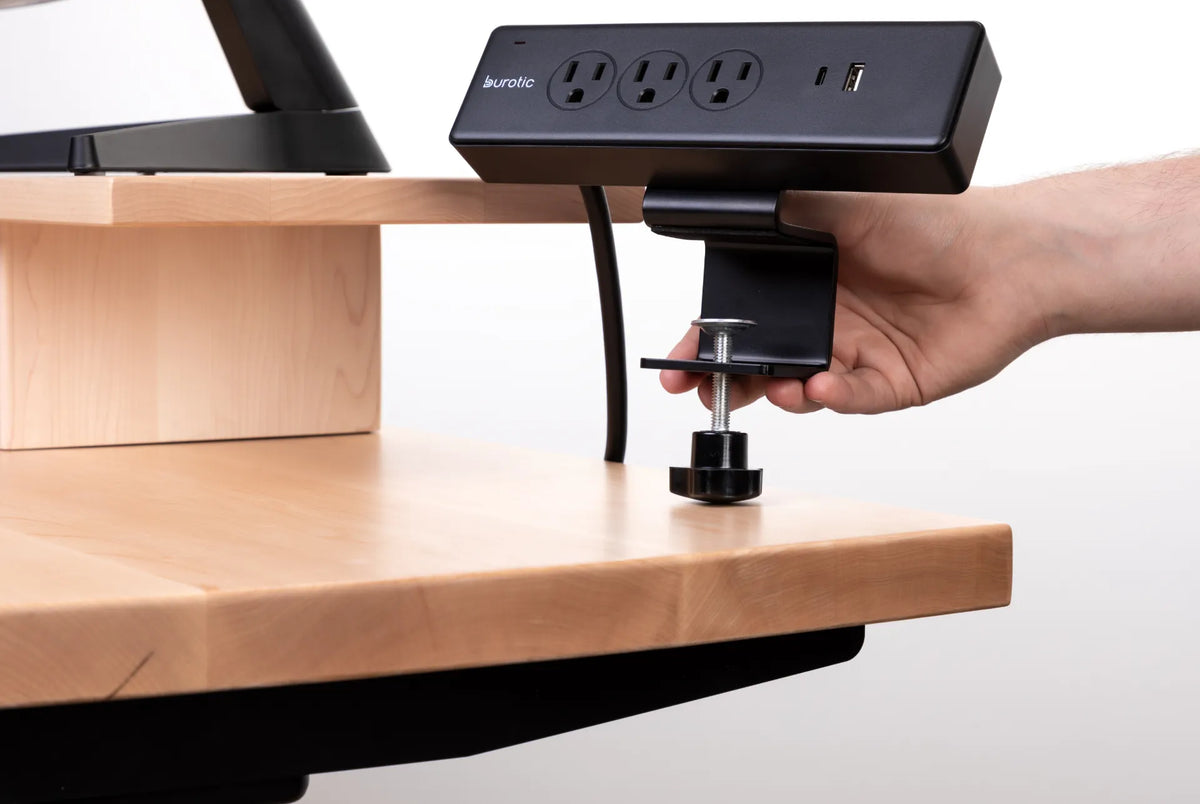
Hand tightening a black clamp-on Burotic power bar to the edge of a light wood desk

How to Install a Clamp-On Power Bar Without Damaging Your Desk
Install a clamp-on power bar securely while protecting the desktop edge, preserving cable slack and keeping electrical safety checks in view.

Read moreabout How to Install a Clamp-On Power Bar Without Damaging Your Desk

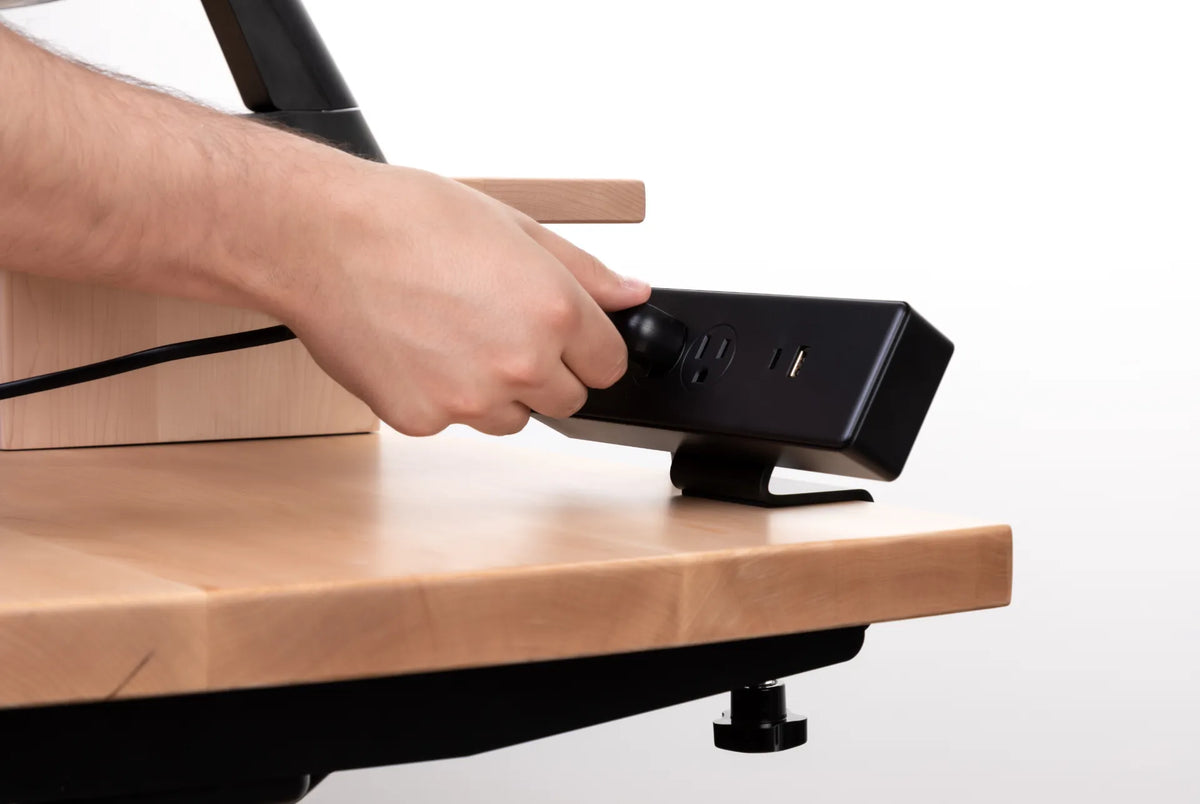
Hands connecting a black power bar on a light wood desk shelf with a clamp mount visible below

Why Do Standing Desk Cables Pull When the Desk Moves?
Stop standing desk cables from pulling by finding the tight segment, adding a controlled service loop and securing power at the moving desktop.

Read moreabout Why Do Standing Desk Cables Pull When the Desk Moves?

White clamp-mounted Burotic power bar with three grounded outlets, one USB-C port and one USB-A port on a white background

Can You Plug a Standing Desk Into a Power Bar?

A safety-first checklist for deciding whether a standing desk can share a certified power bar without overloads, daisy chains or cable strain.

Read moreabout Can You Plug a Standing Desk Into a Power Bar?