Ergonomic Office Tips & Buying Guides

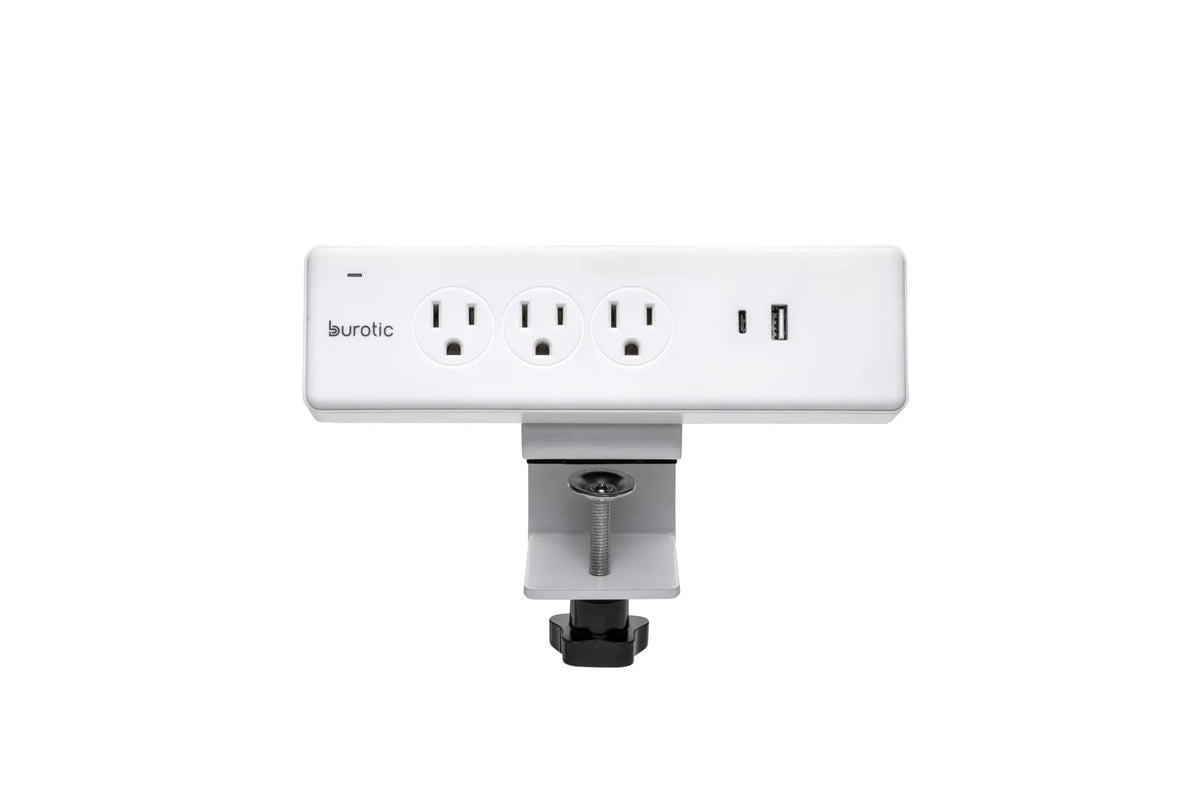
White clamp-on power bar with three grounded outlets, USB-A and USB-C ports on a white background

Do You Need a Grounded Outlet for a Home Office Power Bar?

A three-prong power bar should be connected to a properly grounded three-slot receptacle. Learn why the ground pin matters, what not to do with an older two-slot outlet and which other safety checks belong in a home office.

Read moreabout Do You Need a Grounded Outlet for a Home Office Power Bar?
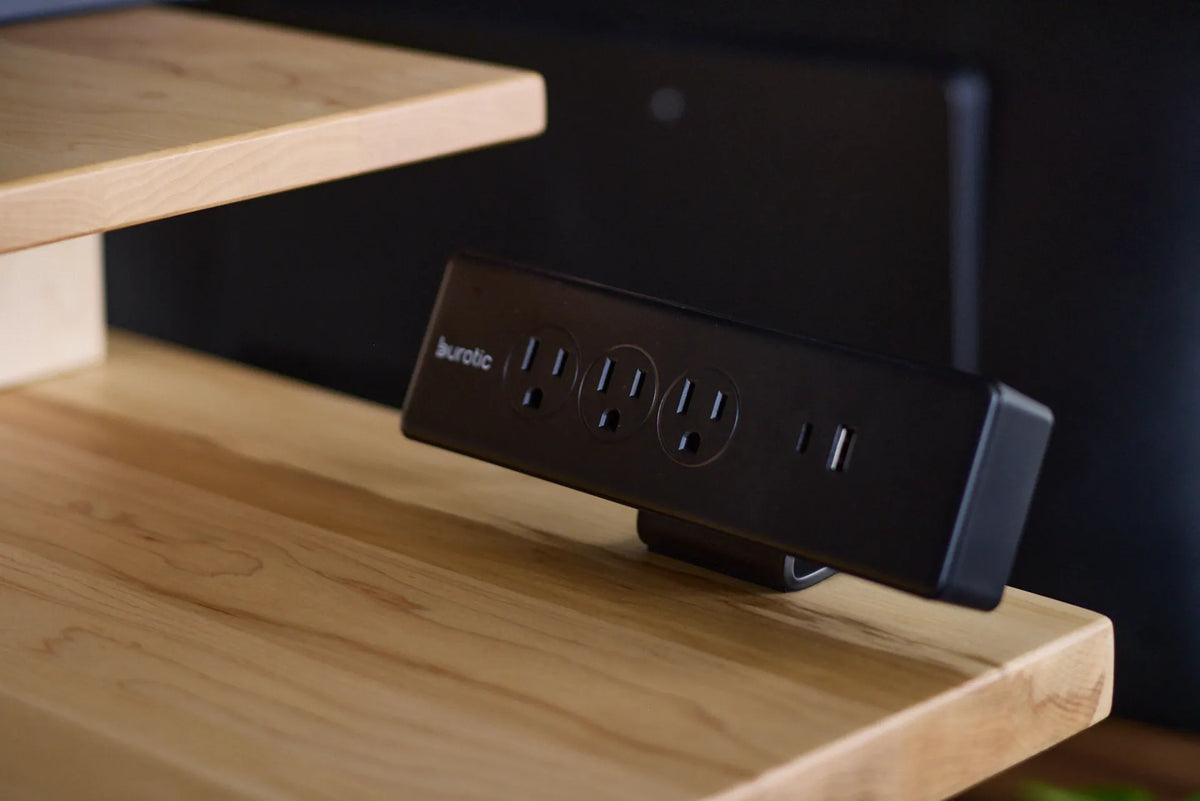
Close-up of a black Burotic power bar with three grounded outlets, one USB-A port and one USB-C port on a light wood surface

Do USB Ports on a Power Bar Provide Surge Protection?

No. USB charging ports do not by themselves prove that a power bar offers surge protection. Look for an explicit surge-protection claim, a joule rating or other manufacturer documentation, recognized Canadian certification and clear status indicators.

Read moreabout Do USB Ports on a Power Bar Provide Surge Protection?
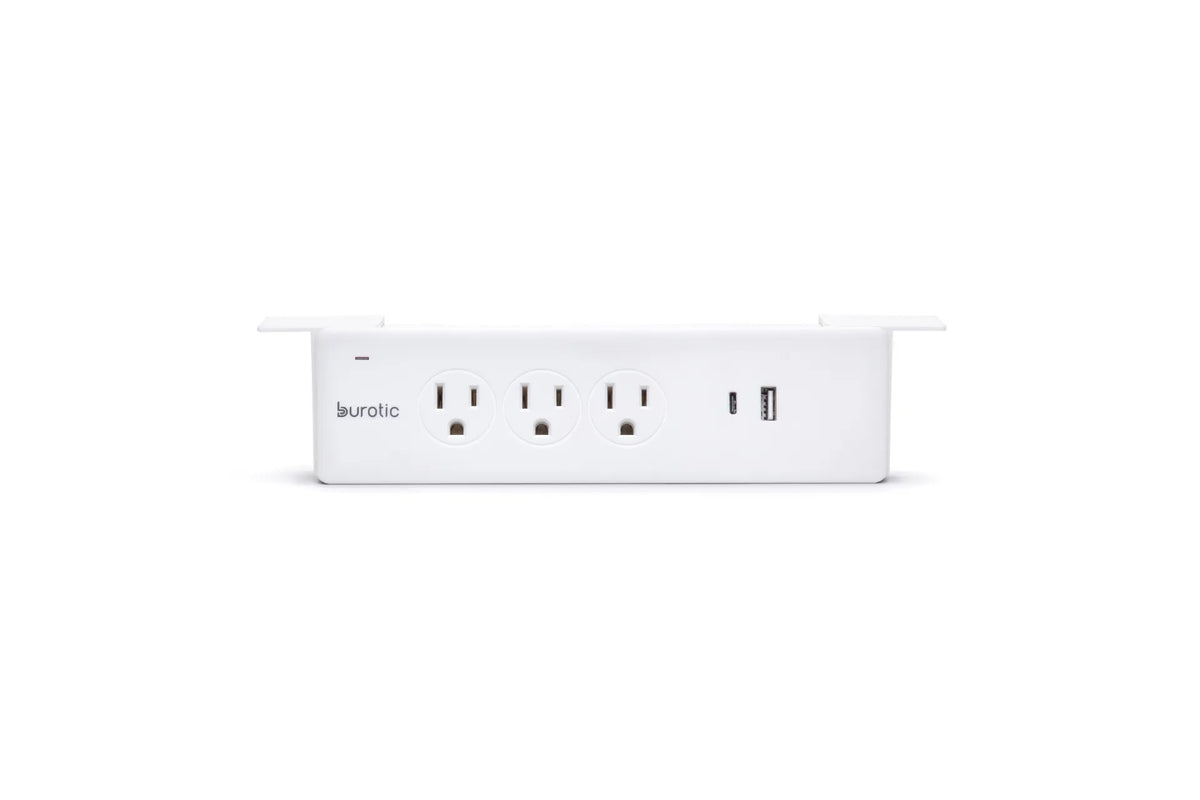
White Burotic power bar with three electrical outlets and two USB ports on a white background

How Many Devices Can You Safely Plug Into a Home Office Power Bar?

A practical Canadian guide to counting devices, checking electrical ratings and avoiding overloaded power bars in a home office.

Read moreabout How Many Devices Can You Safely Plug Into a Home Office Power Bar?

Woman standing at a light wood adjustable desk beside a large window with a fixed baseboard heater below

Can You Put a Desk Over a Baseboard Heater?

A Canadian home office guide to deciding whether a desk can safely sit near a fixed electric baseboard heater without blocking airflow or exposing furniture and cables to heat.

Read moreabout Can You Put a Desk Over a Baseboard Heater?

White clamp-on Burotic power bar with three grounded outlets, USB-C and USB-A ports on a white background

Can You Plug a Power Bar Into Another Power Bar?

Plugging one power bar into another can create overheating, overload and cord-management hazards. Learn why direct wall connection is the safer choice and what to do when your office needs more outlets.

Read moreabout Can You Plug a Power Bar Into Another Power Bar?

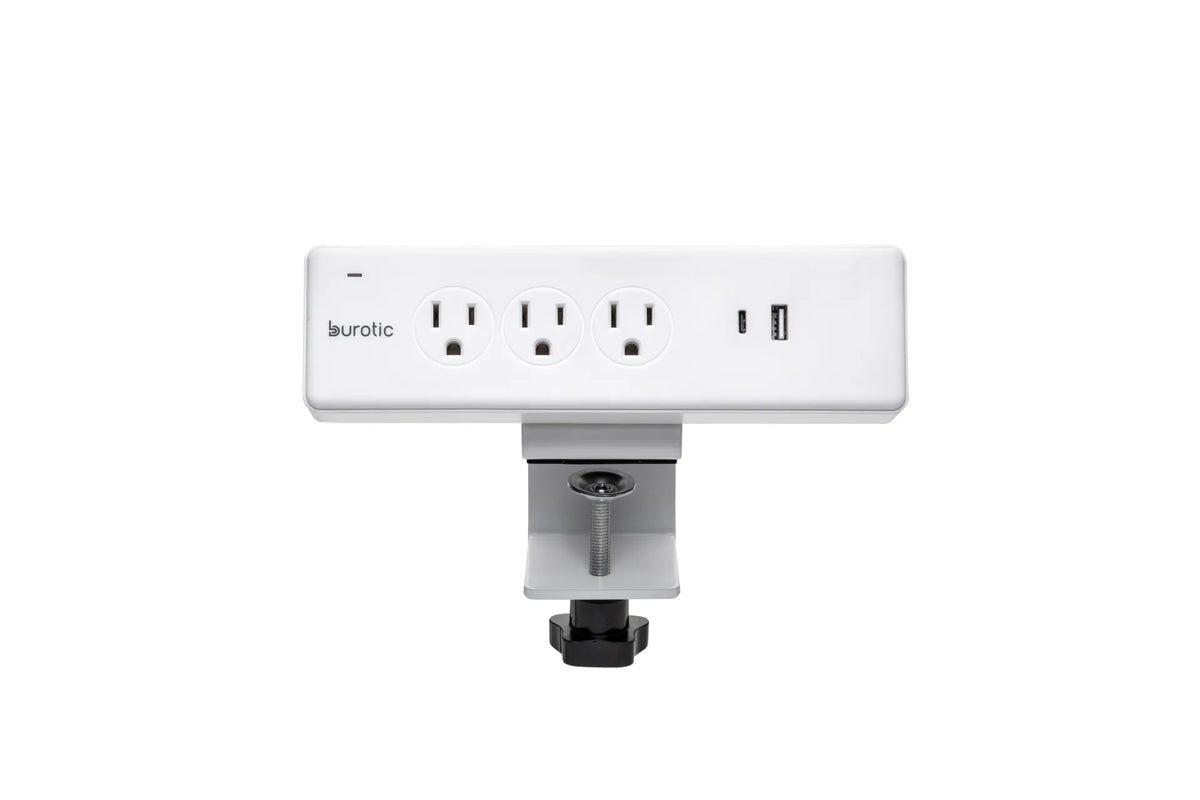
Close-up of a black Burotic power bar with three outlets and USB ports mounted at the back of a light wood desk

Why Does My Power Bar Keep Turning Off? Safe Checks
A power bar that keeps turning off may be overloaded, overheating, connected to a faulty device or reacting to a supply problem. Use only safe external checks.

Read moreabout Why Does My Power Bar Keep Turning Off? Safe Checks

White Burotic clamp-on power bar with three grounded outlets, one USB-C port, one USB-A port and a white desk clamp on a white background

Can You Plug a Monitor and Laptop Into the Same Power Bar?
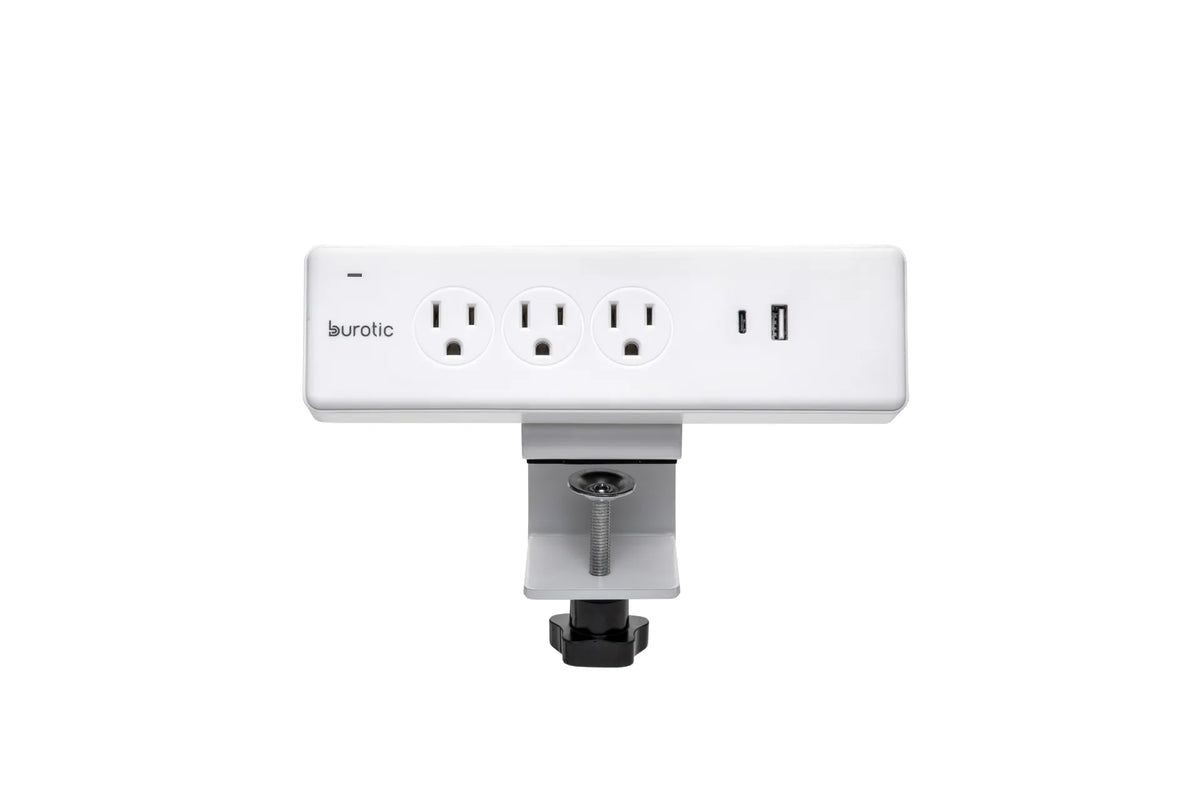
A monitor and laptop can often share a properly certified, correctly rated power bar, provided the total load and product instructions allow it.

Read moreabout Can You Plug a Monitor and Laptop Into the Same Power Bar?

White clamp-mounted Burotic power bar with three grounded outlets, one USB-C port and one USB-A port on a white background

Can You Plug a Standing Desk Into a Power Bar?
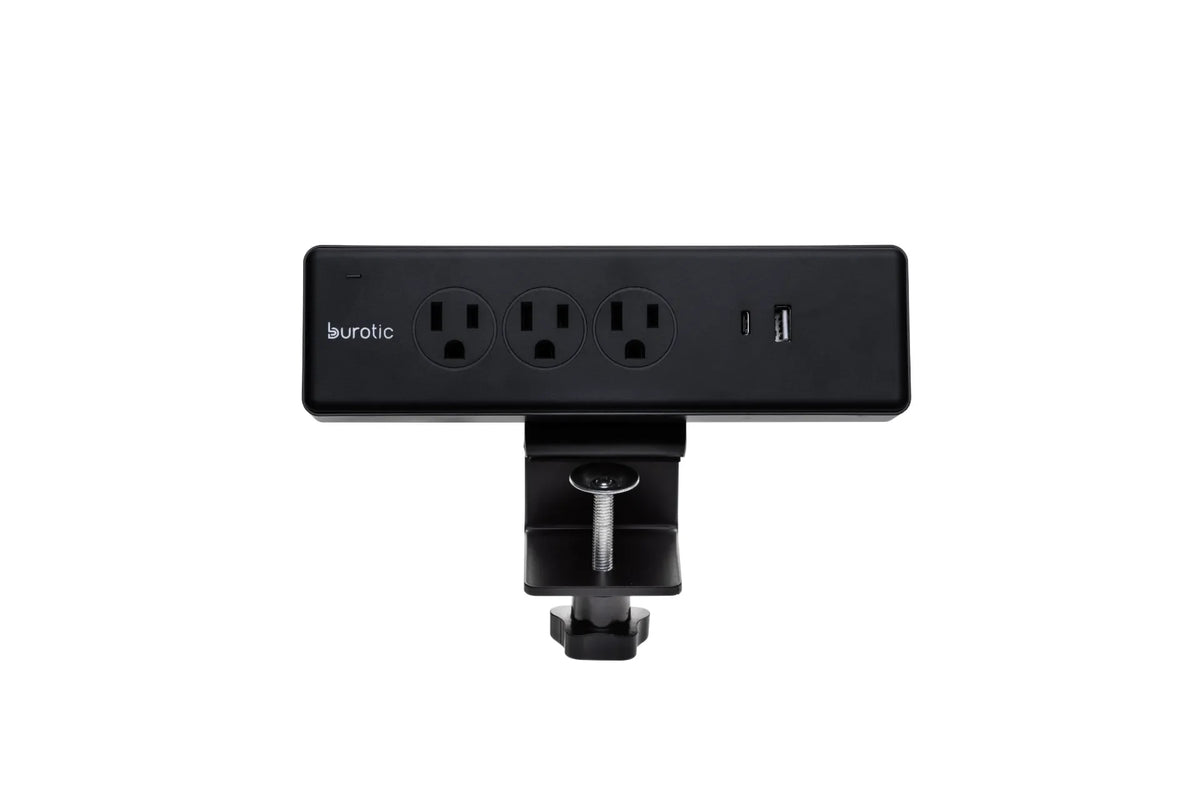
A safety-first checklist for deciding whether a standing desk can share a certified power bar without overloads, daisy chains or cable strain.

Read moreabout Can You Plug a Standing Desk Into a Power Bar?

Black clamp-on Burotic power bar with three AC outlets, USB-C and USB-A ports on a white background

How Many Power Outlets Does a Home Office Need?

Count every device, separate continuous and occasional loads, add modest spare capacity and plan safe power and cable routes for a stationary or moving desk.

Read moreabout How Many Power Outlets Does a Home Office Need?