Ergonomic Office Tips & Buying Guides

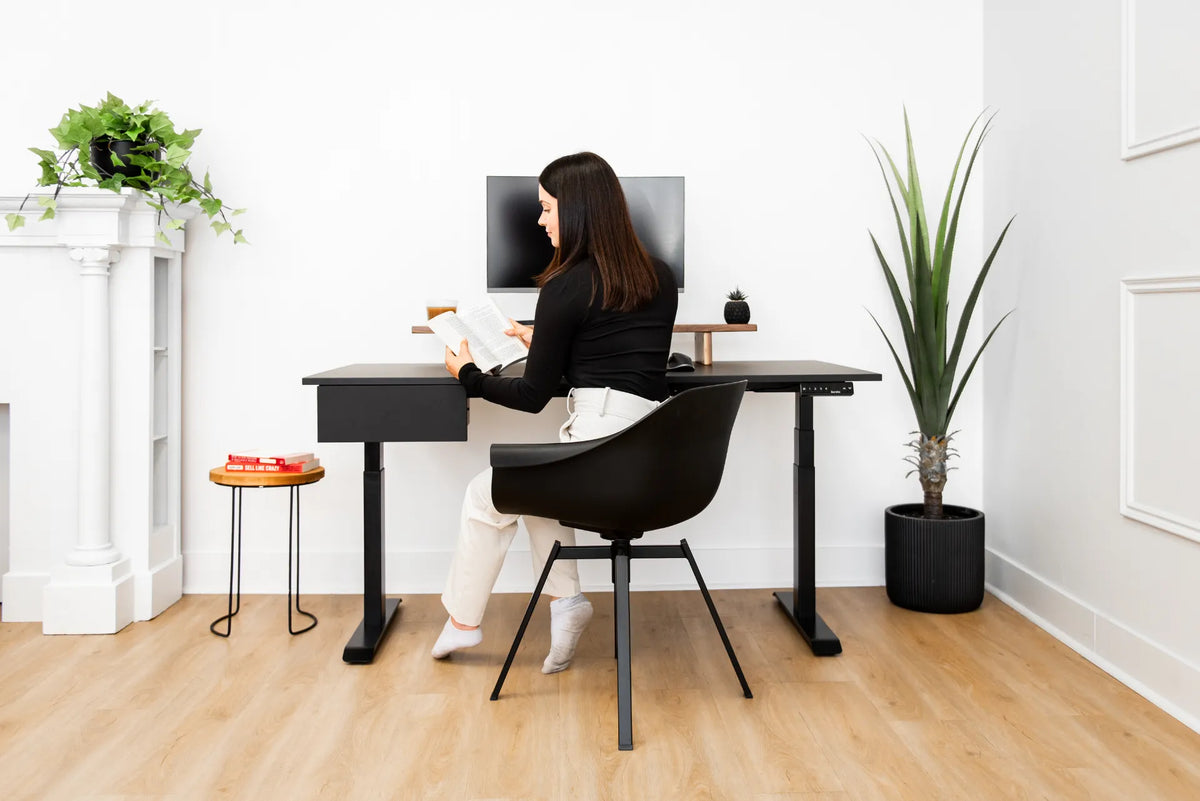
Woman seated at a black height-adjustable desk with one monitor and drawer in a bright white room with plants

Where Should You Put a Desk in a Studio Apartment?

Place a desk in a studio apartment by balancing daylight, circulation, video-call privacy, storage and a clear boundary between work and rest.

Read moreabout Where Should You Put a Desk in a Studio Apartment?

Woman standing at a light wood adjustable desk using an open laptop below a large external monitor in a warm home office

Should You Close Your Laptop When Using an External Monitor?
Choose between open-laptop, closed-laptop and external-monitor setups by considering screen priority, ergonomics, cooling, camera use and desk space.

Read moreabout Should You Close Your Laptop When Using an External Monitor?

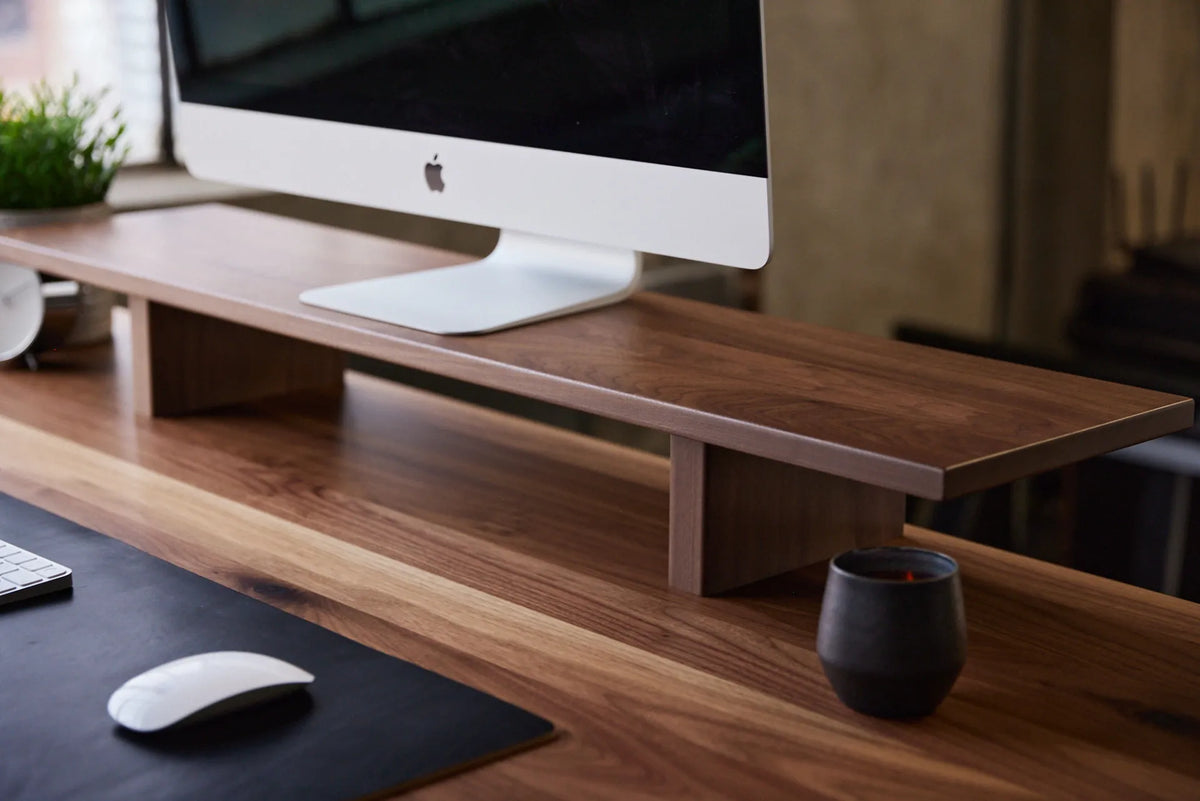
Close-up of a large monitor on a long walnut monitor riser above a matching wood desk, with keyboard and mouse below

How Wide Should a Monitor Riser Be? A Practical Sizing Guide
Measure your monitor base, desk and storage needs to choose a monitor riser that is wide enough without crowding your workspace.

Read moreabout How Wide Should a Monitor Riser Be? A Practical Sizing Guide

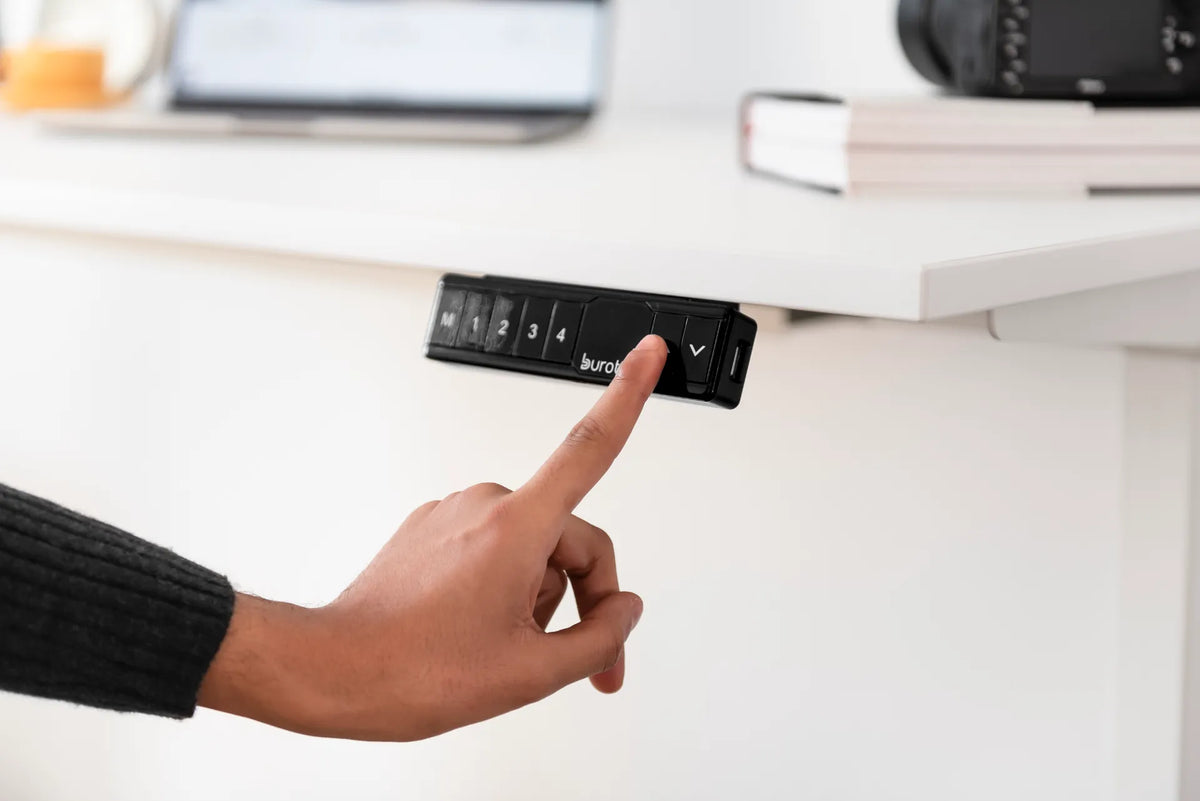
Hand pressing the up arrow on a black Burotic memory controller mounted beneath a white standing desk

Why Won't My Standing Desk Move? What to Check Before a Reset
A safe troubleshooting order for a standing desk that will not move: power, connections, obstructions, load, controller state and model-specific reset steps.

Read moreabout Why Won't My Standing Desk Move? What to Check Before a Reset

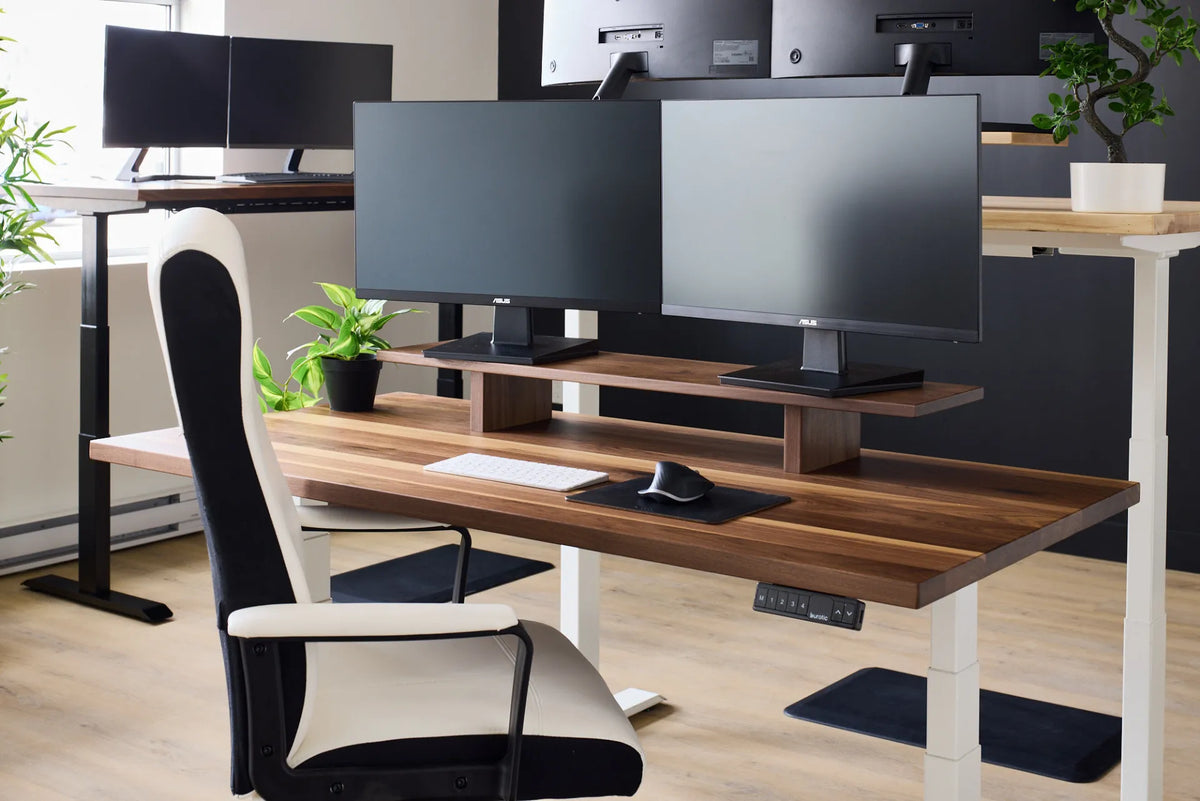
Two black monitors on a wood monitor riser above a white keyboard and black mouse near the front edge of a walnut desk

How Far Should Your Keyboard Be From the Edge of Your Desk?
Place the keyboard close enough to keep the elbows near the body, while avoiding pressure from the desk edge on the wrists or forearms.

Read moreabout How Far Should Your Keyboard Be From the Edge of Your Desk?

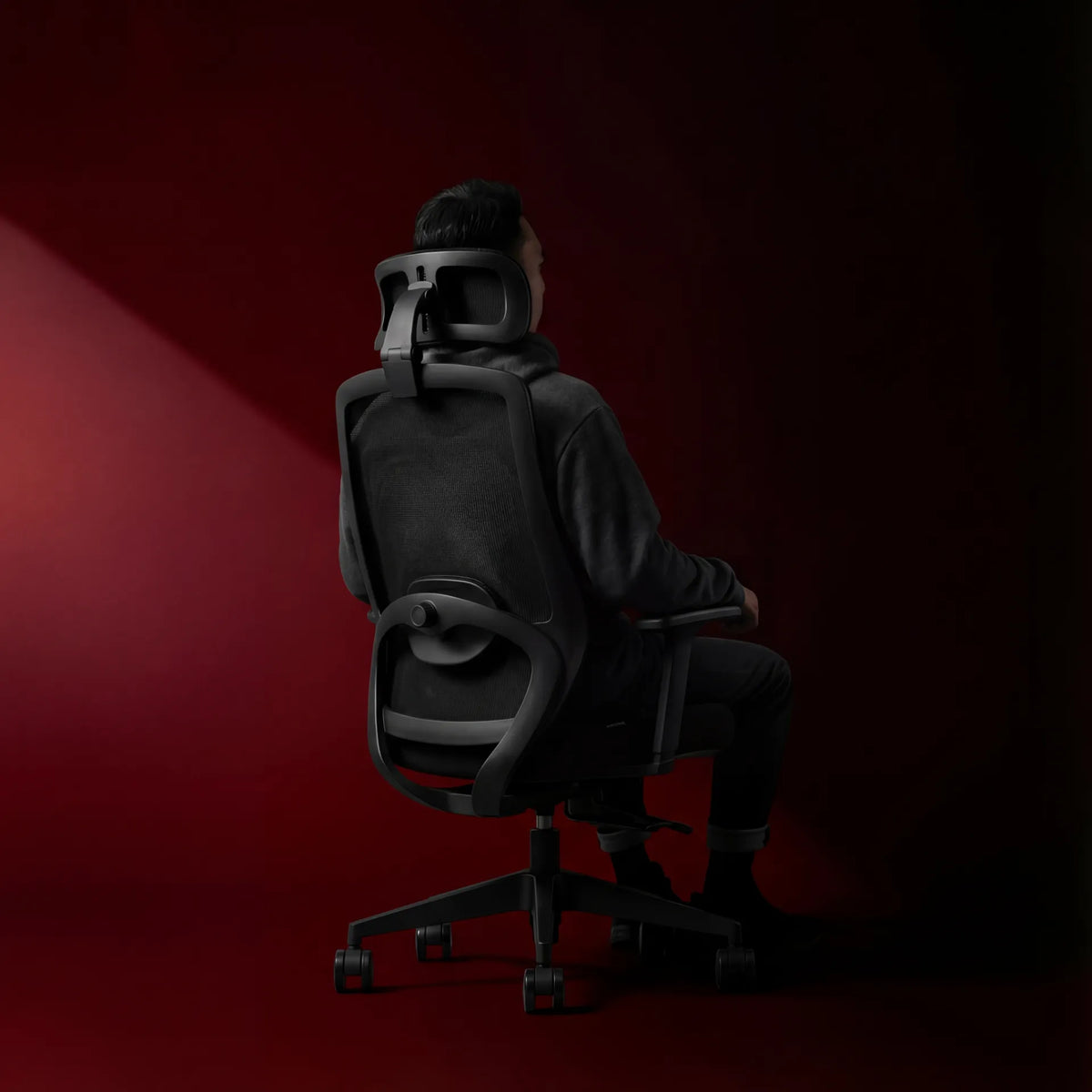
Person seated in a black mesh ergonomic chair with a headrest, shown from behind against a deep red studio background

How Deep Should an Office Chair Seat Be?
Use knee clearance, backrest contact and thigh support to set office chair seat depth for your body instead of relying on one universal measurement.

Read moreabout How Deep Should an Office Chair Seat Be?

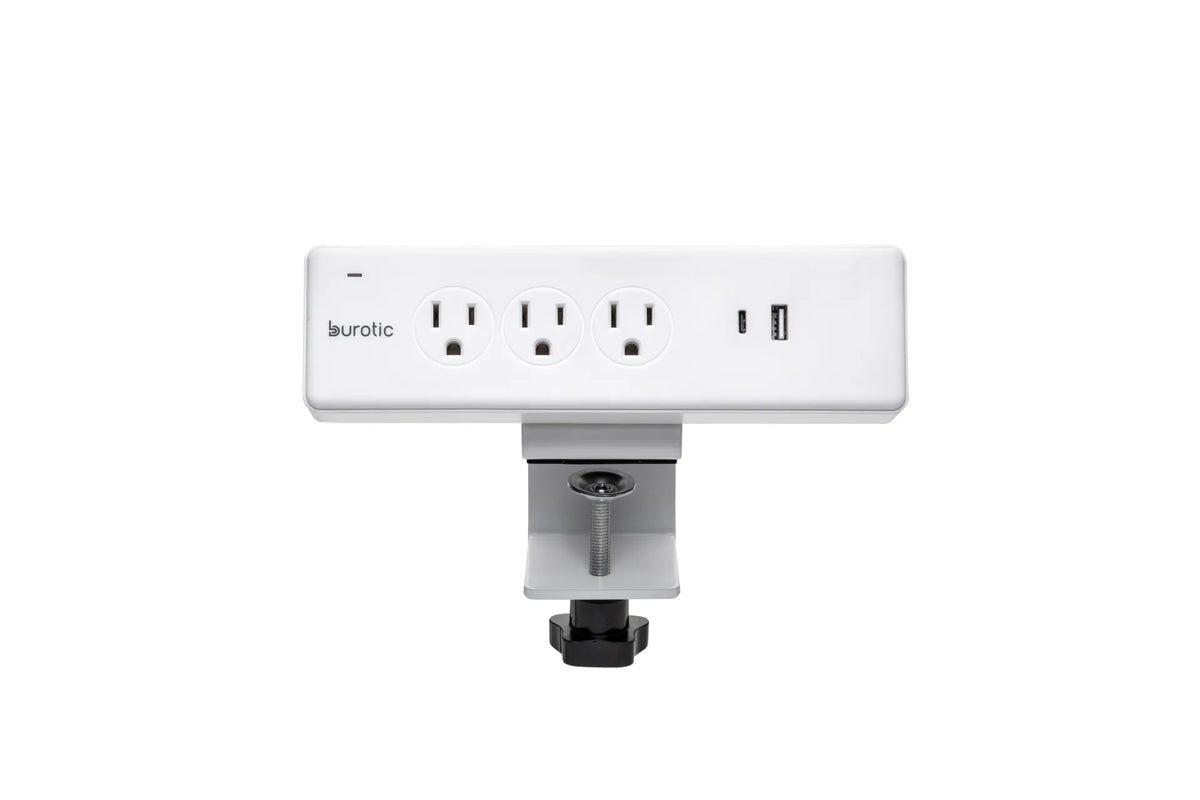
White Burotic clamp-on power bar with three grounded outlets, one USB-C port, one USB-A port and a white desk clamp on a white background

Can You Plug a Monitor and Laptop Into the Same Power Bar?
A monitor and laptop can often share a properly certified, correctly rated power bar, provided the total load and product instructions allow it.

Read moreabout Can You Plug a Monitor and Laptop Into the Same Power Bar?

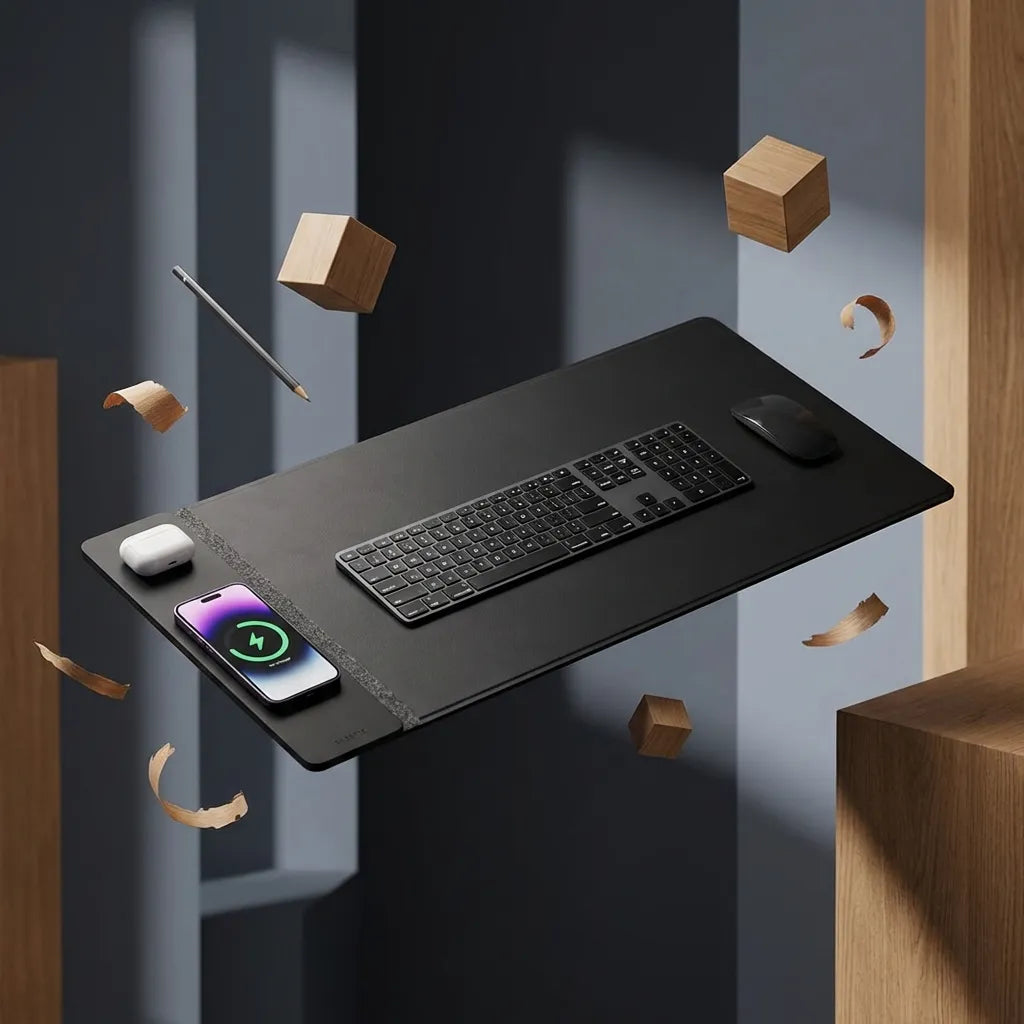
Black rectangular desk pad with a black keyboard and mouse, a phone on the charging area and white earbuds, shown in a dark wood setting

Does a Desk Pad Protect Your Desk? What It Can and Cannot Prevent
Desk pads can reduce everyday scratches, dirt and wear, but they are not complete protection from heat, trapped grit, spills or heavy impacts.

Read moreabout Does a Desk Pad Protect Your Desk? What It Can and Cannot Prevent

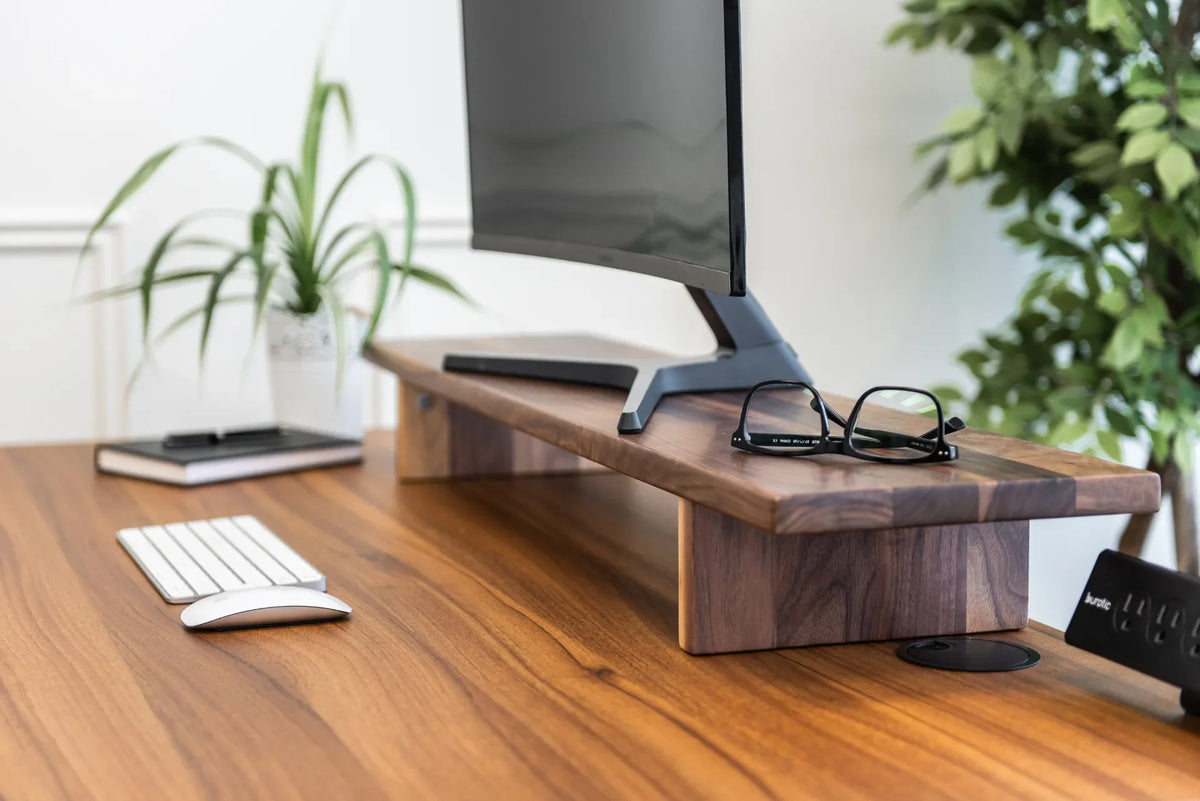
Black monitor on a thick walnut stand above a white keyboard and mouse, with black glasses, plants and a desktop power bar nearby

Monitor Distance by Screen Size: 24, 27 and 32 Inches

A practical way to set viewing distance for 24-, 27- and 32-inch monitors, then fine-tune the screen for text size, posture and desk depth.

Read moreabout Monitor Distance by Screen Size: 24, 27 and 32 Inches