Ergonomic Office Tips & Buying Guides

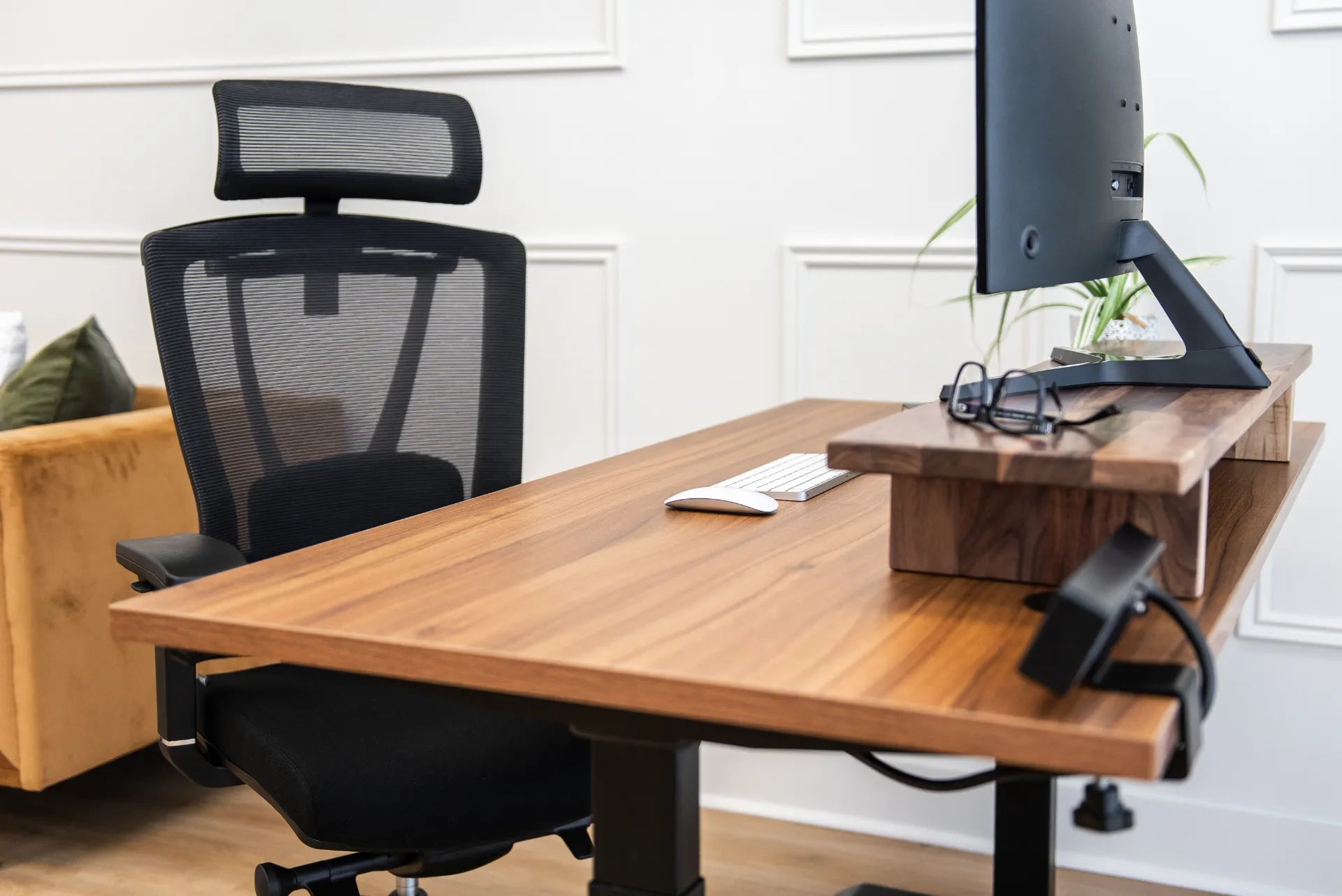
Wood standing desk with a mesh chair, monitor shelf, screen, keyboard, mouse and eyeglasses

Monitor Setup for Progressive Lenses and Bifocals

Adjust monitor height, distance, text size and lighting for progressive lenses or bifocals without forcing the neck into an uncomfortable viewing position.

Read moreabout Monitor Setup for Progressive Lenses and Bifocals

Person working on a laptop at a white standing desk with a notebook, camera, plants and desk controller

Laptop-Only Desk Setup: How to Work Comfortably Without a Monitor

Build a more comfortable laptop-only desk setup by improving screen height, keyboard reach, chair position, lighting and movement without assuming you need a second monitor.

Read moreabout Laptop-Only Desk Setup: How to Work Comfortably Without a Monitor

Hands typing on a compact white keyboard beside a mouse on a black desk mat and wood desktop

Compact vs. Full-Size Keyboard: Which Fits Your Desk and Workflow?
Compare compact and full-size keyboards by layout, mouse reach, desk space, number entry, learning curve and fit with a standing desk.

Read moreabout Compact vs. Full-Size Keyboard: Which Fits Your Desk and Workflow?

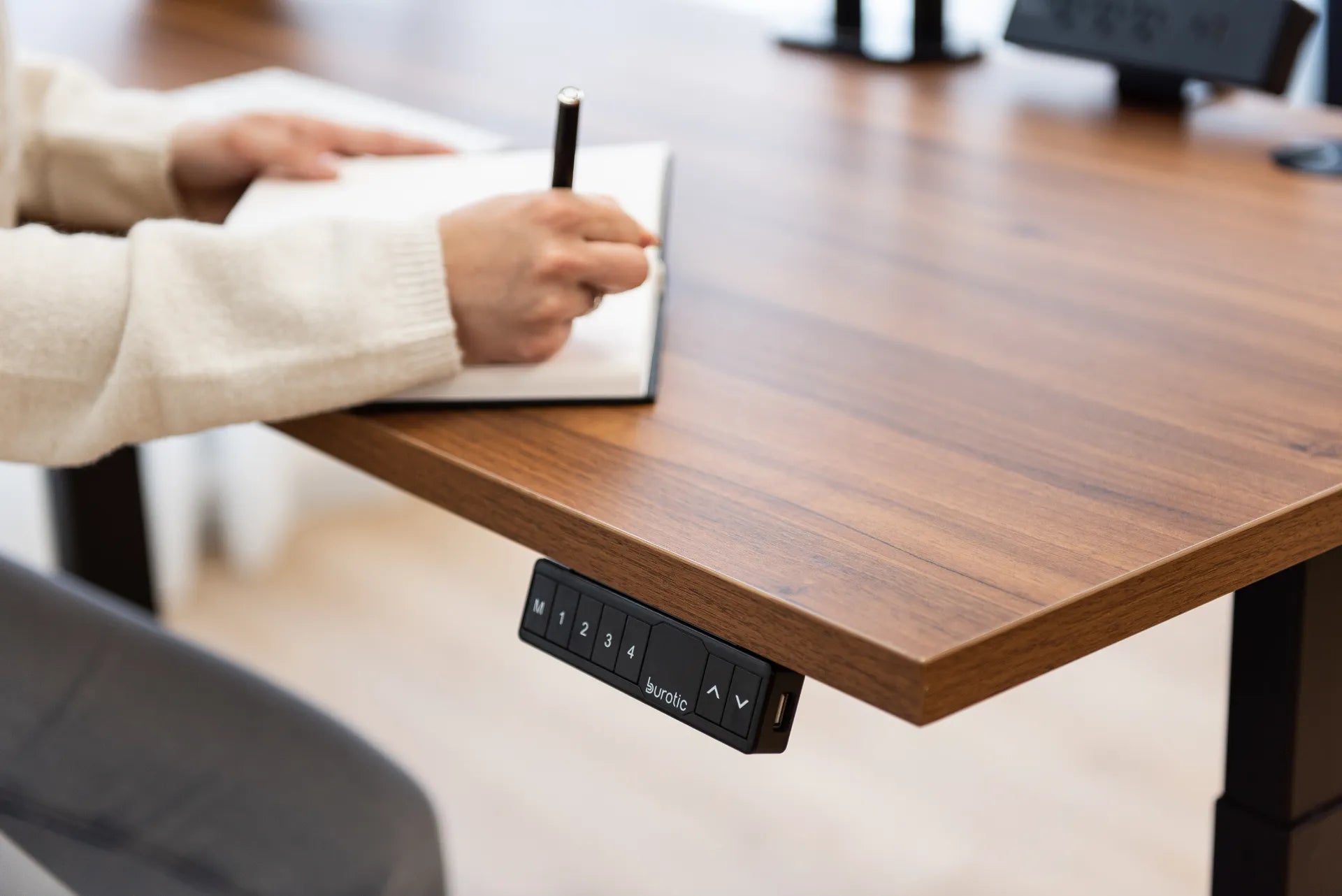
Person writing in a notebook on a wood standing desk with the height controller visible

How to Set Up a Desk for Computer Work and Handwriting
Create a practical desk for typing, mouse work, note-taking and paper review by planning zones, reach, lighting and sit-stand transitions.

Read moreabout How to Set Up a Desk for Computer Work and Handwriting

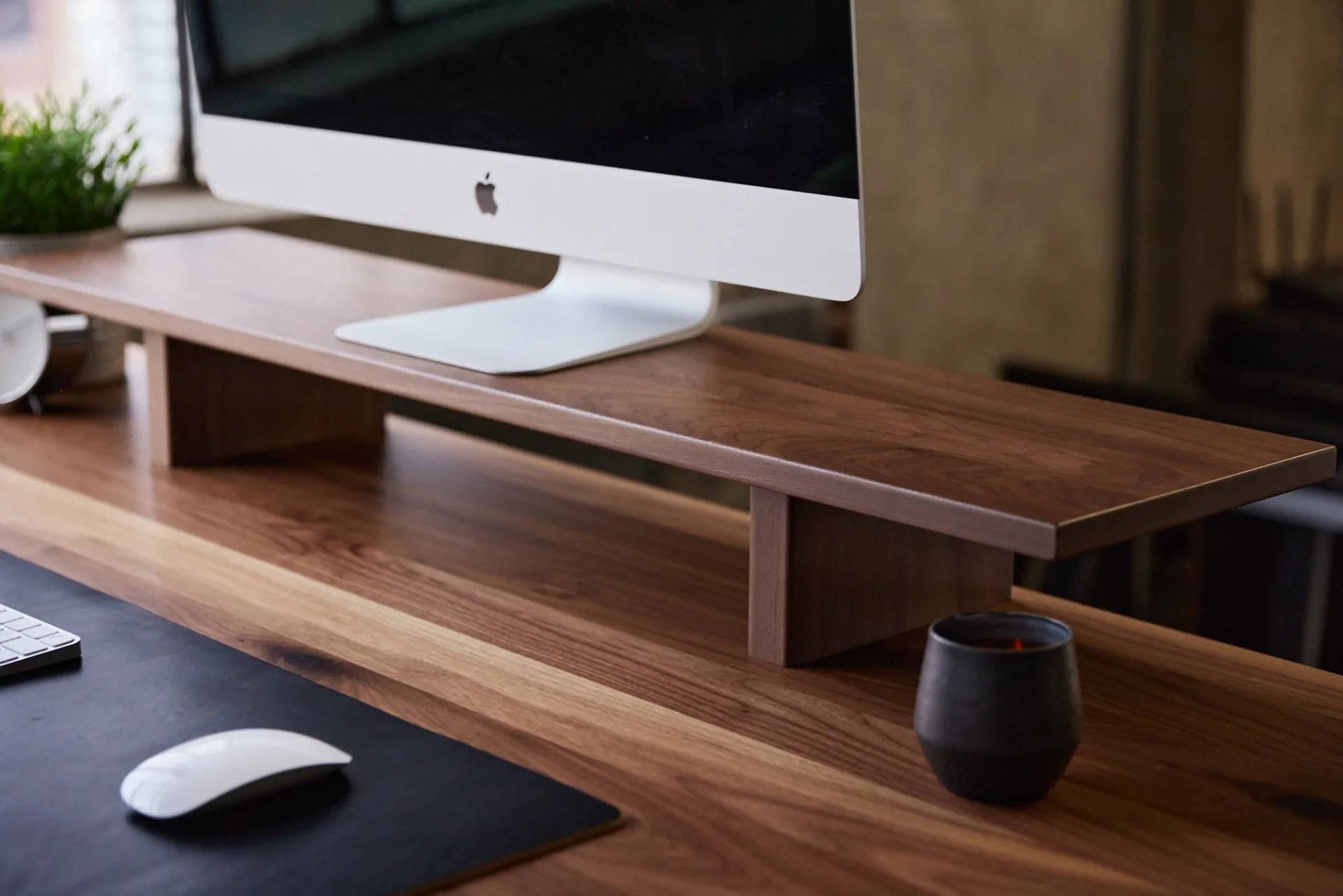
Dark wood monitor stand supporting a desktop display on a wood desk beside a mug and mouse

Monitor Stand vs. Monitor Arm: Which Is Better for Your Desk?
Compare monitor stands and monitor arms by ergonomics, adjustability, desk space, installation and daily workflow to choose the right screen support.

Read moreabout Monitor Stand vs. Monitor Arm: Which Is Better for Your Desk?

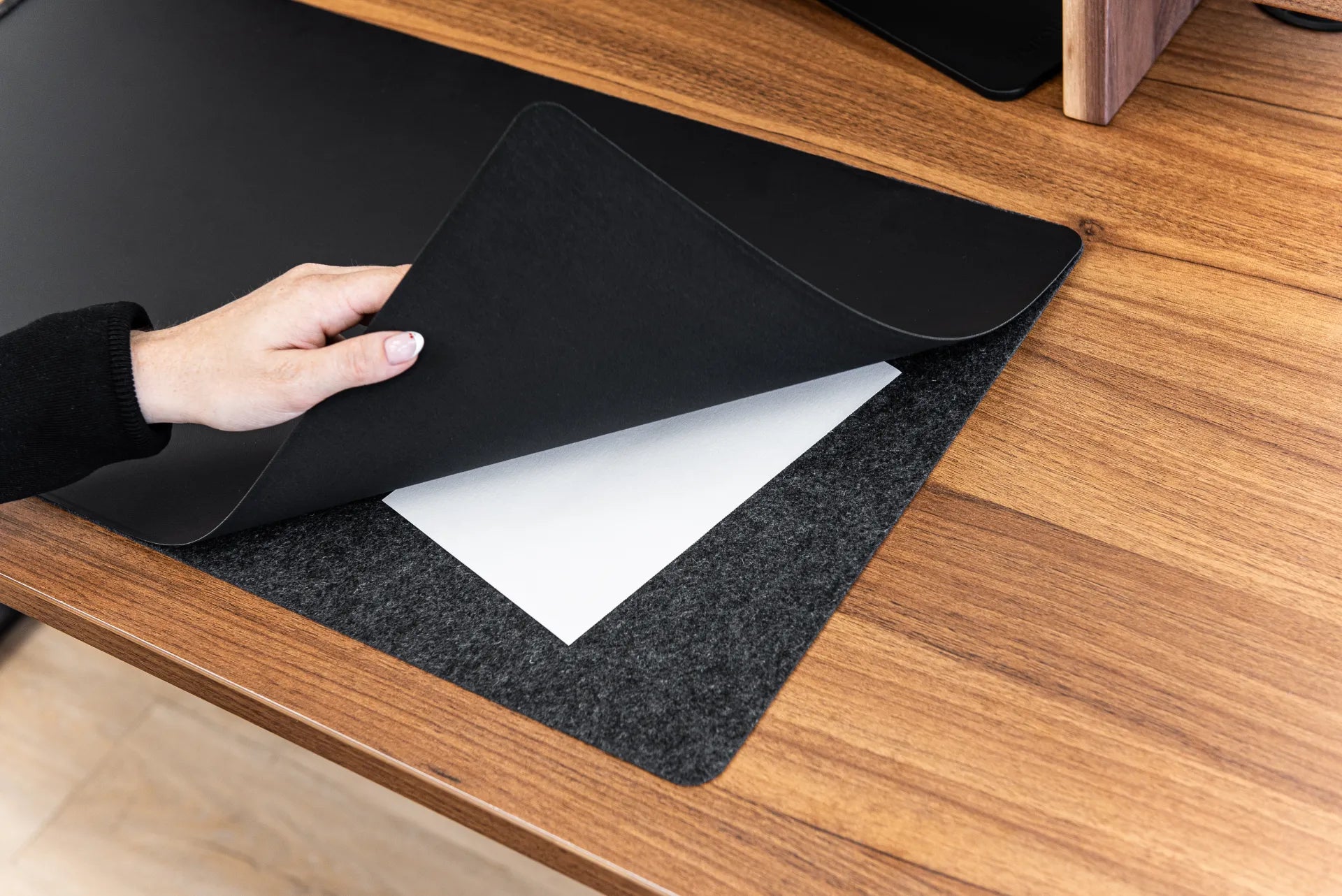
Hand lifting the black top layer of a desk pad to reveal felt backing and stored papers on a walnut desktop

Desk Pad vs. Mouse Pad: Which One Should You Use?

Compare desk pads and mouse pads by size, mouse tracking, ergonomics, surface protection, cleaning and workstation layout.

Read moreabout Desk Pad vs. Mouse Pad: Which One Should You Use?

A person working on a laptop at a white standing desk in a bright home office

How to Choose an Office Chair for Programming and Long Coding Sessions

A practical Canadian guide to choosing and adjusting an office chair for long coding sessions, with attention to fit, movement and the rest of the workstation.

Read moreabout How to Choose an Office Chair for Programming and Long Coding Sessions

Person typing on a laptop at a clean white desk with a notebook, cup, clock and plant

Proper Keyboard and Hand Placement for Desk Work
Learn how to place a keyboard, mouse, hands and forearms for a neutral, practical desk setup in sitting and standing positions.

Read moreabout Proper Keyboard and Hand Placement for Desk Work

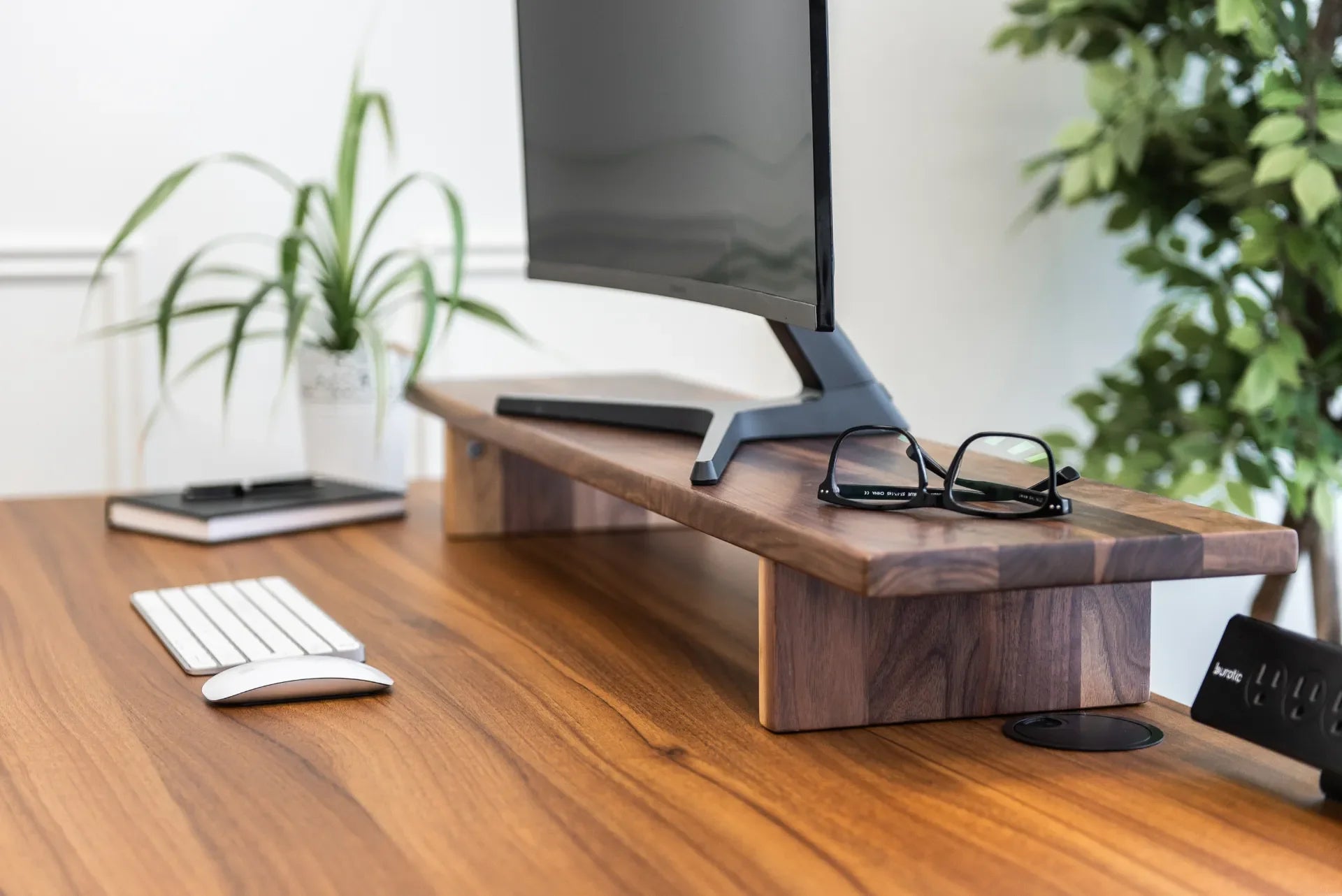
Close view of a monitor on a walnut Burotic stand with a keyboard, mouse, glasses and plants

How Far Should Your Monitor Be From Your Eyes?

A practical Canadian guide to setting monitor distance, height and angle for clearer viewing and a more comfortable workstation.

Read moreabout How Far Should Your Monitor Be From Your Eyes?