





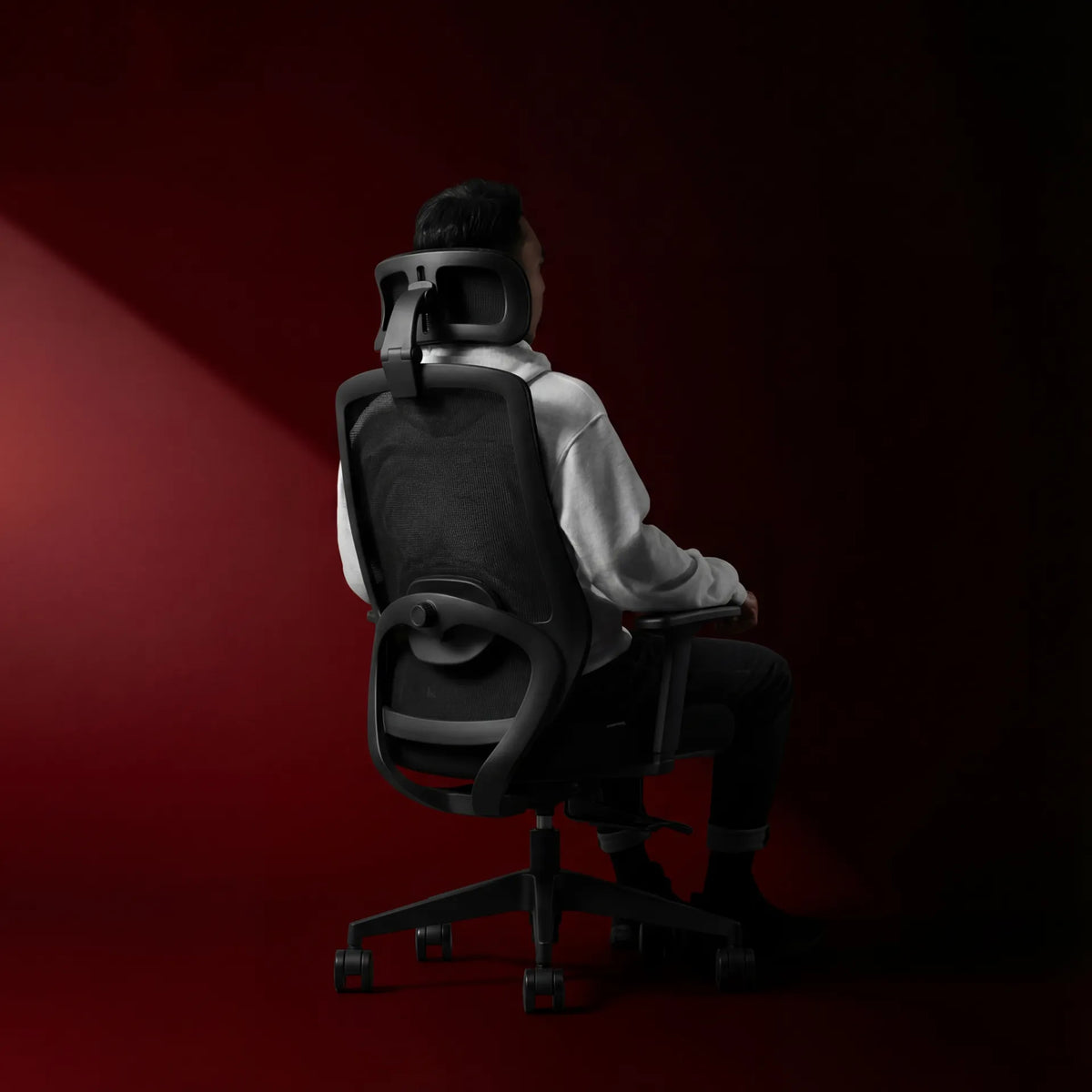
How to Adjust Office Chair Recline Tension

In this article
Office chair recline tension determines how much resistance you feel when you lean back. If the tension is too light, the backrest may move away suddenly and feel uncontrolled. If it is too firm, you may have to push hard with your legs or back to recline. A useful setting lets you lean back smoothly, pause with support and return upright without a struggle.
Recline tension is not the same as tilt lock, backrest angle or lumbar adjustment. Identifying the correct control is the first step. Chair mechanisms vary, so use the manufacturer's instructions for your exact model and never force a knob or lever that does not move as expected.
What recline tension actually changes
Many office chairs use a spring inside the tilt mechanism. The tension control changes the spring resistance. It does not necessarily set a fixed backrest angle. Instead, it affects how much force is required to move through the recline range.
Body weight influences the result. A setting that feels balanced for one person may feel too soft or too stiff for another. Clothing, sitting position and whether your feet are well supported can also change the force you apply to the chair. This is why tension should be adjusted with the user seated in their normal working position.
Know the difference between common controls
Recline or tilt tension
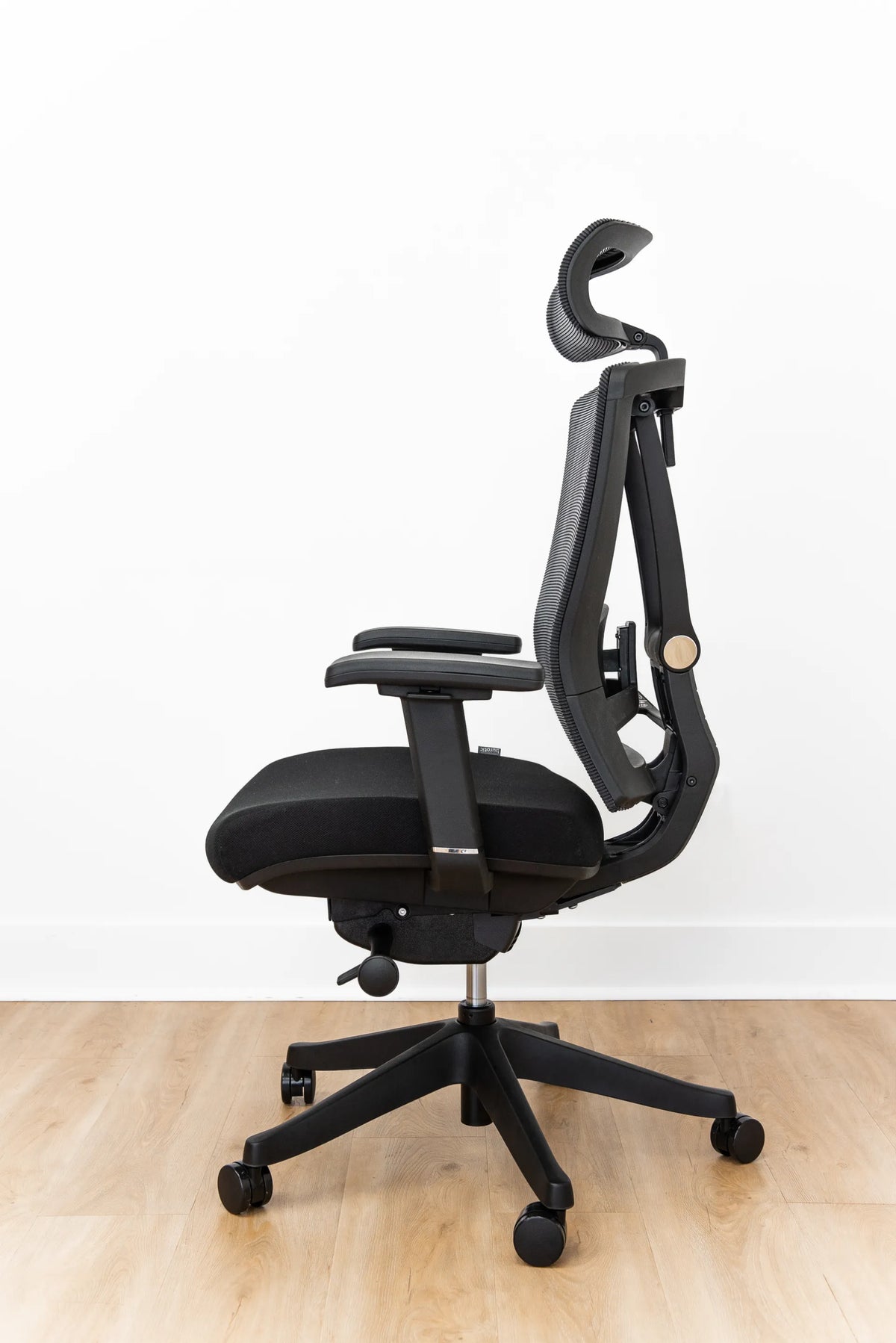
This control changes resistance. It is often a round knob under the seat, but some chairs use a side dial or a lever with an adjustment function. Turning one direction generally increases resistance and the other decreases it, but the direction is not universal. Look for labels and consult the manual.
Tilt lock
A tilt lock prevents or limits movement at selected positions. Some chairs lock only upright, while others offer several angles. Unlocking the tilt does not automatically reduce tension. If the chair remains hard to recline after it is unlocked, the resistance may still be high.
Backrest angle or backrest lock
On chairs with an independently adjustable backrest, a lever can set the backrest relative to the seat. That is different from a synchronized mechanism in which the seat and back move together. If a backrest will not hold its selected position, use a troubleshooting guide rather than tightening the tension control. See why an office chair backrest may not lock.
Lumbar support
Lumbar height or depth changes where and how the lower back is supported. It does not control the force needed to recline. Adjust lumbar support to fit the curve of your lower back, then tune recline resistance separately.
Set the chair up before changing tension
A tension setting cannot compensate for poor chair height or unsupported feet. Start with the seat height. CCOHS recommends a position in which the feet are flat on the floor or supported by a footrest, without pressure at the back of the thighs. The backrest should fit the hollow of the lower back, and the user should be able to change position voluntarily.
Adjust the work surface so the shoulders can relax and the elbows stay near the body. If the desk is too high, you may brace against the floor or armrests and misjudge the recline force. If the chair is too high and the feet dangle, the recline may feel unstable even when the mechanism is working normally.
Set armrests so they support the arms lightly without lifting the shoulders or blocking access to the desk. Then place both feet securely and sit against the backrest.
Step-by-step recline tension adjustment
- Find the manual and identify the control. Confirm which knob or dial adjusts resistance and which direction increases it.
- Unlock the recline if appropriate. Keep one hand on a stable part of the chair and move slowly to learn the available range.
- Start near the middle. If you do not know the existing setting, make small changes rather than turning the control repeatedly to an extreme.
- Sit fully back. Place your feet flat and let the backrest support your torso.
- Lean back gradually. The chair should respond smoothly without dropping away or demanding a hard push.
- Adjust in small increments. Increase resistance if the chair reclines too easily. Decrease it if you must strain to move.
- Test several cycles. Recline and return upright three or four times. Check whether the movement remains controlled.
- Recheck the desk relationship. Make sure the armrests and backrest do not prevent you from returning close to the work surface.
Some tension knobs require many rotations before the change is obvious. Others respond quickly. Stop if the knob binds, comes loose, makes an unusual sound or reaches a clear end point. Forcing it can damage the mechanism.
What a balanced setting should feel like
There is no universal number of turns or single ideal resistance. A balanced setting usually has four qualities:
- You can begin reclining without pushing hard through your feet.
- The backrest does not move away abruptly when you shift weight.
- You feel supported through a comfortable range.
- You can return upright without pulling on the desk or armrests.
Do not aim to hold one posture all day. CCOHS notes that no single seated posture remains comfortable for a long period and encourages variation, including upright and slightly reclined positions. Recline is one option for changing load and posture, not a treatment for pain or a reason to remain seated without breaks.
Common mistakes
Using tension to fix a lock problem
If the chair should lock but does not, changing spring resistance may only mask the symptom. Confirm the lever position, inspect for visible obstructions and follow the manual. Do not disassemble a loaded spring mechanism unless the manufacturer specifically authorizes the procedure.
Setting resistance at an extreme
Maximum resistance can effectively eliminate movement for a lighter user, while minimum resistance can feel unstable for a heavier user. Begin in a moderate range and adjust based on controlled motion.
Adjusting while perched at the seat edge
Test while sitting against the backrest. Perching forward changes leverage and does not show how the chair will behave during normal supported sitting.
Ignoring the feet
Stable foot support matters when leaning back and returning upright. If the seat height is correct for the desk but the feet do not reach the floor, use an appropriate footrest.
Assuming every mechanism behaves the same way
Synchro-tilt, knee-tilt and simple centre-tilt mechanisms move differently. Burotic's guide to office chair tilt mechanisms explains the main patterns and their tradeoffs.
When to stop and seek service
Stop using the recline function if movement is jerky, the chair leans unevenly, a control spins without effect, parts are loose, or the mechanism makes grinding or cracking sounds. Also stop if the chair feels unstable on its base. Check the manufacturer's service information and warranty terms for the specific product. A qualified repair or replacement may be safer than continued adjustment.
If changing chair settings does not resolve discomfort, review the entire workstation rather than continuing to tighten controls. Persistent pain, numbness, weakness or symptoms after an injury should be discussed with a qualified health professional. General ergonomic guidance is not a diagnosis.
Recheck tension when the user or task changes
A shared chair may need adjustment for each user. The setting can also feel different when you change seat depth, armrest position or footwear. Revisit it after major workstation changes. A quick check is enough: feet supported, back in contact, smooth recline, controlled return.
For model-specific control locations, follow the chair's manual. Burotic owners can also consult the guide to adjusting the Loop Ergonomic Chair. When comparing chairs, review the control descriptions for the Loop Ergonomic Chair and Peak Ergonomic Chair rather than assuming their mechanisms operate identically.
Adjust for controlled movement, not a rigid pose
The best recline tension is the setting that lets your chair respond smoothly to your body while maintaining support. Identify the correct control, establish seat height and foot support, make small changes and test several cycles. The goal is not to lock yourself into a perfect angle. It is to make comfortable movement available throughout the workday.


Previous article
Can You Plug a Power Bar Into Another Power Bar?
Next article
How Deep Should a Desk Be for Two Monitors?