

Ergonomic Office Tips & Buying Guides
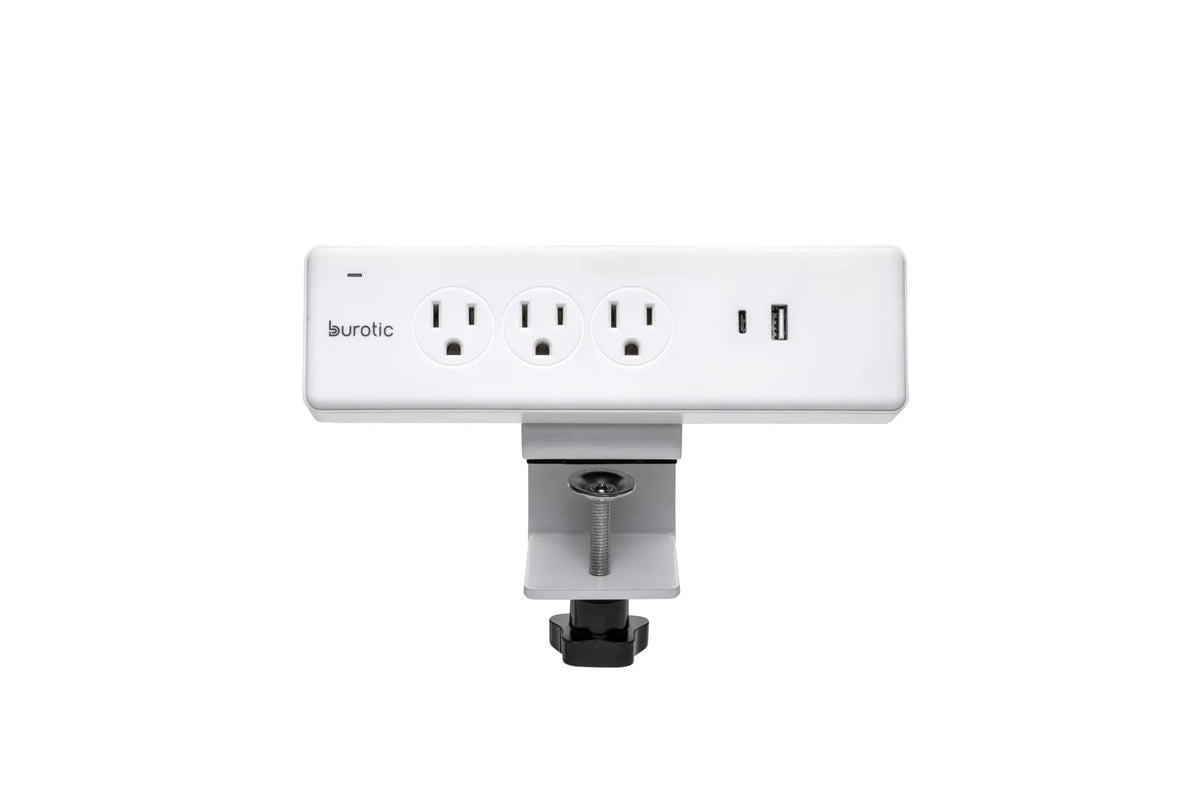
Do You Need a Grounded Outlet for a Home Office Power Bar?
A three-prong power bar should be connected to a properly grounded three-slot receptacle. Learn why the ground pin matters, what not to do with an older two-slot outlet and which other safety checks belong in a home office.
Read moreabout Do You Need a Grounded Outlet for a Home Office Power Bar?

Should You Shift Your Weight While Standing at a Desk?
Yes. Small, comfortable weight shifts can reduce the strain of holding one fixed standing posture. Learn how to move without leaning on the desk, locking a knee or losing an ergonomic screen and keyboard position.
Read moreabout Should You Shift Your Weight While Standing at a Desk?

How Much Clear Desk Space Do You Need for Daily Work?
Keep enough clear desk space for your main task, not an arbitrary percentage of the surface. A practical setup preserves an immediate work zone for the keyboard, mouse or document while moving occasional items farther away.
Read moreabout How Much Clear Desk Space Do You Need for Daily Work?
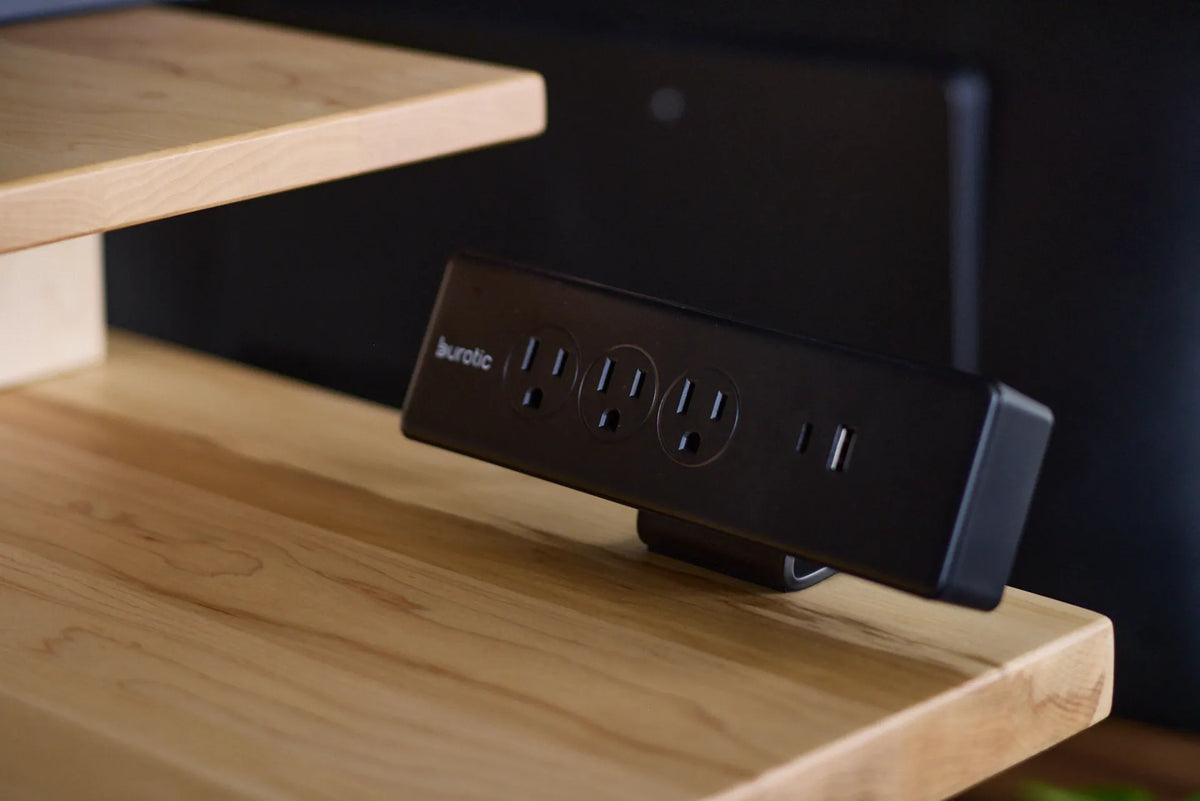
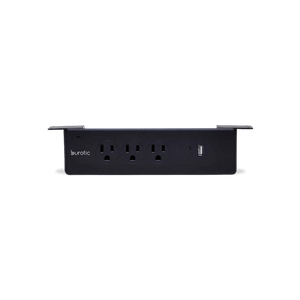
Do USB Ports on a Power Bar Provide Surge Protection?
No. USB charging ports do not by themselves prove that a power bar offers surge protection. Look for an explicit surge-protection claim, a joule rating or other manufacturer documentation, recognized Canadian certification and clear status indicators.
Read moreabout Do USB Ports on a Power Bar Provide Surge Protection?

What Should You Keep on Your Desk for Daily Work?
Keep the tools you use every day within easy reach and move occasional items to a secondary zone, drawer or shelf. This practical guide helps you decide what deserves desktop space without turning minimalism into another rule.
Read moreabout What Should You Keep on Your Desk for Daily Work?

Where Should You Place a Lamp to Reduce Screen Glare?
Read moreabout Where Should You Place a Lamp to Reduce Screen Glare?
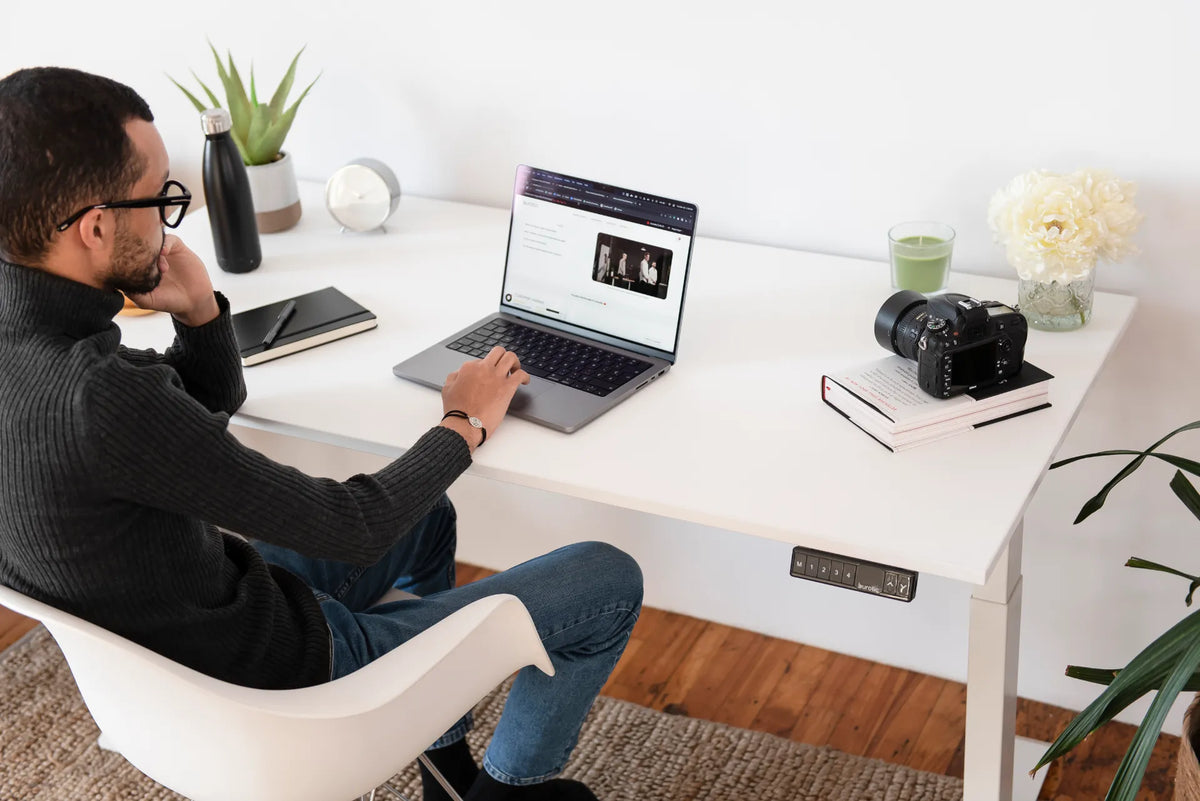
How Far Should You Sit From a Laptop Screen?

How Far Should a Desk Be From a Window?
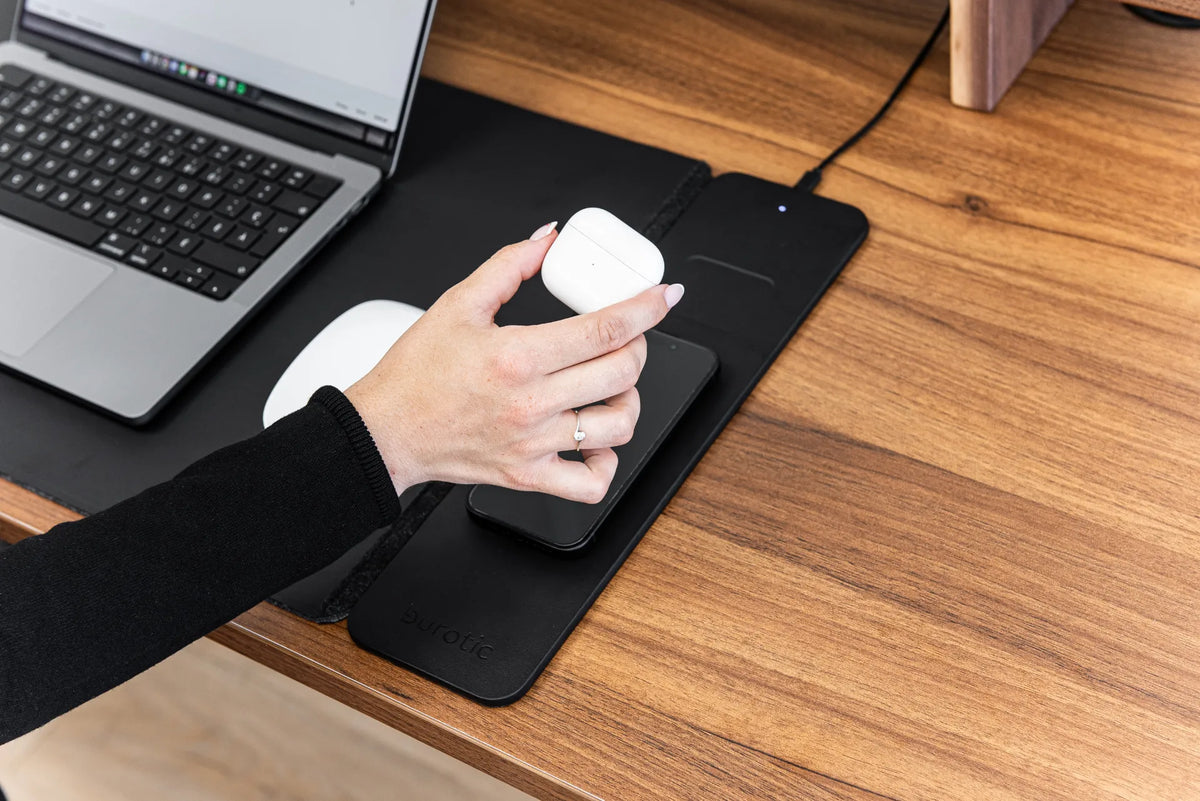
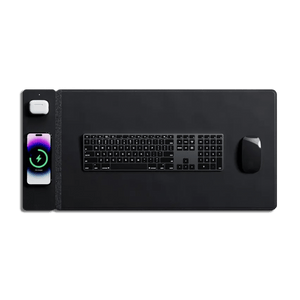
Can You Charge a Phone and Earbuds at the Same Time on a Wireless Desk Pad?
Some wireless desk pads can charge a compatible phone and earbud case at the same time. Confirm the pad's two-device design, device compatibility and correct charging zones first.
Read moreabout Can You Charge a Phone and Earbuds at the Same Time on a Wireless Desk Pad?